
Gratis 
Citroen Ami air diffuser
Thingiverse
This collection gathers 3D models that spread, redirect or soften airflow: car vent inserts, printer fan deflectors, aquarium bubblers and workshop exhaust pieces. Most of them are small parts that are quick to print and easy to scale, which makes them a common first project on a 3D printer. If you already know the opening you want to feed air through, an STL diffuser is often simpler than buying a ready-made part. Polyzon does not confirm whether models are free, their price, license, official status, affiliation, safety or fitness. Check the current terms at the source.
Esta colección está escrita en inglés, pero la búsqueda funciona en cualquier idioma.
 Una colección de Polyzon · 47 modelos de 7 plataformas
Polyzon reúne esta colección a partir de los resultados de búsqueda de las plataformas conectadas. Se eliminan los duplicados y los modelos sin vista previa, las coincidencias débiles van al final y el resto mantiene el orden de la búsqueda. Los modelos pertenecen a sus autores: consulta las condiciones en la página de cada modelo.
Criterios de selección: el equipo editorial de Polyzon · Texto actualizado el 13/10/2026


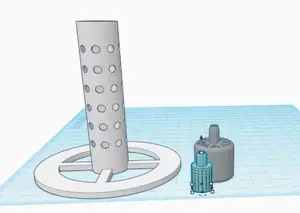
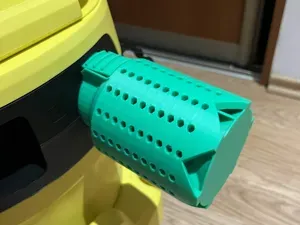


%2Fhttps%3A%2F%2Ffbi.cults3d.com%2Fuploaders%2F14944026%2Fillustration-file%2F7325097c-c6ae-411b-82a3-5910330eb14d%2F64d7ea3d4e67586a354ca10e6234c87b.png&w=300)
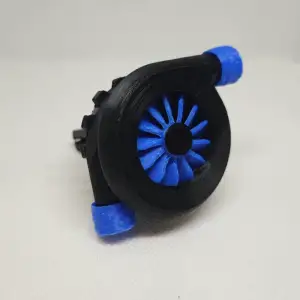


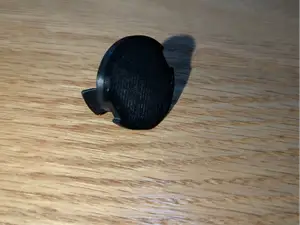
%2Fhttps%3A%2F%2Ffbi.cults3d.com%2Fuploaders%2F14617374%2Fillustration-file%2F875e6f7f-2db0-48ae-8729-76c46bfd1172%2FIMG_20201020_125343.jpg&w=300)

%2Fhttps%3A%2F%2Ffbi.cults3d.com%2Fuploaders%2F13091500%2Fillustration-file%2F99c63184-7f81-4831-8217-f1787cc15126%2FIMG_20201021_113614.jpg&w=300)
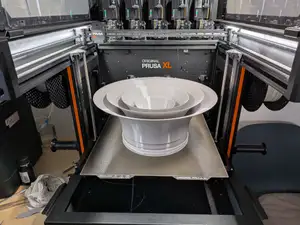


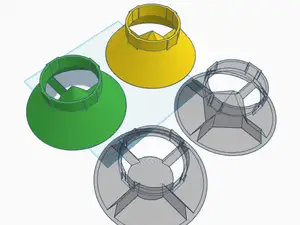


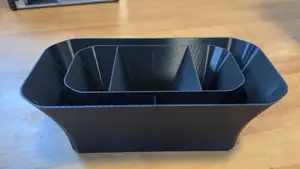

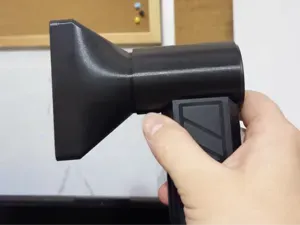
%2Fhttps%3A%2F%2Ffbi.cults3d.com%2Fuploaders%2F13474583%2Fillustration-file%2F914762d0-0730-4f36-8be0-3b37d0fb2edc%2Fbac5ba9f0de96fb5e437706b9d3c48b2_display_large.jpg&w=300)

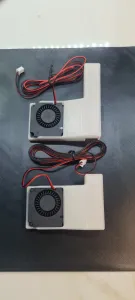
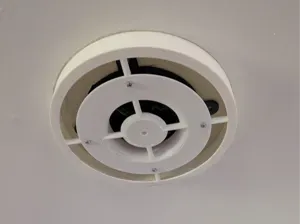
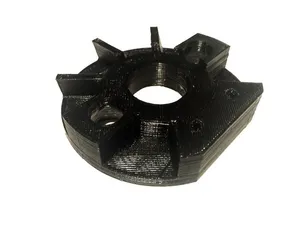


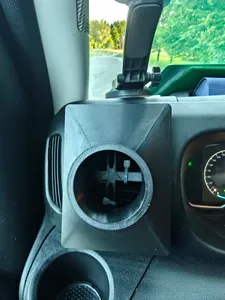
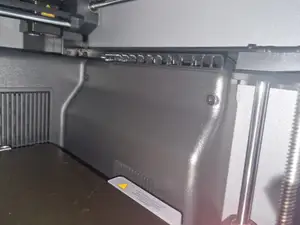


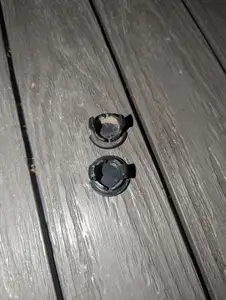
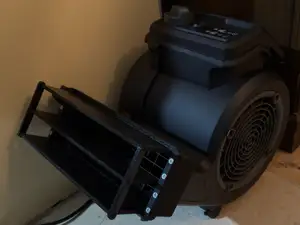
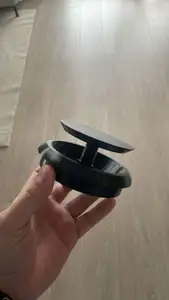
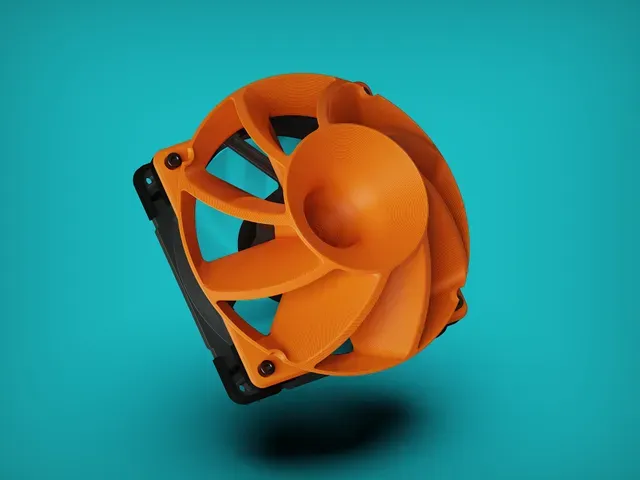
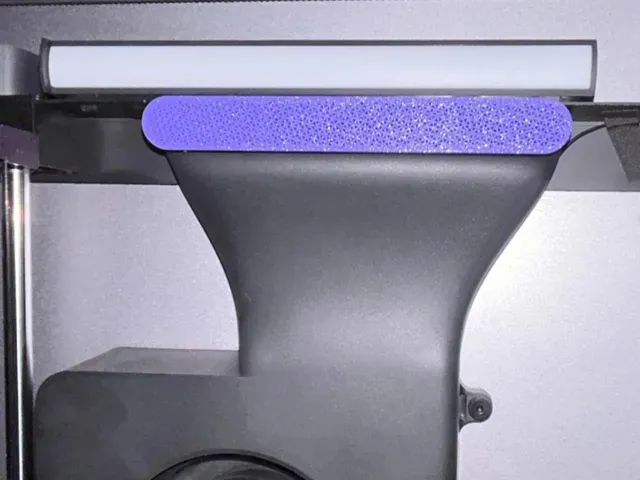
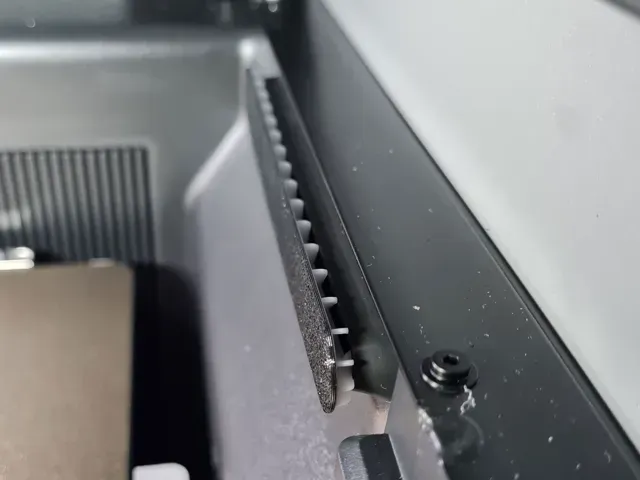
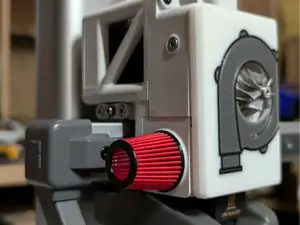
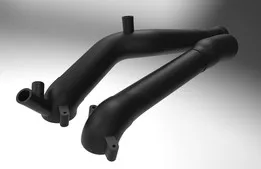
The models fall into a few distinct groups. Car vent diffusers clip or slot into a dashboard vent and spread the stream across the cabin, sometimes carrying a scent pad. Printer and PC fan diffusers sit over a cooling fan and redirect its output toward a specific area. Aquarium versions break a stream of air into fine bubbles, while workshop pieces handle compressed air, laser exhaust or powder coating guns. Aero-style diffusers are body parts rather than airflow parts, shaped to sit under a rear bumper or on an RC shell.
When choosing a file, start with the dimensions and the mounting method: measure the vent, fan frame or hose opening you want to attach to, then compare it with the sizes the author lists. Check how many parts the model has and whether they need glue, screws or clips, and read the notes on supports and orientation, since thin curved vanes often print better in one direction than another. Look at the material and settings the author mentions, and at photos of real prints, because wall thickness and layer lines affect how a diffuser handles heat and vibration.
To widen or narrow the results, try the terms people use for the same object: air deflector, fan deflector, vent nozzle, air knife, bubble diffuser or difusor. Adding a device or context helps, for example a printer model, a fan size in millimetres, a car model year, or words like aquarium, cabin, exhaust or cooling. Related searches such as duct adapter, vent grille, fan shroud or air freshener holder often surface files that a plain diffuser query misses.




El catálogo completo de temáticas, del hogar al CNC, con búsqueda en todas las plataformas conectadas.