
Gratis 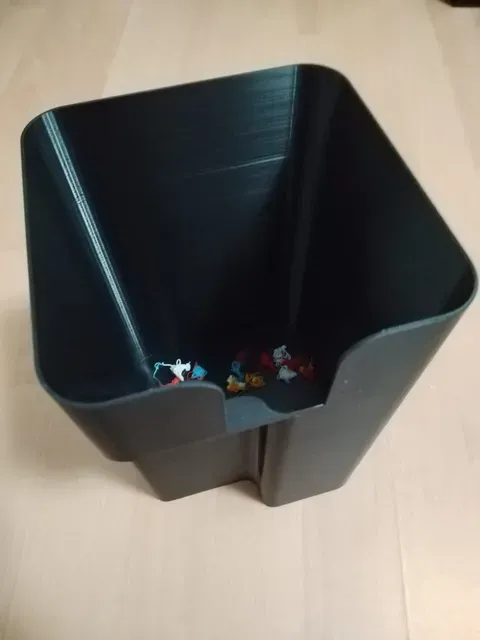
Anycubic Cobra S1 Poopcollector
Printables
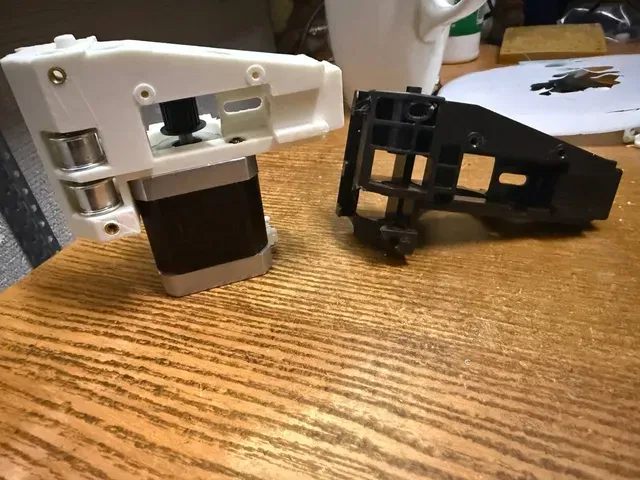
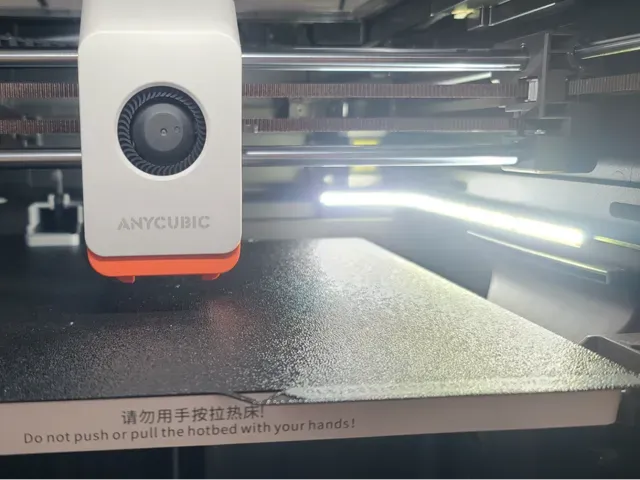
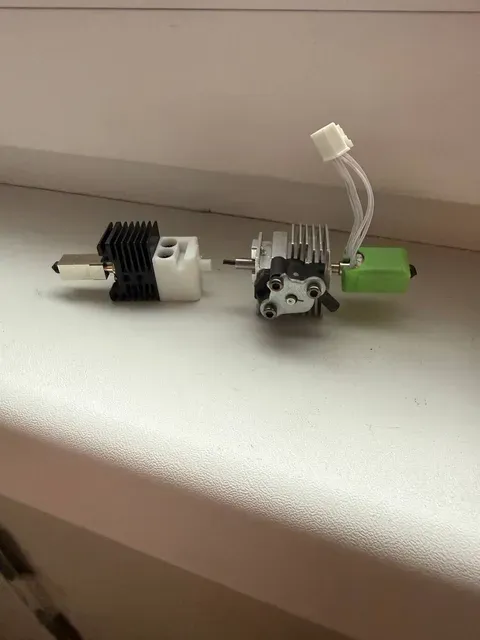
This collection gathers STL files made for the Anycubic Kobra S1 and its variants, from purge bins and fan ducts to mounts, adapters and light bars. It is useful when you want to change how the machine handles waste, airflow or toolhead access without designing a part yourself. Each entry comes from a different author, so the files vary in shape, part count and how they are meant to be printed on a 3D printer. Polyzon does not confirm whether models are free, their price, license, official status, affiliation, safety or fitness. Check the current terms at the source.
Esta colección está escrita en inglés, pero la búsqueda funciona en cualquier idioma.
 Una colección de Polyzon · 39 modelos de 3 plataformas
Polyzon reúne esta colección a partir de los resultados de búsqueda de las plataformas conectadas. Se eliminan los duplicados y los modelos sin vista previa, las coincidencias débiles van al final y el resto mantiene el orden de la búsqueda. Los modelos pertenecen a sus autores: consulta las condiciones en la página de cada modelo.
Criterios de selección: el equipo editorial de Polyzon · Texto actualizado el 10/10/2026
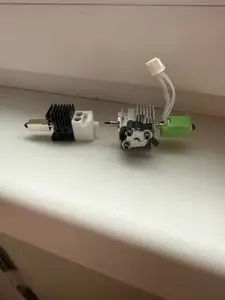


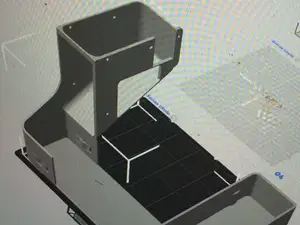
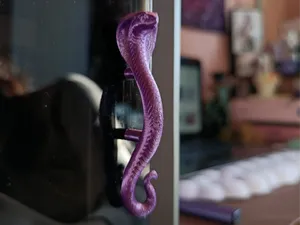

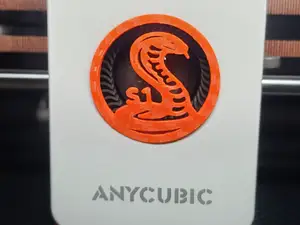
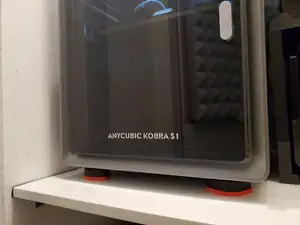

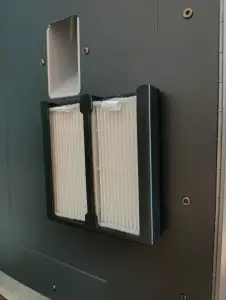


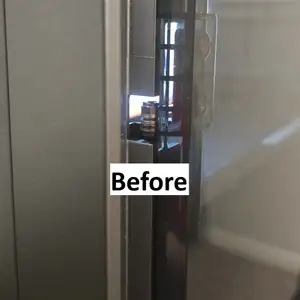
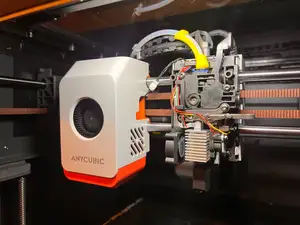

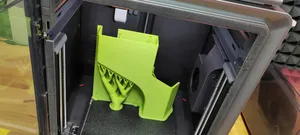


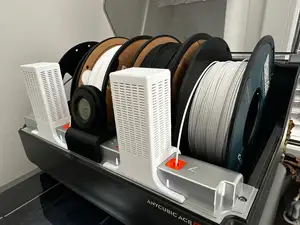
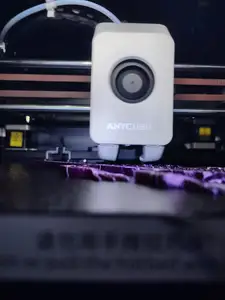

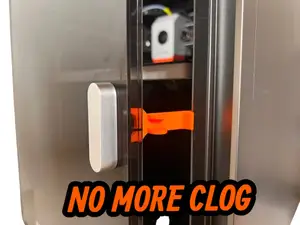




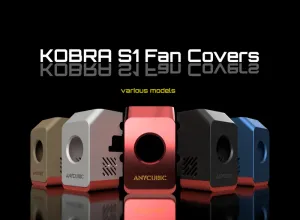


The models fall into a few groups. Waste handling parts, such as bins, buckets and chutes, collect purged filament and differ mainly in capacity and where they attach. Airflow parts include fan covers, ducts and hotend covers that sit around the toolhead. Mounts and adapters cover motor mounts, spool adapters and PTFE guides, while lighting bars, handles and feet change how the printer is used day to day. A separate group is decorative, for example articulated cobra figures that have nothing to do with the machine's function.
Before printing, open the author's model page and read what is listed there: overall dimensions and scale, the number of separate parts and how they join, whether supports are needed, and the material and slicer settings the author names. Look at photos of real prints to judge wall thickness and how the part meets the frame, and check clearances around fans, belts and moving axes. Parts that sit close to the hotend are often printed in a heat-resistant filament, while brackets and bins are commonly made in a general-purpose one.
To widen or narrow the results, try the spellings used in titles, since the printer appears as both Kobra S1 and Cobra S1. Searching by function works better than by part name: purge bin, waste chute, poop bucket, fan duct, hotend cover, toolhead cover, spool adapter, PTFE guide, anti-vibration feet, light bar. Related terms such as multi-color unit, filament spool holder or toolhead access lead to adapters and mounts that are not labelled with the printer name alone.


El catálogo completo de temáticas, del hogar al CNC, con búsqueda en todas las plataformas conectadas.