Gratis 
Kobra S1 Ace Pro Riser
Thingiverse
This collection gathers STL files made for the Anycubic Kobra S1 and similar enclosed printers: top risers, waste bins, filament-path parts and vent housings. It is useful when you want to change how the printer is set up rather than print a decorative object. Each listing is a separate design, so the parts differ in size, mounting and hardware. Polyzon does not confirm whether models are free, their price, license, official status, affiliation, safety or fitness. Check the current terms at the source.
Esta colección está escrita en inglés, pero la búsqueda funciona en cualquier idioma.
 Una colección de Polyzon · 39 modelos de 3 plataformas
Polyzon reúne esta colección a partir de los resultados de búsqueda de las plataformas conectadas. Se eliminan los duplicados y los modelos sin vista previa, las coincidencias débiles van al final y el resto mantiene el orden de la búsqueda. Los modelos pertenecen a sus autores: consulta las condiciones en la página de cada modelo.
Criterios de selección: el equipo editorial de Polyzon · Texto actualizado el 14/10/2026




![Sleek Riser (for X1C & P1S) [AMS & AMS 2 PRO]](https://cache.polyzon.org/api/img?url=https%3A%2F%2Fmakerworld.bblmw.com%2Fmakerworld%2Fmodel%2FUS775714379ed30%2Fdesign%2F2024-06-14_fd26b11d4e262.jpg&w=300)

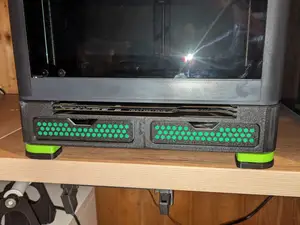

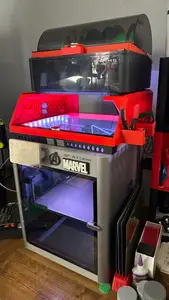

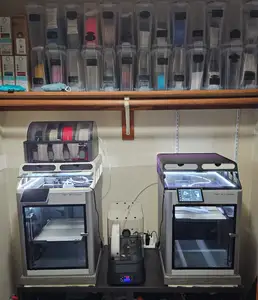

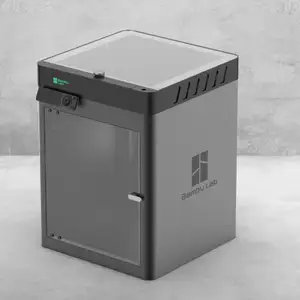

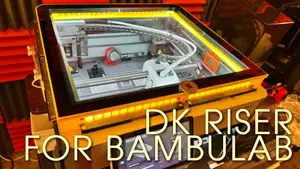

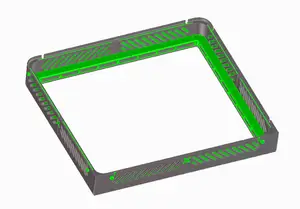

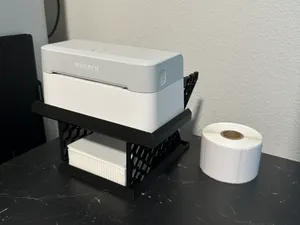


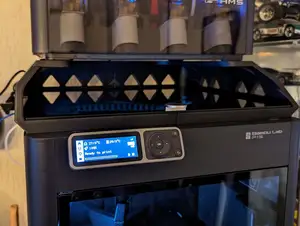

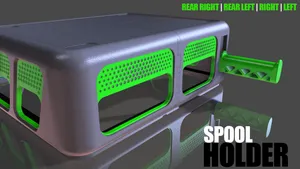

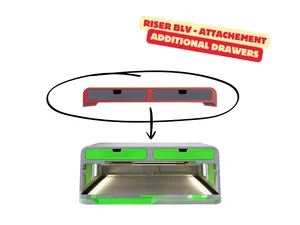

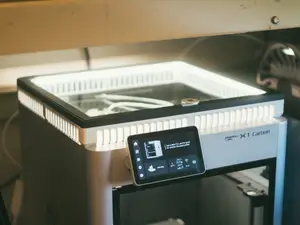
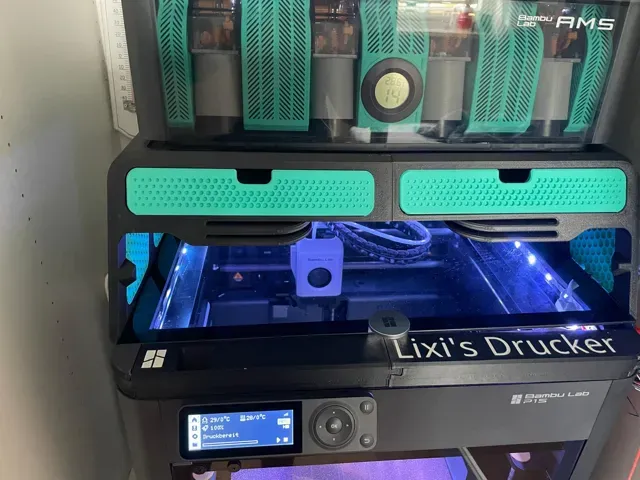
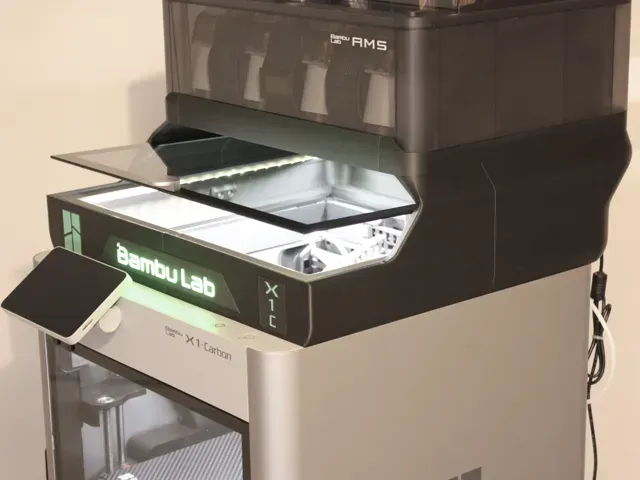
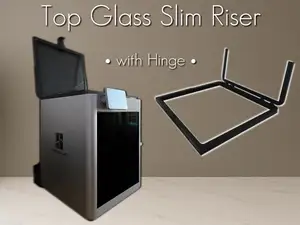
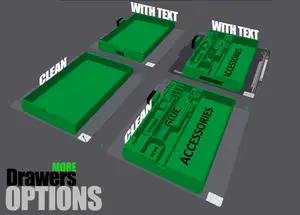
Risers are the largest group. Some are simple spacers that lift the top glass or lid, while others add hinges, LED holders, drawers or a place for a multi-material unit. Waste handling parts form a second group: sliders, chutes and bins that collect purge material, often held with magnets so they can be emptied without tools. A third group covers the filament path and airflow, including hubs that combine several spools, sensor flaps, dust caps, anti-vibration feet and housings for filters or fans.
Before printing, open the author's page and read the listed dimensions, the number of parts and whether supports are required. Check which screws, magnets or inserts the design expects, and whether the author states a material and layer height, since parts near the hot end or under load behave differently in PLA and in PETG or ABS. Look at photos of real prints to judge clearances and how the part sits on the frame, and confirm the version of the printer and any add-ons it was drawn around.
If the results feel narrow, try related wording: enclosure riser, lid spacer, top glass extension, purge bin, waste chute, filament splitter, fan duct, filter housing, or the names of other enclosed printers in the same size class. Searching by the part you want to change, rather than by the printer alone, usually returns more options. You can also combine a printer name with a material or a mounting type, such as magnetic or screw-mounted.


El catálogo completo de temáticas, del hogar al CNC, con búsqueda en todas las plataformas conectadas.
%2Fhttps%3A%2F%2Ffbi.cults3d.com%2Fuploaders%2F15758717%2Fillustration-file%2F9423c0aa-8da0-46d5-9861-a42b46948600%2Fintro.gif&w=640)