
Gratis 
Pillow block bearing
GrabCAD
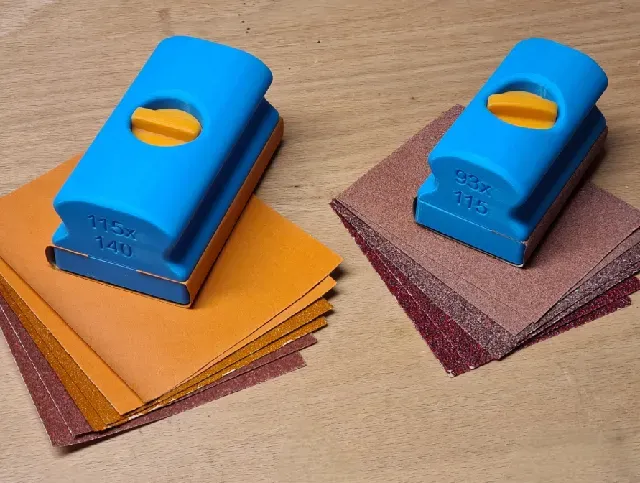
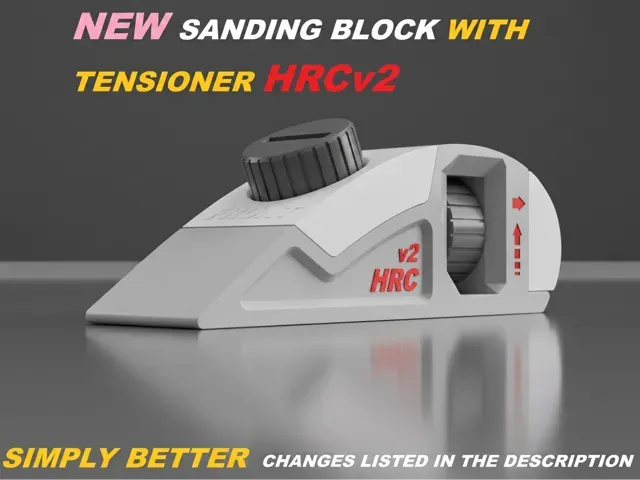
This collection gathers block-shaped 3D models for 3D printing, from sanding and bearing blocks to engine-inspired keychains and game-style containers. It helps you compare how different blocks are built and what files to look for. Use the subtopics below to narrow the search by function or style. Polyzon does not confirm whether models are free, their price, license, official status, affiliation, safety or fitness. Check the current terms at the source.
Esta colección está escrita en inglés, pero la búsqueda funciona en cualquier idioma.
 Una colección de Polyzon · 45 modelos de 6 plataformas
Polyzon reúne esta colección a partir de los resultados de búsqueda de las plataformas conectadas. Se eliminan los duplicados y los modelos sin vista previa, las coincidencias débiles van al final y el resto mantiene el orden de la búsqueda. Los modelos pertenecen a sus autores: consulta las condiciones en la página de cada modelo.
Criterios de selección: el equipo editorial de Polyzon · Texto actualizado el 14/10/2026


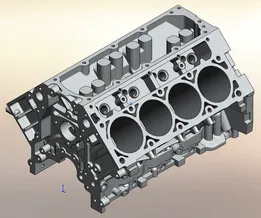
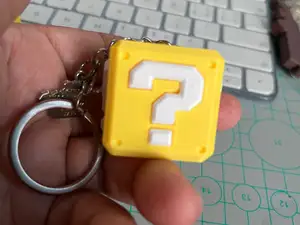


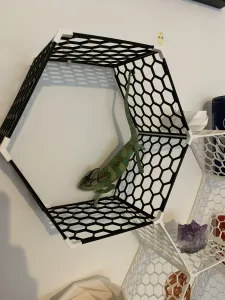


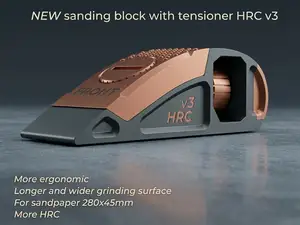

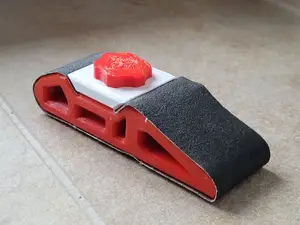
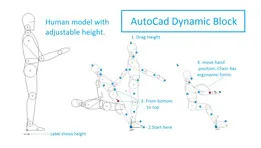



%2Fhttps%3A%2F%2Ffbi.cults3d.com%2Fuploaders%2F14128799%2Fillustration-file%2Fdbd6499f-f138-446f-8685-26d75fc9f869%2FWolf_head_pack.png&w=300)
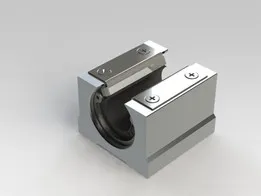
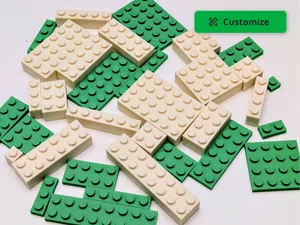
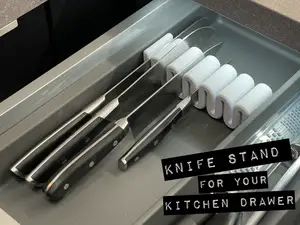


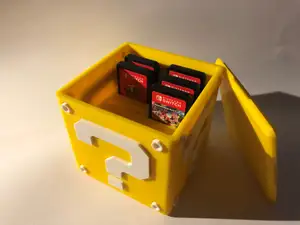


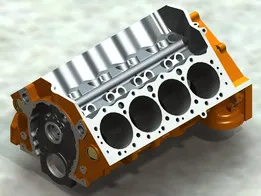


%2Fhttps%3A%2F%2Ffbi.cults3d.com%2Fuploaders%2F12900516%2Fillustration-file%2F1469174937-17782-0297%2F40head_preview_featured-2.jpg&w=300)
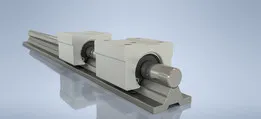
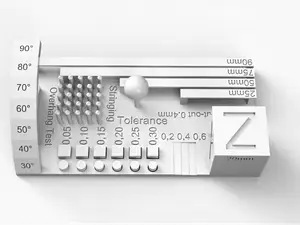
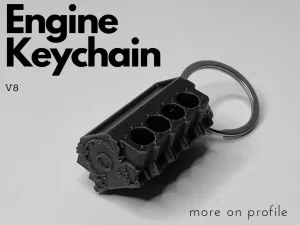
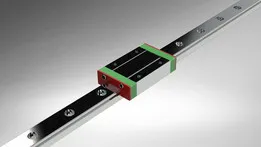
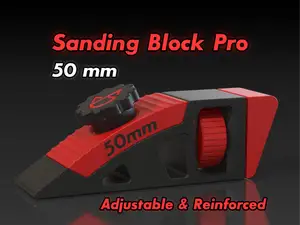
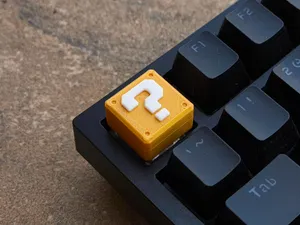
Block models cover several practical groups. Sanding and push blocks are usually simple solids with flat faces or handles, while bearing and linear guide blocks involve precise openings and mounting holes. Engine-shaped pieces and game-style containers sit closer to display or storage objects, so their surface detail and assembly differ from workshop aids.
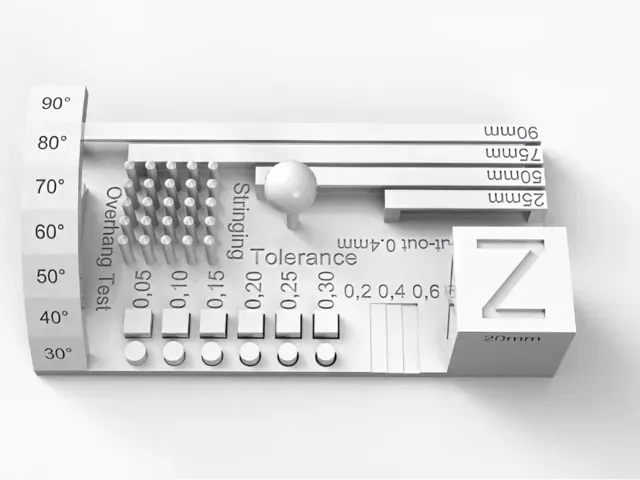
When choosing a block, check the dimensions and scale on the author's page, the number of parts, and whether the model needs supports. Look at the material and settings the author lists, plus photos of real prints, because thin walls and deep cavities can change how a block turns out on your 3D printer.
To refine a search, try synonyms such as block, mount, bracket, flange, guide, or jig, depending on the function. Related topics like sanding, linear motion, engine parts, calibration, and game props can lead to other block files. Combining a shape term with a use term often narrows results more than a single broad word.



El catálogo completo de temáticas, del hogar al CNC, con búsqueda en todas las plataformas conectadas.