
Ücretsiz 
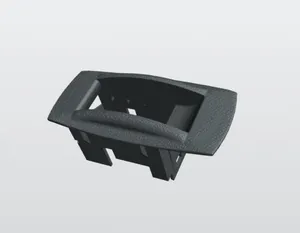
Pillow block bearing
GrabCAD
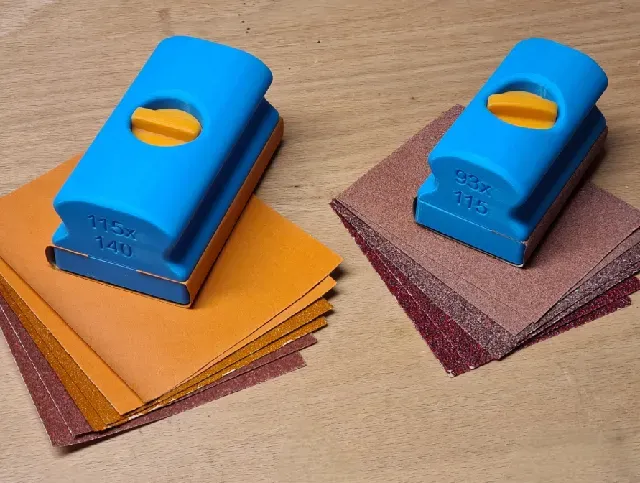
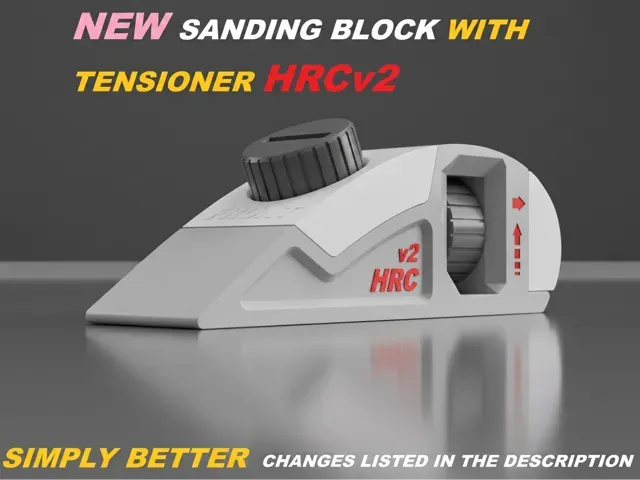
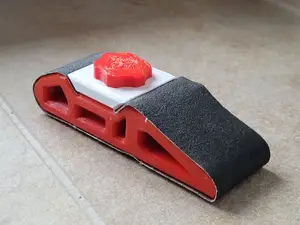
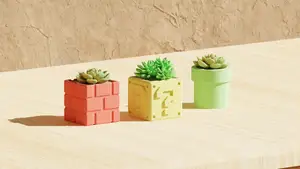
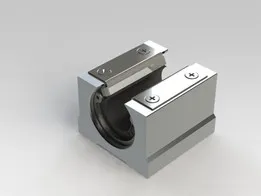
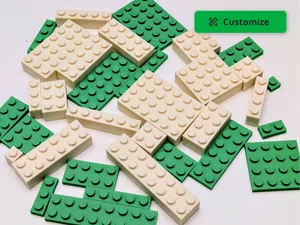
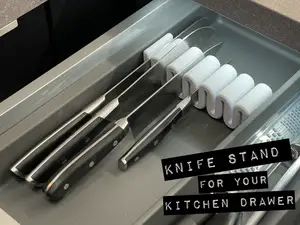
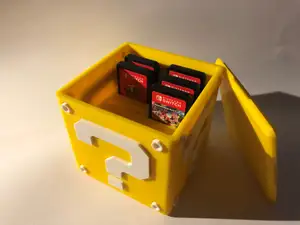
This collection gathers block-shaped 3D models for 3D printing, from sanding and bearing blocks to engine-inspired keychains and game-style containers. It helps you compare how different blocks are built and what files to look for. Use the subtopics below to narrow the search by function or style. Polyzon does not confirm whether models are free, their price, license, official status, affiliation, safety or fitness. Check the current terms at the source.
Bu koleksiyonun metni İngilizce; arama ise her dilde çalışır.
 Bir Polyzon koleksiyonu · 45 model 6 siteden
Polyzon bu koleksiyonu bağlı sitelerdeki arama sonuçlarından oluşturur. Tekrarlar ve önizlemesi olmayan modeller çıkarılır, zayıf eşleşmeler sona alınır, geri kalanlar arama sırasını korur. Modeller yazarlarına aittir; her modelin sayfasındaki koşulları kontrol edin.
Seçim kuralları: Polyzon editör ekibi · Metin güncellendi: 14.10.2026









%2Fhttps%3A%2F%2Ffbi.cults3d.com%2Fuploaders%2F14128799%2Fillustration-file%2Fdbd6499f-f138-446f-8685-26d75fc9f869%2FWolf_head_pack.png&w=300)






%2Fhttps%3A%2F%2Ffbi.cults3d.com%2Fuploaders%2F12900516%2Fillustration-file%2F1469174937-17782-0297%2F40head_preview_featured-2.jpg&w=300)
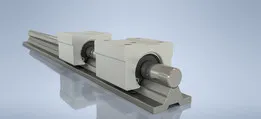
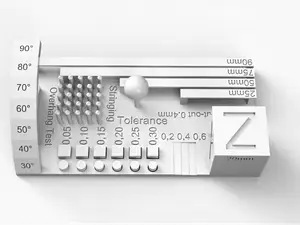
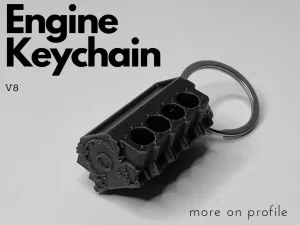
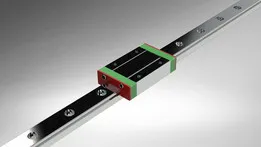
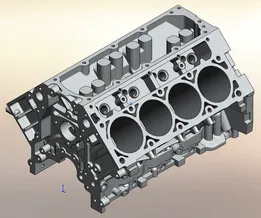
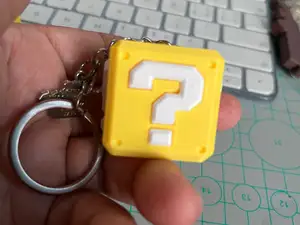
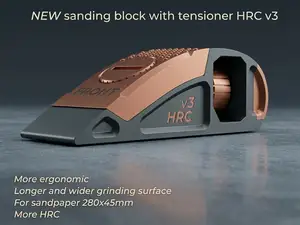
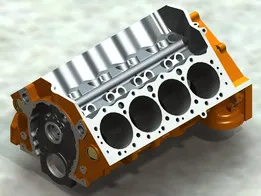
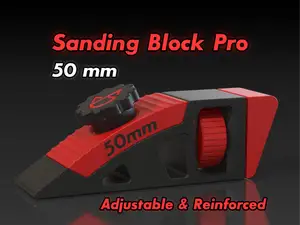
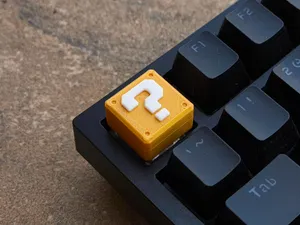
Block models cover several practical groups. Sanding and push blocks are usually simple solids with flat faces or handles, while bearing and linear guide blocks involve precise openings and mounting holes. Engine-shaped pieces and game-style containers sit closer to display or storage objects, so their surface detail and assembly differ from workshop aids.
When choosing a block, check the dimensions and scale on the author's page, the number of parts, and whether the model needs supports. Look at the material and settings the author lists, plus photos of real prints, because thin walls and deep cavities can change how a block turns out on your 3D printer.
To refine a search, try synonyms such as block, mount, bracket, flange, guide, or jig, depending on the function. Related topics like sanding, linear motion, engine parts, calibration, and game props can lead to other block files. Combining a shape term with a use term often narrows results more than a single broad word.



Ev ve günlük yaşamdan CNC'ye kadar tüm konuların kataloğu; bağlı sitelerin hepsinde arama yapabilirsiniz.