Gratis 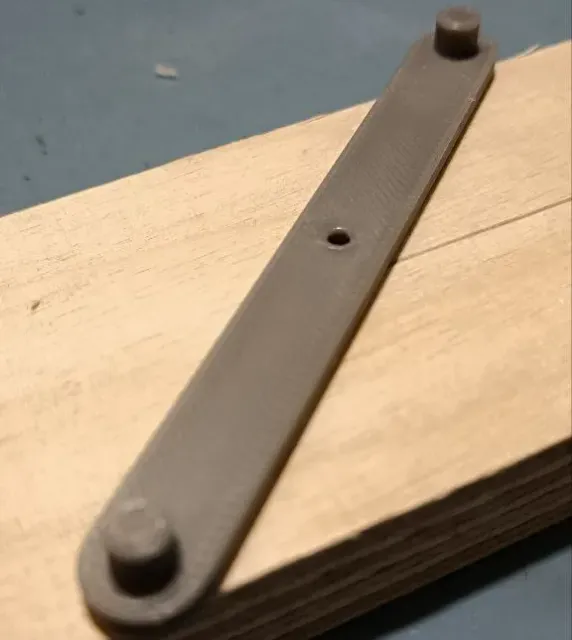
center finding tool
MakerWorld
This collection gathers 3D models of tools that locate and mark the center of circles, round stock, holes and edges. The range covers simple scribing aids as well as multi-part jigs, so you can match a design to the workpiece you have. Each listing links to a model page with the STL files and the author's own notes for 3D printing. Polyzon does not confirm whether models are free, their price, license, official status, affiliation, safety or fitness. Check the current terms at the source.
Esta colección está escrita en inglés, pero la búsqueda funciona en cualquier idioma.
 Una colección de Polyzon · 48 modelos de 6 plataformas
Polyzon reúne esta colección a partir de los resultados de búsqueda de las plataformas conectadas. Se eliminan los duplicados y los modelos sin vista previa, las coincidencias débiles van al final y el resto mantiene el orden de la búsqueda. Los modelos pertenecen a sus autores: consulta las condiciones en la página de cada modelo.
Criterios de selección: el equipo editorial de Polyzon · Texto actualizado el 11/10/2026






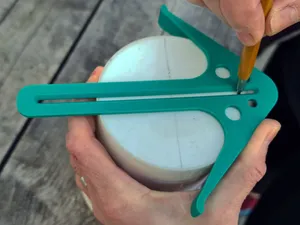
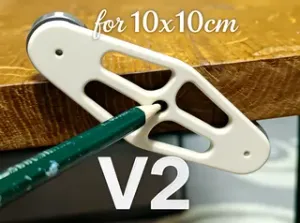


%2Fhttps%3A%2F%2Ffbi.cults3d.com%2Fuploaders%2F14075893%2Fillustration-file%2Fb6e1277f-b46d-467a-8fc7-b9011f90e7bf%2FRockler8.jpg&w=300)
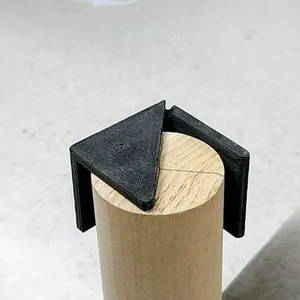


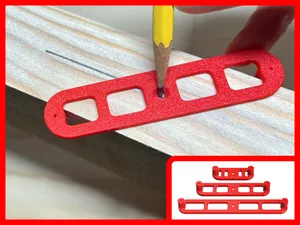
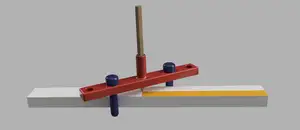
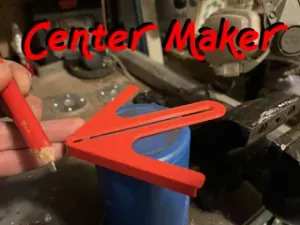
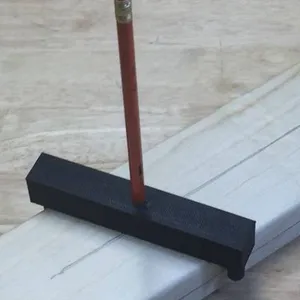



%2Fhttps%3A%2F%2Ffbi.cults3d.com%2Fuploaders%2F13815878%2Fillustration-file%2Ff4cf1d5b-de65-45c6-af64-612717a1b702%2FCombo%2520Pack-100%2520(1).jpg&w=300)

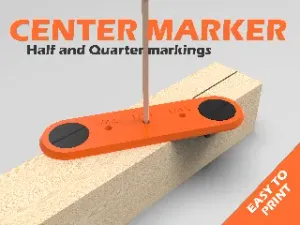


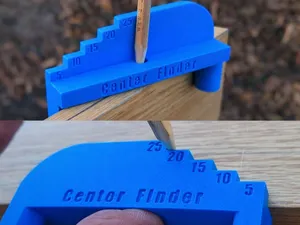
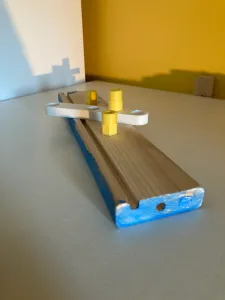


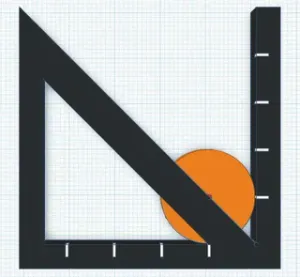
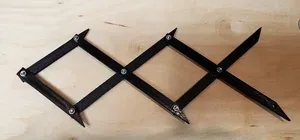
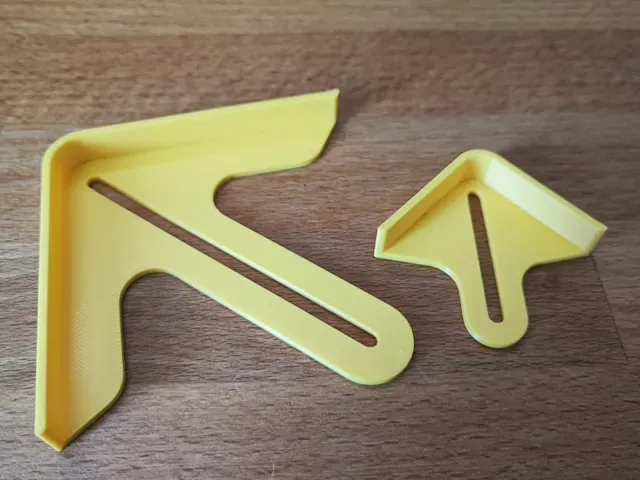
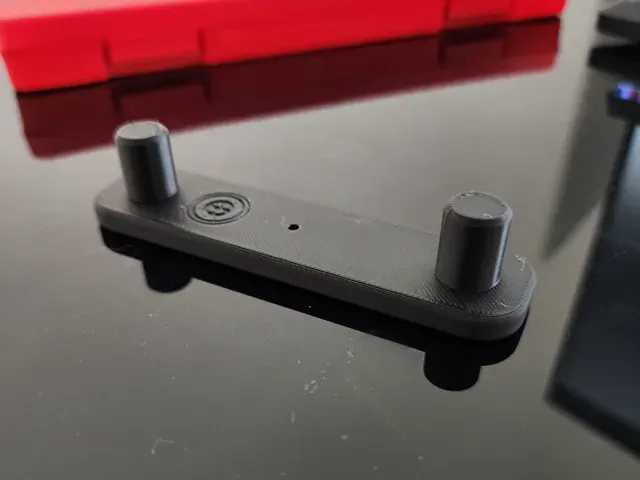
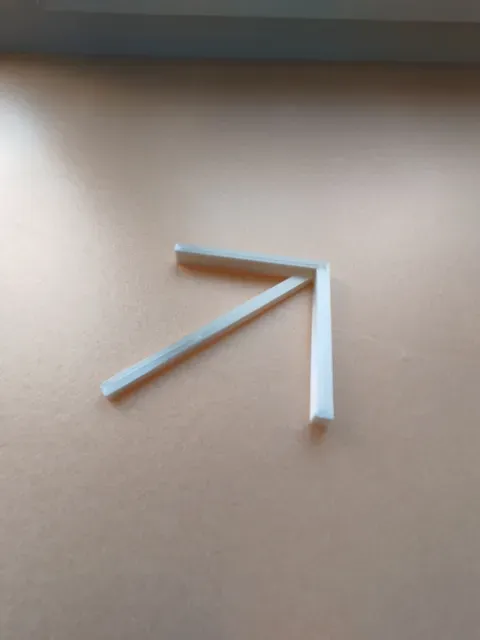
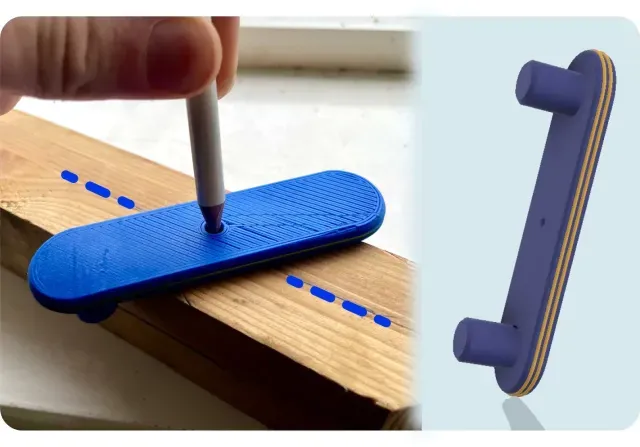
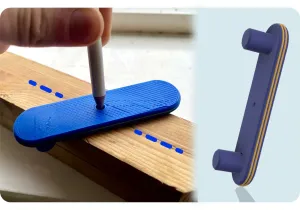
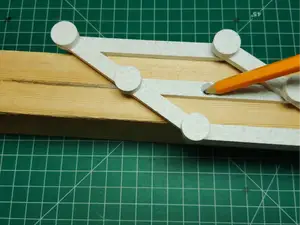
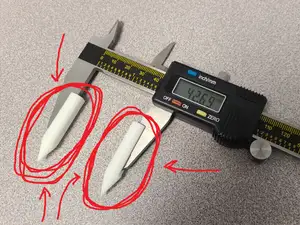
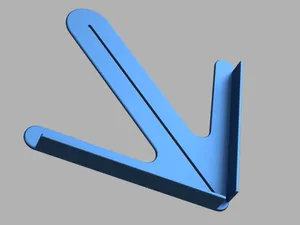
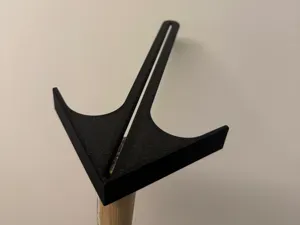
The models fall into a few practical groups. Circle finders and center drawing tools rest on the rim of a disc and mark or scribe the middle, while edge and center marking tools work along straight stock and square ends. Centering jigs and devices hold round parts in place, and caliper-style gauges measure across a hole to find its center. Scissor-type and ball-ended versions differ mainly in how they grip the workpiece and how the marking point is guided.
Before printing, read the model page for the details that decide whether a design fits your task: the size and scale of the tool, the number of separate parts and how they assemble, and whether the author lists supports, material or print settings. Check how the marking point or pin is handled, since some designs use a printed tip and others expect a pencil, scribe or fastener. Photos of real prints on the page show how the parts fit together better than a render does.
If the results are too narrow, try related wording such as center finder, centering jig, center scribe, hole center gauge or edge center marker. Adding the material or workpiece, for example round bar, dowel, pipe or sheet stock, narrows the list further. You can also search by function, such as marking, scribing or aligning, to reach designs that use different names for the same job.



El catálogo completo de temáticas, del hogar al CNC, con búsqueda en todas las plataformas conectadas.