無料 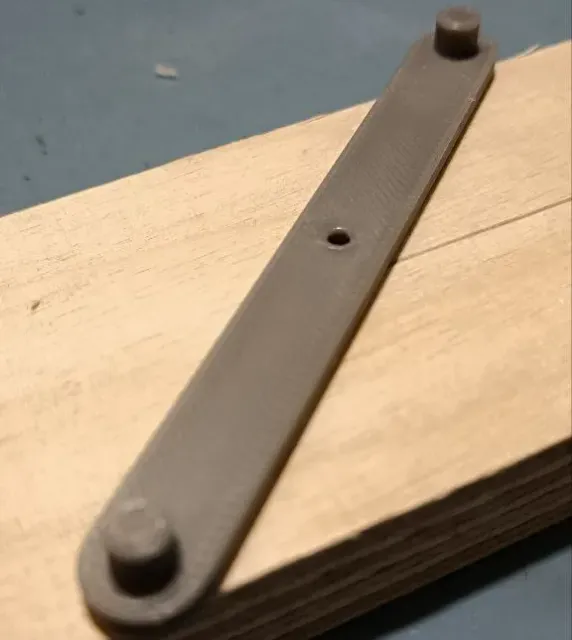
center finding tool
MakerWorld
This collection gathers 3D models of tools that locate and mark the center of circles, round stock, holes and edges. The range covers simple scribing aids as well as multi-part jigs, so you can match a design to the workpiece you have. Each listing links to a model page with the STL files and the author's own notes for 3D printing. Polyzon does not confirm whether models are free, their price, license, official status, affiliation, safety or fitness. Check the current terms at the source.
このコレクションの本文は英語で書かれています。検索自体はどの言語でも使えます。
 Polyzonのコレクション · モデル48件 6サイトから収集
このコレクションは、Polyzonが対応サイトの検索結果をもとに作成しています。重複やプレビューのないモデルは除外し、関連性の低いものは後ろに回し、それ以外は検索結果の順に並べています。モデルの権利は各作者にあります。利用条件は各モデルのページでご確認ください。
選定基準:Polyzon編集部 · 本文の更新日:2026年10月11日
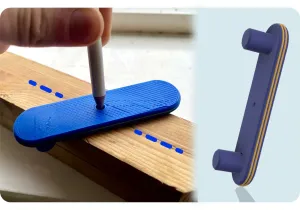




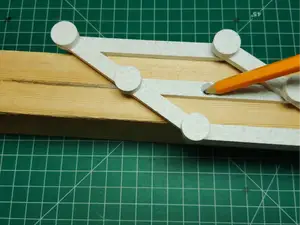


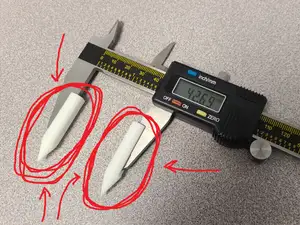
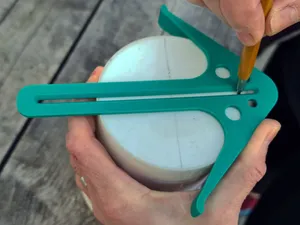
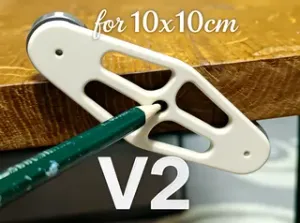


%2Fhttps%3A%2F%2Ffbi.cults3d.com%2Fuploaders%2F14075893%2Fillustration-file%2Fb6e1277f-b46d-467a-8fc7-b9011f90e7bf%2FRockler8.jpg&w=300)
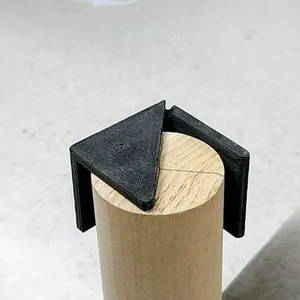


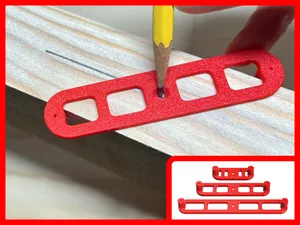
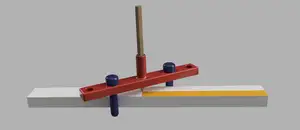
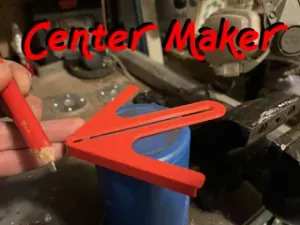
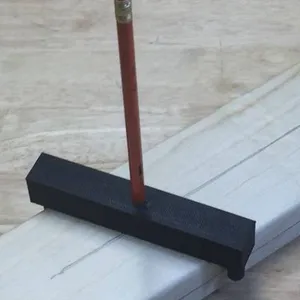

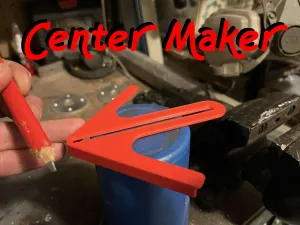
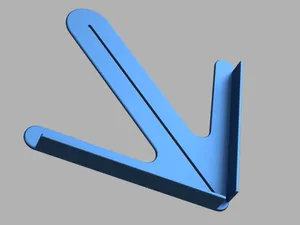
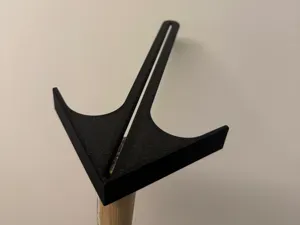


%2Fhttps%3A%2F%2Ffbi.cults3d.com%2Fuploaders%2F13815878%2Fillustration-file%2Ff4cf1d5b-de65-45c6-af64-612717a1b702%2FCombo%2520Pack-100%2520(1).jpg&w=300)

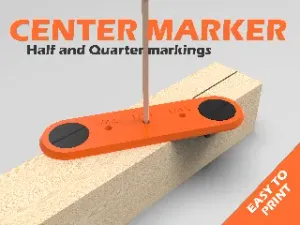


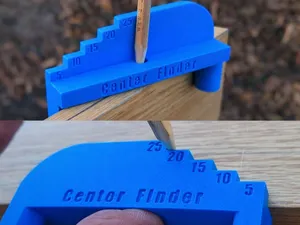
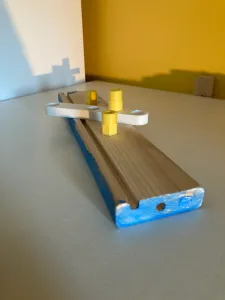


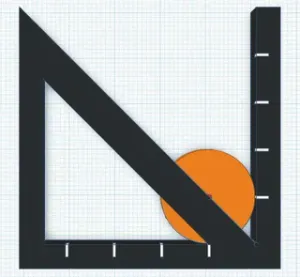
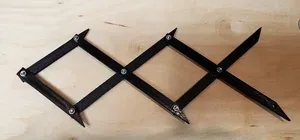
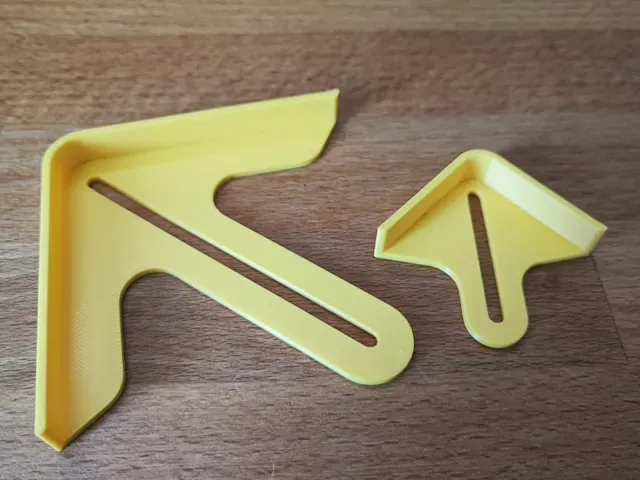
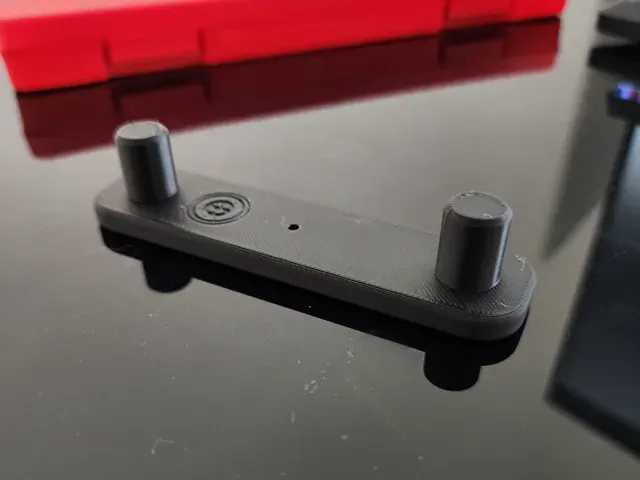
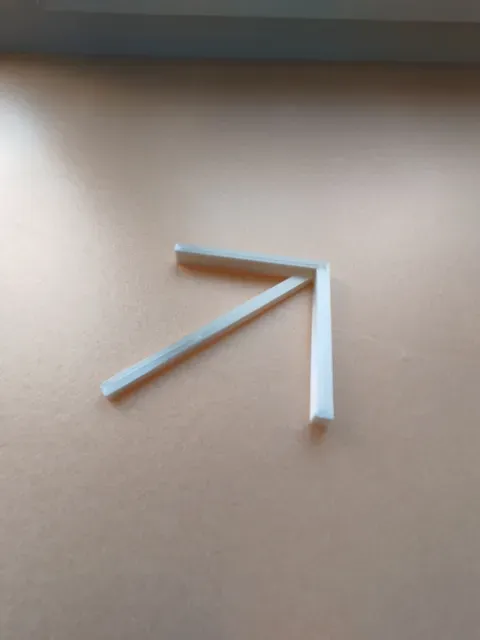
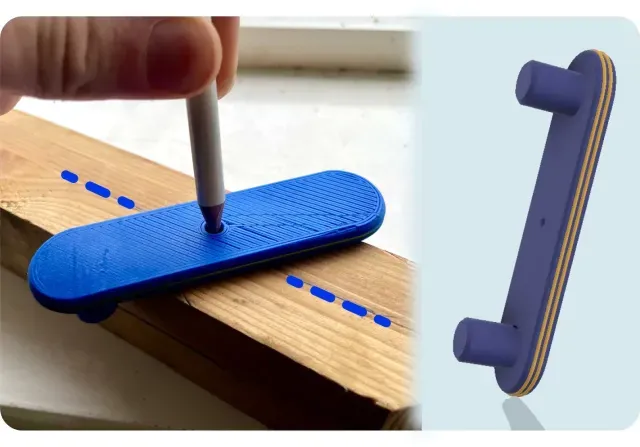
The models fall into a few practical groups. Circle finders and center drawing tools rest on the rim of a disc and mark or scribe the middle, while edge and center marking tools work along straight stock and square ends. Centering jigs and devices hold round parts in place, and caliper-style gauges measure across a hole to find its center. Scissor-type and ball-ended versions differ mainly in how they grip the workpiece and how the marking point is guided.
Before printing, read the model page for the details that decide whether a design fits your task: the size and scale of the tool, the number of separate parts and how they assemble, and whether the author lists supports, material or print settings. Check how the marking point or pin is handled, since some designs use a printed tip and others expect a pencil, scribe or fastener. Photos of real prints on the page show how the parts fit together better than a render does.
If the results are too narrow, try related wording such as center finder, centering jig, center scribe, hole center gauge or edge center marker. Adding the material or workpiece, for example round bar, dowel, pipe or sheet stock, narrows the list further. You can also search by function, such as marking, scribing or aligning, to reach designs that use different names for the same job.



暮らし・日用品からCNCまで、すべてのテーマをそろえたカタログ。対応サイトを横断して検索できます。