
Gratis 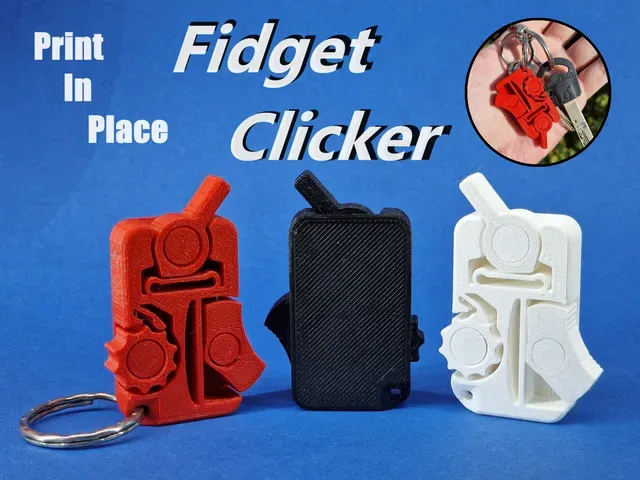
Print-In-Place Fidget Clicker
Printables
This collection gathers STL files for clicker toys, including print-in-place fidgets, shaped novelties, rubber-band mechanisms and keyboard-style switches. You can compare how each design produces its click and what it takes to print on a home 3D printer. It is a starting point for choosing a model that matches the feel and sound you want. Polyzon does not confirm whether models are free, their price, license, official status, affiliation, safety or fitness. Check the current terms at the source.
Esta colección está escrita en inglés, pero la búsqueda funciona en cualquier idioma.
 Una colección de Polyzon · 47 modelos de 4 plataformas
Polyzon reúne esta colección a partir de los resultados de búsqueda de las plataformas conectadas. Se eliminan los duplicados y los modelos sin vista previa, las coincidencias débiles van al final y el resto mantiene el orden de la búsqueda. Los modelos pertenecen a sus autores: consulta las condiciones en la página de cada modelo.
Criterios de selección: el equipo editorial de Polyzon · Texto actualizado el 14/10/2026
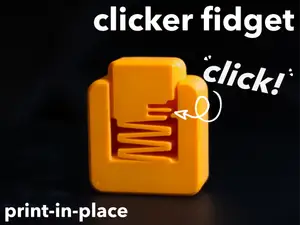

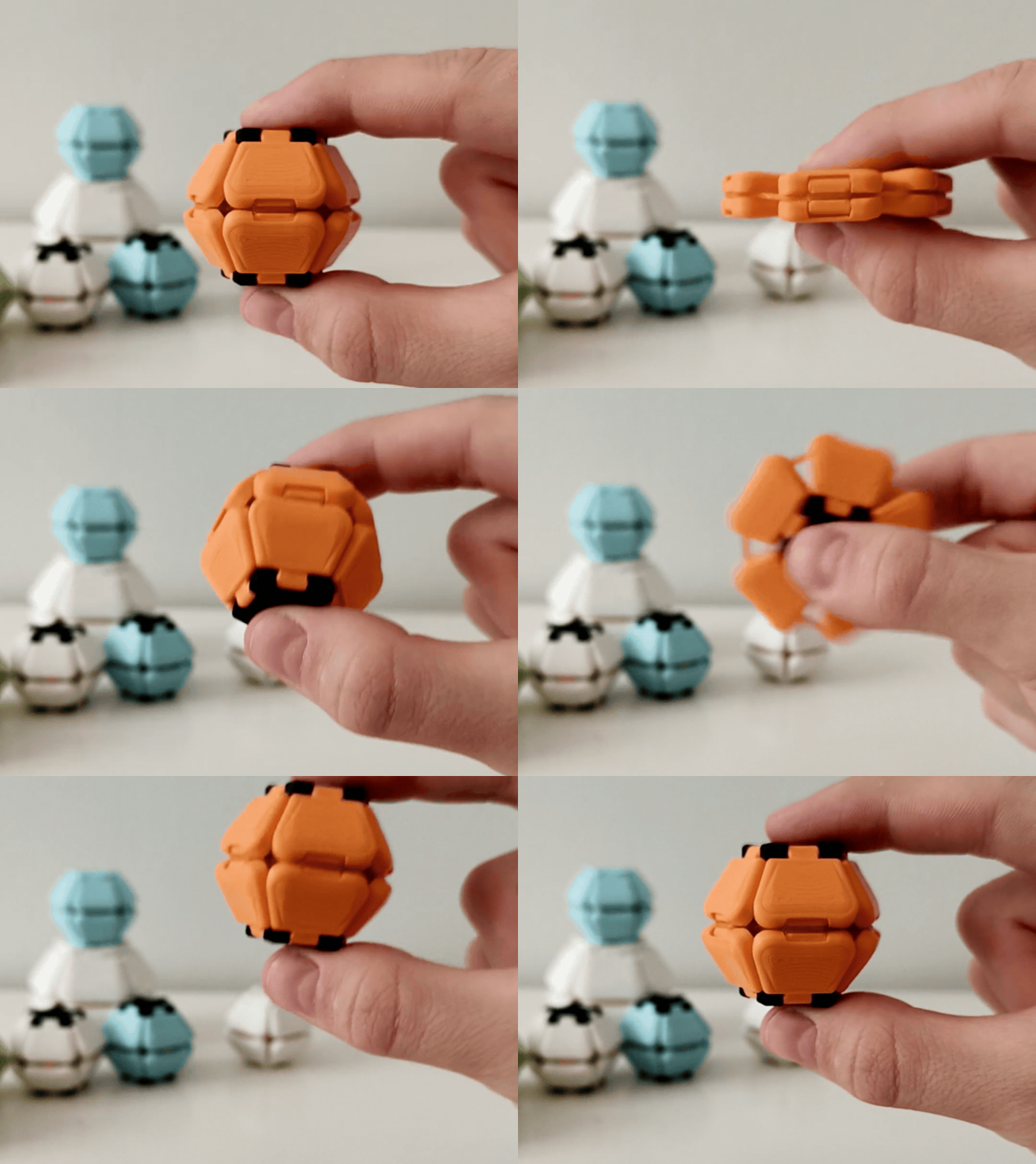
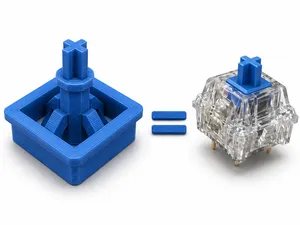
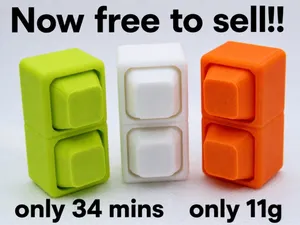
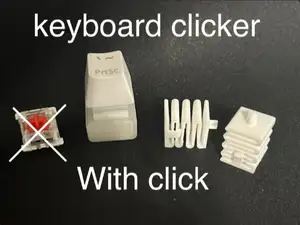

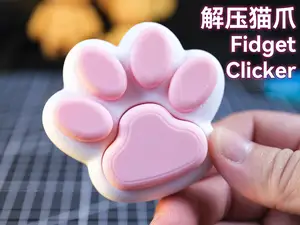
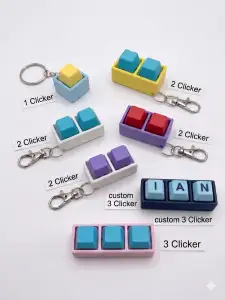
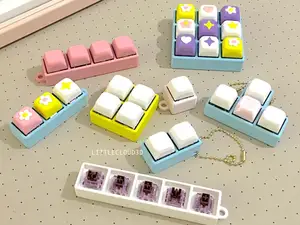
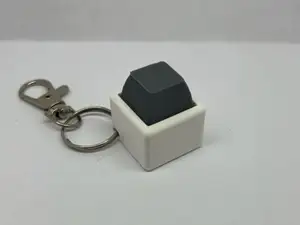

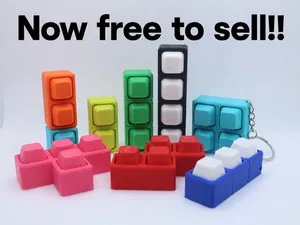
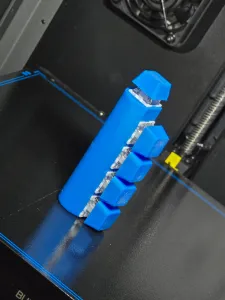
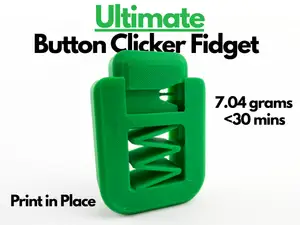
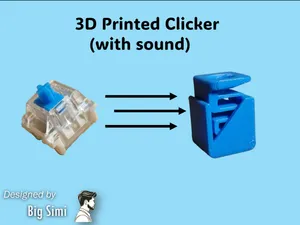

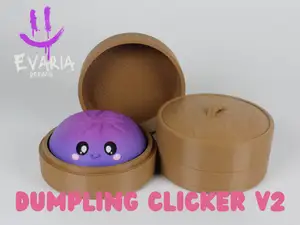
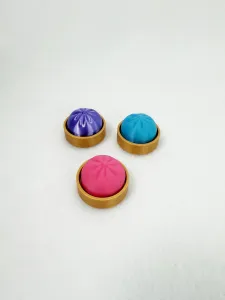
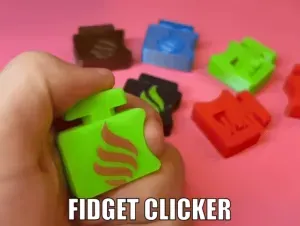
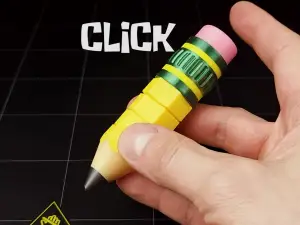
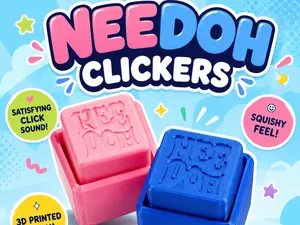
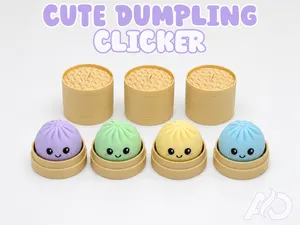
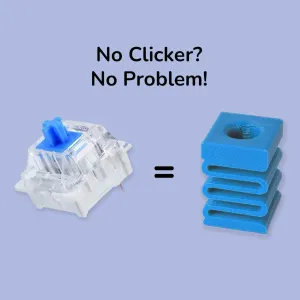
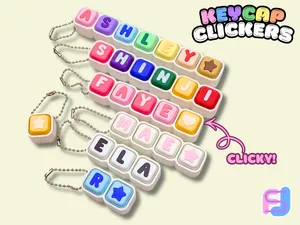

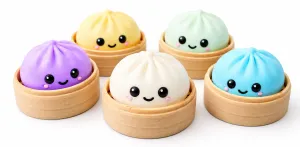
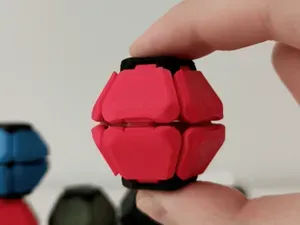
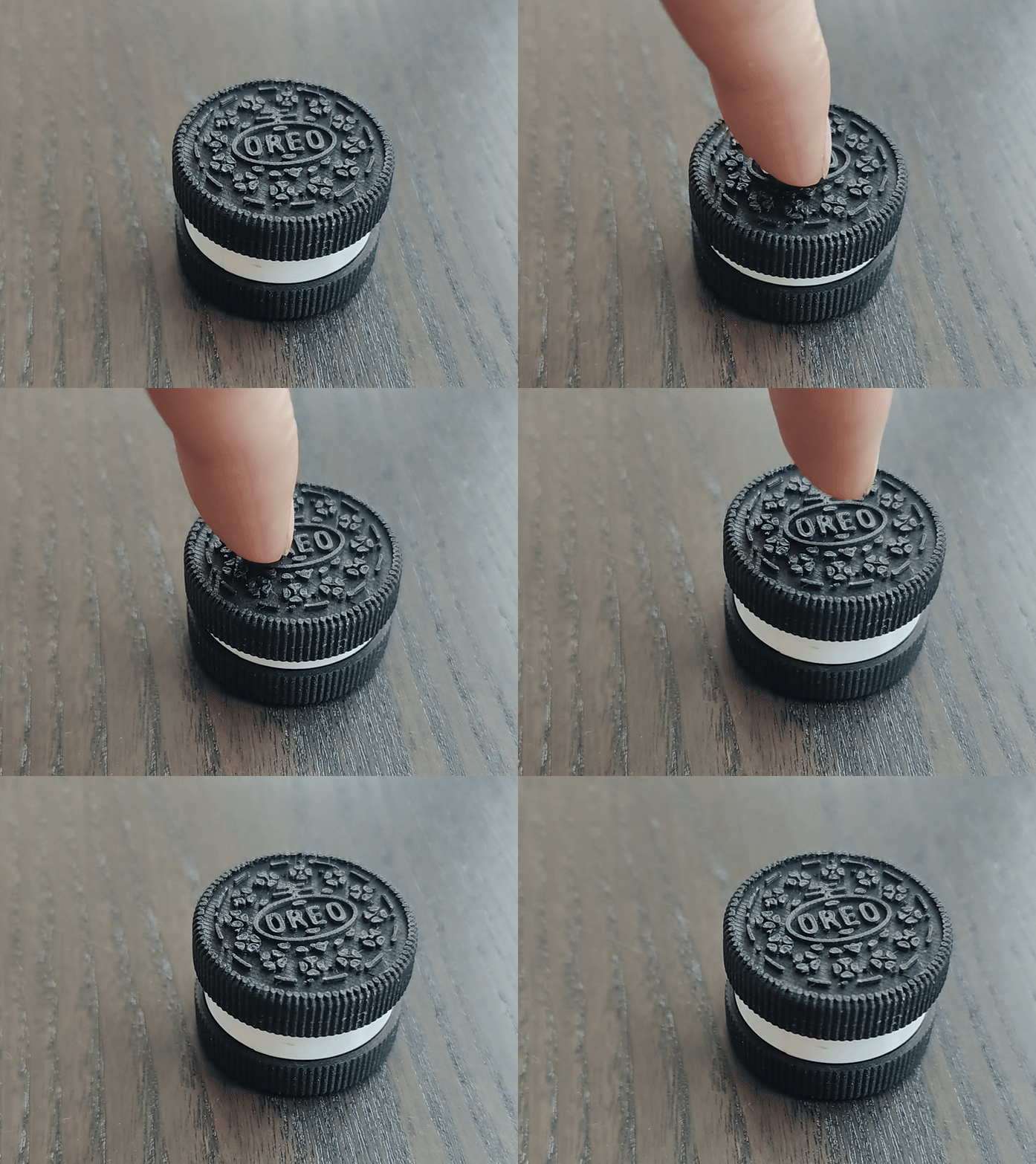
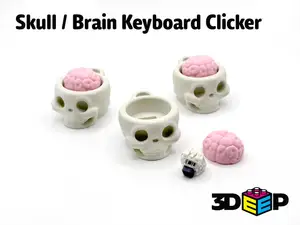

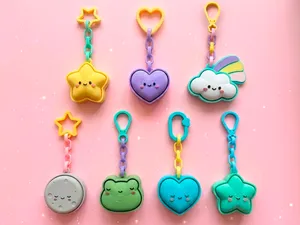
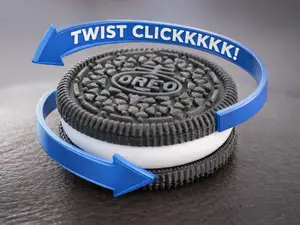
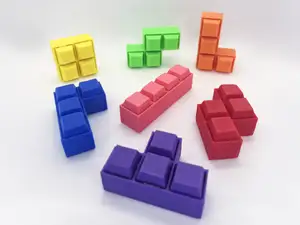
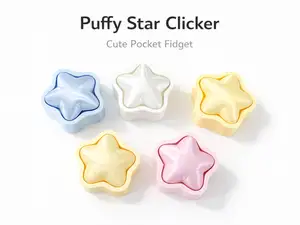

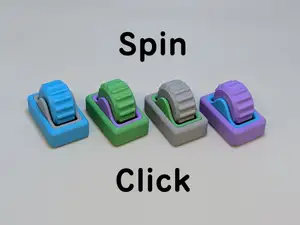
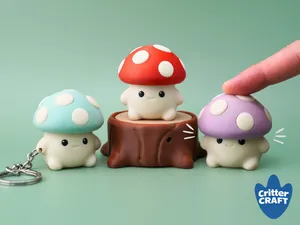
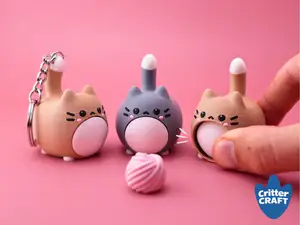
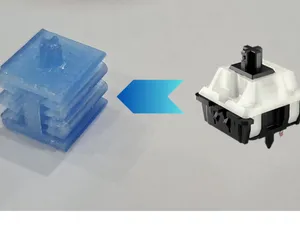

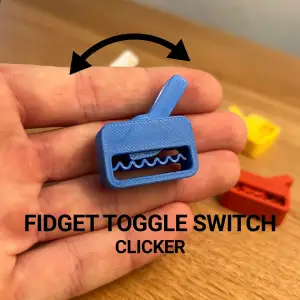
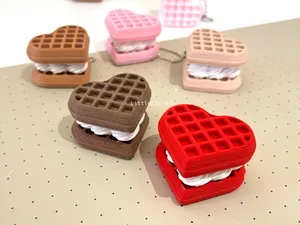
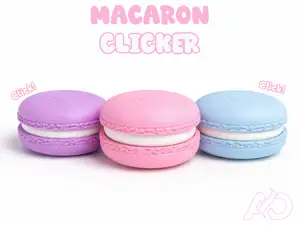
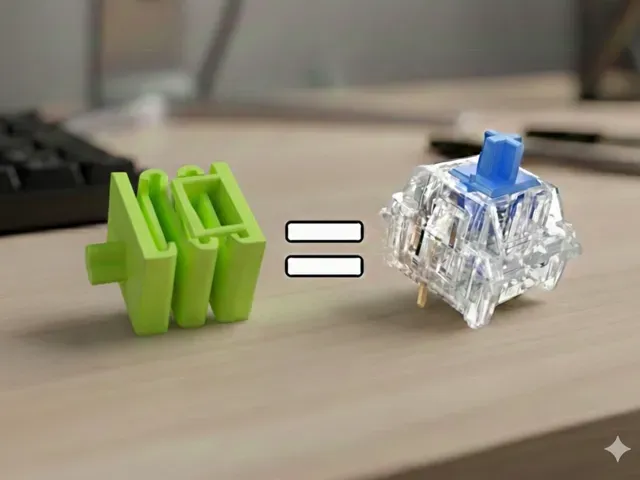
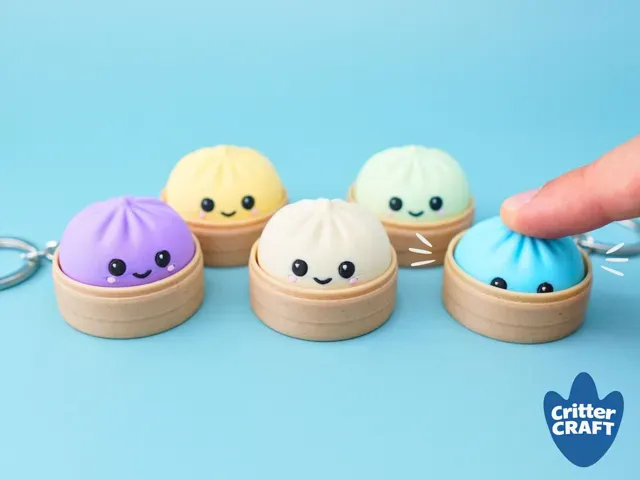
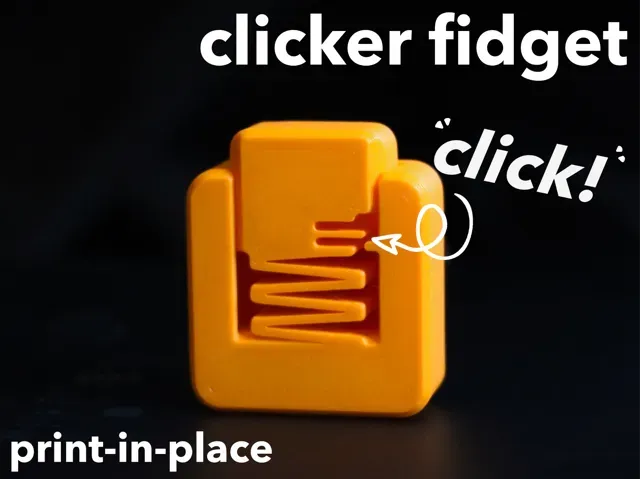
Clicker models range from flat print-in-place pieces that flex into a clicking action to multi-part assemblies with springs, rubber bands or switch-like contacts. Some focus on a single loud snap, while others combine several buttons or keycaps for repeated tactile feedback. Novelty versions shape the same mechanism as food, animal paws or small statues, so the outer form changes while the click remains the main function.
On an author's model page, check the size and scale, the number of separate parts, and whether the design needs supports or prints fully assembled. Look for the material and settings the author lists, since wall thickness and tolerances affect how cleanly a clicker moves. Photos of real prints help you judge the gap between moving surfaces and the amount of post-processing.
To narrow results, try synonyms such as fidget toy, tactile switch, sensory toy, or mechanical keychain, and combine them with terms like print-in-place or rubber band. Related searches include pet training clicker, keyboard fidget, and novelty clicker, depending on the action you want. If you have a specific shape in mind, add that shape to the query instead of relying on a generic clicker term.




El catálogo completo de temáticas, del hogar al CNC, con búsqueda en todas las plataformas conectadas.