
Gratis 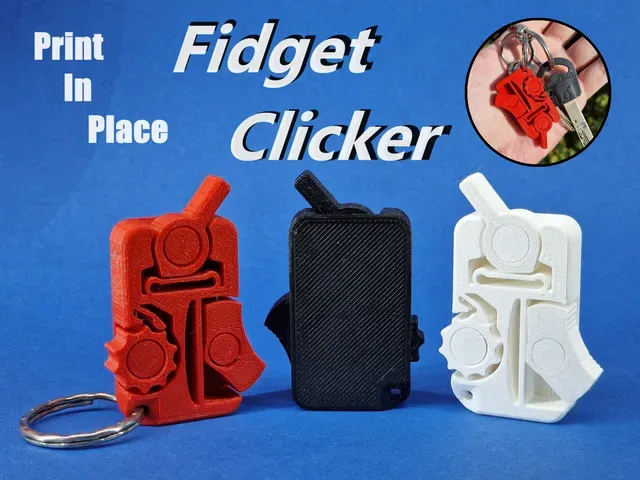
Print-In-Place Fidget Clicker
Printables
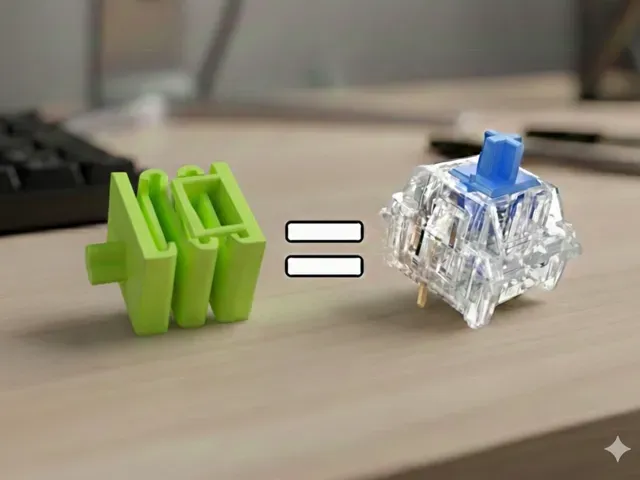
This collection gathers STL files for clicker toys, including print-in-place fidgets, shaped novelties, rubber-band mechanisms and keyboard-style switches. You can compare how each design produces its click and what it takes to print on a home 3D printer. It is a starting point for choosing a model that matches the feel and sound you want. Polyzon does not confirm whether models are free, their price, license, official status, affiliation, safety or fitness. Check the current terms at the source.
Il testo di questa raccolta è in inglese; la ricerca funziona in qualsiasi lingua.
 Una raccolta di Polyzon · 47 modelli da 4 siti
Polyzon compone questa raccolta a partire dai risultati di ricerca dei siti collegati. I doppioni e i modelli senza anteprima vengono rimossi, le corrispondenze deboli finiscono in fondo e il resto mantiene l’ordine dei risultati. I modelli appartengono ai rispettivi autori: verifica le condizioni sulla pagina di ciascun modello.
Criteri di selezione a cura della redazione di Polyzon · Testo aggiornato: 14/10/2026
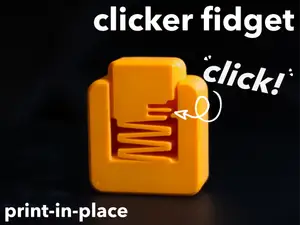

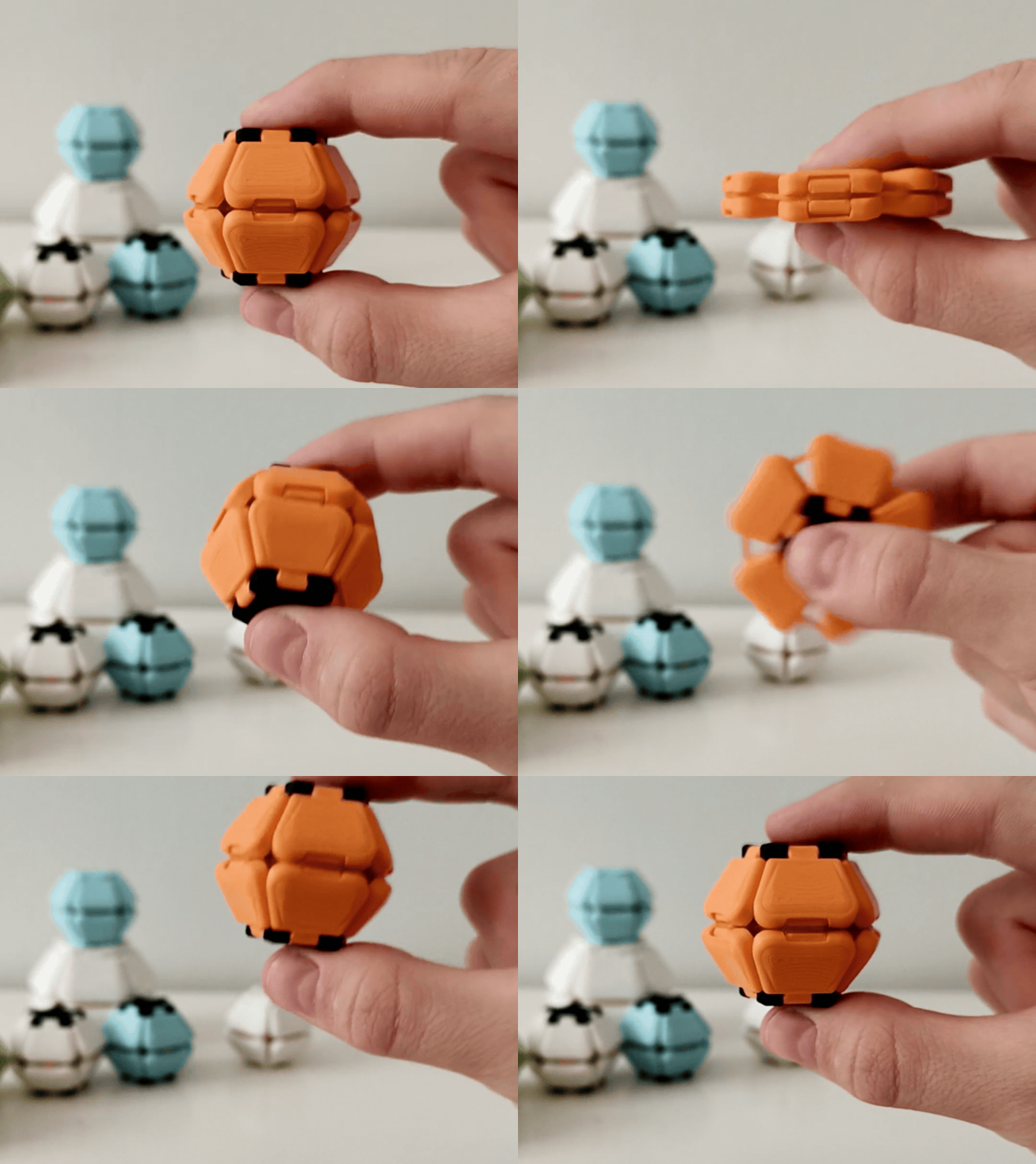
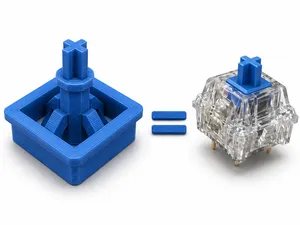
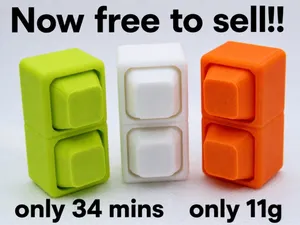
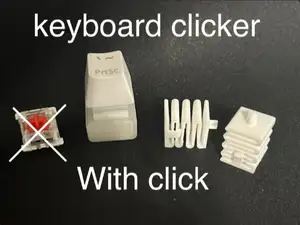

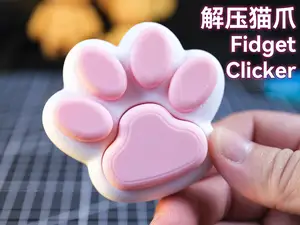
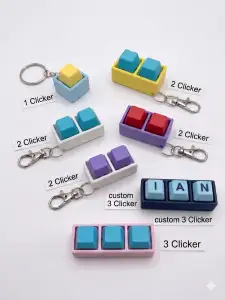
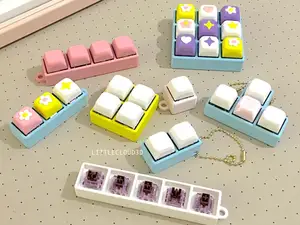
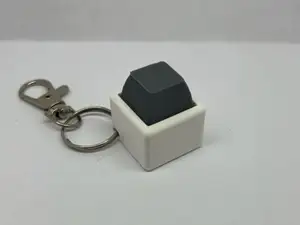

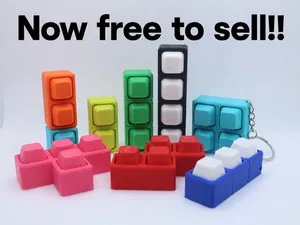
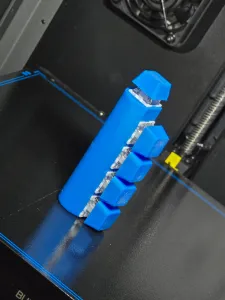
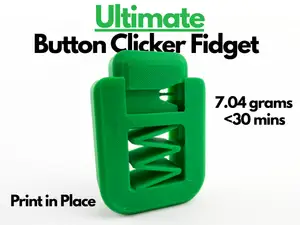
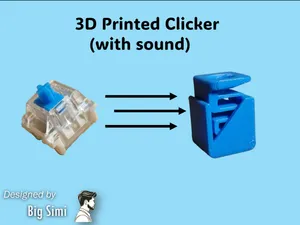

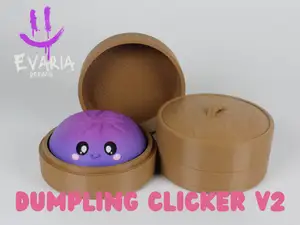
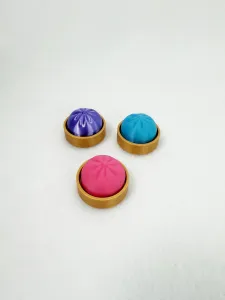
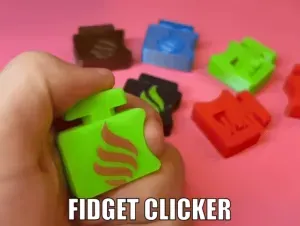
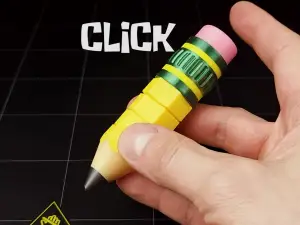
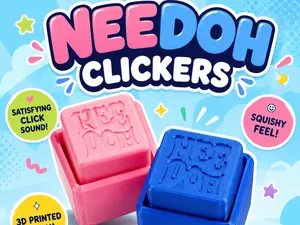
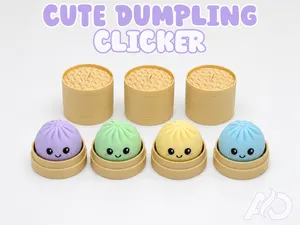
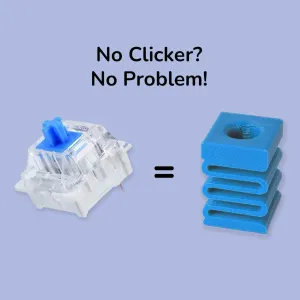
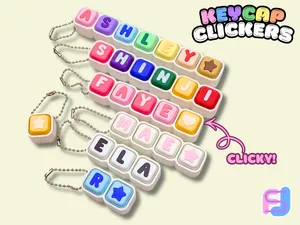

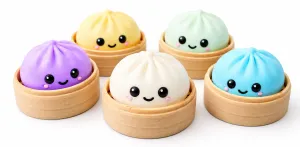
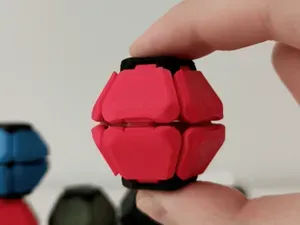

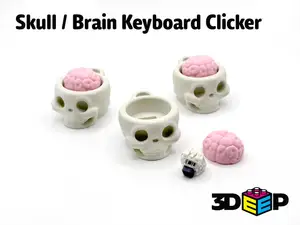

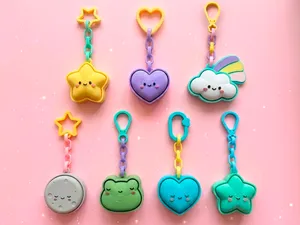
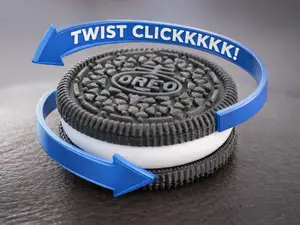
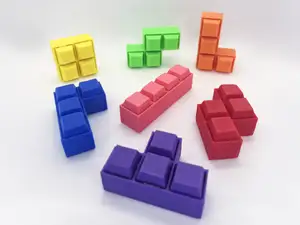
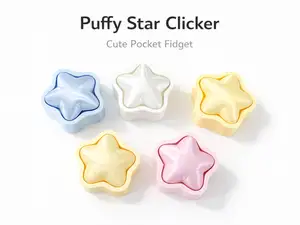

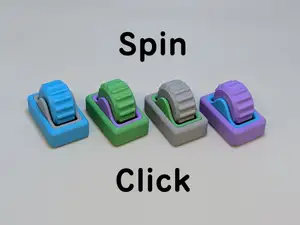
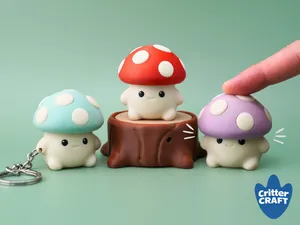
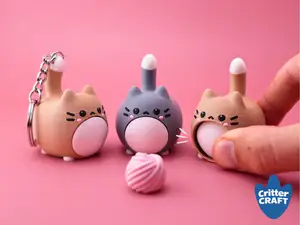
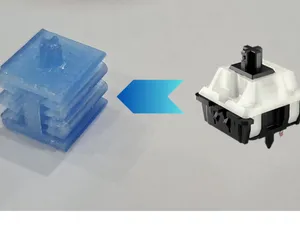

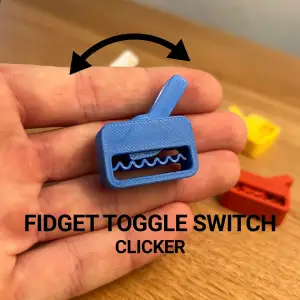
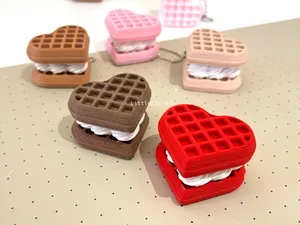
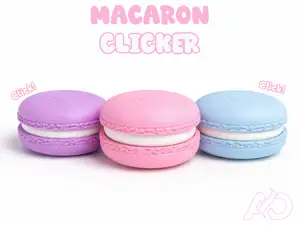
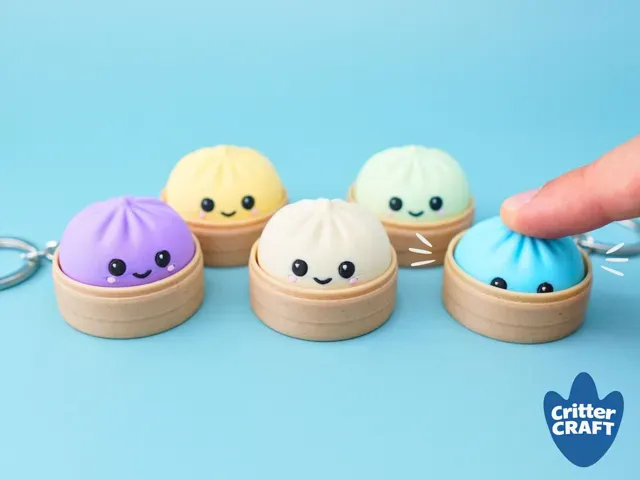
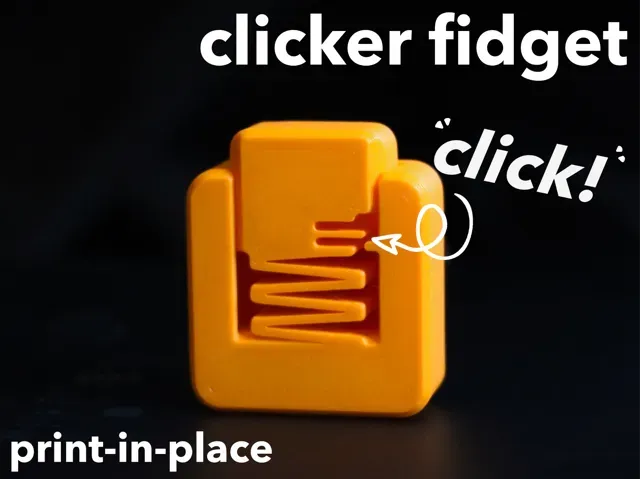
Clicker models range from flat print-in-place pieces that flex into a clicking action to multi-part assemblies with springs, rubber bands or switch-like contacts. Some focus on a single loud snap, while others combine several buttons or keycaps for repeated tactile feedback. Novelty versions shape the same mechanism as food, animal paws or small statues, so the outer form changes while the click remains the main function.
On an author's model page, check the size and scale, the number of separate parts, and whether the design needs supports or prints fully assembled. Look for the material and settings the author lists, since wall thickness and tolerances affect how cleanly a clicker moves. Photos of real prints help you judge the gap between moving surfaces and the amount of post-processing.
To narrow results, try synonyms such as fidget toy, tactile switch, sensory toy, or mechanical keychain, and combine them with terms like print-in-place or rubber band. Related searches include pet training clicker, keyboard fidget, and novelty clicker, depending on the action you want. If you have a specific shape in mind, add that shape to the query instead of relying on a generic clicker term.




Il catalogo completo dei temi, dalla casa alla lavorazione CNC, con ricerca su tutti i siti collegati.