Gratis 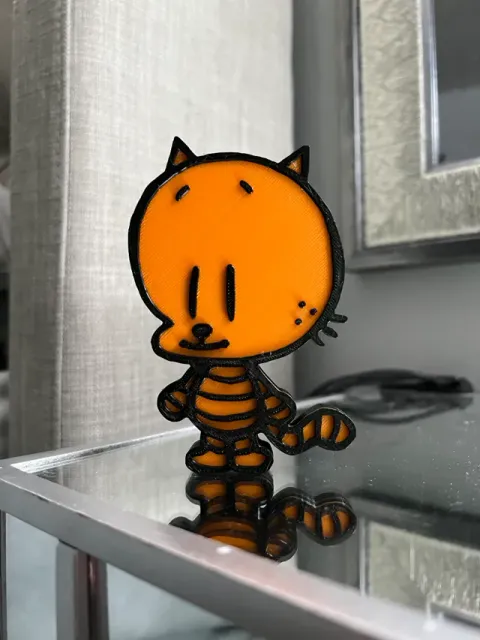
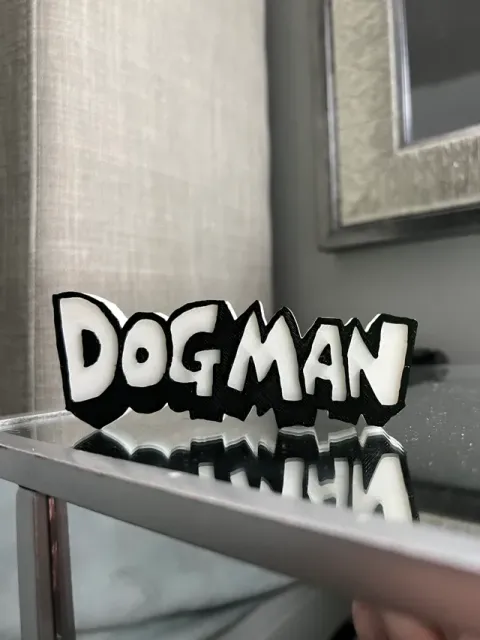
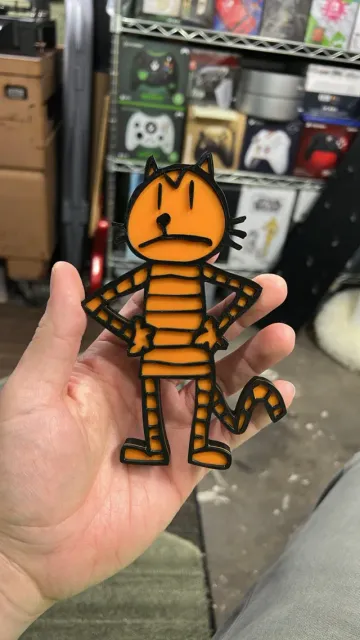
Dogman's Lil Petey Fridge Magnet 200% Size AMS Two Color Model No Pauses
MakerWorld
This collection gathers two-color 3D models that use filament changes, separate parts, or painted accents to create contrast. You will find decorative pieces, test shapes, and practical items. It helps you see how color can be planned in a single STL or across multiple parts. Polyzon does not confirm whether models are free, their price, license, official status, affiliation, safety or fitness. Check the current terms at the source.
Esta colección está escrita en inglés, pero la búsqueda funciona en cualquier idioma.
 Una colección de Polyzon · 48 modelos de 6 plataformas
Polyzon reúne esta colección a partir de los resultados de búsqueda de las plataformas conectadas. Se eliminan los duplicados y los modelos sin vista previa, las coincidencias débiles van al final y el resto mantiene el orden de la búsqueda. Los modelos pertenecen a sus autores: consulta las condiciones en la página de cada modelo.
Criterios de selección: el equipo editorial de Polyzon · Texto actualizado el 11/10/2026





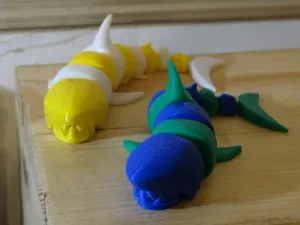

%2Fhttps%3A%2F%2Ffbi.cults3d.com%2Fuploaders%2F49650869%2Fillustration-file%2Fbff44edb-450c-43c9-907e-a775b0f0965d%2Ftwo-color-ghost-front2.png&w=300)
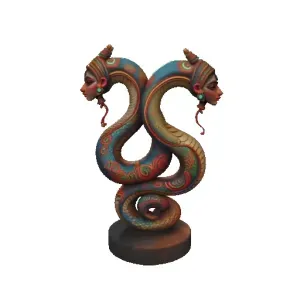

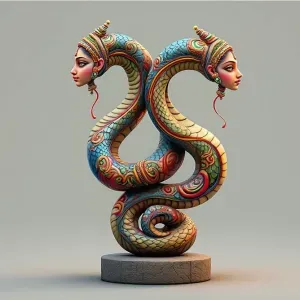


%2Fhttps%3A%2F%2Ffbi.cults3d.com%2Fuploaders%2F3355155%2Fillustration-file%2F3738d2ba-0732-47ac-a895-7d7cbcae5259%2F165068843a0f6c368f738c2bc3250b6f_display_large.jpg&w=300)


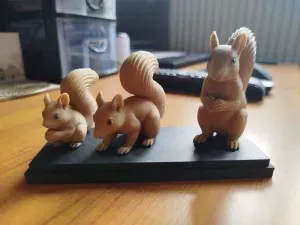
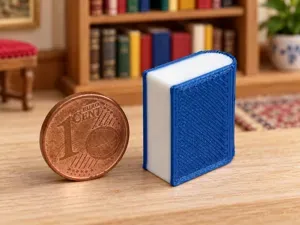
%2Fhttps%3A%2F%2Ffbi.cults3d.com%2Fuploaders%2F2141422%2Fillustration-file%2F9afe2b50-d2a2-4639-8989-efdd8f8a0294%2FCapture%2520d%25E2%2580%2599e%25CC%2581cran%25202017-08-16%2520a%25CC%2580%252018.25.30.png&w=300)

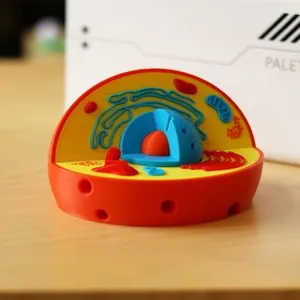
%2Fhttps%3A%2F%2Ffbi.cults3d.com%2Fuploaders%2F5576367%2Fillustration-file%2F1446568686-5090-9289%2FCapture_d__cran_2015-11-03___17.36.41.png&w=300)
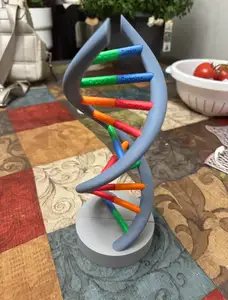
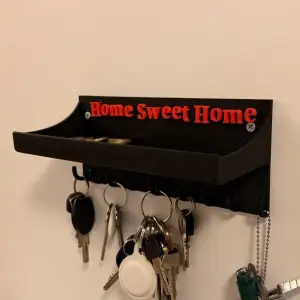


%2Fhttps%3A%2F%2Ffbi.cults3d.com%2Fuploaders%2F2141422%2Fillustration-file%2Fbf5c69bf-166f-42ee-9e4d-db89c016ffa2%2FCapture%2520d%25E2%2580%2599e%25CC%2581cran%25202017-04-28%2520a%25CC%2580%252017.30.21.png&w=300)
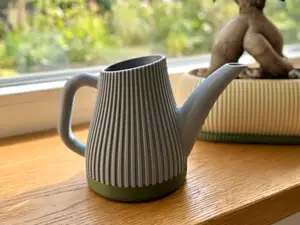


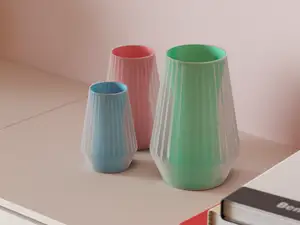

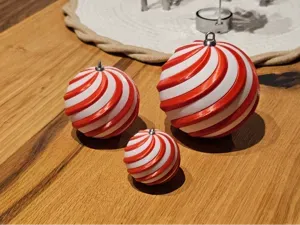


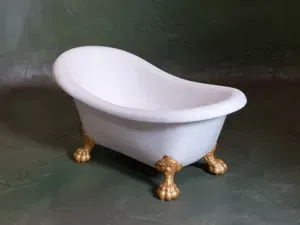
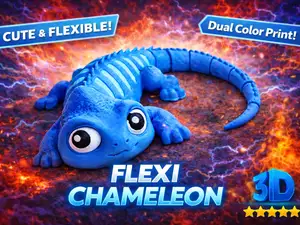
%2Fhttps%3A%2F%2Ffbi.cults3d.com%2Fuploaders%2F2141422%2Fillustration-file%2Fa7ebcb6d-2f55-4ce0-b8c3-2890f2ce48ee%2F56a106fd91e422ca89ab99540f38accc_display_large.jpg&w=300)
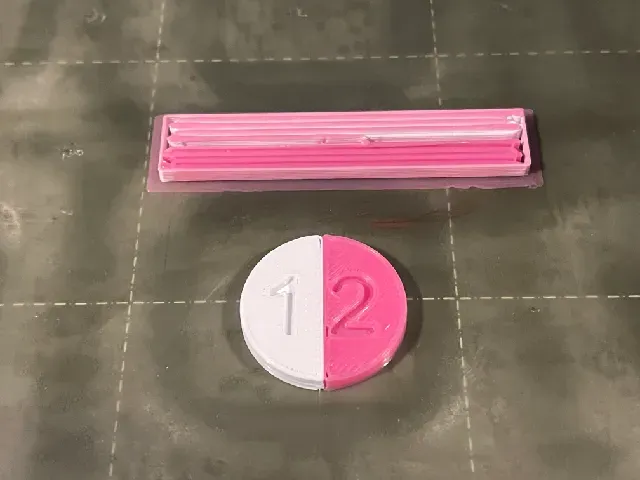
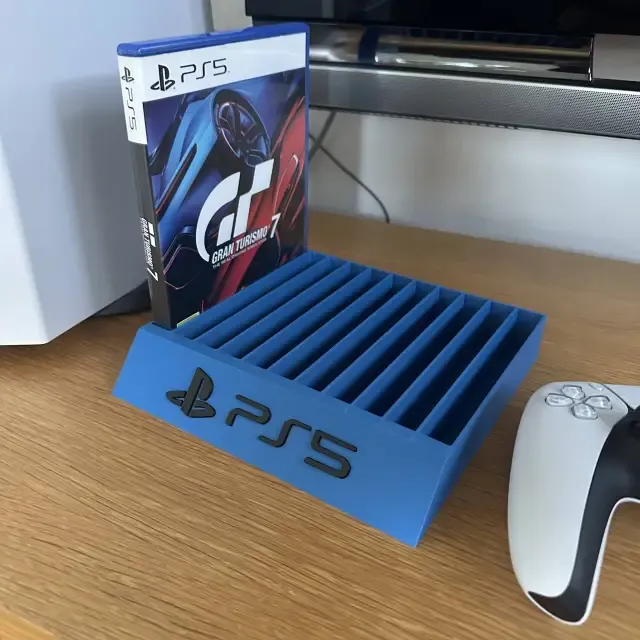
Two-color designs often fall into a few groups: flat wall art and signs, small magnets or badges, test pieces for filament switching, and functional holders or organizers. Some rely on a pause at a chosen layer, while others are split into separate parts that are printed in different colors and joined. Moving or articulated figures can also use two colors to highlight joints or body sections. The visual result depends on how the color change is placed, not only on the palette.
Before printing, check the model page for the intended size and scale, the number of parts, and whether supports are needed. Look at the material and settings the author lists, because layer height and filament change points affect where the second color appears. Photos of real prints can show how cleanly the color boundary lands and whether the parts fit together as described. If the design uses separate pieces, confirm how they are meant to connect.
To refine your search, try terms such as two-tone, dual-color, filament swap, color change, and multi-material test. Related topics include layer-pause models, split-part prints, wall art, fridge magnets, and calibration shapes. You can also search by the object type you want, then add the color method you plan to use. Combining a broad subject with a specific color technique usually narrows the results faster.


El catálogo completo de temáticas, del hogar al CNC, con búsqueda en todas las plataformas conectadas.