無料 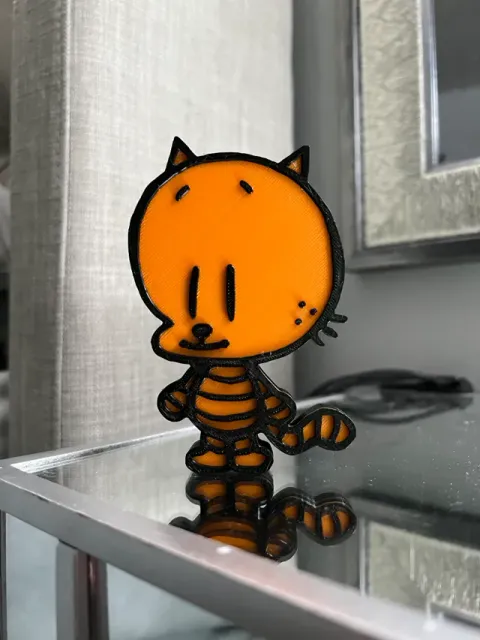
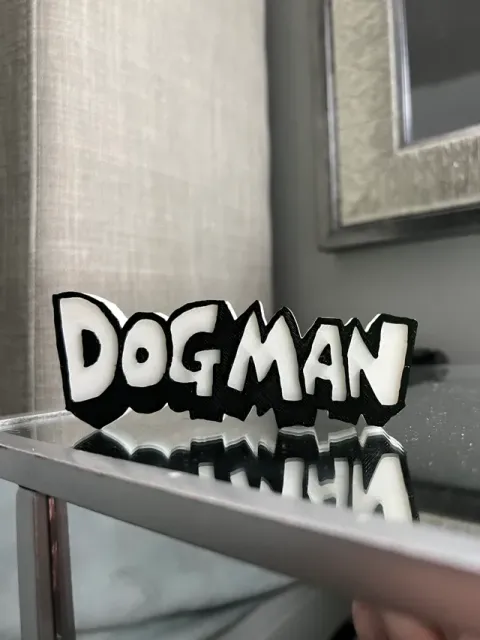
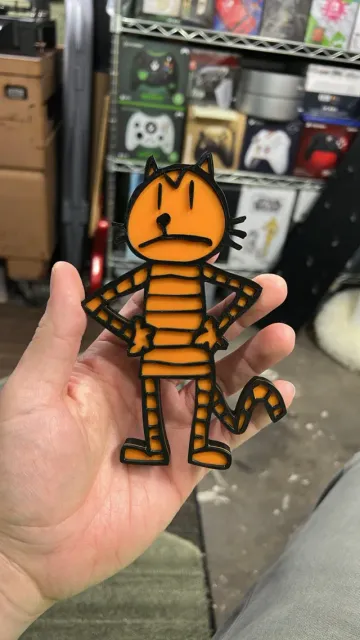
Dogman's Lil Petey Fridge Magnet 200% Size AMS Two Color Model No Pauses
MakerWorld
This collection gathers two-color 3D models that use filament changes, separate parts, or painted accents to create contrast. You will find decorative pieces, test shapes, and practical items. It helps you see how color can be planned in a single STL or across multiple parts. Polyzon does not confirm whether models are free, their price, license, official status, affiliation, safety or fitness. Check the current terms at the source.
このコレクションの本文は英語で書かれています。検索自体はどの言語でも使えます。
 Polyzonのコレクション · モデル48件 6サイトから収集
このコレクションは、Polyzonが対応サイトの検索結果をもとに作成しています。重複やプレビューのないモデルは除外し、関連性の低いものは後ろに回し、それ以外は検索結果の順に並べています。モデルの権利は各作者にあります。利用条件は各モデルのページでご確認ください。
選定基準:Polyzon編集部 · 本文の更新日:2026年10月11日





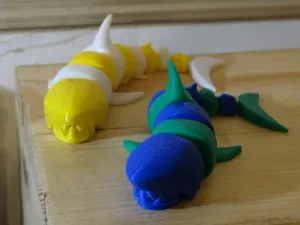

%2Fhttps%3A%2F%2Ffbi.cults3d.com%2Fuploaders%2F49650869%2Fillustration-file%2Fbff44edb-450c-43c9-907e-a775b0f0965d%2Ftwo-color-ghost-front2.png&w=300)
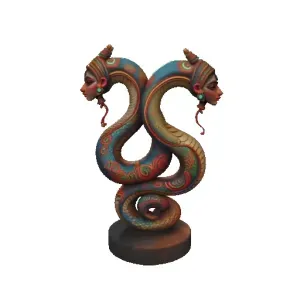

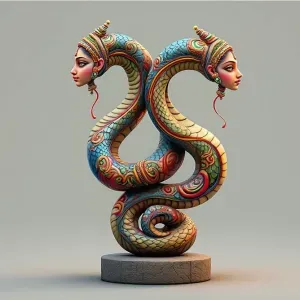


%2Fhttps%3A%2F%2Ffbi.cults3d.com%2Fuploaders%2F3355155%2Fillustration-file%2F3738d2ba-0732-47ac-a895-7d7cbcae5259%2F165068843a0f6c368f738c2bc3250b6f_display_large.jpg&w=300)


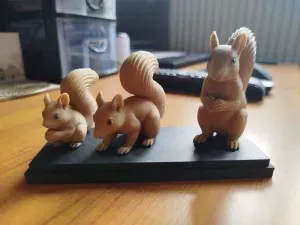
%2Fhttps%3A%2F%2Ffbi.cults3d.com%2Fuploaders%2F2141422%2Fillustration-file%2F9afe2b50-d2a2-4639-8989-efdd8f8a0294%2FCapture%2520d%25E2%2580%2599e%25CC%2581cran%25202017-08-16%2520a%25CC%2580%252018.25.30.png&w=300)

%2Fhttps%3A%2F%2Ffbi.cults3d.com%2Fuploaders%2F5576367%2Fillustration-file%2F1446568686-5090-9289%2FCapture_d__cran_2015-11-03___17.36.41.png&w=300)


%2Fhttps%3A%2F%2Ffbi.cults3d.com%2Fuploaders%2F2141422%2Fillustration-file%2Fbf5c69bf-166f-42ee-9e4d-db89c016ffa2%2FCapture%2520d%25E2%2580%2599e%25CC%2581cran%25202017-04-28%2520a%25CC%2580%252017.30.21.png&w=300)






%2Fhttps%3A%2F%2Ffbi.cults3d.com%2Fuploaders%2F2141422%2Fillustration-file%2Fa7ebcb6d-2f55-4ce0-b8c3-2890f2ce48ee%2F56a106fd91e422ca89ab99540f38accc_display_large.jpg&w=300)
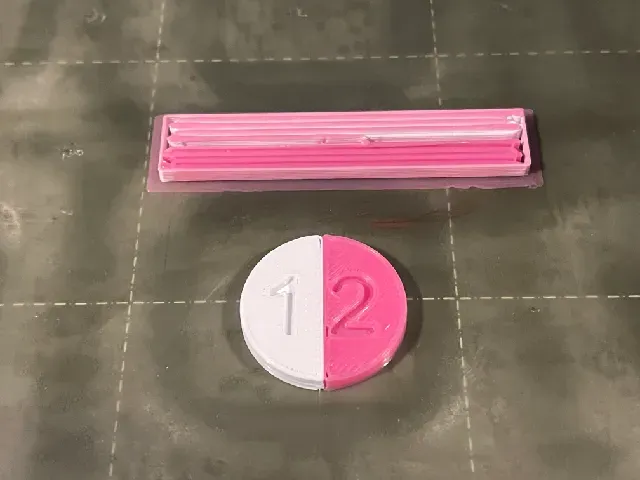
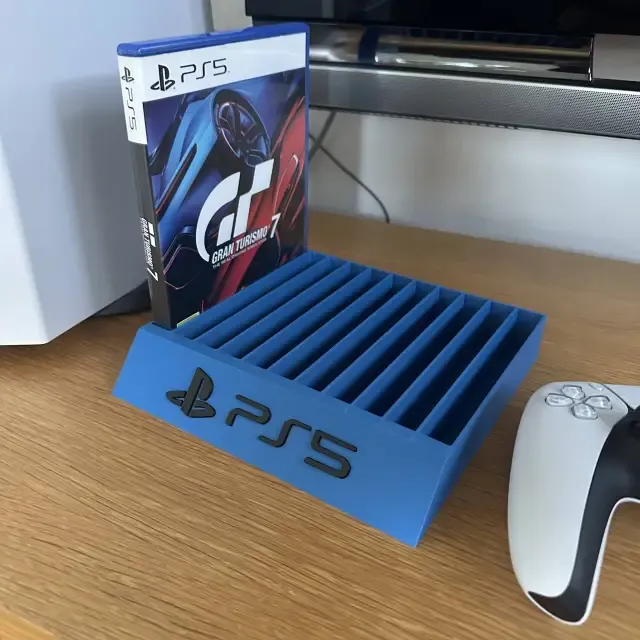
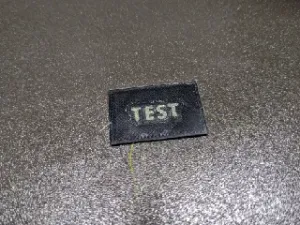
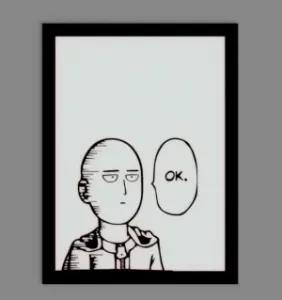
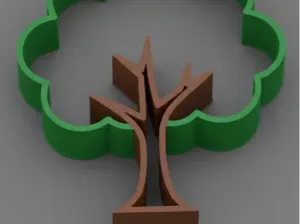
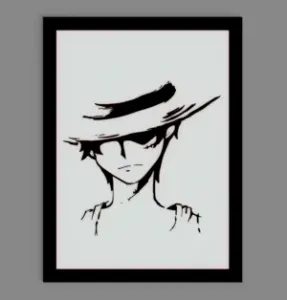
Two-color designs often fall into a few groups: flat wall art and signs, small magnets or badges, test pieces for filament switching, and functional holders or organizers. Some rely on a pause at a chosen layer, while others are split into separate parts that are printed in different colors and joined. Moving or articulated figures can also use two colors to highlight joints or body sections. The visual result depends on how the color change is placed, not only on the palette.
Before printing, check the model page for the intended size and scale, the number of parts, and whether supports are needed. Look at the material and settings the author lists, because layer height and filament change points affect where the second color appears. Photos of real prints can show how cleanly the color boundary lands and whether the parts fit together as described. If the design uses separate pieces, confirm how they are meant to connect.
To refine your search, try terms such as two-tone, dual-color, filament swap, color change, and multi-material test. Related topics include layer-pause models, split-part prints, wall art, fridge magnets, and calibration shapes. You can also search by the object type you want, then add the color method you plan to use. Combining a broad subject with a specific color technique usually narrows the results faster.
暮らし・日用品からCNCまで、すべてのテーマをそろえたカタログ。対応サイトを横断して検索できます。