
Gratis 
Star Wars - Imperial March 3D Printer Music
Thingiverse
This collection gathers g-code files and related models for 3D printing, from start and end scripts to calibration tests and pen-plotting generators. You will also find printer upgrades and mini machines that ship with their own g-code. It helps you tune a 3D printer without writing scripts from scratch. Polyzon does not confirm whether models are free, their price, license, official status, affiliation, safety or fitness. Check the current terms at the source.
Esta colección está escrita en inglés, pero la búsqueda funciona en cualquier idioma.
 Una colección de Polyzon · 48 modelos de 3 plataformas
Polyzon reúne esta colección a partir de los resultados de búsqueda de las plataformas conectadas. Se eliminan los duplicados y los modelos sin vista previa, las coincidencias débiles van al final y el resto mantiene el orden de la búsqueda. Los modelos pertenecen a sus autores: consulta las condiciones en la página de cada modelo.
Criterios de selección: el equipo editorial de Polyzon · Texto actualizado el 14/10/2026

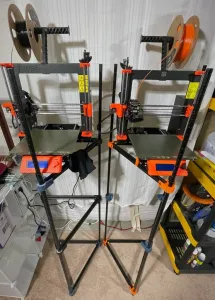

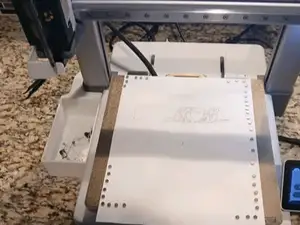
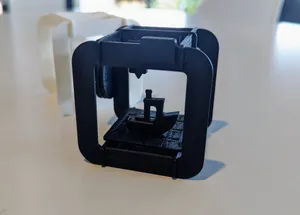

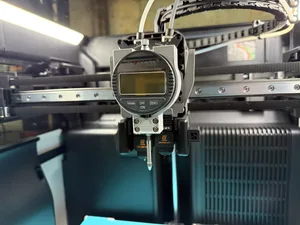
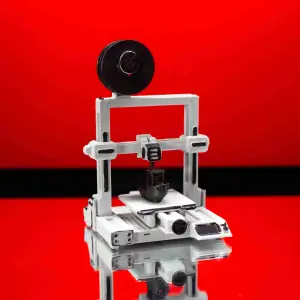

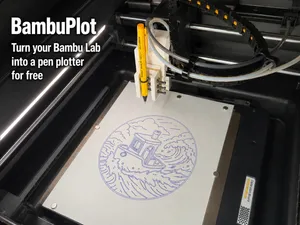
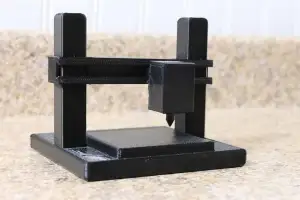

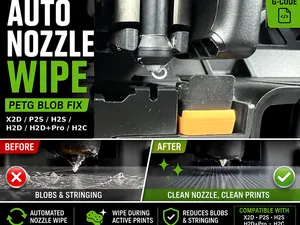
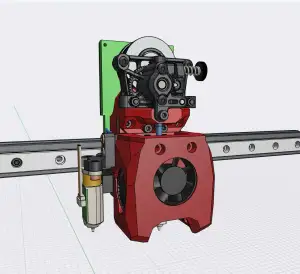

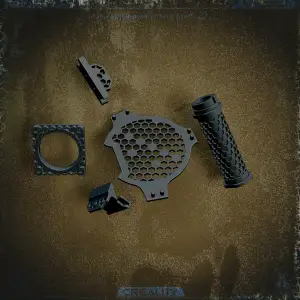

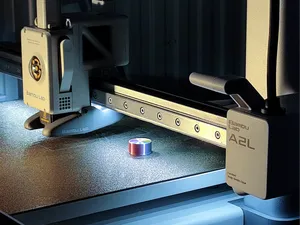
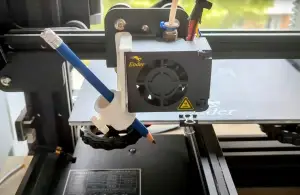

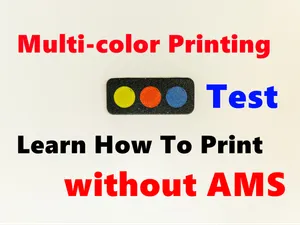

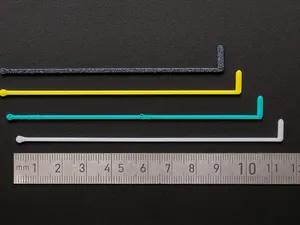


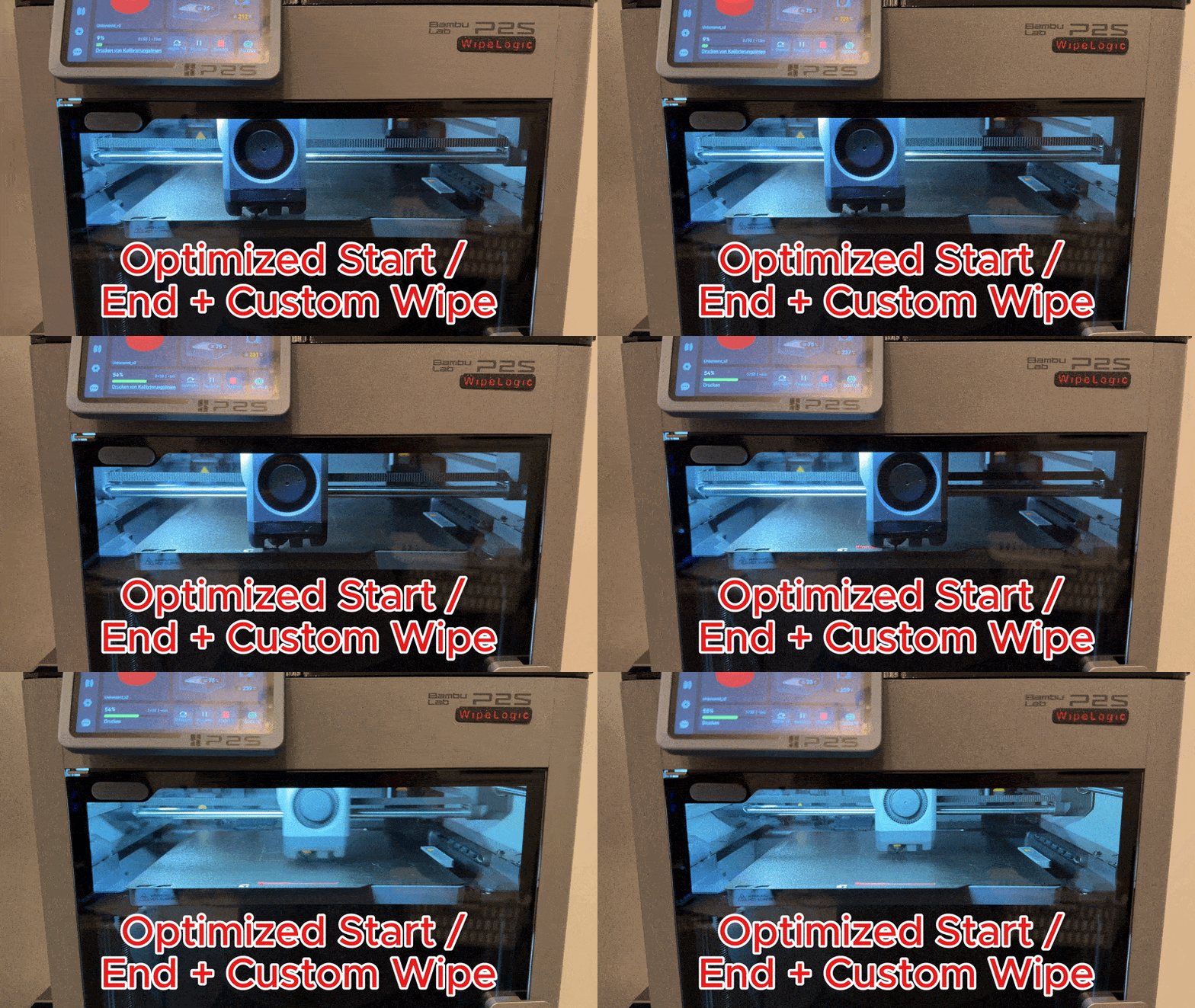
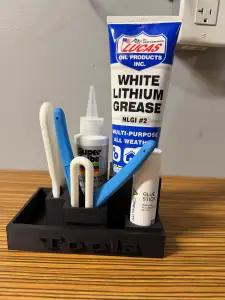

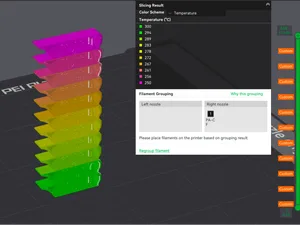
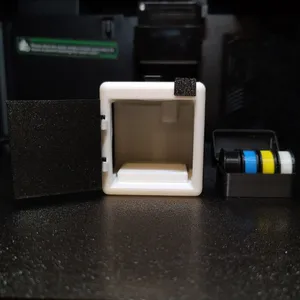

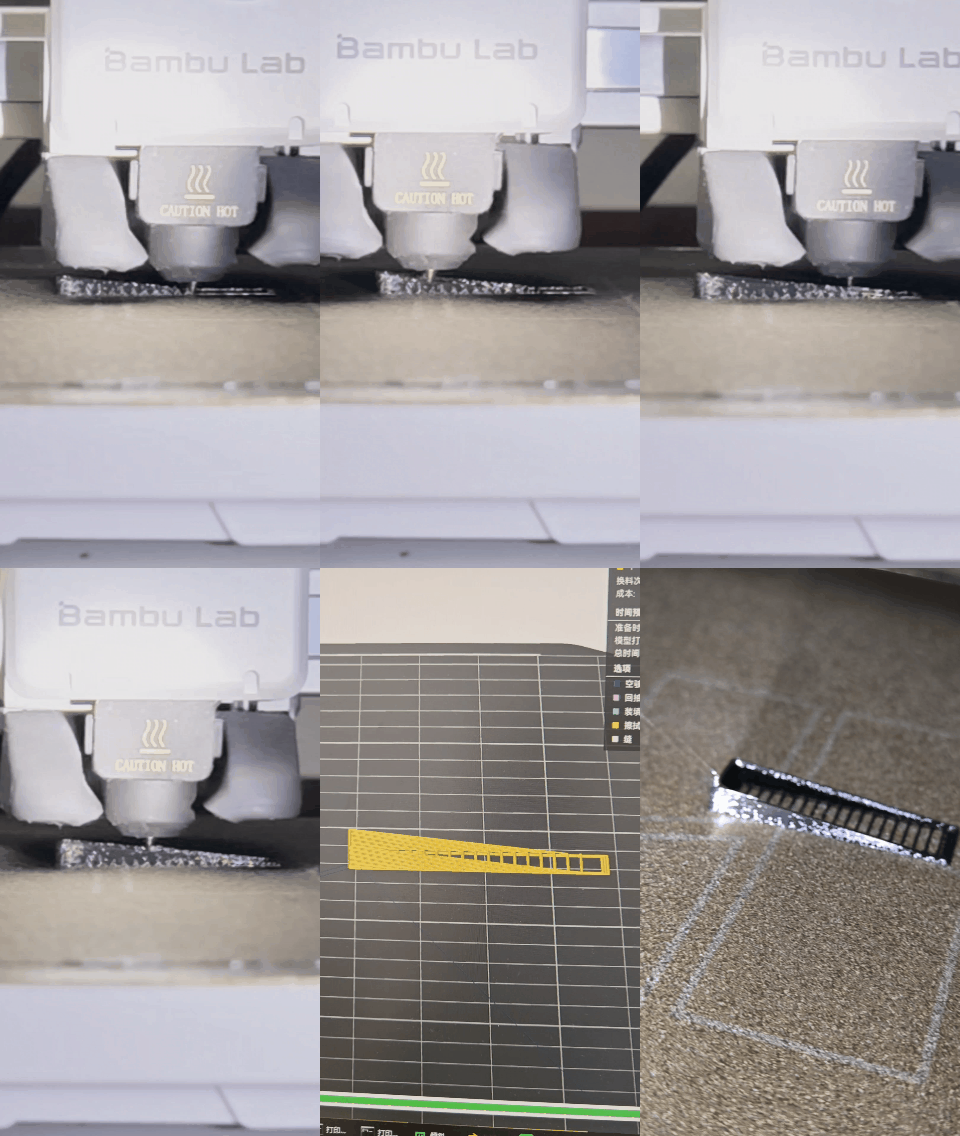
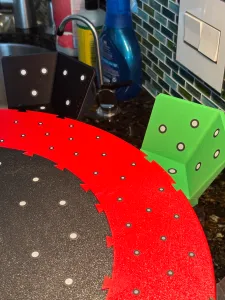


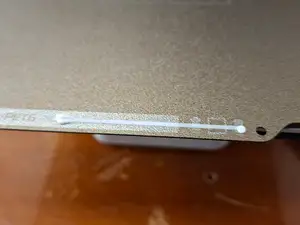
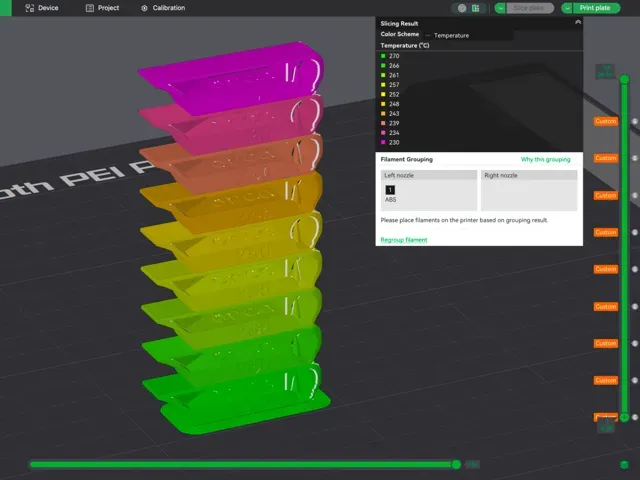
The collection covers several kinds of g-code content. Start and end scripts adjust heating, homing and wiping routines, while calibration files run temperature towers or bed tramming patterns. Pen-plotting and music generators turn drawings or melodies into toolpaths, and many printer upgrades include their own g-code for installation or testing.
When choosing a file, check the printer model and firmware it was written for, since start g-code often depends on specific hardware. Look at the author's notes on nozzle size, layer height, temperatures and whether the file is a standalone print or a snippet to merge. Photos of real prints and comments about adjustments can show how much tuning the g-code may need.
To narrow results, try synonyms like 'start gcode', 'end gcode', 'custom gcode' or 'toolpath'. Related topics include temperature towers, bed leveling, nozzle wipe, pen plotting and printer profiles. You can also search for your printer's series or firmware name to find scripts for your machine.


El catálogo completo de temáticas, del hogar al CNC, con búsqueda en todas las plataformas conectadas.