
Gratuit 
Star Wars - Imperial March 3D Printer Music
Thingiverse
This collection gathers g-code files and related models for 3D printing, from start and end scripts to calibration tests and pen-plotting generators. You will also find printer upgrades and mini machines that ship with their own g-code. It helps you tune a 3D printer without writing scripts from scratch. Polyzon does not confirm whether models are free, their price, license, official status, affiliation, safety or fitness. Check the current terms at the source.
Le texte de cette collection est rédigé en anglais ; la recherche, elle, fonctionne dans toutes les langues.
 Une collection Polyzon · 48 modèles sur 3 plateformes
Polyzon compose cette collection à partir des résultats de recherche des plateformes connectées. Les doublons et les modèles sans aperçu sont retirés, les correspondances faibles sont placées à la fin, et le reste suit l’ordre de la recherche. Les modèles appartiennent à leurs auteurs : consultez les conditions sur la page de chaque modèle.
Règles de sélection : la rédaction de Polyzon · Texte mis à jour le 14/10/2026

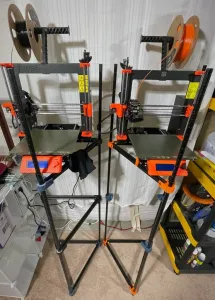

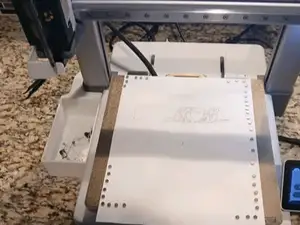
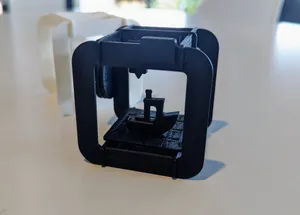

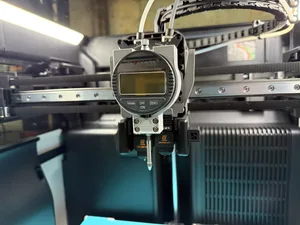
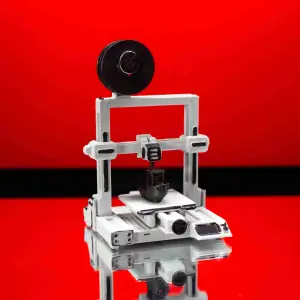

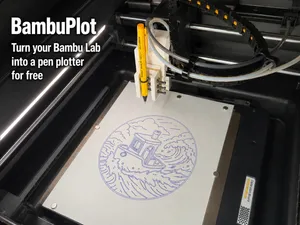
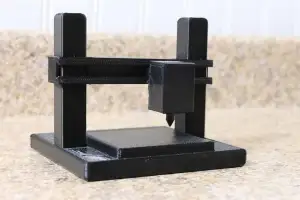

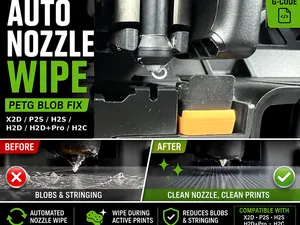
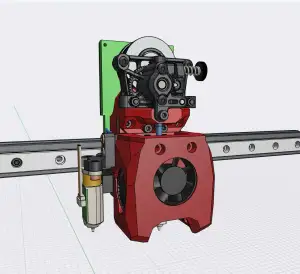

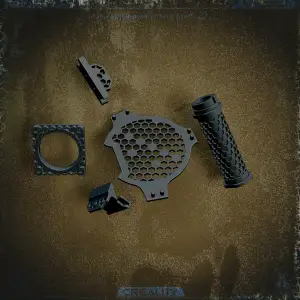

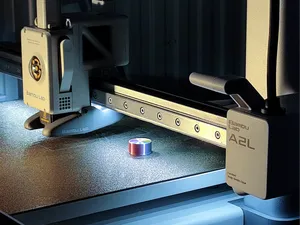
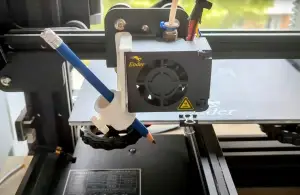

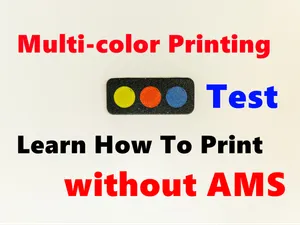

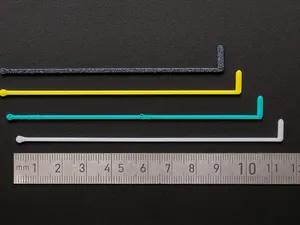
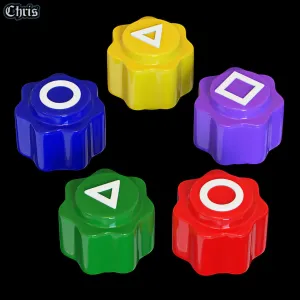

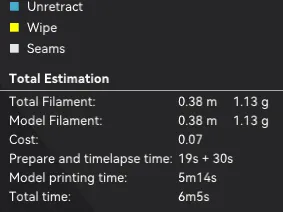
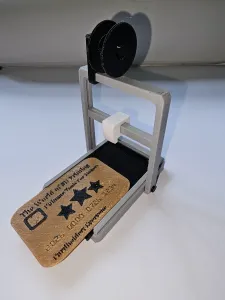

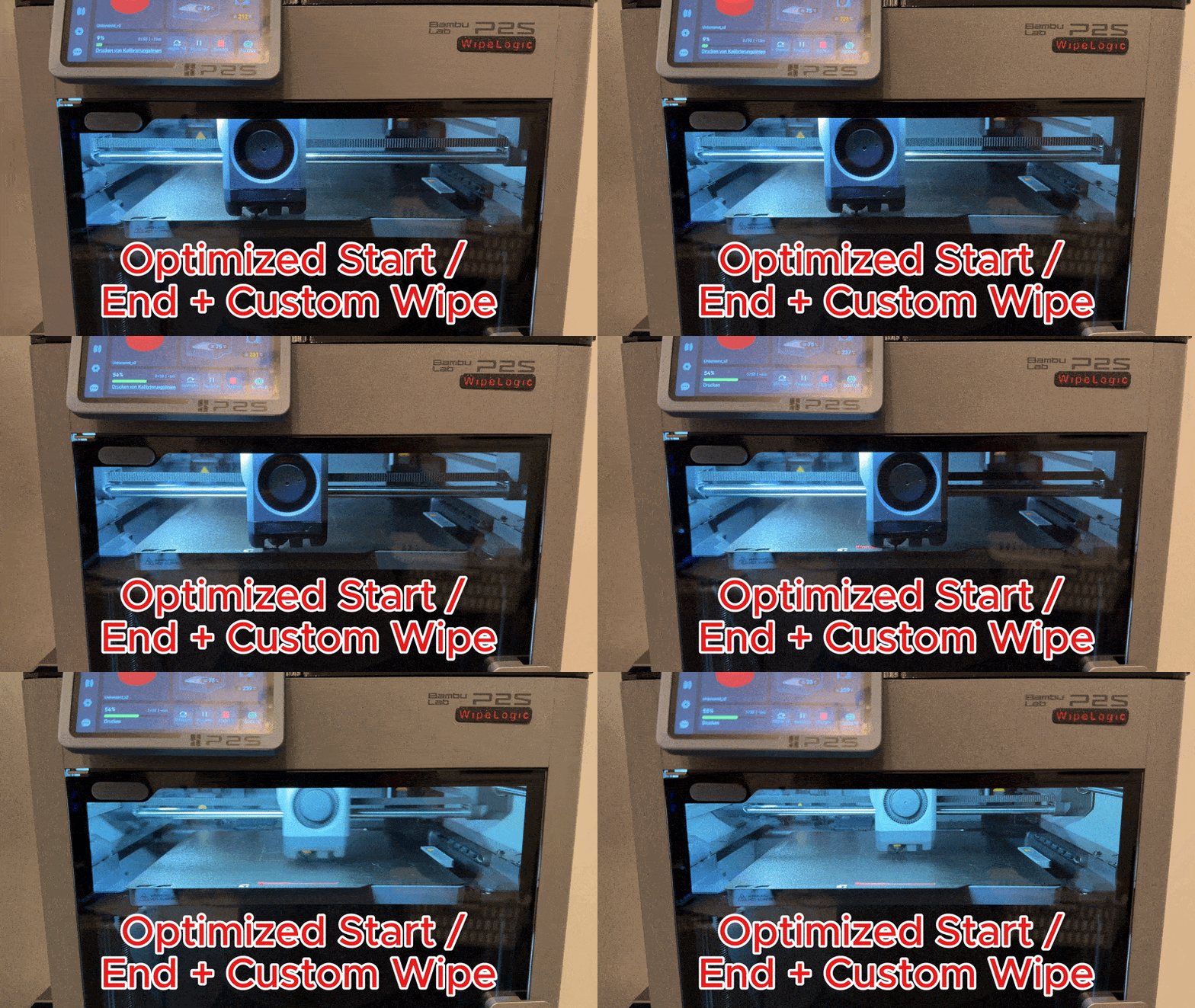
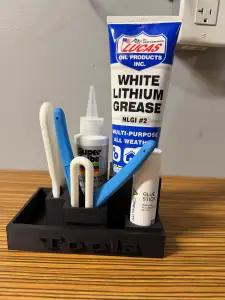

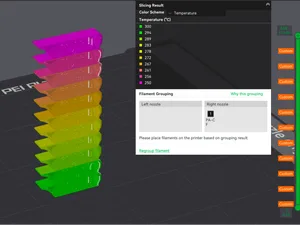
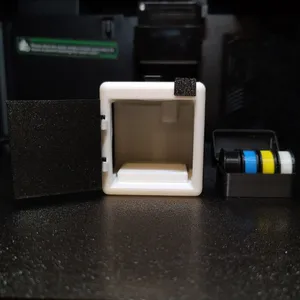

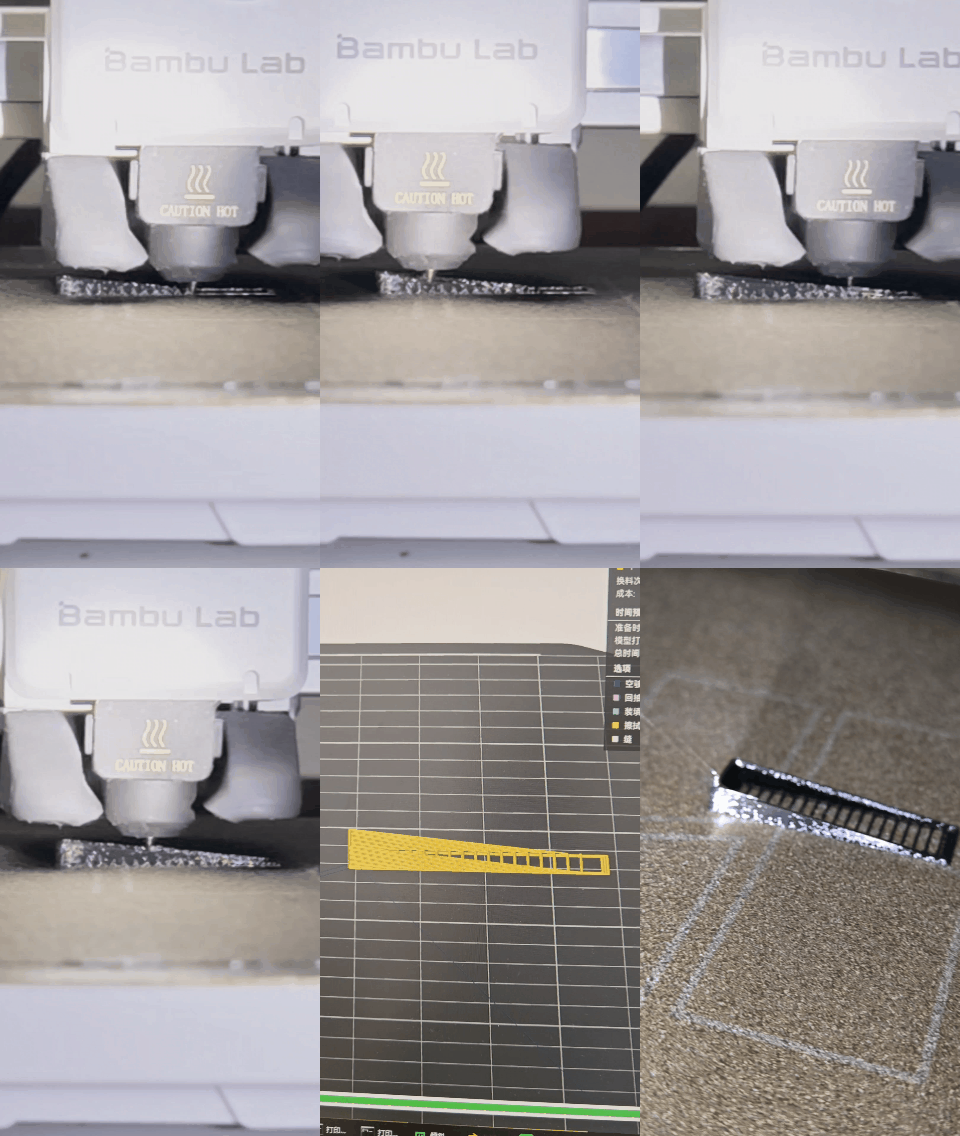
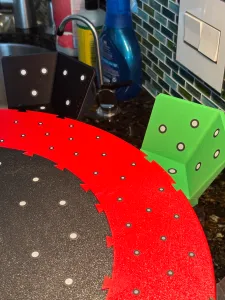


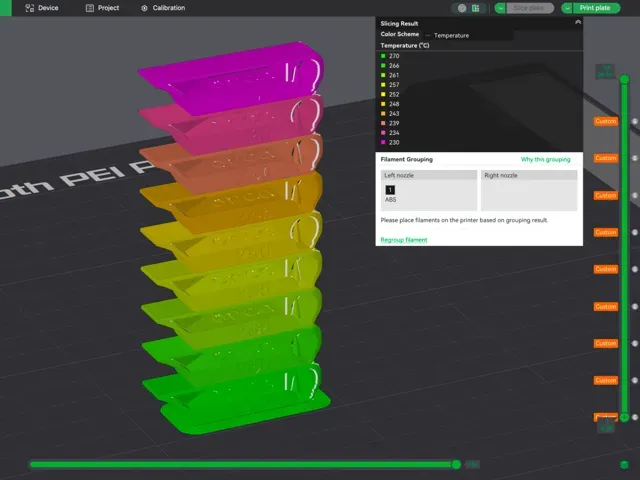
The collection covers several kinds of g-code content. Start and end scripts adjust heating, homing and wiping routines, while calibration files run temperature towers or bed tramming patterns. Pen-plotting and music generators turn drawings or melodies into toolpaths, and many printer upgrades include their own g-code for installation or testing.
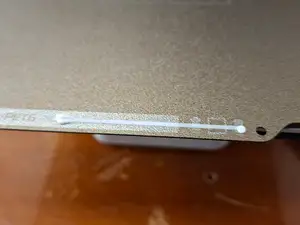
When choosing a file, check the printer model and firmware it was written for, since start g-code often depends on specific hardware. Look at the author's notes on nozzle size, layer height, temperatures and whether the file is a standalone print or a snippet to merge. Photos of real prints and comments about adjustments can show how much tuning the g-code may need.
To narrow results, try synonyms like 'start gcode', 'end gcode', 'custom gcode' or 'toolpath'. Related topics include temperature towers, bed leveling, nozzle wipe, pen plotting and printer profiles. You can also search for your printer's series or firmware name to find scripts for your machine.


Le catalogue complet des thèmes, de la maison à la CNC, avec une recherche sur tous les sites connectés.