
Gratis 
Removable Cable mounting Clips
Thingiverse
This collection gathers STL files for holding cables in place: screw-on clips, removable clips, tie mounts, P-clips and wall or ceiling brackets. The models differ mainly in how they attach and in the cable diameter they are drawn around. It is useful when you are routing wires along a wall, desk or machine and want a holder that matches your cable instead of a generic one. Polyzon does not confirm whether models are free, their price, license, official status, affiliation, safety or fitness. Check the current terms at the source.
Esta colección está escrita en inglés, pero la búsqueda funciona en cualquier idioma.
 Una colección de Polyzon · 48 modelos de 6 plataformas
Polyzon reúne esta colección a partir de los resultados de búsqueda de las plataformas conectadas. Se eliminan los duplicados y los modelos sin vista previa, las coincidencias débiles van al final y el resto mantiene el orden de la búsqueda. Los modelos pertenecen a sus autores: consulta las condiciones en la página de cada modelo.
Criterios de selección: el equipo editorial de Polyzon · Texto actualizado el 13/10/2026


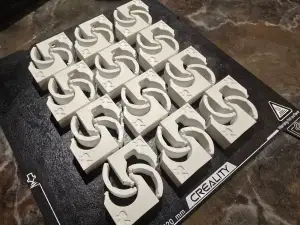


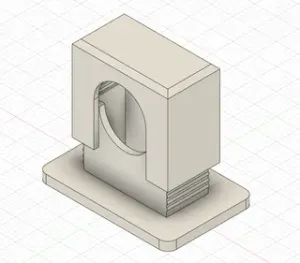

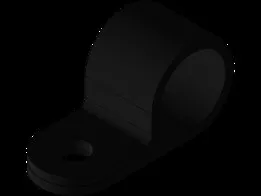


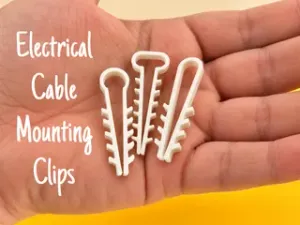
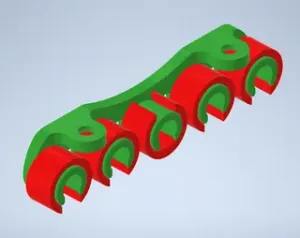

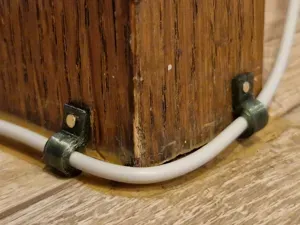

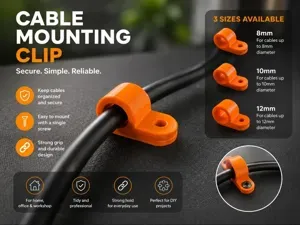
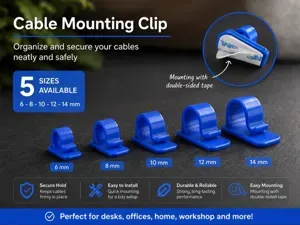

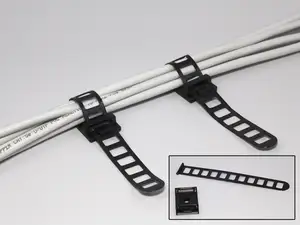

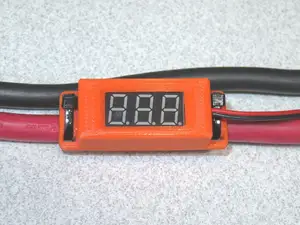

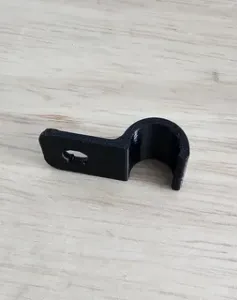
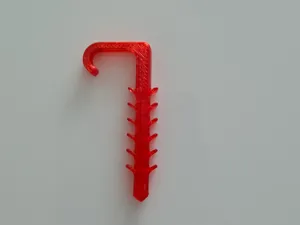


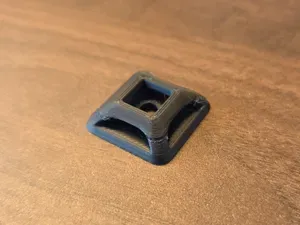
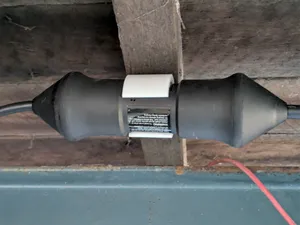
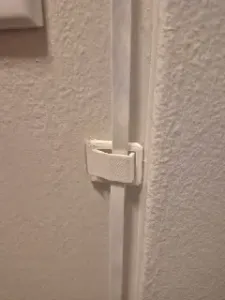

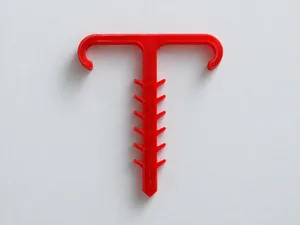

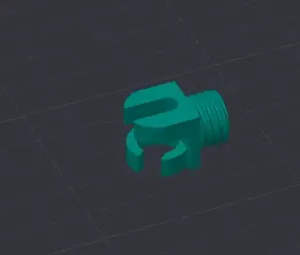
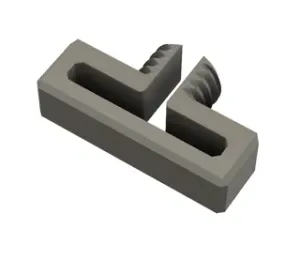

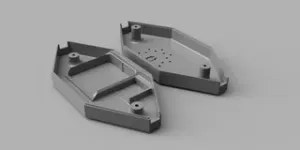
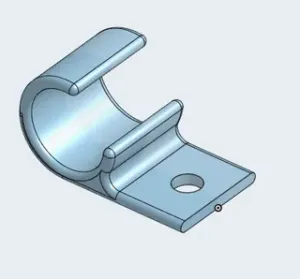

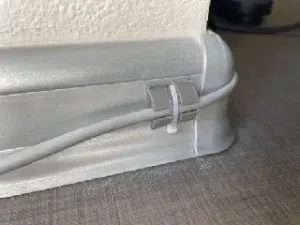
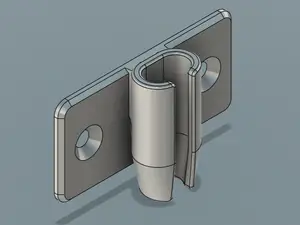
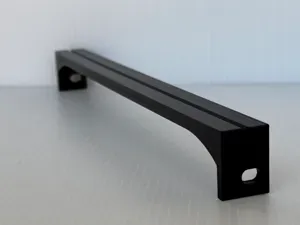
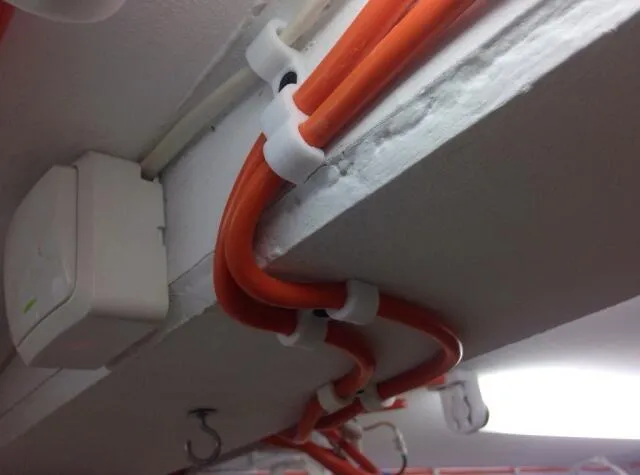
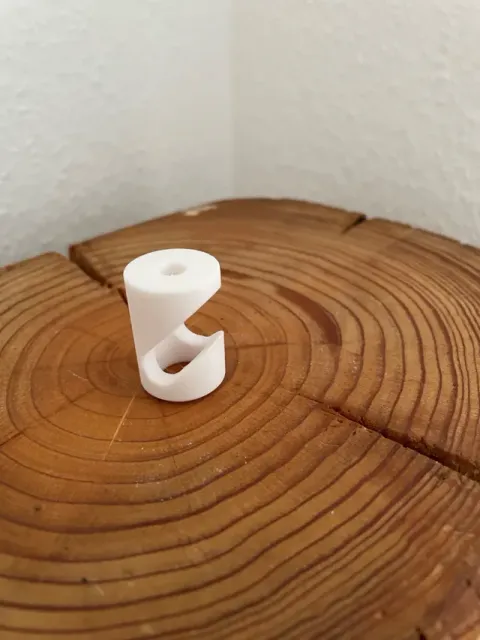
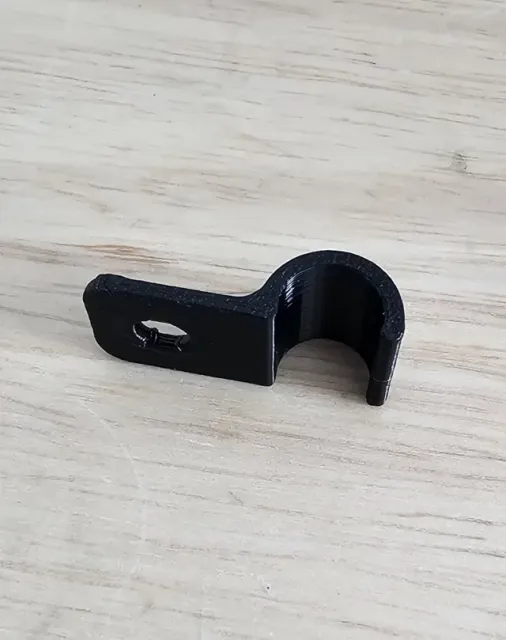
Most entries fall into a few groups. Screw-mount clips and brackets are fixed with a screw or a nail and stay where you put them. Removable clips are shaped so the cable can be pushed in and taken out again, which helps when wires are added or moved. Cable tie mounts and P-clips work with a tie or a band, and hook-style brackets hold a cable or a cord that hangs from above. A smaller group is drawn for one cable type, such as coaxial or wire rope, where the outer diameter matters more than the routing.
When choosing a model, open the author's page and read the dimensions first: the inner diameter, the wall thickness and the screw hole size decide whether your cable and fastener fit. Check how many parts the model has and whether it is meant to be glued, screwed or printed as one piece. Look at whether the author lists supports, material and print orientation, and compare those notes with photos of real prints. For a clip that bends or snaps, the orientation on the bed and the material choice affect how it behaves more than the shape alone.
If the results feel narrow, try other words for the same object: cable clip, wire holder, cable guide, cable tie base, P-clip, saddle, bracket or mount. Adding the context helps too, such as desk, wall, ceiling, under-desk, server rack, printer frame or car. You can also search by the cable itself, for example coaxial, USB, mains or wire rope, or by the fastener you plan to use, such as screw, nail, adhesive pad or tie. Combining a size with a mounting method usually narrows the list faster than either term alone.
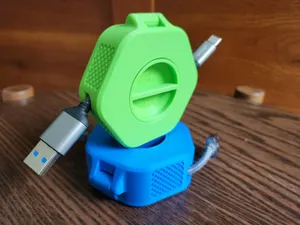
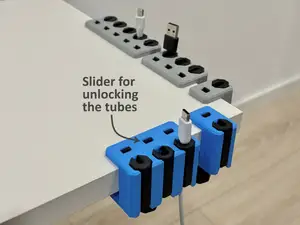

%2Fhttps%3A%2F%2Ffbi.cults3d.com%2Fuploaders%2F13499062%2Fillustration-file%2F2b183fef-ebc8-49a7-a4b6-39ae371b8204%2FAPC_0010a.jpg&w=300)
El catálogo completo de temáticas, del hogar al CNC, con búsqueda en todas las plataformas conectadas.