
Gratis 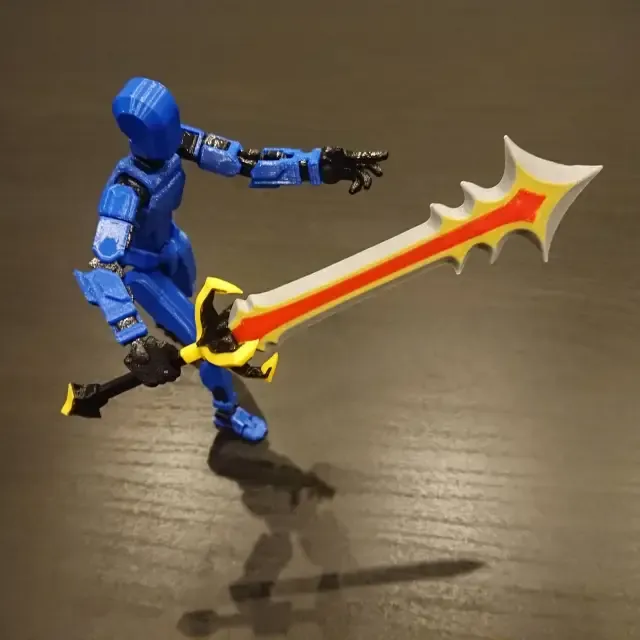
The Untamed Blade for Dummy 13
Creality Cloud
This collection gathers 3D models tied to FPV propeller blades: small props for micro and whoop quads, multi-blade rotors, and the balancing or mounting parts that go with them. It is useful when you want to print a replacement blade or experiment with a different blade count instead of buying a set. Every listing links to the author's page, where the geometry, dimensions and print notes for 3D printing are described. Polyzon does not confirm whether models are free, their price, license, official status, affiliation, safety or fitness. Check the current terms at the source.
Esta colección está escrita en inglés, pero la búsqueda funciona en cualquier idioma.
 Una colección de Polyzon · 48 modelos de 6 plataformas
Polyzon reúne esta colección a partir de los resultados de búsqueda de las plataformas conectadas. Se eliminan los duplicados y los modelos sin vista previa, las coincidencias débiles van al final y el resto mantiene el orden de la búsqueda. Los modelos pertenecen a sus autores: consulta las condiciones en la página de cada modelo.
Criterios de selección: el equipo editorial de Polyzon · Texto actualizado el 11/10/2026


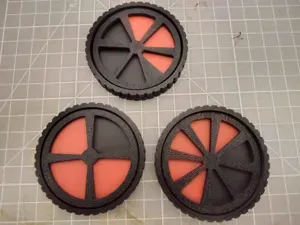
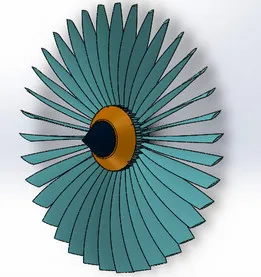
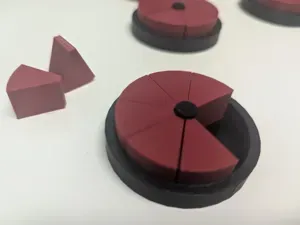
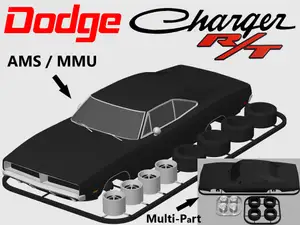

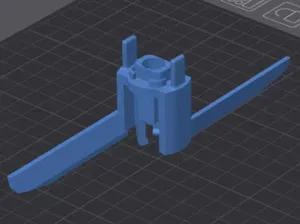

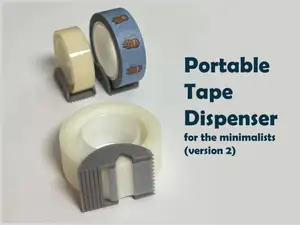


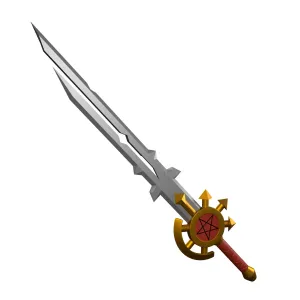

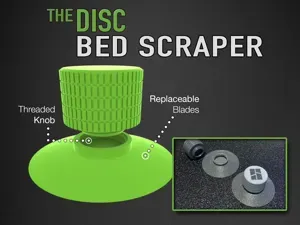

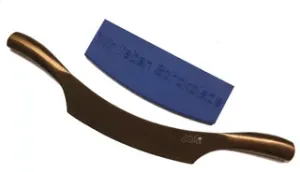
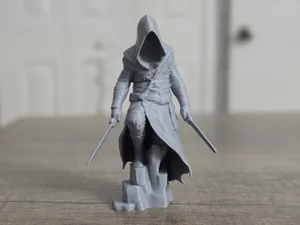
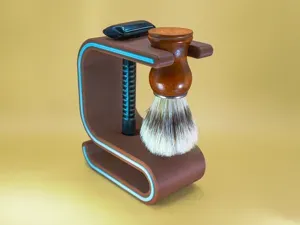
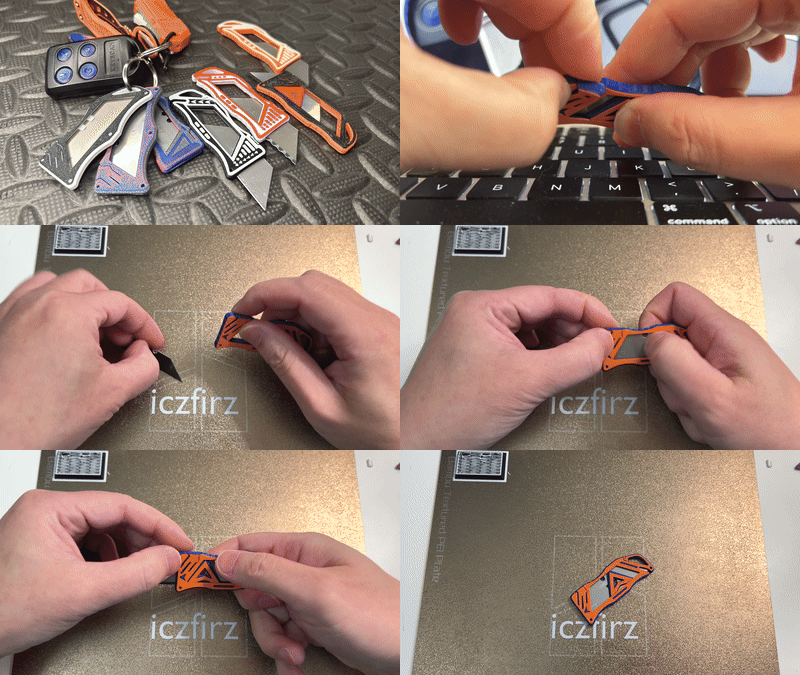



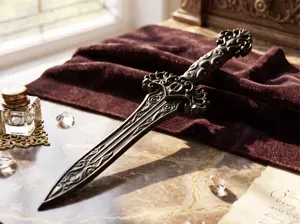
![Nasir the Unseen Blade [presupported]](https://cache.polyzon.org/api/img?url=https%3A%2F%2Fimages2.myminifactory.com%2Finsecure%2Frt%3Afill-down%2Fw%3A400%2Fh%3A400%2Fel%3A1%2Fplain%2Fhttps%3A%2F%2Fassets.myminifactory.com%2Fobject-images%2F643eed54e99233.89318618%2Fimages%2F720X720-character-render-2-1.jpg%40jpg&w=300)
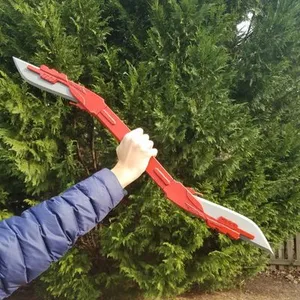

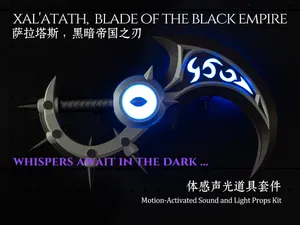


.jpg%40jpg&w=300)

Blade models differ mainly by blade count and by the class of craft they are drawn for. Two-, three- and four-blade props behave differently in the air, and ducted fan or turbine-style assemblies use a different hub and shroud than open props. Micro and whoop blades are small and light, while larger freestyle and cinematic quads use wider blades with thicker roots.
When choosing a model, read the author's notes on diameter, pitch, hub type and mounting pattern, then compare them with your motor shaft and frame. Check how many parts the file contains, whether the blades print as one piece or need assembly, and whether supports are required. Look at the material and settings the author lists, and at photos of real prints, since thin blade tips and hubs are where orientation and layer direction matter most.
To widen the search, try synonyms such as prop, propeller, rotor, triblade or whoop prop, and combine them with quad, drone, cinewhoop or micro. Related topics include motor mounts, propeller guards, blade balancers and storage or display stands for finished props. If a specific frame or motor is named in a listing, search for that name together with the blade term to find matching geometry.




El catálogo completo de temáticas, del hogar al CNC, con búsqueda en todas las plataformas conectadas.