
免费 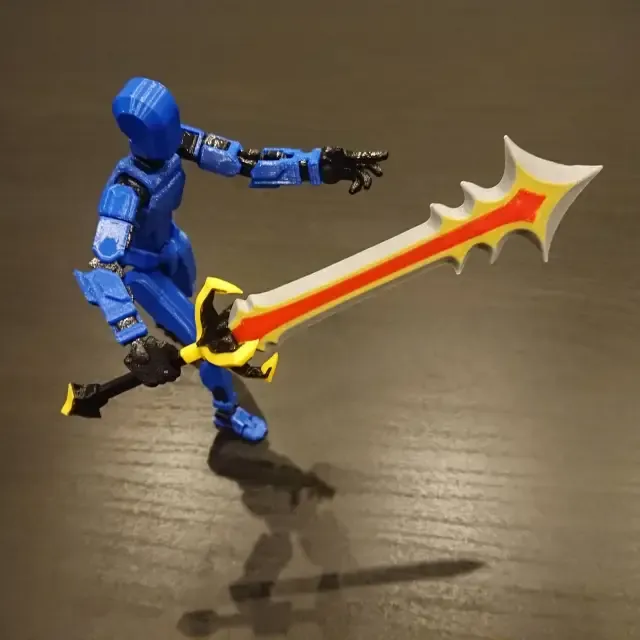
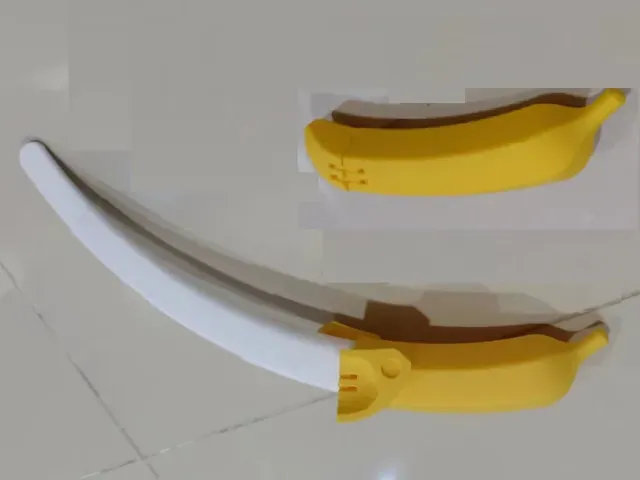
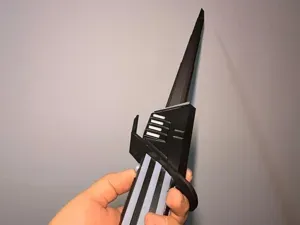
The Untamed Blade for Dummy 13
Creality Cloud
This collection gathers 3D models tied to FPV propeller blades: small props for micro and whoop quads, multi-blade rotors, and the balancing or mounting parts that go with them. It is useful when you want to print a replacement blade or experiment with a different blade count instead of buying a set. Every listing links to the author's page, where the geometry, dimensions and print notes for 3D printing are described. Polyzon does not confirm whether models are free, their price, license, official status, affiliation, safety or fitness. Check the current terms at the source.
本合集的文字为英文,搜索本身支持任何语言。
 Polyzon合集 · 48个模型 来自6个平台
此合集由Polyzon根据已接入平台的搜索结果整理而成:去除重复项和没有预览图的模型,匹配度低的排在最后,其余按搜索结果顺序排列。模型归作者所有——请在各模型页面查看使用条款。
筛选规则:Polyzon编辑部 · 文字更新于2026年10月11日


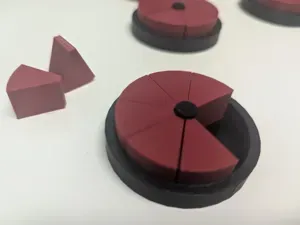
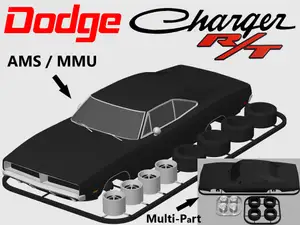

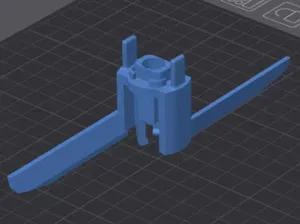
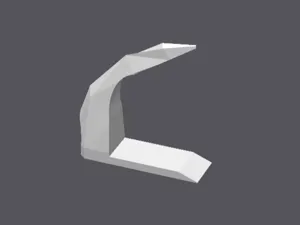





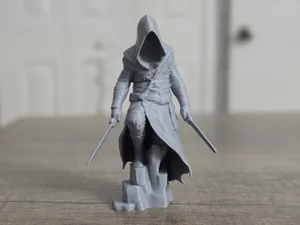
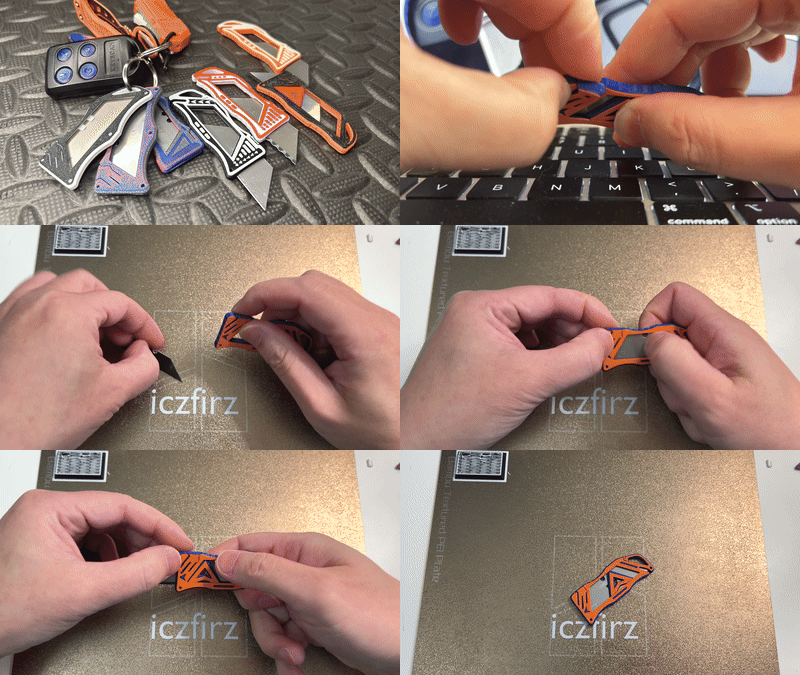

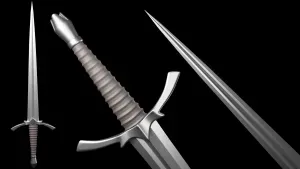
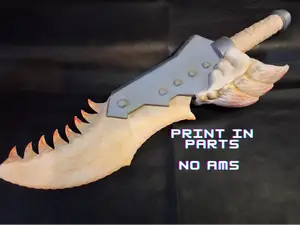


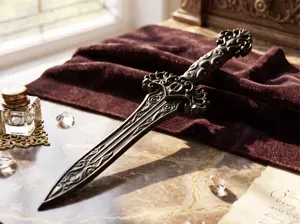
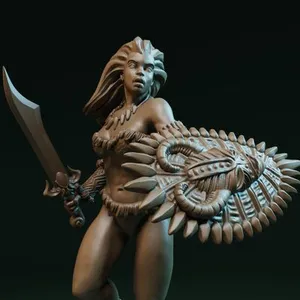
![Nasir the Unseen Blade [presupported]](https://cache.polyzon.org/api/img?url=https%3A%2F%2Fimages2.myminifactory.com%2Finsecure%2Frt%3Afill-down%2Fw%3A400%2Fh%3A400%2Fel%3A1%2Fplain%2Fhttps%3A%2F%2Fassets.myminifactory.com%2Fobject-images%2F643eed54e99233.89318618%2Fimages%2F720X720-character-render-2-1.jpg%40jpg&w=300)
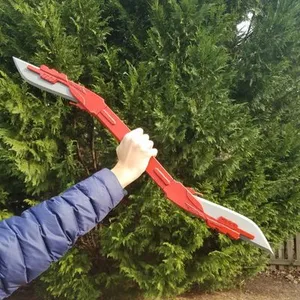



.jpg%40jpg&w=300)


Blade models differ mainly by blade count and by the class of craft they are drawn for. Two-, three- and four-blade props behave differently in the air, and ducted fan or turbine-style assemblies use a different hub and shroud than open props. Micro and whoop blades are small and light, while larger freestyle and cinematic quads use wider blades with thicker roots.
When choosing a model, read the author's notes on diameter, pitch, hub type and mounting pattern, then compare them with your motor shaft and frame. Check how many parts the file contains, whether the blades print as one piece or need assembly, and whether supports are required. Look at the material and settings the author lists, and at photos of real prints, since thin blade tips and hubs are where orientation and layer direction matter most.
To widen the search, try synonyms such as prop, propeller, rotor, triblade or whoop prop, and combine them with quad, drone, cinewhoop or micro. Related topics include motor mounts, propeller guards, blade balancers and storage or display stands for finished props. If a specific frame or motor is named in a listing, search for that name together with the blade term to find matching geometry.
完整的主题目录:从家居日用到CNC,均可在已接入的来源平台中搜索。