
Gratis 
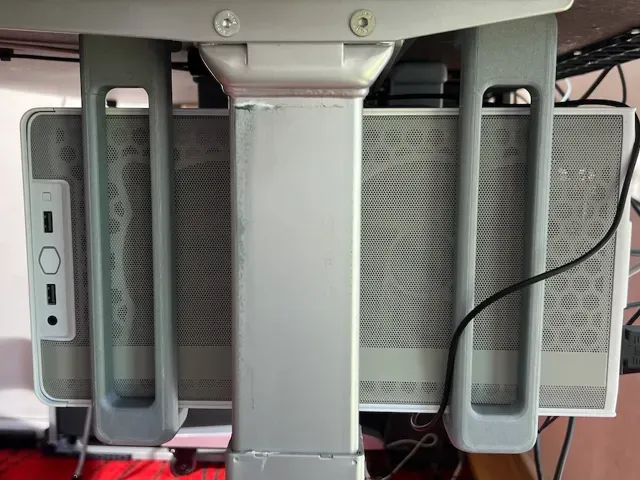
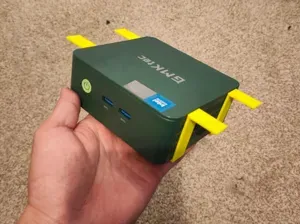
Vesa Thin PC Bracket
Thingiverse
This collection gathers 3D-printable brackets for PC builds: graphics card supports, fan adapters, drive mounts and holders that move a case under a desk or onto a wall. The parts differ in purpose, so dimensions and screw spacing matter more than the shape alone. It is a starting point for anyone searching for an STL file to fit a specific component. Polyzon does not confirm whether models are free, their price, license, official status, affiliation, safety or fitness. Check the current terms at the source.
Esta colección está escrita en inglés, pero la búsqueda funciona en cualquier idioma.
 Una colección de Polyzon · 48 modelos de 6 plataformas
Polyzon reúne esta colección a partir de los resultados de búsqueda de las plataformas conectadas. Se eliminan los duplicados y los modelos sin vista previa, las coincidencias débiles van al final y el resto mantiene el orden de la búsqueda. Los modelos pertenecen a sus autores: consulta las condiciones en la página de cada modelo.
Criterios de selección: el equipo editorial de Polyzon · Texto actualizado el 11/10/2026




%2Fhttps%3A%2F%2Ffbi.cults3d.com%2Fuploaders%2F16550045%2Fillustration-file%2Feefa65fb-cef3-4707-a5c0-f49d3fb8ad46%2FIMG-20200419-WA0006.jpg&w=300)


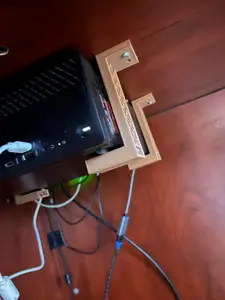

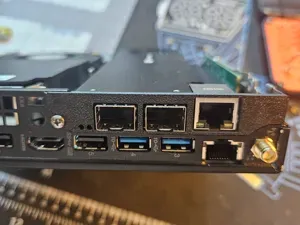



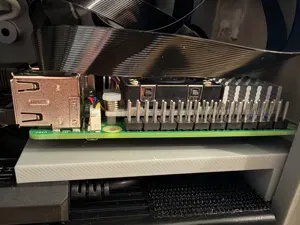

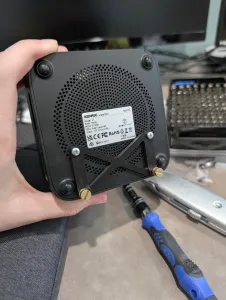
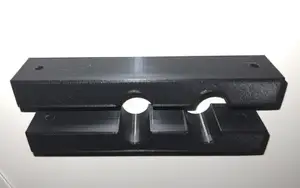
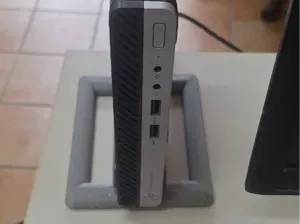
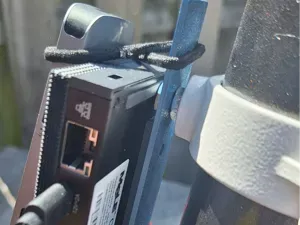

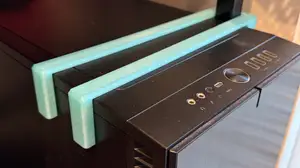
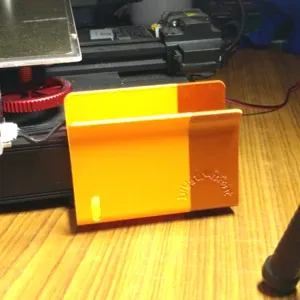
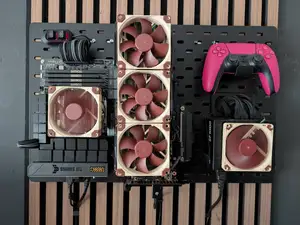
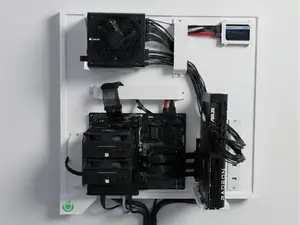

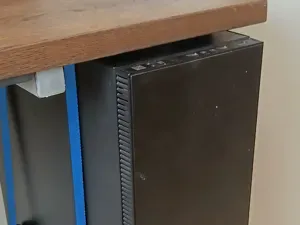
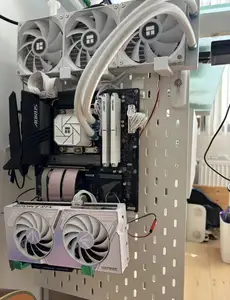
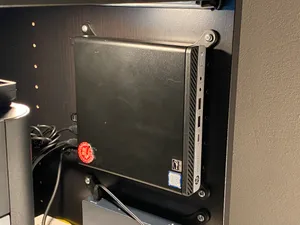
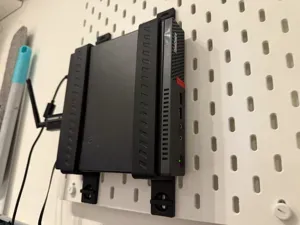


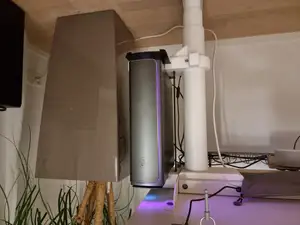

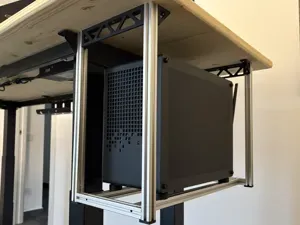


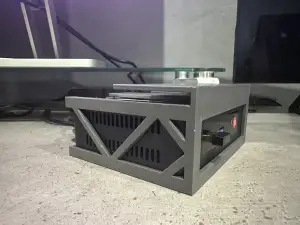
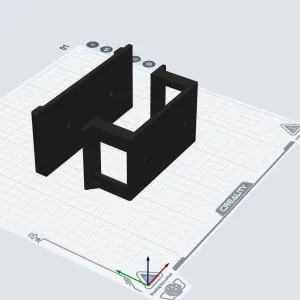
The models fall into a few groups. GPU supports and riser stands hold a graphics card in place or turn it vertically. Fan adapters change one mounting size into another, while drive brackets convert a bay from one form factor to another. Case and desk brackets relocate the whole machine, and smaller mounts carry hubs, single-board computers or power supplies.
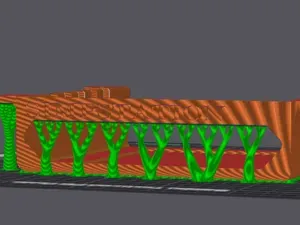
Before printing, read the author's page for the dimensions, screw hole spacing, part count and assembly order. Check whether the model needs supports, which material and settings the author lists, and look at photos of real prints to judge fit and finish. Brackets that sit near hot components deserve a material that tolerates case temperatures, since some filaments soften sooner than others.
Search results improve when you try synonyms: mount, holder, adapter, stand, riser or caddy often describe the same idea. Related terms such as GPU sag, fan shroud, drive bay, VESA, small form factor or watercooling lead to further brackets. Combining a component name with a size, like a fan diameter or bay width, narrows the list quickly.



El catálogo completo de temáticas, del hogar al CNC, con búsqueda en todas las plataformas conectadas.