
無料 
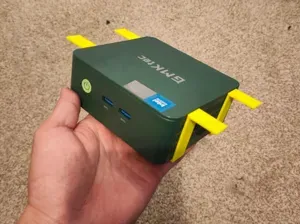
Vesa Thin PC Bracket
Thingiverse
This collection gathers 3D-printable brackets for PC builds: graphics card supports, fan adapters, drive mounts and holders that move a case under a desk or onto a wall. The parts differ in purpose, so dimensions and screw spacing matter more than the shape alone. It is a starting point for anyone searching for an STL file to fit a specific component. Polyzon does not confirm whether models are free, their price, license, official status, affiliation, safety or fitness. Check the current terms at the source.
このコレクションの本文は英語で書かれています。検索自体はどの言語でも使えます。
 Polyzonのコレクション · モデル48件 6サイトから収集
このコレクションは、Polyzonが対応サイトの検索結果をもとに作成しています。重複やプレビューのないモデルは除外し、関連性の低いものは後ろに回し、それ以外は検索結果の順に並べています。モデルの権利は各作者にあります。利用条件は各モデルのページでご確認ください。
選定基準:Polyzon編集部 · 本文の更新日:2026年10月11日




%2Fhttps%3A%2F%2Ffbi.cults3d.com%2Fuploaders%2F16550045%2Fillustration-file%2Feefa65fb-cef3-4707-a5c0-f49d3fb8ad46%2FIMG-20200419-WA0006.jpg&w=300)


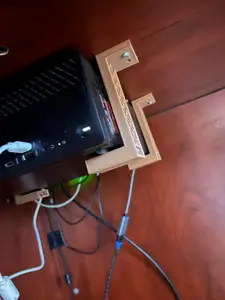

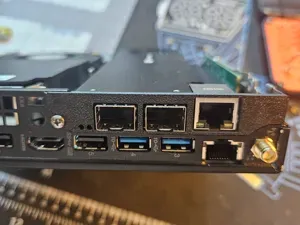



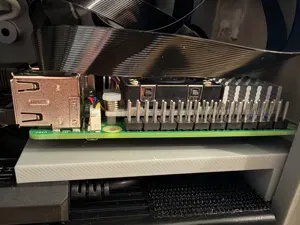

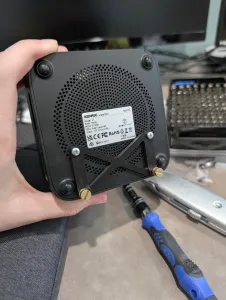
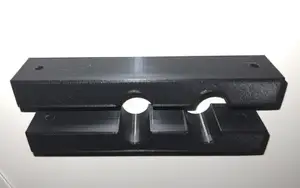
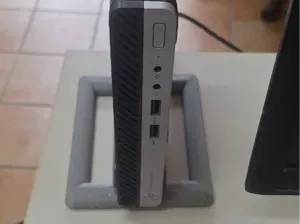
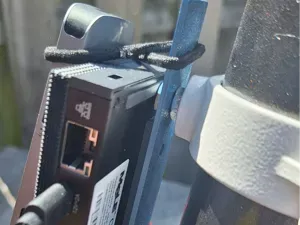

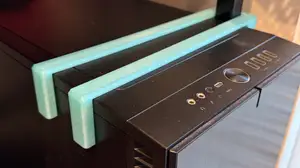
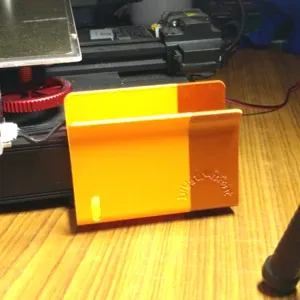
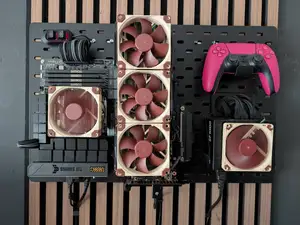
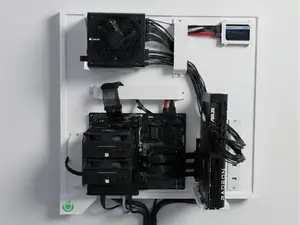

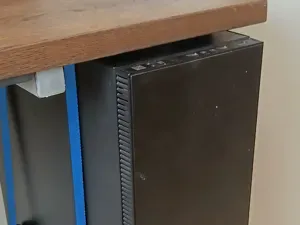
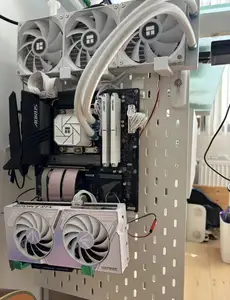
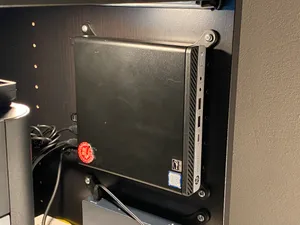
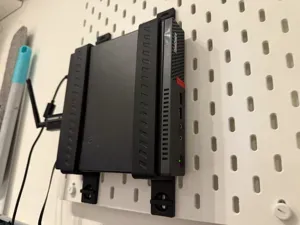


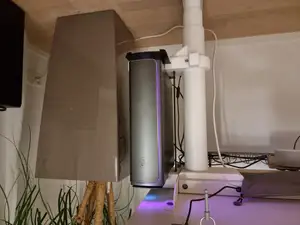

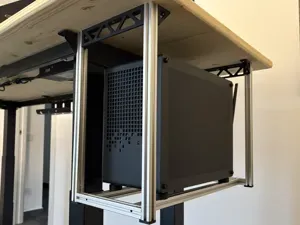


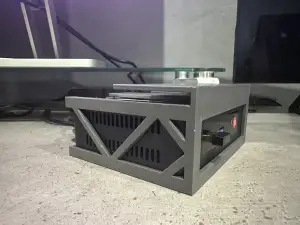
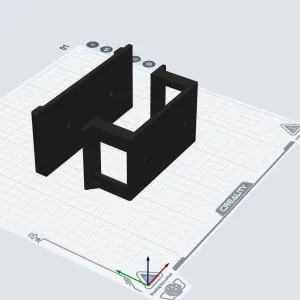
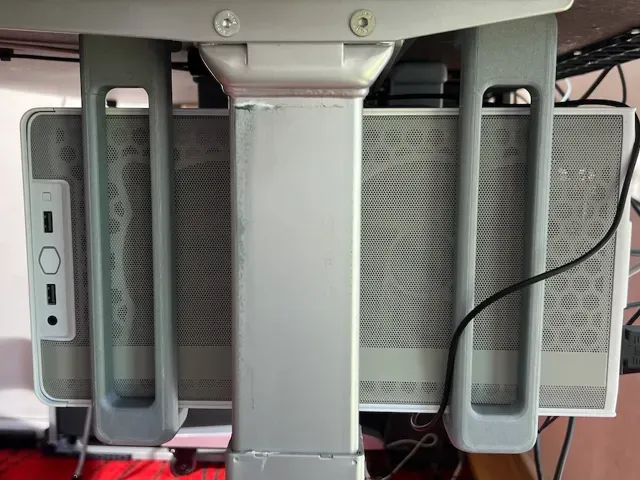
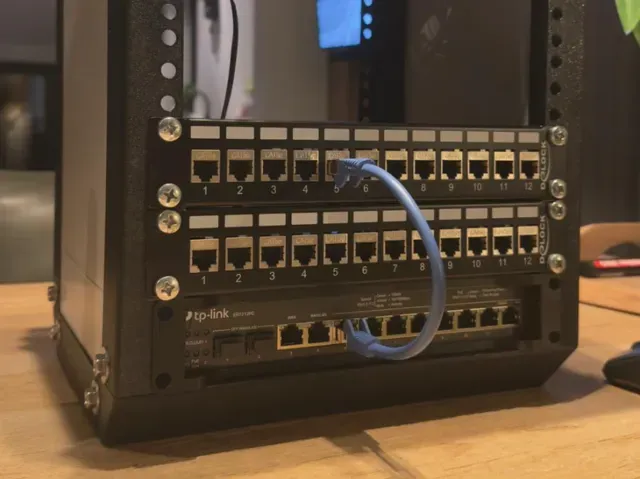
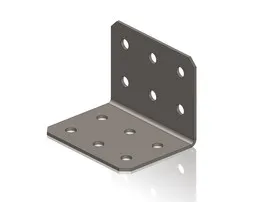
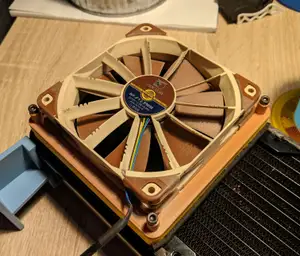
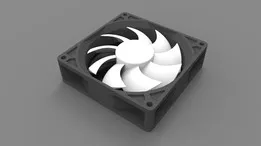
The models fall into a few groups. GPU supports and riser stands hold a graphics card in place or turn it vertically. Fan adapters change one mounting size into another, while drive brackets convert a bay from one form factor to another. Case and desk brackets relocate the whole machine, and smaller mounts carry hubs, single-board computers or power supplies.
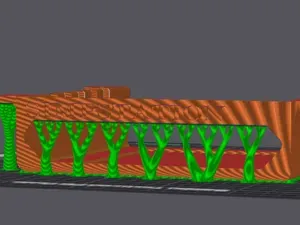
Before printing, read the author's page for the dimensions, screw hole spacing, part count and assembly order. Check whether the model needs supports, which material and settings the author lists, and look at photos of real prints to judge fit and finish. Brackets that sit near hot components deserve a material that tolerates case temperatures, since some filaments soften sooner than others.
Search results improve when you try synonyms: mount, holder, adapter, stand, riser or caddy often describe the same idea. Related terms such as GPU sag, fan shroud, drive bay, VESA, small form factor or watercooling lead to further brackets. Combining a component name with a size, like a fan diameter or bay width, narrows the list quickly.



暮らし・日用品からCNCまで、すべてのテーマをそろえたカタログ。対応サイトを横断して検索できます。