Gratis 
Raspberry Pi Pico W
Thingiverse
This collection gathers STL files built around the Raspberry Pi Pico W and the RP2040 board family. It covers printed enclosures, display mounts and small connected devices, so you can find a starting point for a 3D printing project. Polyzon does not confirm whether models are free, their price, license, official status, affiliation, safety or fitness. Check the current terms at the source.
Esta colección está escrita en inglés, pero la búsqueda funciona en cualquier idioma.
 Una colección de Polyzon · 47 modelos de 4 plataformas
Polyzon reúne esta colección a partir de los resultados de búsqueda de las plataformas conectadas. Se eliminan los duplicados y los modelos sin vista previa, las coincidencias débiles van al final y el resto mantiene el orden de la búsqueda. Los modelos pertenecen a sus autores: consulta las condiciones en la página de cada modelo.
Criterios de selección: el equipo editorial de Polyzon · Texto actualizado el 14/10/2026


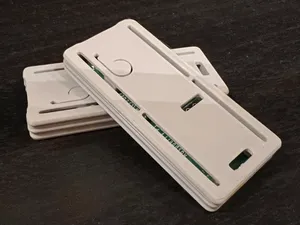
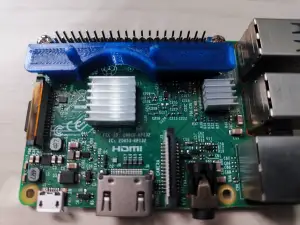

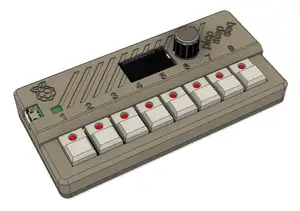
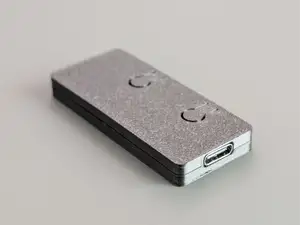
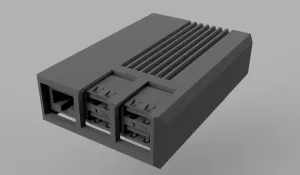

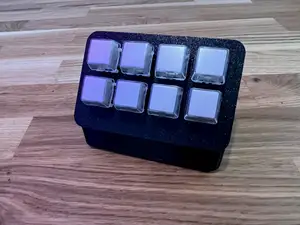
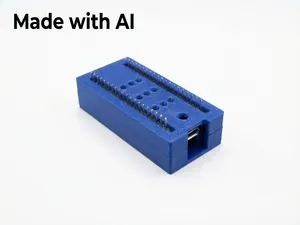
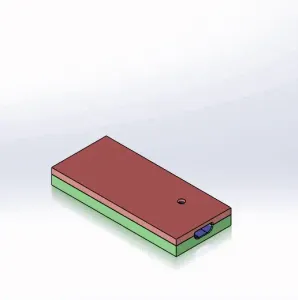


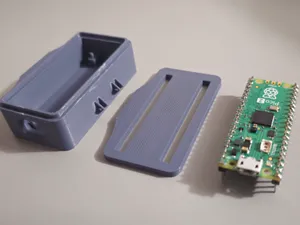
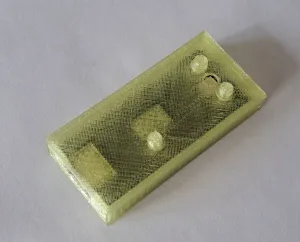

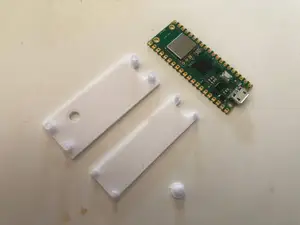
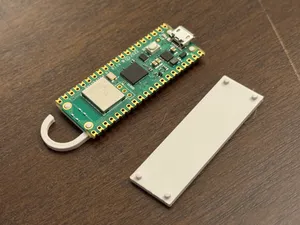
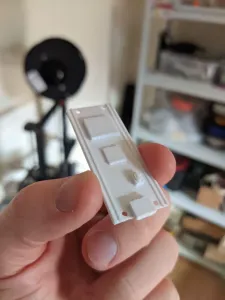

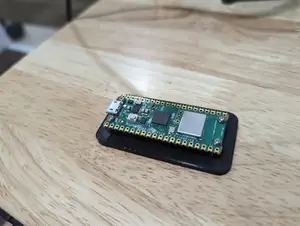

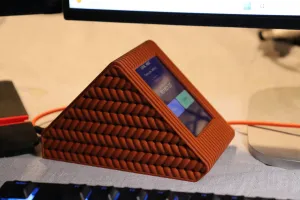

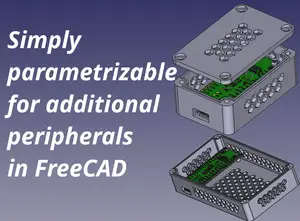
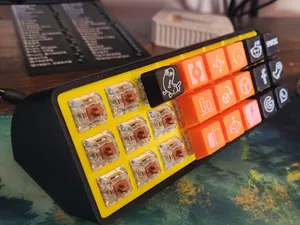
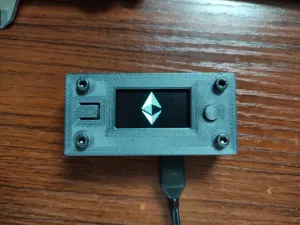


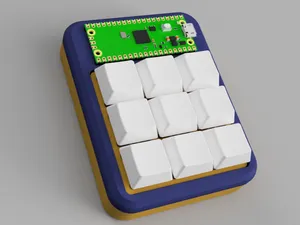

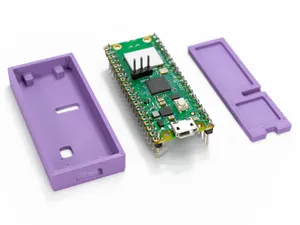
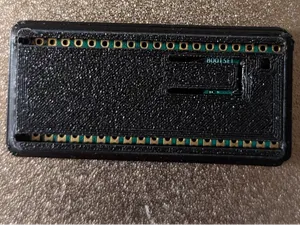
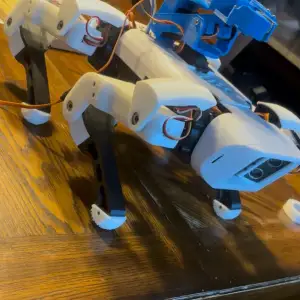

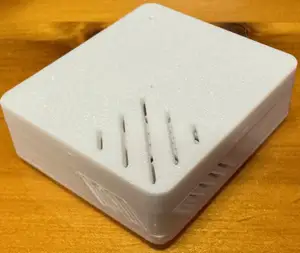
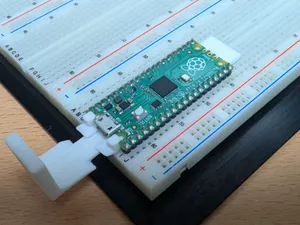
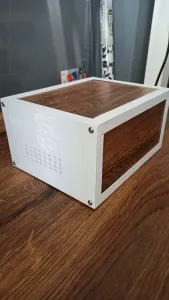


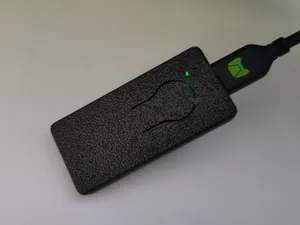
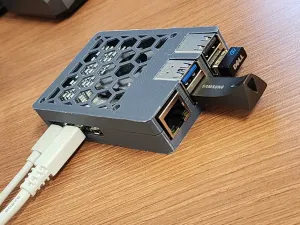
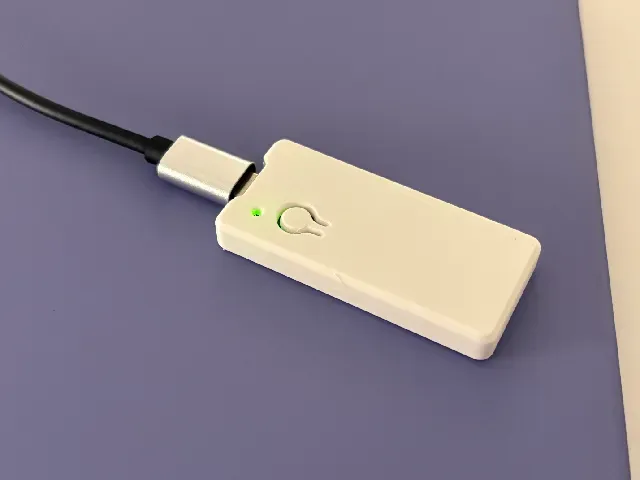
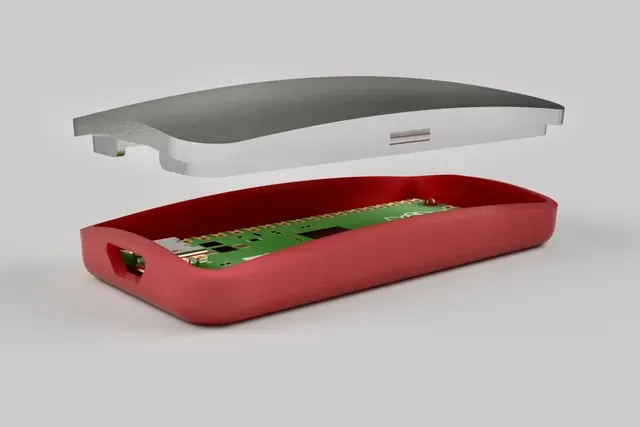
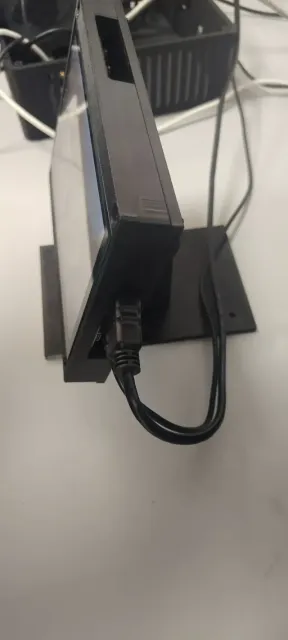
The most common items are enclosures: simple two-part shells, slim covers that leave the USB port accessible, and modular designs with room for extra boards. Alongside them are display mounts and stands for small screens, plus housings for clocks, weather displays and home-automation keypads. Some entries target the Pico and Pico W specifically, while others are written for the larger Raspberry Pi boards and their cooling hardware, so the board outline and port layout differ from one file to the next.
Before printing, open the author's page and read the listed dimensions: board variant, wall thickness, whether the lid is screwed, clipped or slid on, and how many separate parts need to be printed. Check whether the model expects supports, what layer height and material the author used, and how the USB or antenna area is handled. Photos of finished prints usually show the tolerances better than renders, and comments can reveal whether a case was adjusted for a later board revision.
If the results feel narrow, try related wording: RP2040, Pico 2, microcontroller, dev board, or the type of project you have in mind, such as enclosure, stand, bracket, panel mount or DIN rail. Searching by function rather than by board name often surfaces housings that were filed under a different title. Combining a board term with a use case, like sensor housing or display bezel, tends to return fewer but more relevant files.

El catálogo completo de temáticas, del hogar al CNC, con búsqueda en todas las plataformas conectadas.