無料 
Raspberry Pi Pico W
Thingiverse
This collection gathers STL files built around the Raspberry Pi Pico W and the RP2040 board family. It covers printed enclosures, display mounts and small connected devices, so you can find a starting point for a 3D printing project. Polyzon does not confirm whether models are free, their price, license, official status, affiliation, safety or fitness. Check the current terms at the source.
このコレクションの本文は英語で書かれています。検索自体はどの言語でも使えます。
 Polyzonのコレクション · モデル47件 4サイトから収集
このコレクションは、Polyzonが対応サイトの検索結果をもとに作成しています。重複やプレビューのないモデルは除外し、関連性の低いものは後ろに回し、それ以外は検索結果の順に並べています。モデルの権利は各作者にあります。利用条件は各モデルのページでご確認ください。
選定基準:Polyzon編集部 · 本文の更新日:2026年10月14日


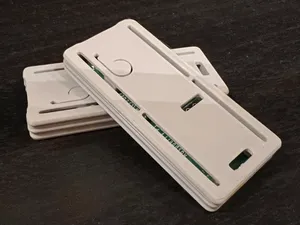
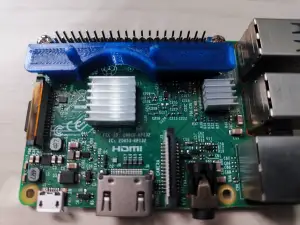

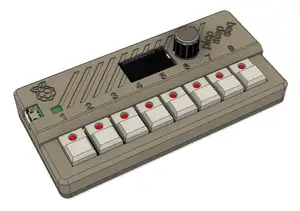
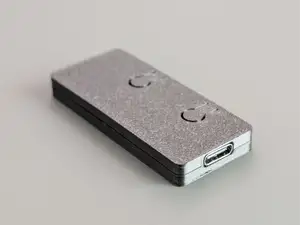
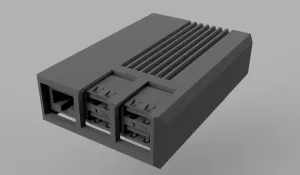

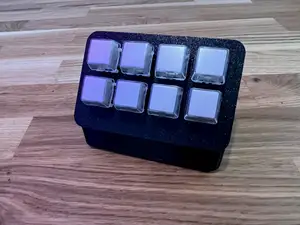
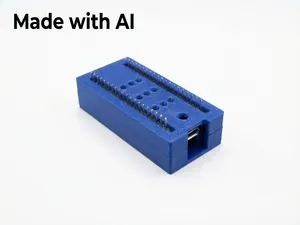
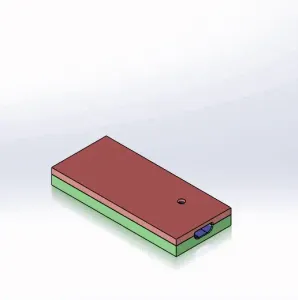


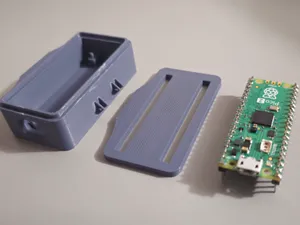
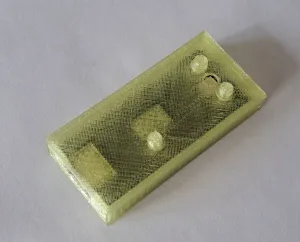

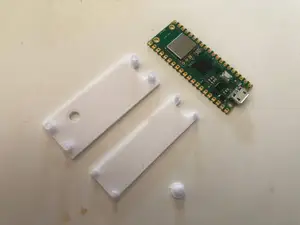
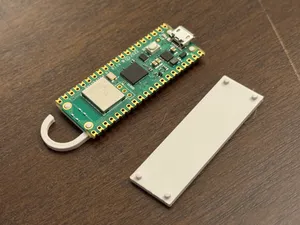
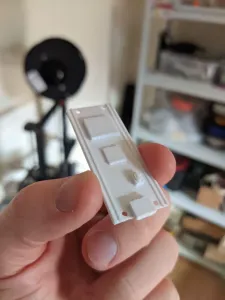

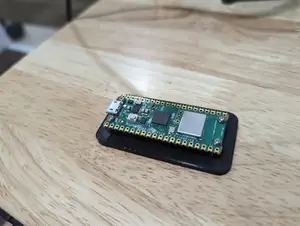

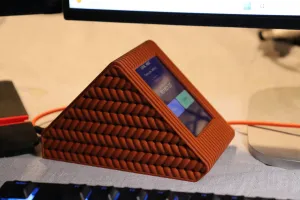

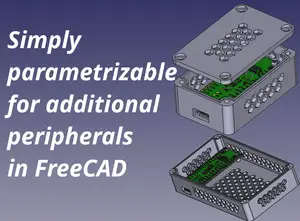
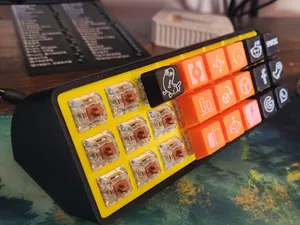
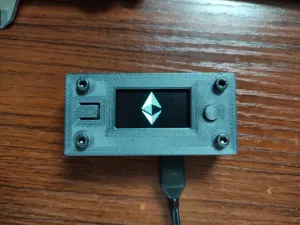


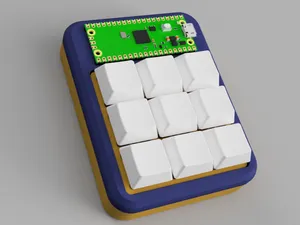

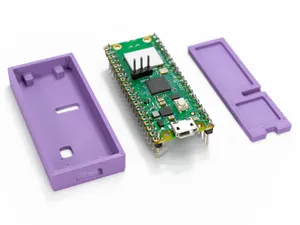
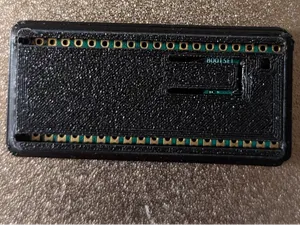
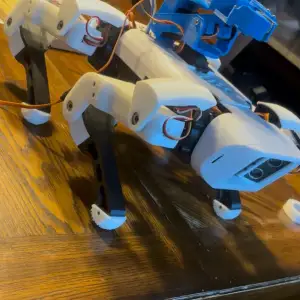

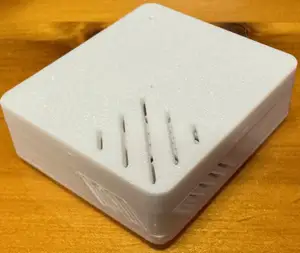
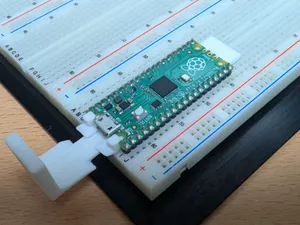
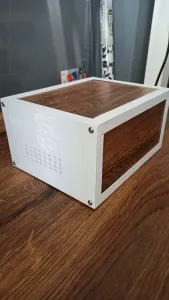


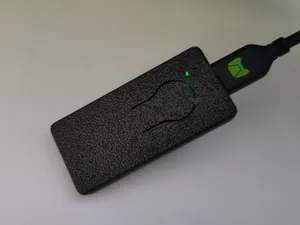
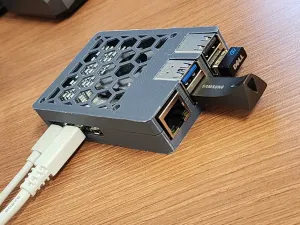
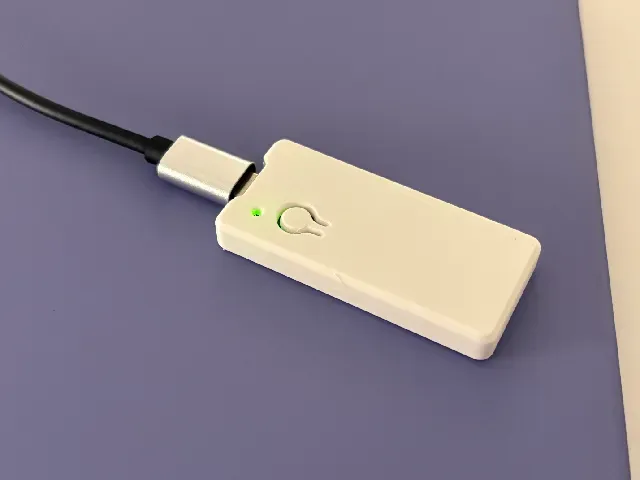
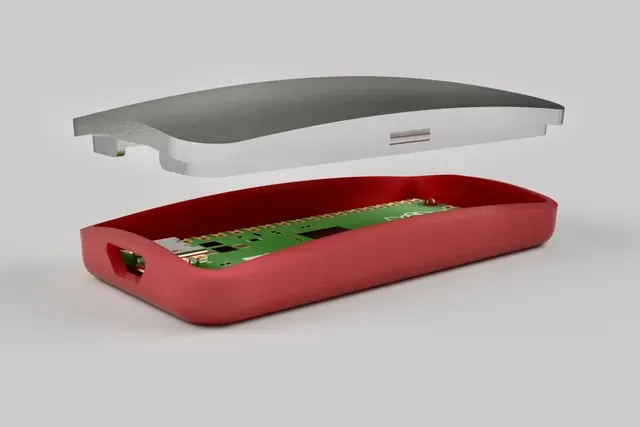
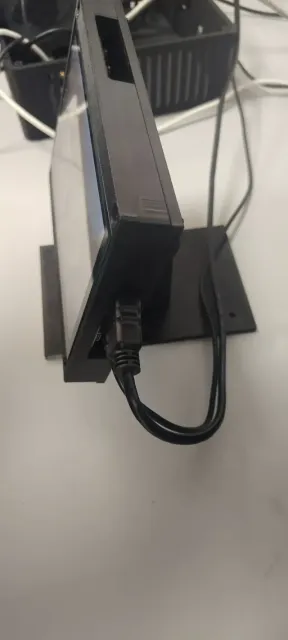
The most common items are enclosures: simple two-part shells, slim covers that leave the USB port accessible, and modular designs with room for extra boards. Alongside them are display mounts and stands for small screens, plus housings for clocks, weather displays and home-automation keypads. Some entries target the Pico and Pico W specifically, while others are written for the larger Raspberry Pi boards and their cooling hardware, so the board outline and port layout differ from one file to the next.
Before printing, open the author's page and read the listed dimensions: board variant, wall thickness, whether the lid is screwed, clipped or slid on, and how many separate parts need to be printed. Check whether the model expects supports, what layer height and material the author used, and how the USB or antenna area is handled. Photos of finished prints usually show the tolerances better than renders, and comments can reveal whether a case was adjusted for a later board revision.
If the results feel narrow, try related wording: RP2040, Pico 2, microcontroller, dev board, or the type of project you have in mind, such as enclosure, stand, bracket, panel mount or DIN rail. Searching by function rather than by board name often surfaces housings that were filed under a different title. Combining a board term with a use case, like sensor housing or display bezel, tends to return fewer but more relevant files.

暮らし・日用品からCNCまで、すべてのテーマをそろえたカタログ。対応サイトを横断して検索できます。