
Gratis 
Mario Bros Planter - Single/Dual Extrusion Minimal Planter
Thingiverse
This collection gathers 3D-printable holders for USB drives, SD cards and microSD cards, from flat desk trays to modular grid inserts. Most of them are small, flat-bottomed parts, so they print quickly on a common 3D printer. Use the list to compare slot layouts and mounting options before you pick an STL. Polyzon does not confirm whether models are free, their price, license, official status, affiliation, safety or fitness. Check the current terms at the source.
Esta colección está escrita en inglés, pero la búsqueda funciona en cualquier idioma.
 Una colección de Polyzon · 45 modelos de 3 plataformas
Polyzon reúne esta colección a partir de los resultados de búsqueda de las plataformas conectadas. Se eliminan los duplicados y los modelos sin vista previa, las coincidencias débiles van al final y el resto mantiene el orden de la búsqueda. Los modelos pertenecen a sus autores: consulta las condiciones en la página de cada modelo.
Criterios de selección: el equipo editorial de Polyzon · Texto actualizado el 14/10/2026

%2Fhttps%3A%2F%2Ffbi.cults3d.com%2Fuploaders%2F13338217%2Fillustration-file%2F4b45f8d4-91a7-4ccf-9680-c685226a8013%2Fb61872c0fd6321c86cdf81e845d5e8ab_preview_featured.jpg&w=300)

%2Fhttps%3A%2F%2Ffbi.cults3d.com%2Fuploaders%2F25995294%2Fillustration-file%2Fac40b599-2eaf-427f-a3c5-bf7ad9aedb3b%2F20201012_224004.jpg&w=300)

%2Fhttps%3A%2F%2Ffbi.cults3d.com%2Fuploaders%2F17353747%2Fillustration-file%2F1c19a4cb-fcec-49c8-8eec-eb39d8e8c465%2F9d4947ac8f85d4089b7234d674c5baec_preview_featured.jpg&w=300)

%2Fhttps%3A%2F%2Ffbi.cults3d.com%2Fuploaders%2F14164506%2Fillustration-file%2F6eddb343-0867-4a16-96de-51d1a21c125e%2F07436c0ab9cf0a8d576007d80828ce53_display_large.jpg&w=300)
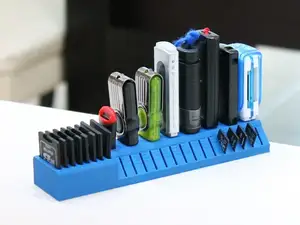

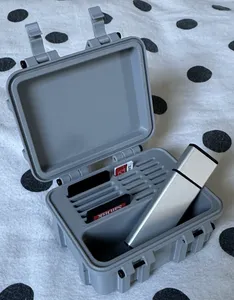

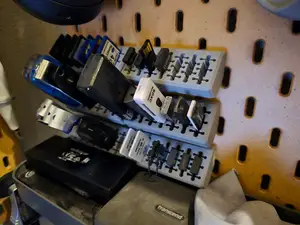

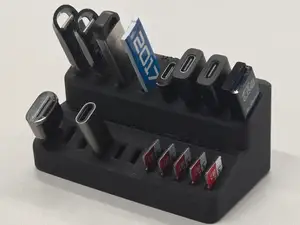

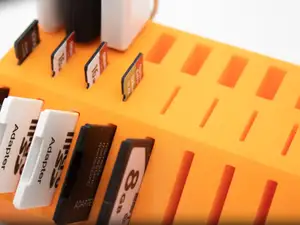

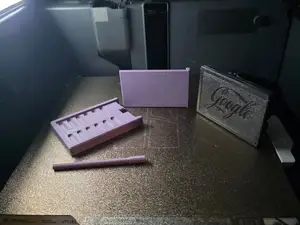
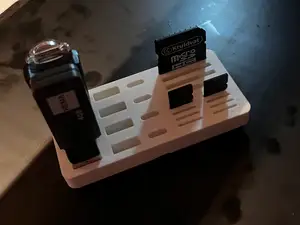
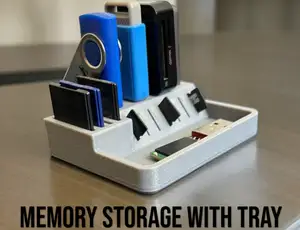


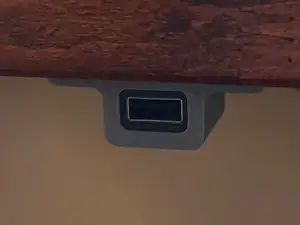

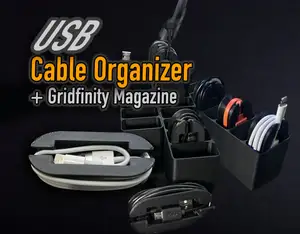

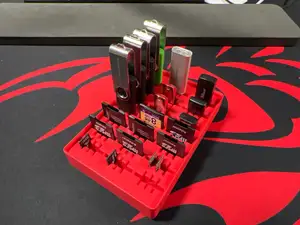

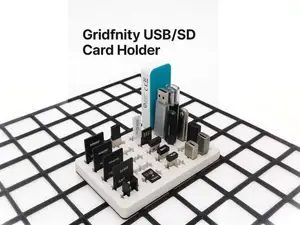

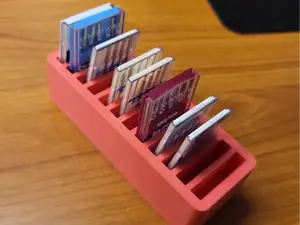
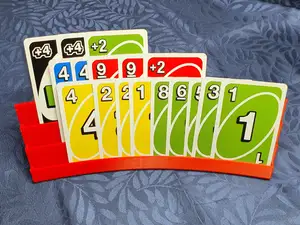

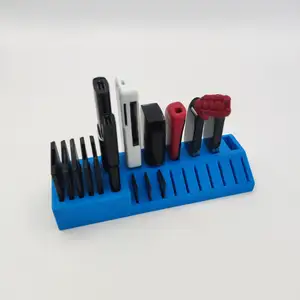


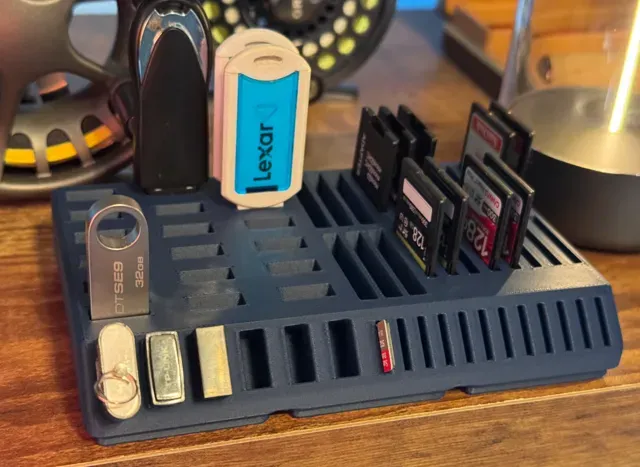
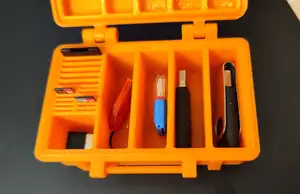
The models split into a few clear groups. Desk organizers combine several slot widths in one body so a full-size SD card, a microSD card and a USB stick each get their own place. Modular inserts are designed to drop into a grid system and can be repeated to fill a drawer. Wall and pegboard versions replace the flat base with a hook or bracket, which changes how the part is oriented during printing.
When choosing, look at the slot dimensions on the author's page rather than the pictures. Card thickness, stick width and the length of the connector housing decide whether a drive sits flush or sticks out. Check how many separate parts the model has, whether the author printed it with supports, and which material and layer height they list. Photos of real prints show whether the slots came out clean and how much clearance was left.
Print orientation matters more than usual here, because thin walls between slots are the weakest point. Laying the holder flat usually keeps the walls strong, while a vertical orientation can save supports but risks stringing inside narrow gaps. If the results are thin, search for related terms such as memory card tray, drive organizer, desk storage insert or drawer divider, and try the names of the card formats you actually use.
Grid-based storage systems, pegboard brackets and cable organizers are useful neighbouring searches when a plain card holder does not match your setup.


El catálogo completo de temáticas, del hogar al CNC, con búsqueda en todas las plataformas conectadas.
%2Fhttps%3A%2F%2Ffbi.cults3d.com%2Fuploaders%2F14545373%2Fillustration-file%2F07205ae6-4257-4440-bfaf-993bfa6f9e23%2Funtitled.419.jpg&w=640)