
Gratis 
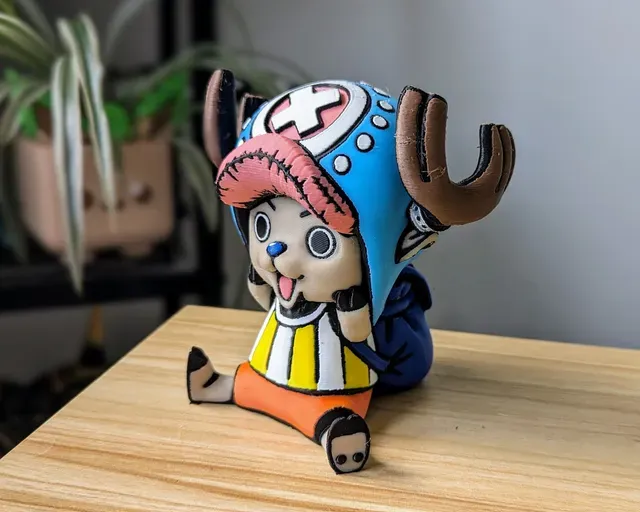
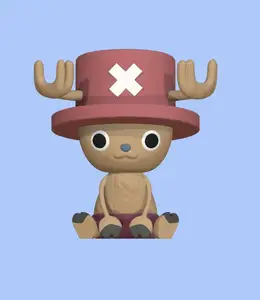
Fully 3D printable Chopper ( Multi Color )
Thingiverse
This collection gathers models built around color separation, multiple materials or several printed parts that come together into one object. It covers character figures, low-poly creatures, wall art and replacement parts for kitchen choppers. The listings are useful if you print with an STL workflow and want to plan color changes or assembly before you start. Polyzon does not confirm whether models are free, their price, license, official status, affiliation, safety or fitness. Check the current terms at the source.
Esta colección está escrita en inglés, pero la búsqueda funciona en cualquier idioma.
 Una colección de Polyzon · 47 modelos de 4 plataformas
Polyzon reúne esta colección a partir de los resultados de búsqueda de las plataformas conectadas. Se eliminan los duplicados y los modelos sin vista previa, las coincidencias débiles van al final y el resto mantiene el orden de la búsqueda. Los modelos pertenecen a sus autores: consulta las condiciones en la página de cada modelo.
Criterios de selección: el equipo editorial de Polyzon · Texto actualizado el 15/10/2026

%2Fhttps%3A%2F%2Ffbi.cults3d.com%2Fuploaders%2F5909433%2Fillustration-file%2F1aa6f3d4-c422-4312-8409-aad0515bdaaa%2FCapture%2520d%25E2%2580%2599e%25CC%2581cran%25202018-03-09%2520a%25CC%2580%252009.51.23.png&w=300)

%2Fhttps%3A%2F%2Ffbi.cults3d.com%2Fuploaders%2F4874761%2Fillustration-file%2F251bc004-ec95-4b0f-b6b8-447de713d97e%2Fpokemon_dual_squirtle.jpg&w=300)

%2Fhttps%3A%2F%2Ffbi.cults3d.com%2Fuploaders%2F2993031%2Fillustration-file%2Fac7508ae-c608-48f1-ab9b-41a7db9bfbce%2Fcats_and_boxes.jpg&w=300)

%2Fhttps%3A%2F%2Ffbi.cults3d.com%2Fuploaders%2F4874761%2Fillustration-file%2F9e13dbf5-36db-4571-826a-127c56a4cffd%2Fpokemon_dual_bulbasaur.jpg&w=300)

%2Fhttps%3A%2F%2Ffbi.cults3d.com%2Fuploaders%2F37216894%2Fillustration-file%2F9f386ee0-9858-452d-aa46-3b7bdcff6c1e%2Fimage00425.jpeg&w=300)
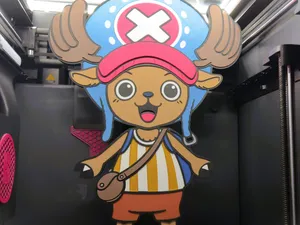

%2Fhttps%3A%2F%2Ffbi.cults3d.com%2Fuploaders%2F5909433%2Fillustration-file%2F2d632f8e-a7ac-4446-9ebd-97327f485c8b%2FCapture%2520d%25E2%2580%2599e%25CC%2581cran%25202018-02-27%2520a%25CC%2580%252009.52.22.png&w=300)
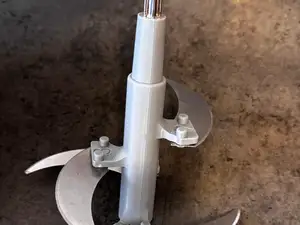
%2Fhttps%3A%2F%2Ffbi.cults3d.com%2Fuploaders%2F14158599%2Fillustration-file%2F99e3067b-6f2c-4c06-b7fa-392d130741db%2FIMG_20190701_090808.jpg&w=300)
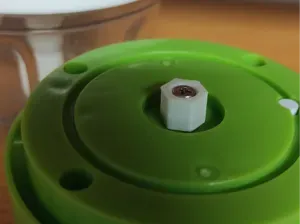

%2Fhttps%3A%2F%2Ffbi.cults3d.com%2Fuploaders%2F2141422%2Fillustration-file%2F7286d53b-4ba5-4ab6-9fef-9bf33d3da3db%2FCapture%2520d%25E2%2580%2599e%25CC%2581cran%25202017-12-06%2520a%25CC%2580%252017.01.47.png&w=300)

%2Fhttps%3A%2F%2Ffbi.cults3d.com%2Fuploaders%2F2993031%2Fillustration-file%2F9b8ac007-b3bf-4dd8-9c88-19a80538dc59%2Fsingle_extrusion1.jpg&w=300)
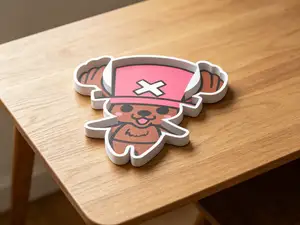

%2Fhttps%3A%2F%2Ffbi.cults3d.com%2Fuploaders%2F13074626%2Fillustration-file%2F4a55cdf4-2e35-4bb2-93d3-226f8cbe97f0%2FUntitled.jpg&w=300)


%2Fhttps%3A%2F%2Ffbi.cults3d.com%2Fuploaders%2F2141422%2Fillustration-file%2Fb62110de-8ee8-431c-a32e-bea2181a87c7%2FCapture%2520d%25E2%2580%2599e%25CC%2581cran%25202017-07-24%2520a%25CC%2580%252011.59.38.png&w=300)
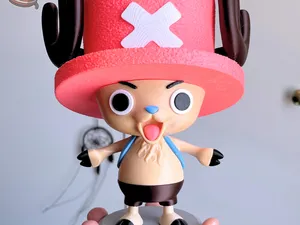

%2Fhttps%3A%2F%2Ffbi.cults3d.com%2Fuploaders%2F15764143%2Fillustration-file%2Ff8dfed45-dd4f-4207-81cc-94122f79d26a%2F8_b32e6649-55d0-4f7b-a72e-f0c955c51f49_480x480.gif&w=300)
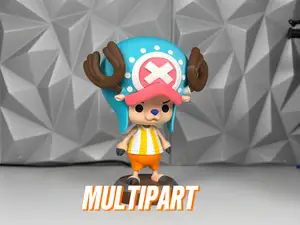

%2Fhttps%3A%2F%2Ffbi.cults3d.com%2Fuploaders%2F23852915%2Fillustration-file%2F90a3ed31-6a7b-4354-92f1-e039d0fc2da7%2FIMG_1116.jpeg&w=300)
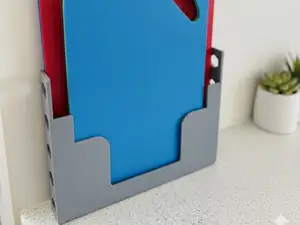

%2Fhttps%3A%2F%2Ffbi.cults3d.com%2Fuploaders%2F14558237%2Fillustration-file%2Fe7cca788-3a4c-4864-ad43-6fcd9c08c5cf%2F506890583_10229654356049392_1087329283680893759_n.jpg&w=300)

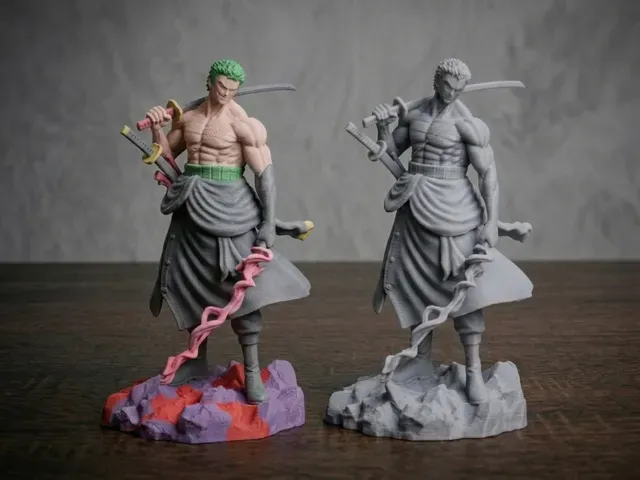
The clearest group is character figures, where a model is split into color zones or separate bodies so each part can be printed in a different filament. Low-poly creatures follow a similar idea but are usually built for dual-extrusion setups, with one version for a single nozzle and another for two. A third group is simply multi-part: the object is cut into pieces that are printed flat and joined afterwards, which is common for larger figures and for models that would otherwise need a lot of support.
When choosing, open the author's page and read how the parts are arranged. Check the number of pieces and whether the model is meant for one print or several, the scale and finished size, the wall thickness at joints, and whether the author lists supports, material and settings. For color versions, look at how the color zones are separated in the file and whether photos of real prints show the seams and the fit between parts.
Search terms shift depending on what you want. Try "multicolor", "multi material", "dual extrusion", "AMS" or "MMU" for color-separated files, and "multi part", "split" or "assembly" for models cut into pieces. Related searches include low-poly versions of the same subject, keychain or wall-art sizes, and spare parts for specific kitchen appliances.


El catálogo completo de temáticas, del hogar al CNC, con búsqueda en todas las plataformas conectadas.
%2Fhttps%3A%2F%2Ffbi.cults3d.com%2Fuploaders%2F5909433%2Fillustration-file%2Ffb5f2498-cb31-46c9-b2bc-27ec869e2c50%2FCapture%2520d%25E2%2580%2599e%25CC%2581cran%25202017-12-19%2520a%25CC%2580%252016.48.59.png&w=640)