Gratuit 
Propeller for model aircraft.
Thingiverse
The number 1070 turns up in two different worlds: graphics cards and the model numbers of projectors, tools and appliances. This collection gathers the STL files that go with them — backplates, brackets, adapters, stands and a few scale models. It is a starting point for anyone searching 3D printing files by a device number rather than by a product name. Polyzon does not confirm whether models are free, their price, license, official status, affiliation, safety or fitness. Check the current terms at the source.
Le texte de cette collection est rédigé en anglais ; la recherche, elle, fonctionne dans toutes les langues.
 Une collection Polyzon · 46 modèles sur 5 plateformes
Polyzon compose cette collection à partir des résultats de recherche des plateformes connectées. Les doublons et les modèles sans aperçu sont retirés, les correspondances faibles sont placées à la fin, et le reste suit l’ordre de la recherche. Les modèles appartiennent à leurs auteurs : consultez les conditions sur la page de chaque modèle.
Règles de sélection : la rédaction de Polyzon · Texte mis à jour le 13/10/2026
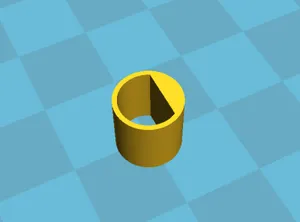
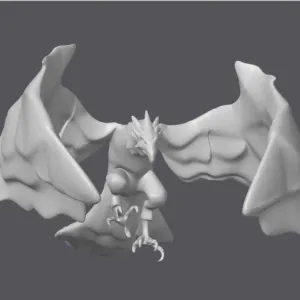

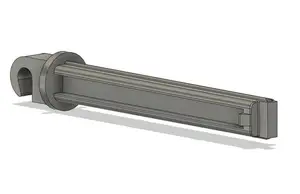
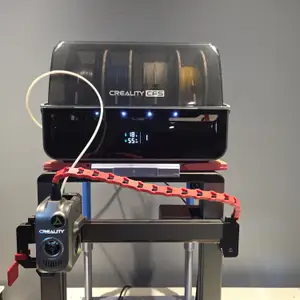


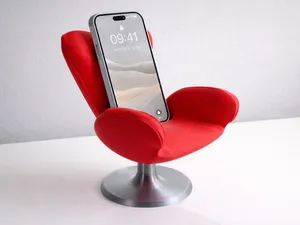
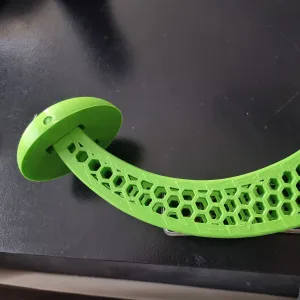
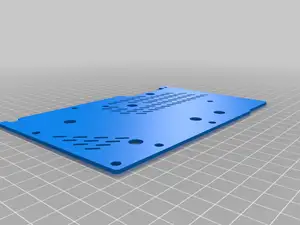
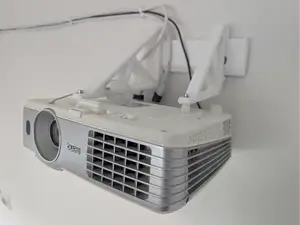
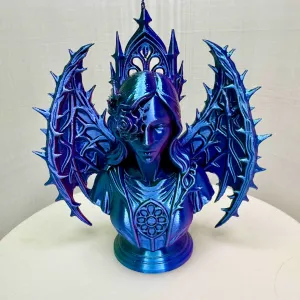
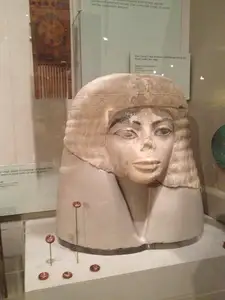
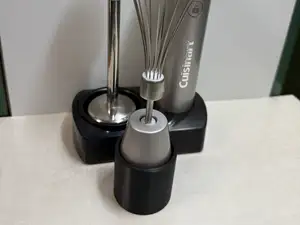
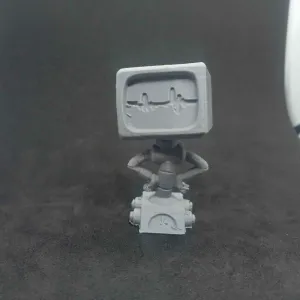

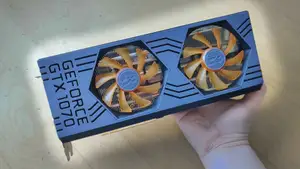
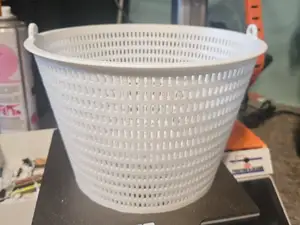
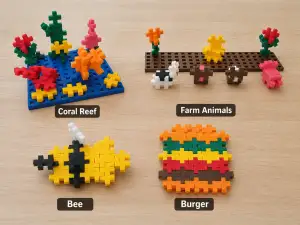

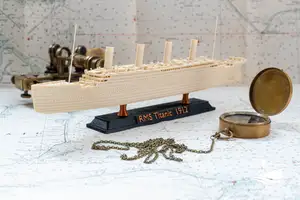
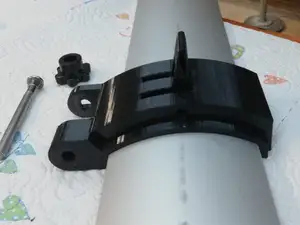


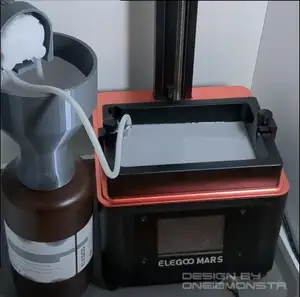
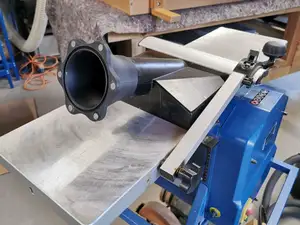
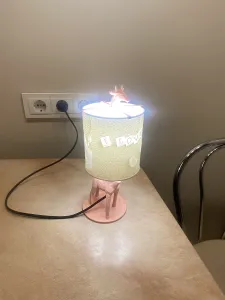

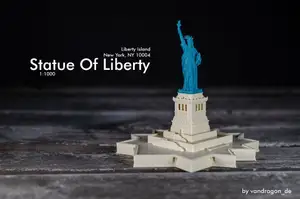
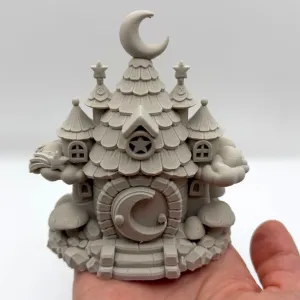

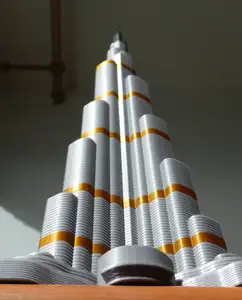
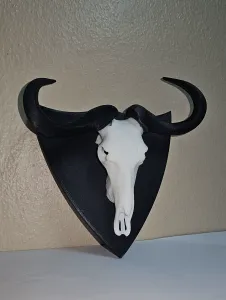


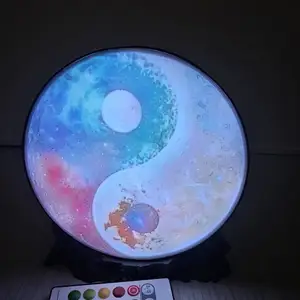




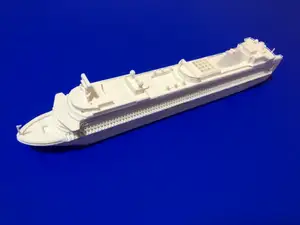
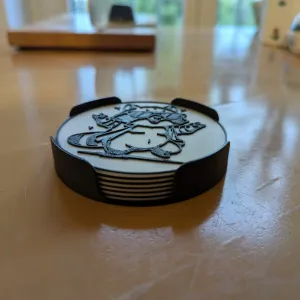
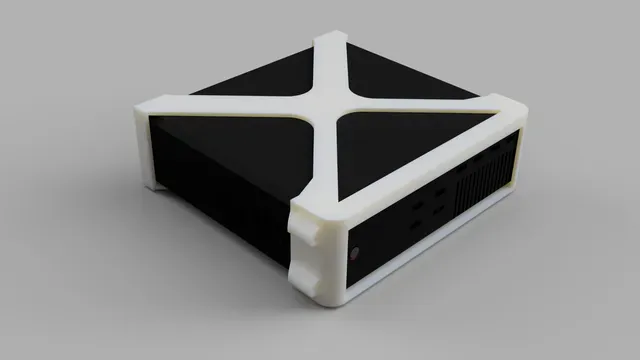
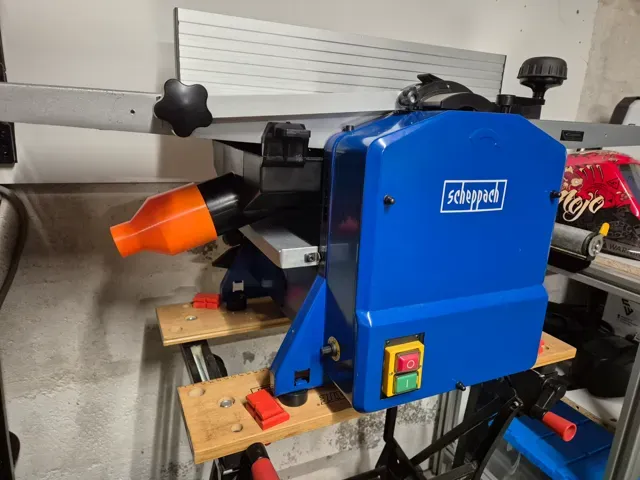
The results split into a few clear groups. One is hardware for graphics cards: backplates that cover the board, holders that keep a card in place, and wall or PCIe brackets for mounting a card outside a case. Another group is adapters and replacement parts for devices whose model number contains 1070, such as workshop machines and kitchen appliances. A third group is stands and mounts — projector brackets, helmet holders, small display stands — plus scale model kits and figures that share the same digits.
Before printing, open the author's model page and read what is listed there. For brackets and backplates, compare the screw hole spacing, the thickness of the card or device, and the overall dimensions with your own part. Check how many pieces the model has, whether it needs supports, and which material and settings the author used. Photos of real prints show how the part sits once assembled, which is often more useful than the render.
Searching by the number alone brings in unrelated results, so pair it with a function word: bracket, holder, stand, mount, adapter, backplate, spacer or clip. Adding a form factor helps too — mini, AMP, VESA, PCIe, wall — as does the type of device, such as projector, GPU or appliance. If a result is close but not exact, look at related topics like case accessories, desk mounts or replacement parts for the same brand family.
Scale models are a separate case: there the number usually belongs to a vehicle or kit designation, and the useful details are scale, part count and whether the model is split for printing. Display figures follow the same logic — check the size in millimetres and how the base and body are divided before starting a print.




Le catalogue complet des thèmes, de la maison à la CNC, avec une recherche sur tous les sites connectés.