免费 
Propeller for model aircraft.
Thingiverse
The number 1070 turns up in two different worlds: graphics cards and the model numbers of projectors, tools and appliances. This collection gathers the STL files that go with them — backplates, brackets, adapters, stands and a few scale models. It is a starting point for anyone searching 3D printing files by a device number rather than by a product name. Polyzon does not confirm whether models are free, their price, license, official status, affiliation, safety or fitness. Check the current terms at the source.
本合集的文字为英文,搜索本身支持任何语言。
 Polyzon合集 · 46个模型 来自5个平台
此合集由Polyzon根据已接入平台的搜索结果整理而成:去除重复项和没有预览图的模型,匹配度低的排在最后,其余按搜索结果顺序排列。模型归作者所有——请在各模型页面查看使用条款。
筛选规则:Polyzon编辑部 · 文字更新于2026年10月13日
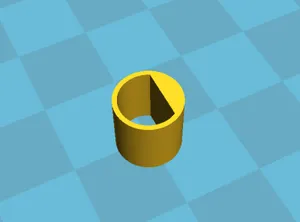
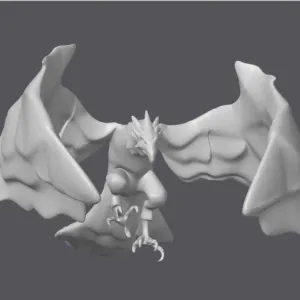

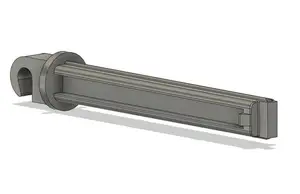
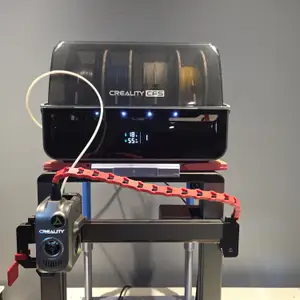


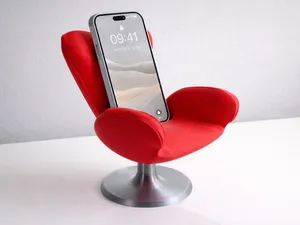
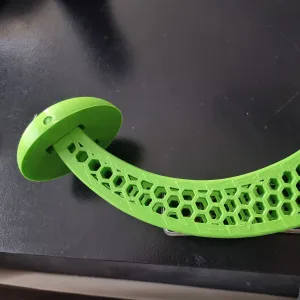
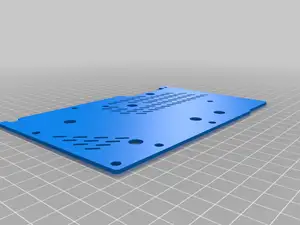
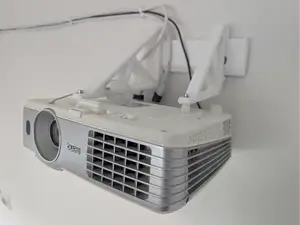
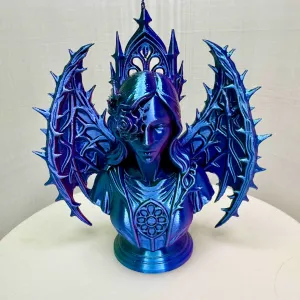
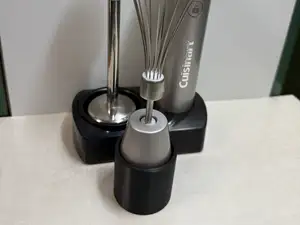
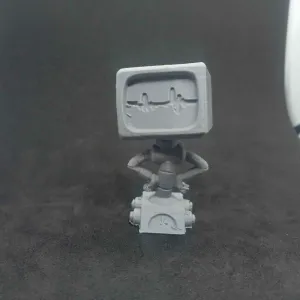

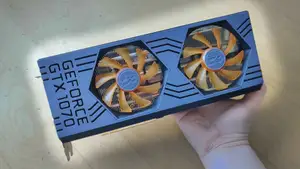
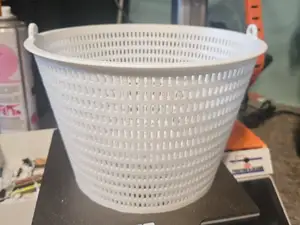
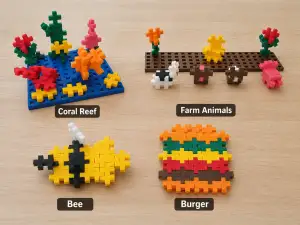

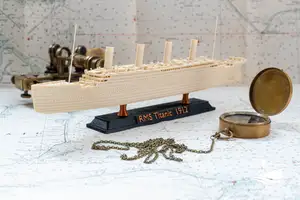
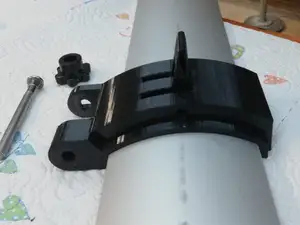
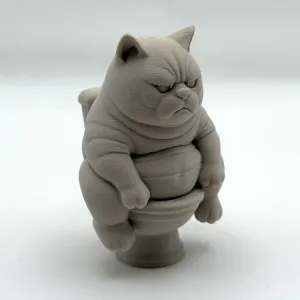

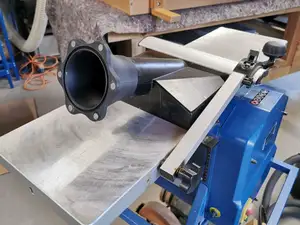
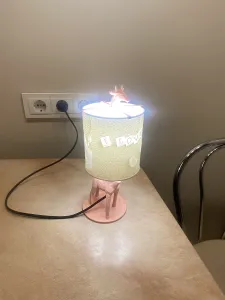

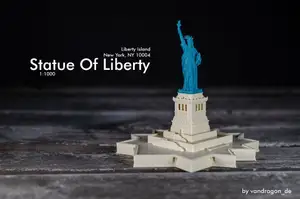
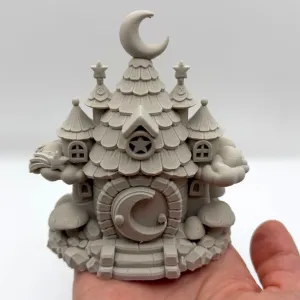

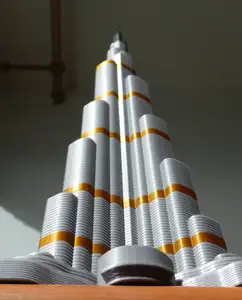
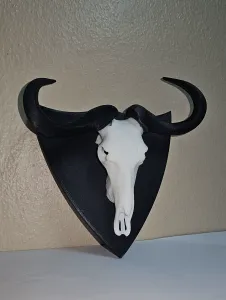


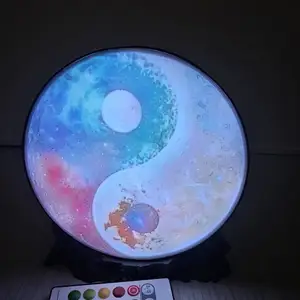




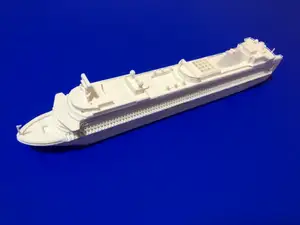
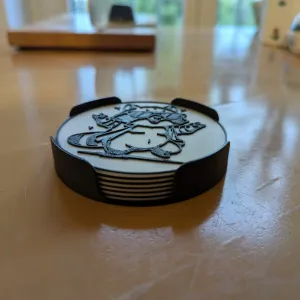
The results split into a few clear groups. One is hardware for graphics cards: backplates that cover the board, holders that keep a card in place, and wall or PCIe brackets for mounting a card outside a case. Another group is adapters and replacement parts for devices whose model number contains 1070, such as workshop machines and kitchen appliances. A third group is stands and mounts — projector brackets, helmet holders, small display stands — plus scale model kits and figures that share the same digits.
Before printing, open the author's model page and read what is listed there. For brackets and backplates, compare the screw hole spacing, the thickness of the card or device, and the overall dimensions with your own part. Check how many pieces the model has, whether it needs supports, and which material and settings the author used. Photos of real prints show how the part sits once assembled, which is often more useful than the render.
Searching by the number alone brings in unrelated results, so pair it with a function word: bracket, holder, stand, mount, adapter, backplate, spacer or clip. Adding a form factor helps too — mini, AMP, VESA, PCIe, wall — as does the type of device, such as projector, GPU or appliance. If a result is close but not exact, look at related topics like case accessories, desk mounts or replacement parts for the same brand family.
Scale models are a separate case: there the number usually belongs to a vehicle or kit designation, and the useful details are scale, part count and whether the model is split for printing. Display figures follow the same logic — check the size in millimetres and how the base and body are divided before starting a print.




完整的主题目录:从家居日用到CNC,均可在已接入的来源平台中搜索。