
Gratuit 
Bisel 2 DIN Universal
Thingiverse
This collection gathers several unrelated groups of models that share a similar spelling: kitchen slicers, oversized figures, keychains and small holders. It is useful when you are looking for a printable part by a rough name and want to see which directions the results actually go. Every entry is a 3D printing file you can open in a slicer and scale to your own needs. Polyzon does not confirm whether models are free, their price, license, official status, affiliation, safety or fitness. Check the current terms at the source.
Le texte de cette collection est rédigé en anglais ; la recherche, elle, fonctionne dans toutes les langues.
 Une collection Polyzon · 47 modèles sur 4 plateformes
Polyzon compose cette collection à partir des résultats de recherche des plateformes connectées. Les doublons et les modèles sans aperçu sont retirés, les correspondances faibles sont placées à la fin, et le reste suit l’ordre de la recherche. Les modèles appartiennent à leurs auteurs : consultez les conditions sur la page de chaque modèle.
Règles de sélection : la rédaction de Polyzon · Texte mis à jour le 15/10/2026




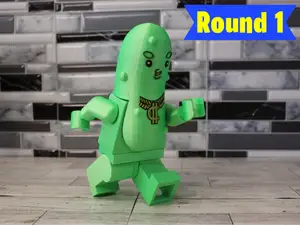

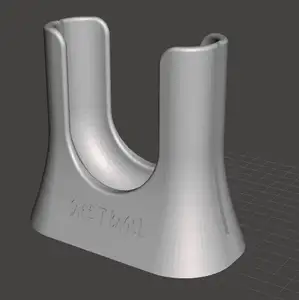
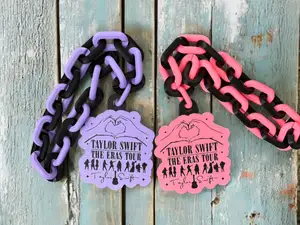

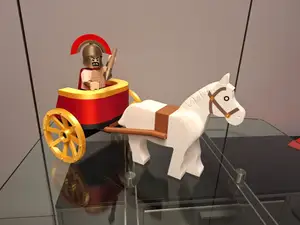


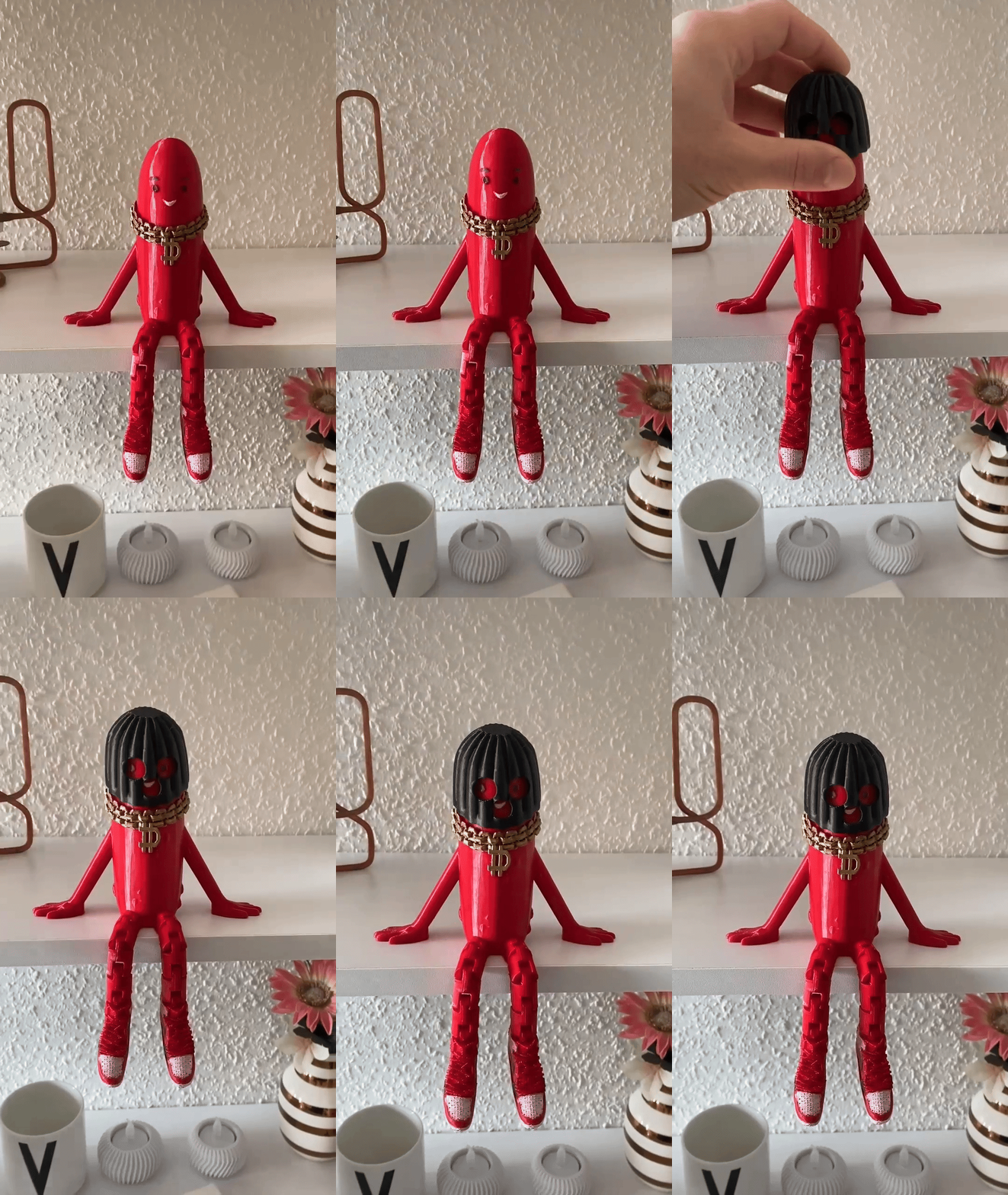





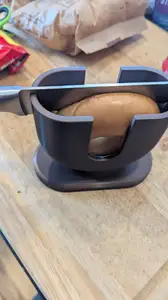
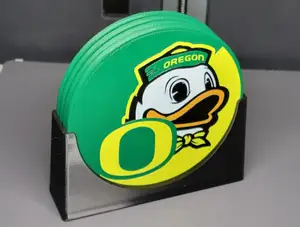

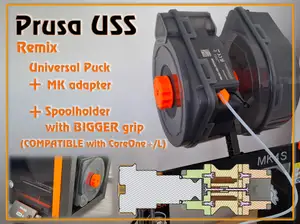




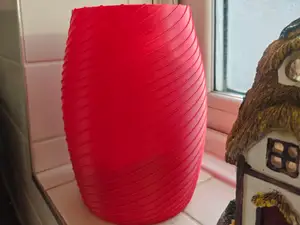


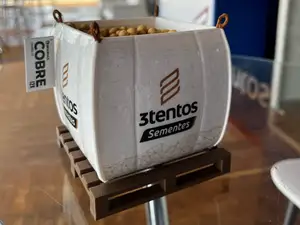


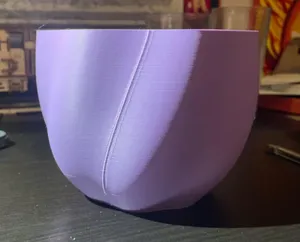




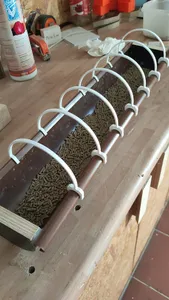
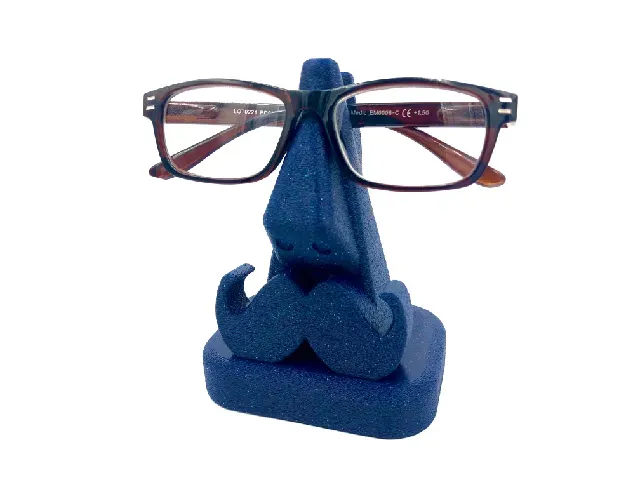
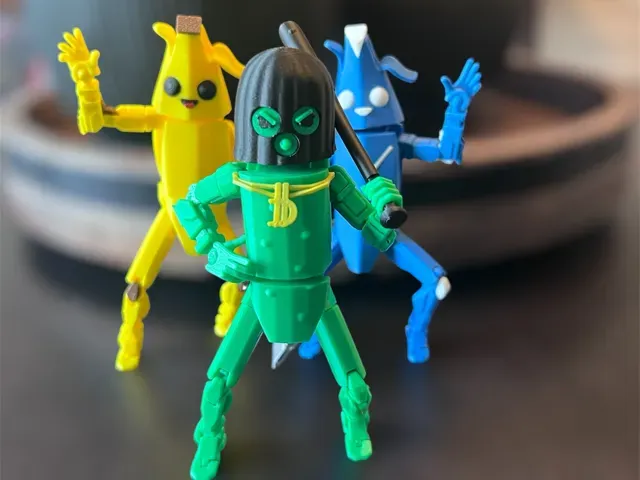
The strongest group is kitchen cutting aids: slicers and similar helpers built around a blade slot and a guide for the item being cut. A second group is oversized figures and articulated toys, often described as megafigs and split into many parts because of their size. Smaller items include name keychains, glasses holders and similar desk accessories, plus display bases and tabletop objective markers for painted miniatures.
When choosing a model, open the author's page and read the listed dimensions, part count and assembly notes before slicing. For cutting tools, check the blade slot width, wall thickness and which filament the author used, since food-contact parts are usually printed in a specific material. For large figures, compare the stated scale with your build volume and look at photos of real prints to judge how the parts join.
Refining the search helps more than scrolling: try alternate spellings of the same word, then add a function word such as slicer, keychain, holder, base or marker. Related terms like articulated figure, megafig, name plate or chassis protector lead to neighbouring results. If a term returns a mix of topics, narrow it with a material, a size word or the type of object you want.
For tabletop items, the useful details are base diameter, slot depth and whether the piece is meant to be painted or used as-is. Mechanical parts such as adapters, mounts and protective pads are usually described by the device they fit, so check the listed dimensions against your own hardware. In all cases, the author's notes and print photos tell you more than the title alone.


Le catalogue complet des thèmes, de la maison à la CNC, avec une recherche sur tous les sites connectés.
%2Fhttps%3A%2F%2Ffbi.cults3d.com%2Fuploaders%2F26809504%2Fillustration-file%2F673adeb6-62f9-4458-824c-c1f943081cae%2FDuckgle.163.gif&w=640)