%2Fhttps%3A%2F%2Ffbi.cults3d.com%2Fuploaders%2F43708341%2Fillustration-file%2F15ddcc5e-281e-4a70-9610-6a81d49ae0be%2F20250828_053625.jpg&w=640)
Gratuit 
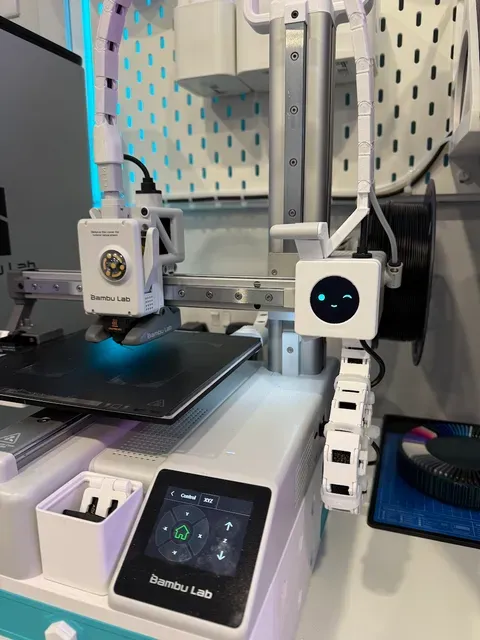
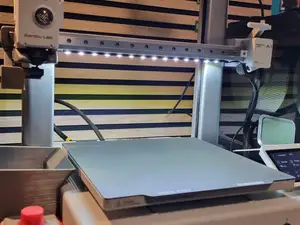
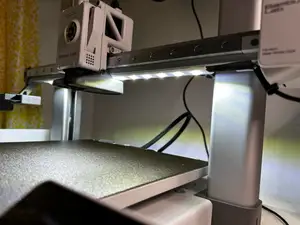
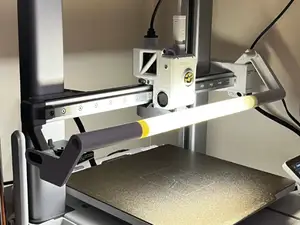
A1 Mini Light Defuser for BIQU Panda Lux LED Light Upgrade
Thingiverse
This collection gathers STL files for BIQU A1 accessories, from LED covers and screen mounts to cable guides and frame brackets. It helps you find parts that organize lighting, displays, and wiring on an A1-series 3D printer. Each listing points to the author's page, where the exact files and instructions live. Polyzon does not confirm whether models are free, their price, license, official status, affiliation, safety or fitness. Check the current terms at the source.
Le texte de cette collection est rédigé en anglais ; la recherche, elle, fonctionne dans toutes les langues.
 Une collection Polyzon · 27 modèles sur 4 plateformes
Polyzon compose cette collection à partir des résultats de recherche des plateformes connectées. Les doublons et les modèles sans aperçu sont retirés, les correspondances faibles sont placées à la fin, et le reste suit l’ordre de la recherche. Les modèles appartiennent à leurs auteurs : consultez les conditions sur la page de chaque modèle.
Règles de sélection : la rédaction de Polyzon · Texte mis à jour le 13/10/2026
%2Fhttps%3A%2F%2Ffbi.cults3d.com%2Fuploaders%2F43708341%2Fillustration-file%2F15ddcc5e-281e-4a70-9610-6a81d49ae0be%2F20250828_053625.jpg&w=300)

%2Fhttps%3A%2F%2Ffbi.cults3d.com%2Fuploaders%2F38533252%2Fillustration-file%2F1910ef49-5411-47bc-b3d3-32ae2f38a798%2FIMG_7501.jpg&w=300)

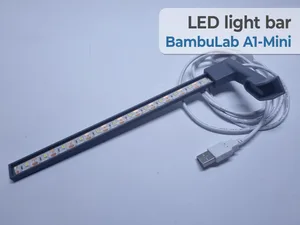
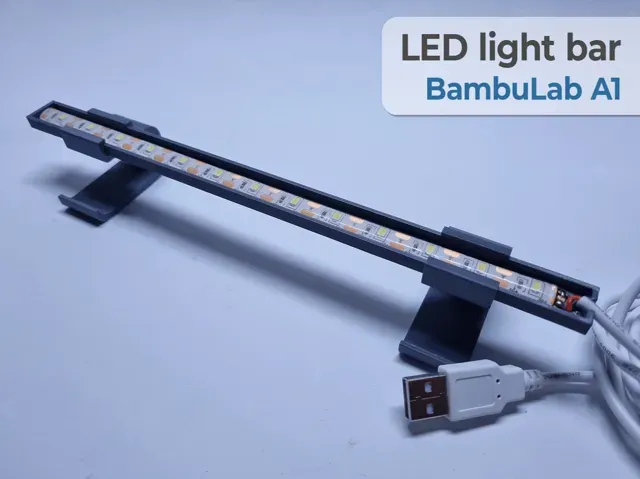
![A1 LED Light Bar [Plug-N-Play]](https://cache.polyzon.org/api/img?url=https%3A%2F%2Fmakerworld.bblmw.com%2Fmakerworld%2Fmodel%2FUS6911cadfacd785%2Fdesign%2F2024-10-19_3ad154786381b.jpg&w=300)
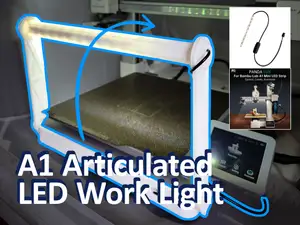
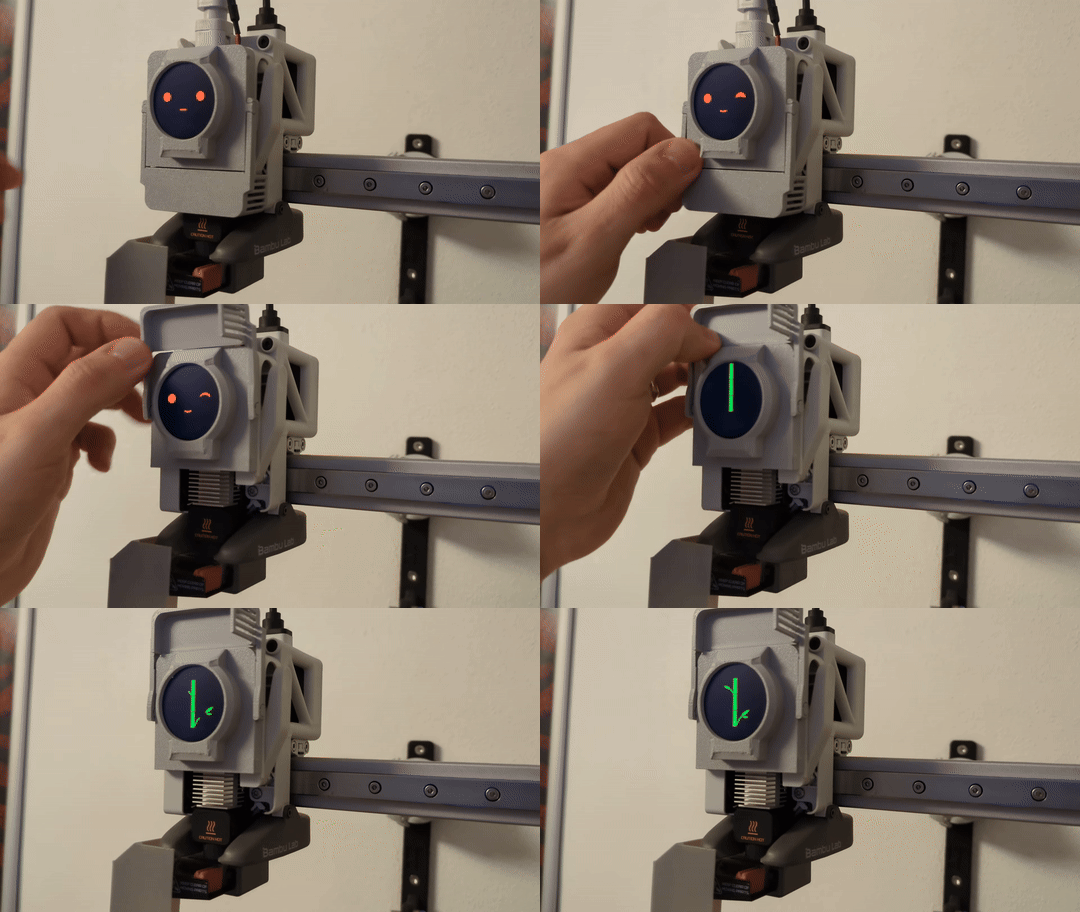
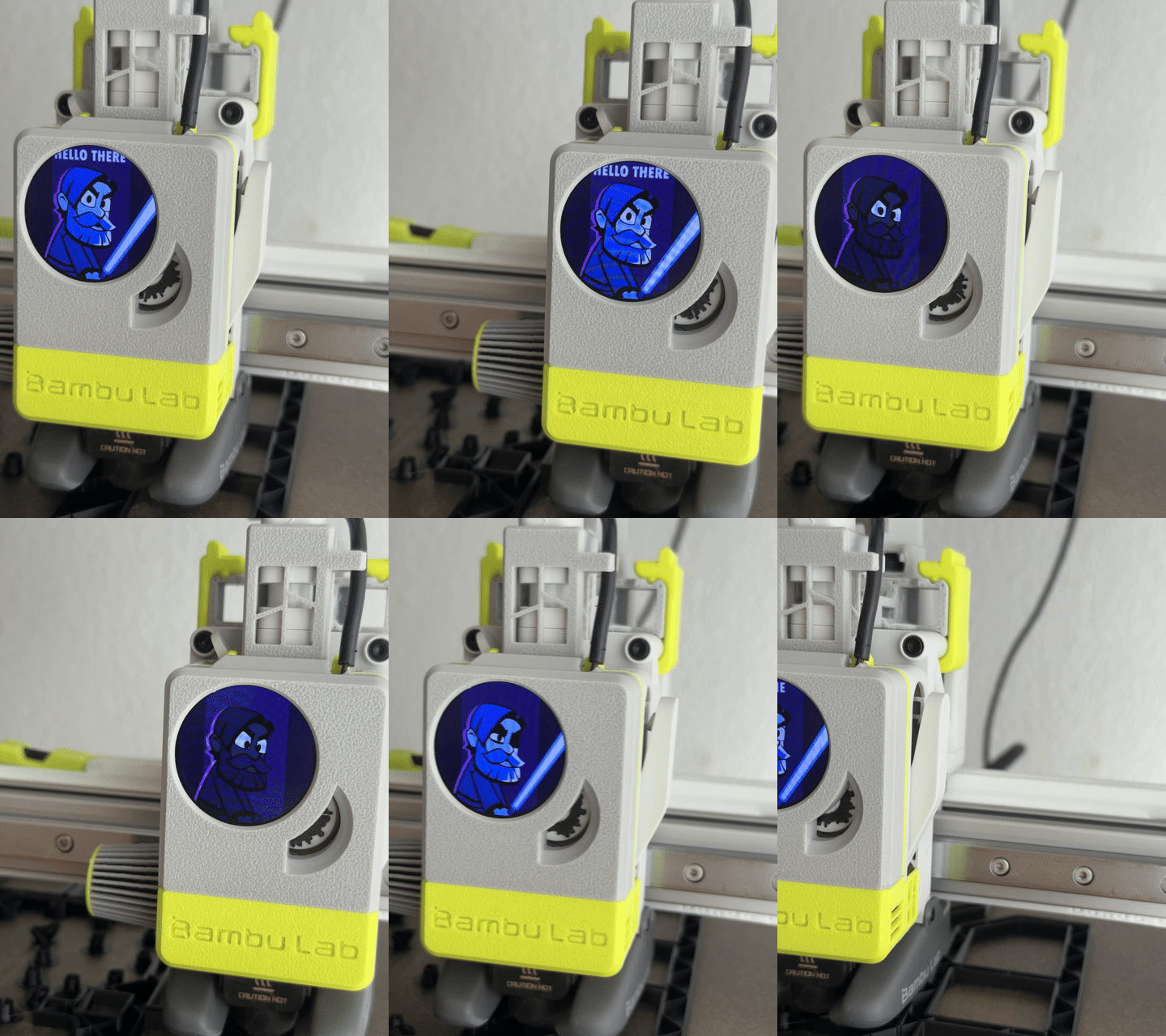
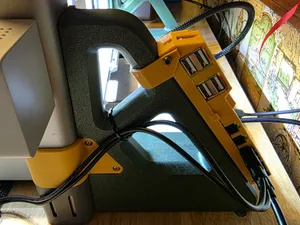
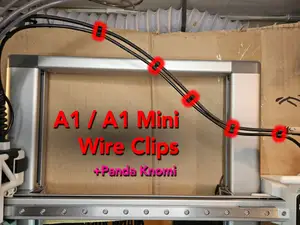
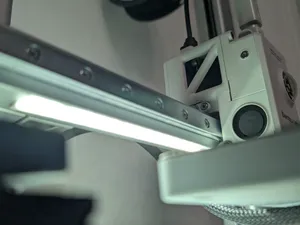
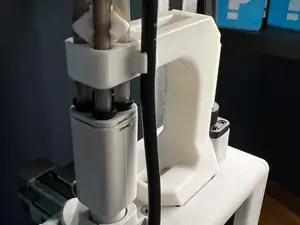
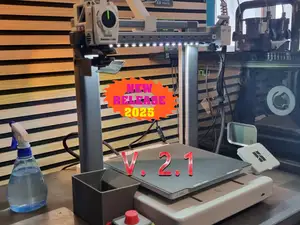
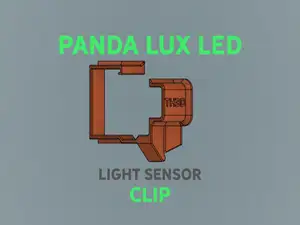
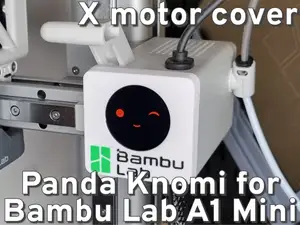
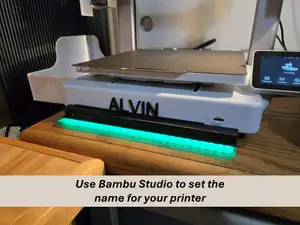
The models in this collection cover several accessory groups. Light-related parts include diffusers, covers, and bars that shape or redirect illumination. Screen-related parts include housings, covers, and swing mounts for small status displays. Cable and tube guides keep wiring and filament paths tidy, while brackets and stiffeners add mounting points for cameras, lights, or other add-ons.
When choosing a part, check the listed size and scale against your printer model and the space around the toolhead or frame. Look at the number of parts, how they assemble, and whether the author notes support requirements. Material and settings matter: some covers and brackets are designed for common filaments, while parts near heat may call for a different choice. Photos of real prints can show fit, clearances, and how visible the part will be.
To narrow the results, try synonyms and related terms such as light diffuser, LED cover, screen mount, cable clip, or stiffener bracket. Adding your printer series or the accessory type can separate parts for different machines. If a search is too broad, combine a function word with a mounting word, for example holder, bracket, cover, or guide. You can also browse related topics like printer upgrades, toolhead accessories, and cable management.

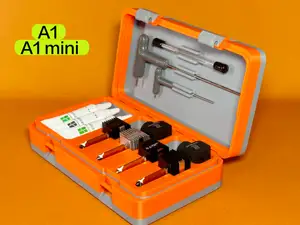


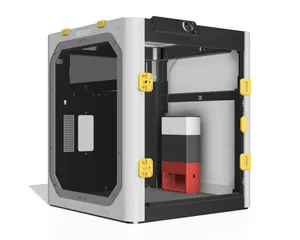
Le catalogue complet des thèmes, de la maison à la CNC, avec une recherche sur tous les sites connectés.
%2Fhttps%3A%2F%2Ffbi.cults3d.com%2Fuploaders%2F43708341%2Fillustration-file%2Fb39d3ea4-a6d5-4e07-94c3-f6ad5b4feb5f%2F20250815_192936.jpg&w=640)