%2Fhttps%3A%2F%2Ffbi.cults3d.com%2Fuploaders%2F43708341%2Fillustration-file%2F15ddcc5e-281e-4a70-9610-6a81d49ae0be%2F20250828_053625.jpg&w=640)
Grátis 
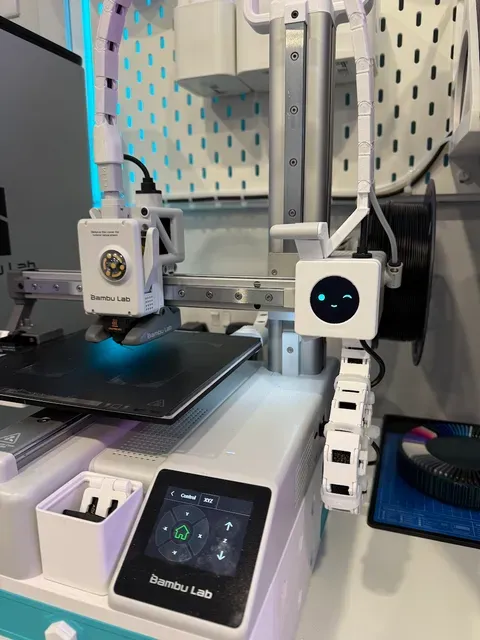
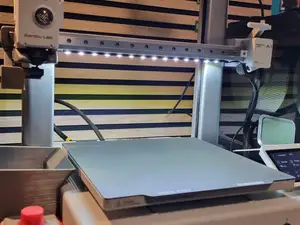
A1 Mini Light Defuser for BIQU Panda Lux LED Light Upgrade
Thingiverse
This collection gathers STL files for BIQU A1 accessories, from LED covers and screen mounts to cable guides and frame brackets. It helps you find parts that organize lighting, displays, and wiring on an A1-series 3D printer. Each listing points to the author's page, where the exact files and instructions live. Polyzon does not confirm whether models are free, their price, license, official status, affiliation, safety or fitness. Check the current terms at the source.
O texto desta coleção está em inglês; a busca funciona em qualquer idioma.
 Uma coleção do Polyzon · 27 modelos de 4 sites
O Polyzon monta esta coleção a partir dos resultados de busca dos sites conectados. Repetições e modelos sem prévia são removidos, correspondências fracas vão para o final e o restante segue a ordem da busca. Os modelos pertencem aos seus autores — confira os termos na página de cada modelo.
Regras de seleção: equipe editorial do Polyzon · Texto atualizado em 13/10/2026
%2Fhttps%3A%2F%2Ffbi.cults3d.com%2Fuploaders%2F43708341%2Fillustration-file%2F15ddcc5e-281e-4a70-9610-6a81d49ae0be%2F20250828_053625.jpg&w=300)

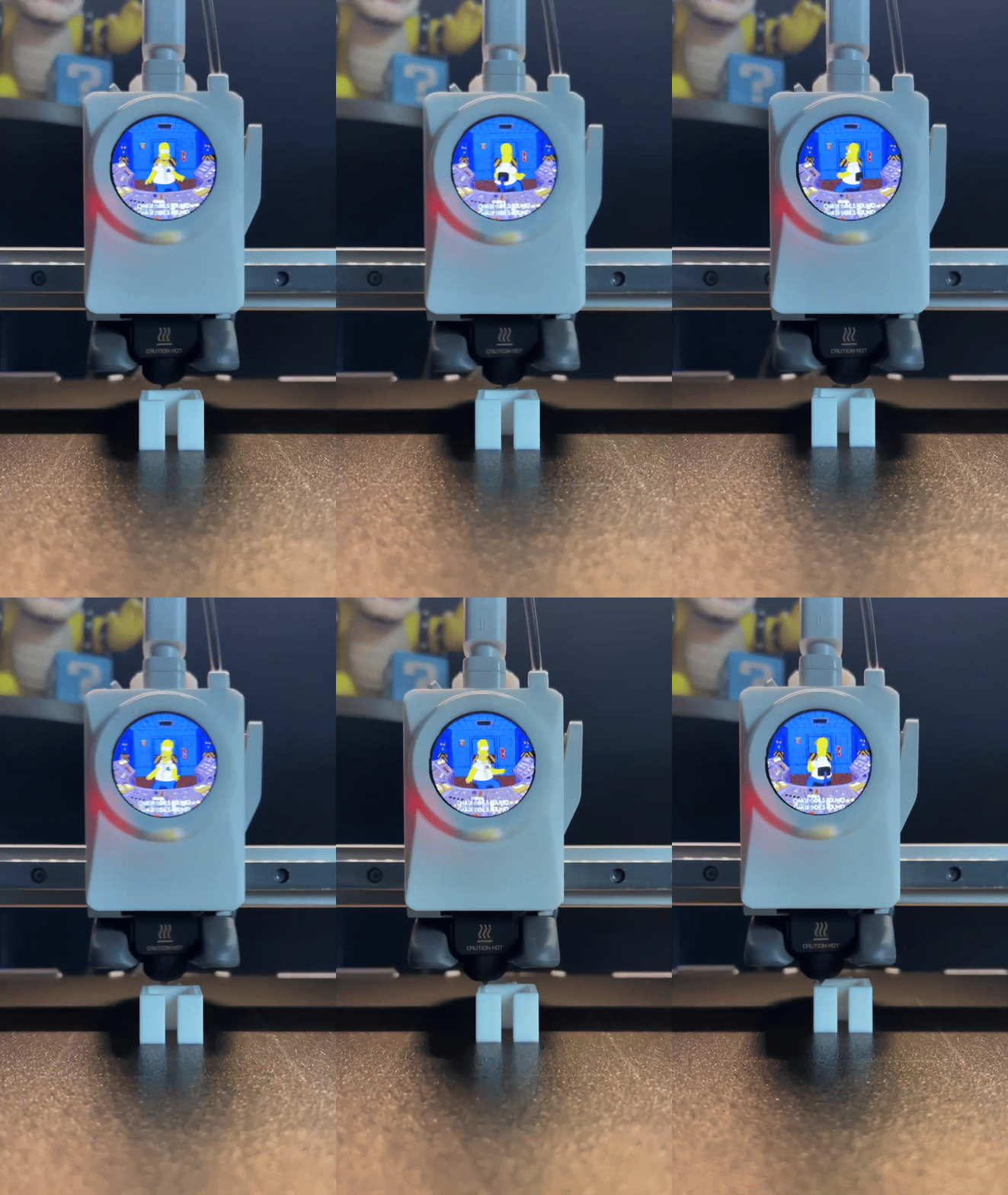
%2Fhttps%3A%2F%2Ffbi.cults3d.com%2Fuploaders%2F38533252%2Fillustration-file%2F1910ef49-5411-47bc-b3d3-32ae2f38a798%2FIMG_7501.jpg&w=300)

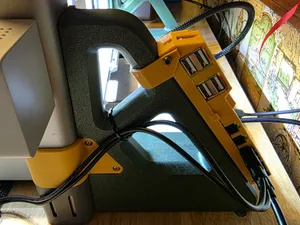
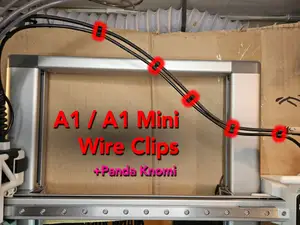
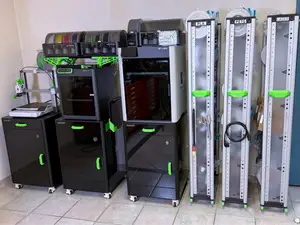
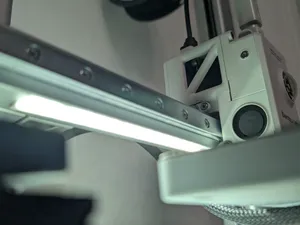
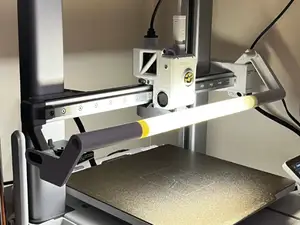
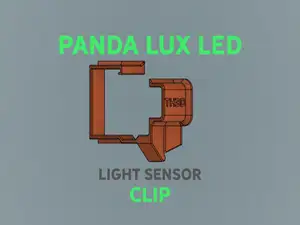
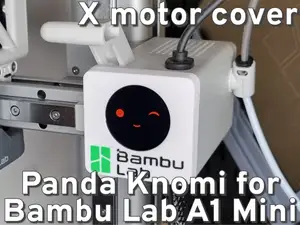
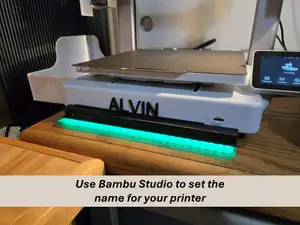
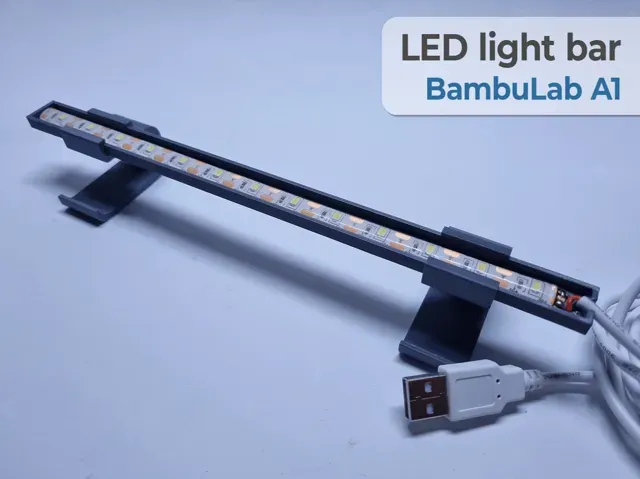
![A1 LED Light Bar [Plug-N-Play]](https://cache.polyzon.org/api/img?url=https%3A%2F%2Fmakerworld.bblmw.com%2Fmakerworld%2Fmodel%2FUS6911cadfacd785%2Fdesign%2F2024-10-19_3ad154786381b.jpg&w=300)
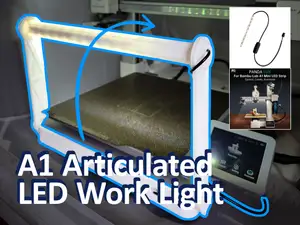
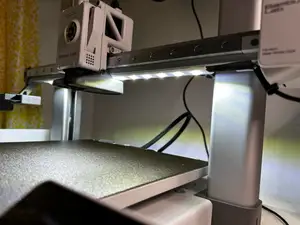
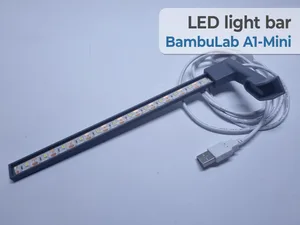
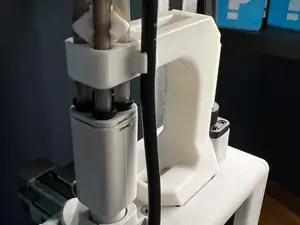
The models in this collection cover several accessory groups. Light-related parts include diffusers, covers, and bars that shape or redirect illumination. Screen-related parts include housings, covers, and swing mounts for small status displays. Cable and tube guides keep wiring and filament paths tidy, while brackets and stiffeners add mounting points for cameras, lights, or other add-ons.
When choosing a part, check the listed size and scale against your printer model and the space around the toolhead or frame. Look at the number of parts, how they assemble, and whether the author notes support requirements. Material and settings matter: some covers and brackets are designed for common filaments, while parts near heat may call for a different choice. Photos of real prints can show fit, clearances, and how visible the part will be.
To narrow the results, try synonyms and related terms such as light diffuser, LED cover, screen mount, cable clip, or stiffener bracket. Adding your printer series or the accessory type can separate parts for different machines. If a search is too broad, combine a function word with a mounting word, for example holder, bracket, cover, or guide. You can also browse related topics like printer upgrades, toolhead accessories, and cable management.



O catálogo completo de temas — de casa e utilidades a CNC, com busca em todos os sites conectados.
%2Fhttps%3A%2F%2Ffbi.cults3d.com%2Fuploaders%2F43708341%2Fillustration-file%2Fb39d3ea4-a6d5-4e07-94c3-f6ad5b4feb5f%2F20250815_192936.jpg&w=640)