
Gratuit 
Mechanical Quick Grab/Release Phone Stand
Thingiverse
The name carlson pulls together several unrelated families of 3D models: gate latches and spacers, personalised keychains, character figures and small mounting brackets. Because the term is a surname, it also catches models that only share the spelling. This page is a starting point for 3D printing, and each listing still needs to be read on its own. Polyzon does not confirm whether models are free, their price, license, official status, affiliation, safety or fitness. Check the current terms at the source.
Le texte de cette collection est rédigé en anglais ; la recherche, elle, fonctionne dans toutes les langues.
 Une collection Polyzon · 48 modèles sur 4 plateformes
Polyzon compose cette collection à partir des résultats de recherche des plateformes connectées. Les doublons et les modèles sans aperçu sont retirés, les correspondances faibles sont placées à la fin, et le reste suit l’ordre de la recherche. Les modèles appartiennent à leurs auteurs : consultez les conditions sur la page de chaque modèle.
Règles de sélection : la rédaction de Polyzon · Texte mis à jour le 15/10/2026


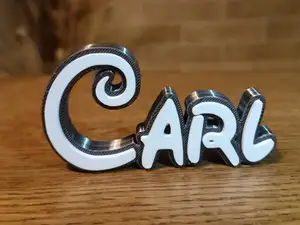


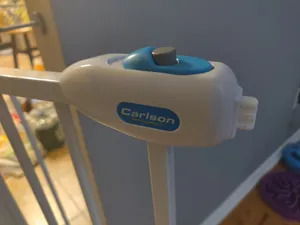


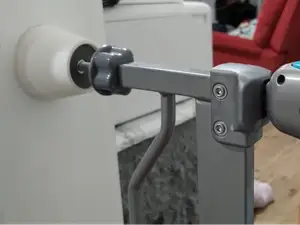


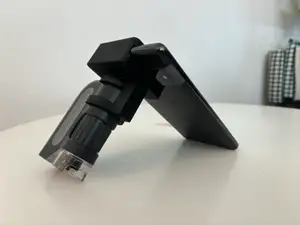
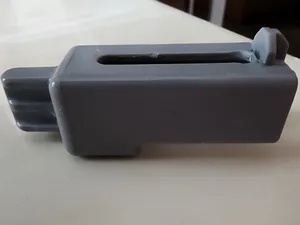
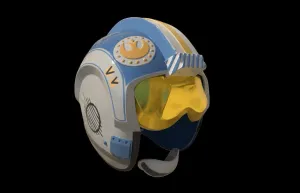

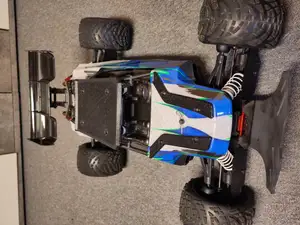
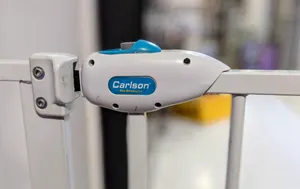
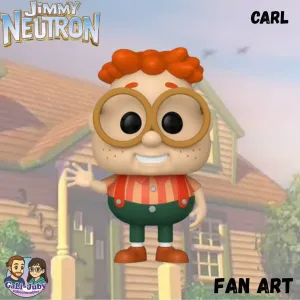

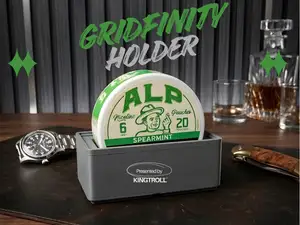
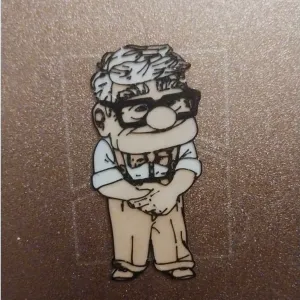
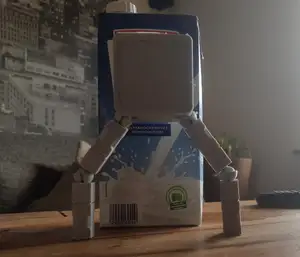




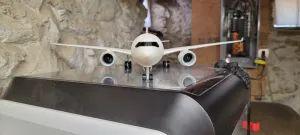


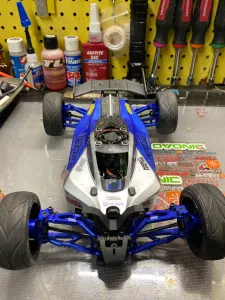

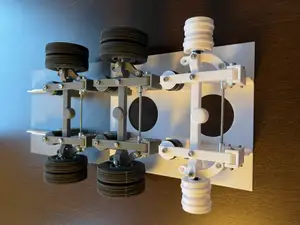

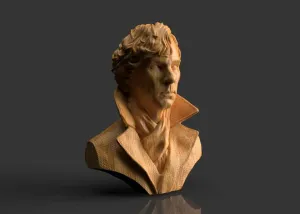

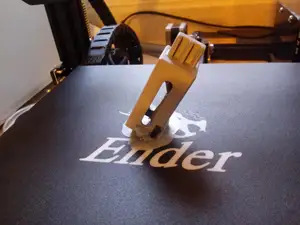
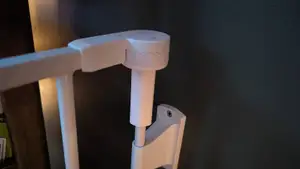
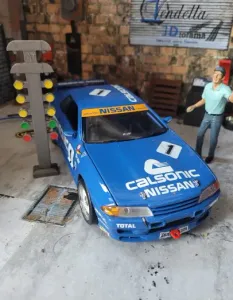
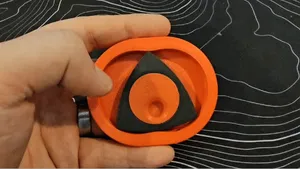
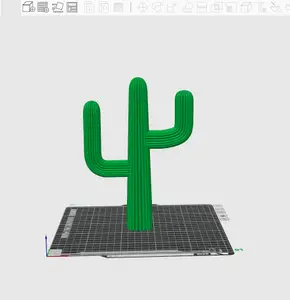

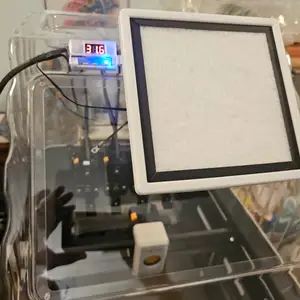
The results split into groups that behave differently on a 3D printer. Latches, spacers and gate extenders are functional parts with moving or load-bearing sections, while keychains and name signs are flat decorative pieces. Character figures and cartoon drawings are usually printed for display and may come as several parts. Mounts and adapters sit in between: they are shaped around a specific device but are otherwise simple brackets.
Before printing, open the author's page and check the listed dimensions against your own measurement, since a latch or spacer only works at the size it was drawn for. Look at the number of parts, whether the file is a single print-in-place piece or an assembly, and whether the author reports supports. Material and settings matter most for thin clips and hinges, so read what the author used and look at photos of real prints rather than the render alone.
If the results feel mixed, narrow them with a second word: latch, spacer, extender, keychain, name sign, mount or figure. Alternate spellings of the name and related surnames return different sets, and swapping in the object you actually need, such as a baby gate latch or a phone stand, is often more productive than searching the name by itself. Browsing the related categories for home hardware, toys or printer parts can also surface models that never mention the name in the title.


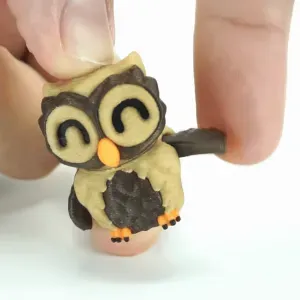
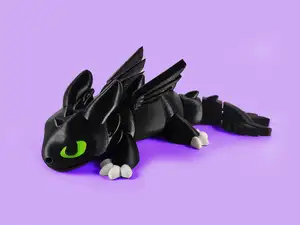


Le catalogue complet des thèmes, de la maison à la CNC, avec une recherche sur tous les sites connectés.