
Gratuit 
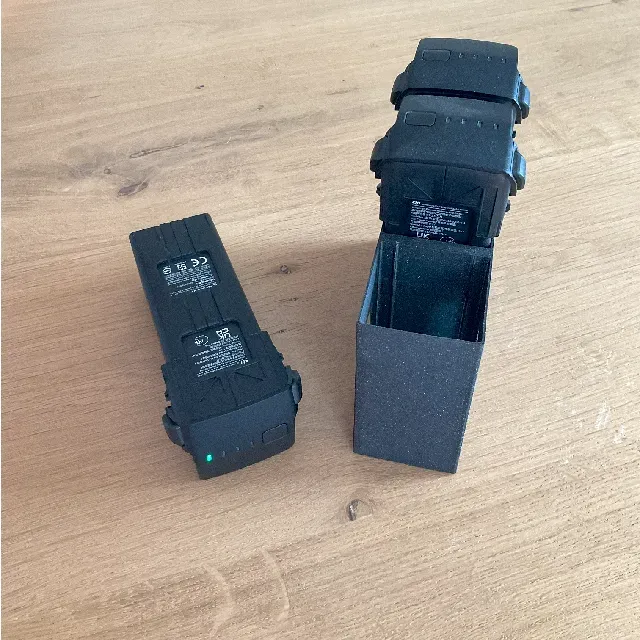
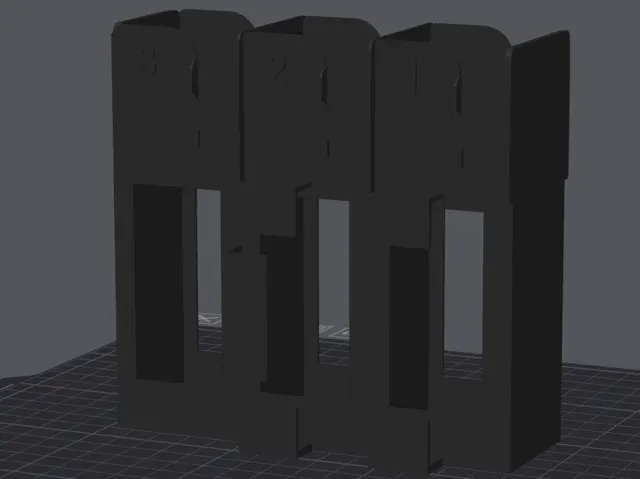
Belt battery holder for DJI Mavic
Thingiverse
This collection gathers 3D models for holding, storing and covering drone batteries, from simple single-battery stands to multi-bay racks and pegboard mounts. It is useful when you want a tidier case or bench and prefer to print the part yourself on a 3D printer. The STL files come from different authors, so each listing describes its own dimensions and assembly. Polyzon does not confirm whether models are free, their price, license, official status, affiliation, safety or fitness. Check the current terms at the source.
Le texte de cette collection est rédigé en anglais ; la recherche, elle, fonctionne dans toutes les langues.
 Une collection Polyzon · 47 modèles sur 4 plateformes
Polyzon compose cette collection à partir des résultats de recherche des plateformes connectées. Les doublons et les modèles sans aperçu sont retirés, les correspondances faibles sont placées à la fin, et le reste suit l’ordre de la recherche. Les modèles appartiennent à leurs auteurs : consultez les conditions sur la page de chaque modèle.
Règles de sélection : la rédaction de Polyzon · Texte mis à jour le 13/10/2026

%2Fhttps%3A%2F%2Ffbi.cults3d.com%2Fuploaders%2F42605518%2Fillustration-file%2Fca149bff-bd84-4882-93df-f1c8610ceaa1%2FZnimok-iekrana-2026-04-24-173045.png&w=300)


%2Fhttps%3A%2F%2Ffbi.cults3d.com%2Fuploaders%2F36283833%2Fillustration-file%2F74983da0-7caf-4377-a9dc-a6420249d129%2F%25D0%25A1%25D0%25BD%25D0%25B8%25D0%25BC%25D0%25BE%25D0%25BA-%25D1%258D%25D0%25BA%25D1%2580%25D0%25B0%25D0%25BD%25D0%25B0-2024-11-26-122821.png&w=300)


%2Fhttps%3A%2F%2Ffbi.cults3d.com%2Fuploaders%2F42605518%2Fillustration-file%2Ffbb69bdb-3f92-49cb-815f-3111e6b3e9a4%2FZnimok-iekrana-2025-12-14-120326.png&w=300)

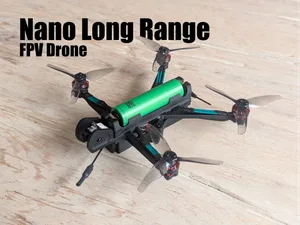

%2Fhttps%3A%2F%2Ffbi.cults3d.com%2Fuploaders%2F25516499%2Fillustration-file%2F182f41a9-8c10-45f0-a38a-d2490be6d0da%2FMavic_2__Accuhalter.png&w=300)

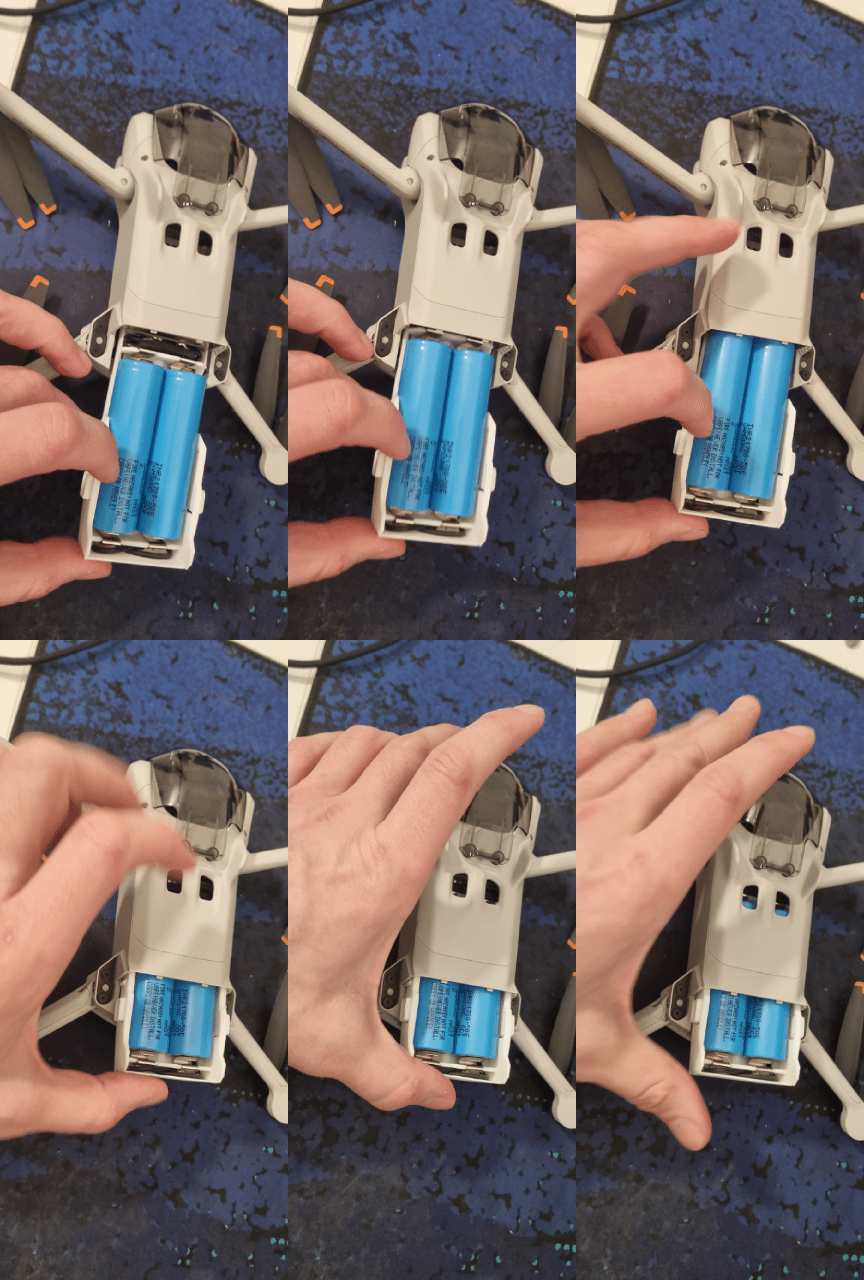

%2Fhttps%3A%2F%2Ffbi.cults3d.com%2Fuploaders%2F23761638%2Fillustration-file%2Fa6a41a22-266f-4f80-bda0-20d44910c342%2Fphoto_2025-12-20_23-39-27.jpg&w=300)
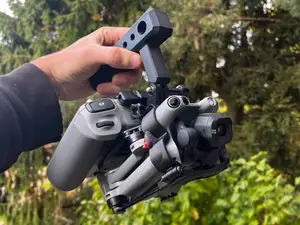

%2Fhttps%3A%2F%2Ffbi.cults3d.com%2Fuploaders%2F33089790%2Fillustration-file%2F33c79c14-327c-4519-b543-d4e159b1ad10%2F%25D0%25A1%25D0%25BD%25D0%25B8%25D0%25BC%25D0%25BE%25D0%25BA-%25D1%258D%25D0%25BA%25D1%2580%25D0%25B0%25D0%25BD%25D0%25B0-2024-11-14-113229.png&w=300)


%2Fhttps%3A%2F%2Ffbi.cults3d.com%2Fuploaders%2F25516499%2Fillustration-file%2Fff62a71b-ca44-4b79-905a-4ab73e5d2f86%2FMavic_2__Accuhalter.png&w=300)
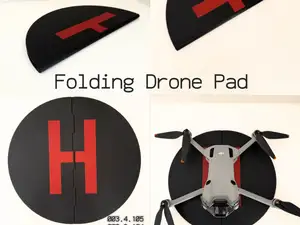

%2Fhttps%3A%2F%2Ffbi.cults3d.com%2Fuploaders%2F36147090%2Fillustration-file%2F016e8c23-65fe-4029-a6de-6b1c943e9a7b%2FIMG_20231022_151039.png&w=300)
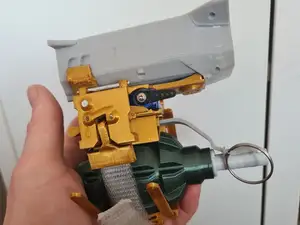

%2Fhttps%3A%2F%2Ffbi.cults3d.com%2Fuploaders%2F20377155%2Fillustration-file%2Faf6dc713-b9d2-4692-afd5-0584cbb5e607%2F20211101_112055.jpg&w=300)
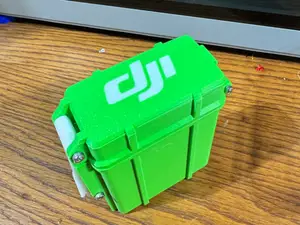

%2Fhttps%3A%2F%2Ffbi.cults3d.com%2Fuploaders%2F23802221%2Fillustration-file%2Fc7339365-b3c6-4a91-8c3d-8a0c144b52e6%2Fmini3batcase.jpg&w=300)

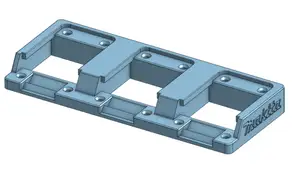
%2Fhttps%3A%2F%2Ffbi.cults3d.com%2Fuploaders%2F15700949%2Fillustration-file%2F49d3cb24-8e7b-4f8c-80f8-4f8b5553c0eb%2FDJI_Mavick_Air_Battery_holder_3_places_v2.png&w=300)

%2Fhttps%3A%2F%2Ffbi.cults3d.com%2Fuploaders%2F23802221%2Fillustration-file%2F4b0f2100-ab67-4f09-842f-df12ce2a8e48%2Fdualbatv2.gif&w=300)



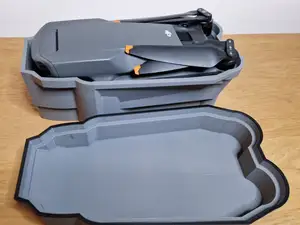
The models fall into a few practical groups. Single-battery holders and stands keep one pack upright on a desk or in a bag, while multi-bay racks hold several packs in a row and often double as a charging station layout. Covers and shells protect the contacts and the body of a pack, and some listings combine a battery slot with space for filters or other small accessories. Mount versions attach the same idea to a wall, a pegboard or a rail inside a case.
Before printing, read the model page rather than judging from the preview image. Check the stated battery dimensions and the number of cells the holder is drawn around, since packs of different generations differ in length and thickness. Look at whether the part is one piece or several, how the parts join, and whether the author reports supports or a particular orientation. Material and settings matter too: a holder that clips or flexes behaves differently in a stiff filament than in a tougher one, and the author's photos of real prints show how the tolerances came out.
If the results feel narrow, widen the wording. Try terms such as drone battery rack, battery stand, battery case insert, pegboard battery mount or charging hub, and add the model family or battery type you use. Related searches like controller holders, propeller storage, case inserts or workshop organizers often lead to files built with the same dimensions. Sorting by newest or by relevance, and checking a few pages, helps because the same idea is published under several names.


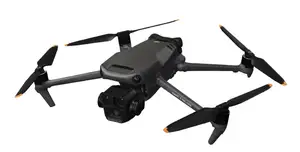
Le catalogue complet des thèmes, de la maison à la CNC, avec une recherche sur tous les sites connectés.
%2Fhttps%3A%2F%2Ffbi.cults3d.com%2Fuploaders%2F40493520%2Fillustration-file%2F6167bc51-937f-4a8d-96ab-9cc42bb3dd1c%2F26.png&w=640)