Gratuit 
Spool holder for Anycubic I3 Mega
Thingiverse
This collection gathers STL parts and accessories made for the Anycubic i3 Mega. It covers spool holders, cooling ducts, covers, knobs and light mounts that owners often add to the 3D printer. Use it to find a starting point, then compare the files and photos on the author's page. Polyzon does not confirm whether models are free, their price, license, official status, affiliation, safety or fitness. Check the current terms at the source.
Le texte de cette collection est rédigé en anglais ; la recherche, elle, fonctionne dans toutes les langues.
 Une collection Polyzon · 48 modèles sur 4 plateformes
Polyzon compose cette collection à partir des résultats de recherche des plateformes connectées. Les doublons et les modèles sans aperçu sont retirés, les correspondances faibles sont placées à la fin, et le reste suit l’ordre de la recherche. Les modèles appartiennent à leurs auteurs : consultez les conditions sur la page de chaque modèle.
Règles de sélection : la rédaction de Polyzon · Texte mis à jour le 13/10/2026


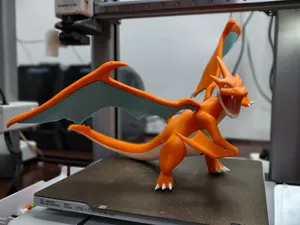


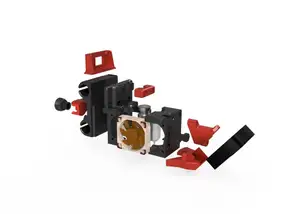
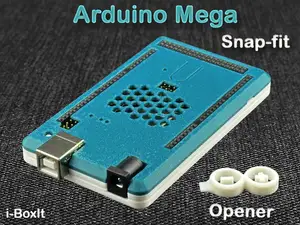
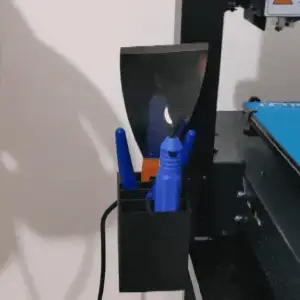


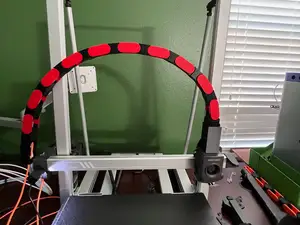
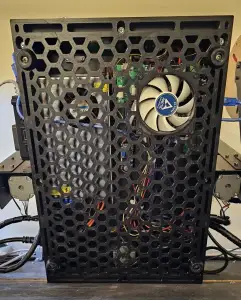


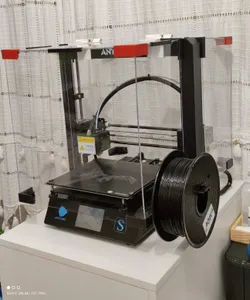
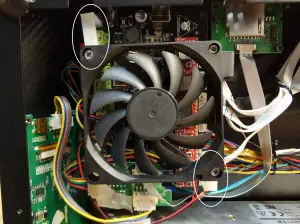

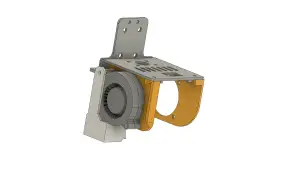
![BIQU H2 mount for Anycubic i3 Mega X-Carriage [MK4]](https://cache.polyzon.org/api/img?url=https%3A%2F%2Fmedia.printables.com%2Fmedia%2Fprints%2F370272%2Fimages%2F3119706_1304ccc1-29de-45af-bd20-d6d5d81960f0%2Fcover_3.png&w=300)
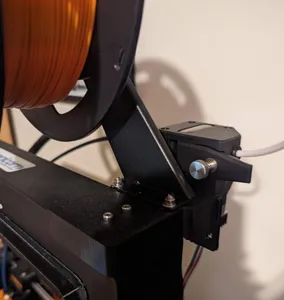


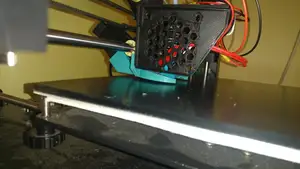
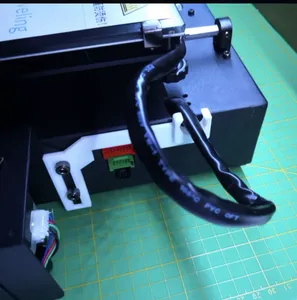
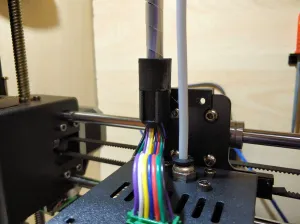

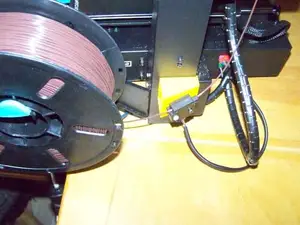
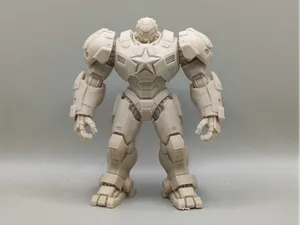
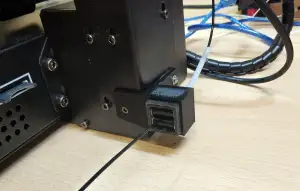


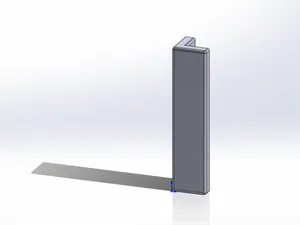

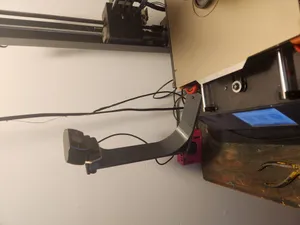
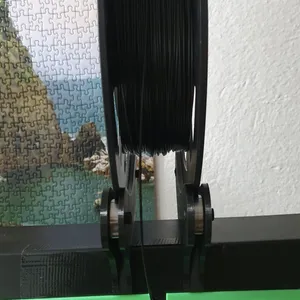
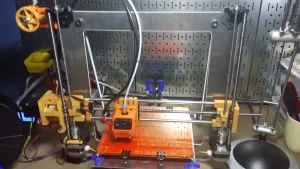

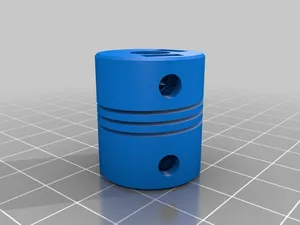
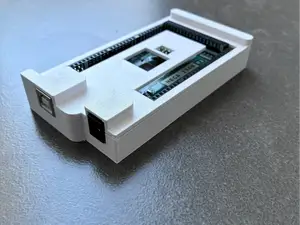
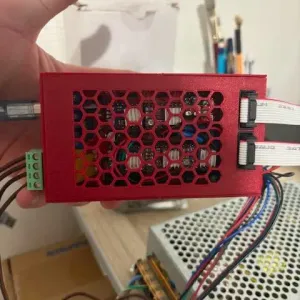

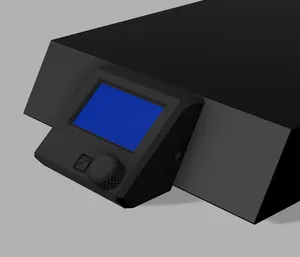

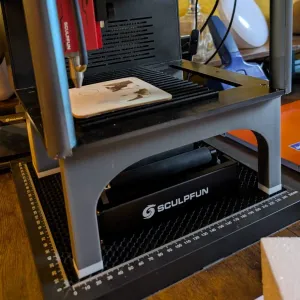
The models split into a few practical groups. Spool holders and filament guides deal with feeding and storage, while fan ducts and bottom plates change airflow around the hotend and electronics. Covers, faceplates and pulley guards protect or tidy exposed areas, and knobs or LED mounts add small adjustments and lighting.
When choosing a part, open the author's page and check the dimensions and scale against your machine version, because revisions can differ. Look at how many pieces need assembly, whether screws or inserts are required, and whether the model needs supports. Read the listed material and slicer settings, and study photos of real prints to judge the result.
Search can be widened with terms such as spool holder, filament guide, fan duct, part cooling, tool holder, bed knob, LED strip mount, or cable cover. Adding the printer name and a version or board type helps separate relevant files from unrelated results. If a part is rare, try synonyms like bracket, mount, guard, or cover, and check related collections for upgrades and spare parts.



Le catalogue complet des thèmes, de la maison à la CNC, avec une recherche sur tous les sites connectés.