Gratuit 
Arduino Mega Mount
Thingiverse
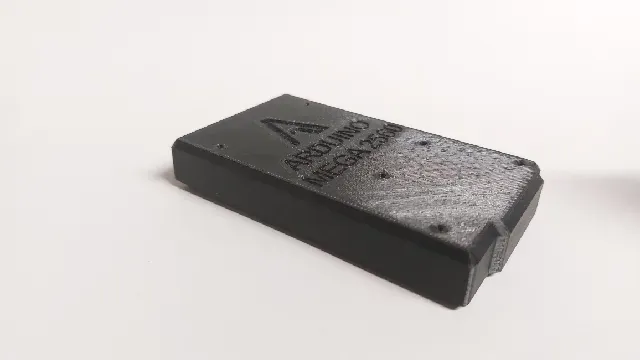
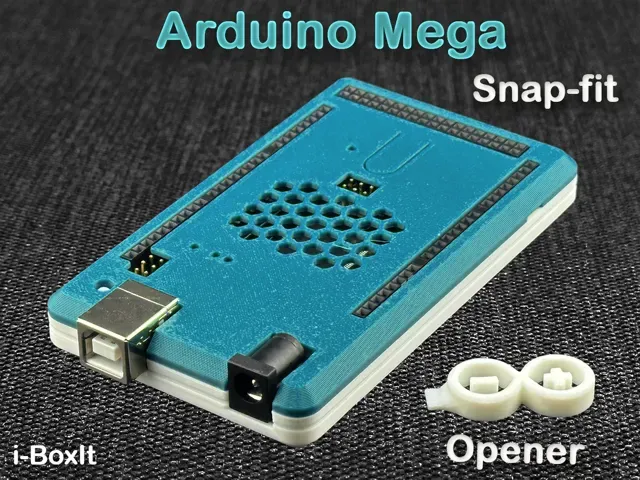
This collection gathers 3D models made around the Arduino Mega board: enclosures, mounting brackets, rail mounts, holders and a few combined kits. Most of them exist because a bare board is awkward to fix inside a project, and a printed part solves that with a couple of hours on a 3D printer. The files are grouped by what they do rather than by author, so you can compare shapes before downloading an STL. Polyzon does not confirm whether models are free, their price, license, official status, affiliation, safety or fitness. Check the current terms at the source.
Le texte de cette collection est rédigé en anglais ; la recherche, elle, fonctionne dans toutes les langues.
 Une collection Polyzon · 48 modèles sur 5 plateformes
Polyzon compose cette collection à partir des résultats de recherche des plateformes connectées. Les doublons et les modèles sans aperçu sont retirés, les correspondances faibles sont placées à la fin, et le reste suit l’ordre de la recherche. Les modèles appartiennent à leurs auteurs : consultez les conditions sur la page de chaque modèle.
Règles de sélection : la rédaction de Polyzon · Texte mis à jour le 12/10/2026
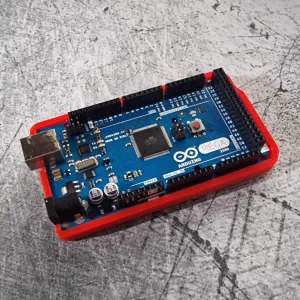

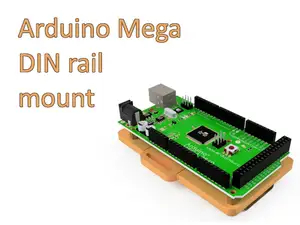
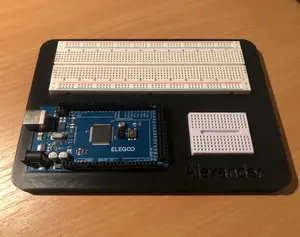
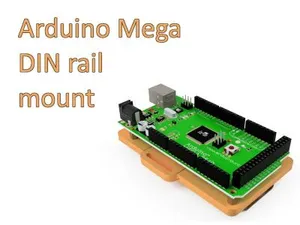
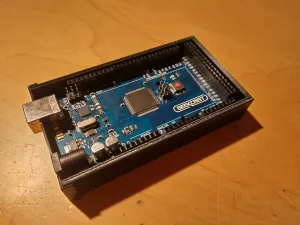

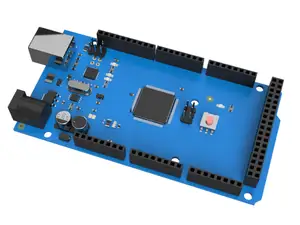
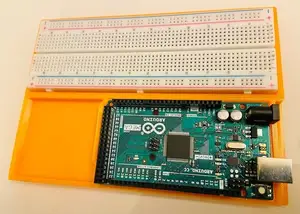
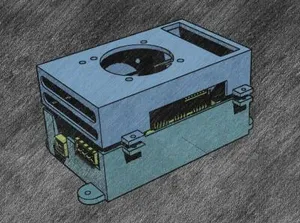
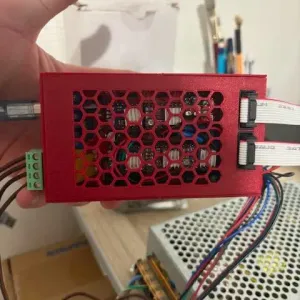


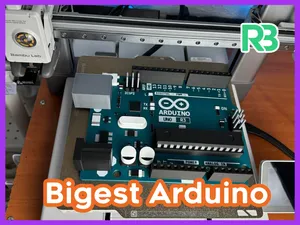
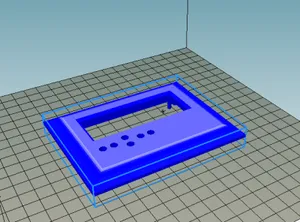
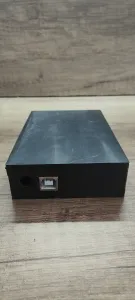


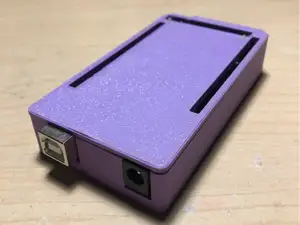
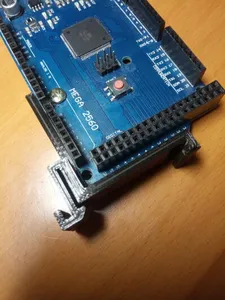
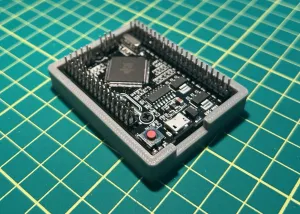


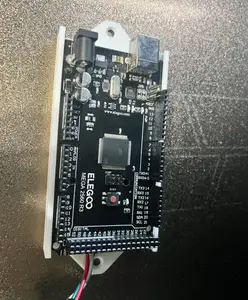
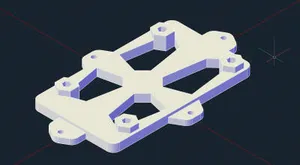
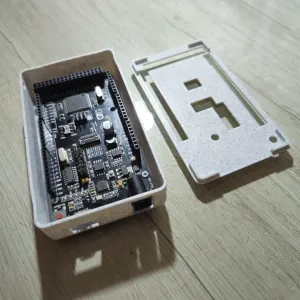


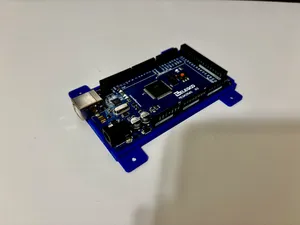
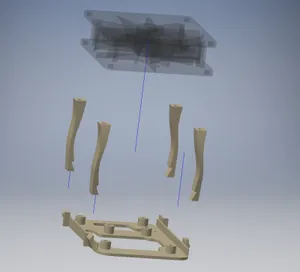
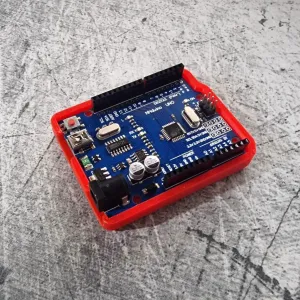

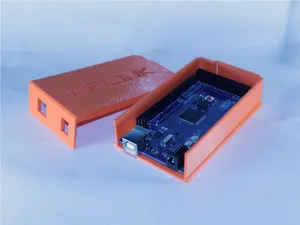
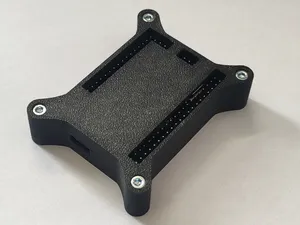
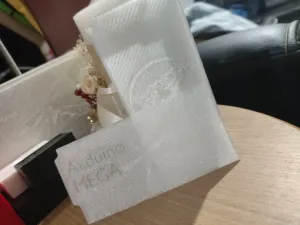


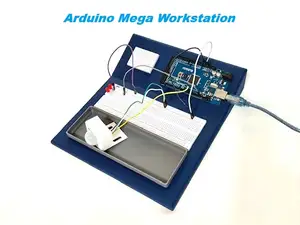
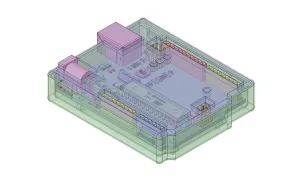

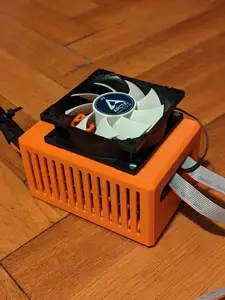
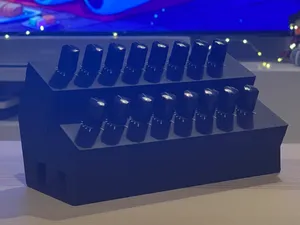
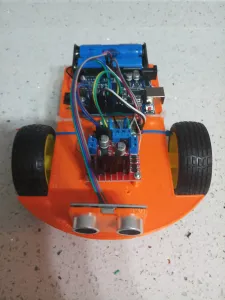

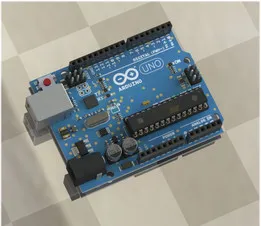
The parts fall into a few recognizable groups. Enclosures wrap the board in a closed or partly open box, often with cutouts for USB and power connectors. Brackets and rail mounts leave the board exposed and only fix it to a surface or a profile. Holders and trays support a breadboard or a prototyping board next to the controller, while combined kits bundle room for shields, drivers or a display.
When you pick a model, start with the board revision it was drawn around, because connector positions and hole spacing differ between versions. Then look at how the part is meant to be fastened: screw bosses, clips, rails or standoffs, and whether the author shows the hardware used. Check the wall thickness and the openings for cables, whether the geometry needs supports, and what material and settings the author lists. Photos of real prints on the model page tell you more than a render.
If the results feel narrow, try other words for the same object: housing, box, tray, cradle, bracket, rail mount, panel plate. Related searches help too, such as shield stacks, display cutouts, prototyping boards, driver modules or general electronics enclosures. Adding a board revision or a mounting standard to the query usually narrows the list faster than scrolling.

%2Fhttps%3A%2F%2Ffbi.cults3d.com%2Fuploaders%2F14214222%2Fillustration-file%2Fd68d51d0-bef2-4f5d-8df6-4f3de101aa43%2F_DSC2915_display_large.jpg&w=300)
Le catalogue complet des thèmes, de la maison à la CNC, avec une recherche sur tous les sites connectés.