
Gratuit 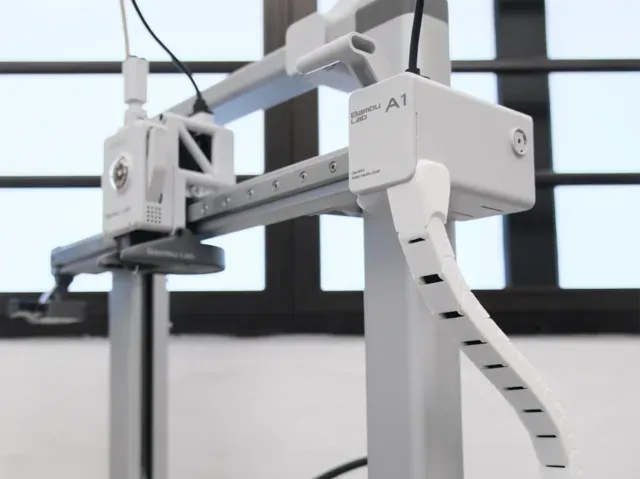
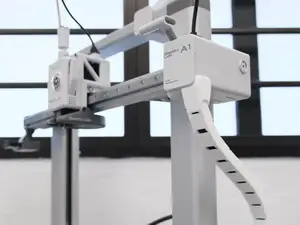
A1 side drag chain, cable chain
MakerWorld
This collection gathers cable chain and drag chain models used to guide wires on a 3D printer and on other moving assemblies. You will find chains shaped for a particular machine, chains built from repeated links, and clip-on routing pieces that work with existing wiring. Because the collection is live, the exact set of STL files changes over time. Polyzon does not confirm whether models are free, their price, license, official status, affiliation, safety or fitness. Check the current terms at the source.
Le texte de cette collection est rédigé en anglais ; la recherche, elle, fonctionne dans toutes les langues.
 Une collection Polyzon · 48 modèles sur 7 plateformes
Polyzon compose cette collection à partir des résultats de recherche des plateformes connectées. Les doublons et les modèles sans aperçu sont retirés, les correspondances faibles sont placées à la fin, et le reste suit l’ordre de la recherche. Les modèles appartiennent à leurs auteurs : consultez les conditions sur la page de chaque modèle.
Règles de sélection : la rédaction de Polyzon · Texte mis à jour le 14/10/2026





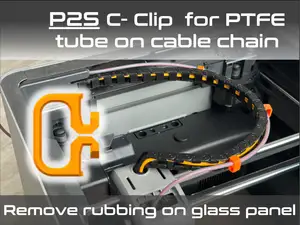


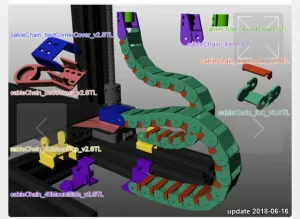

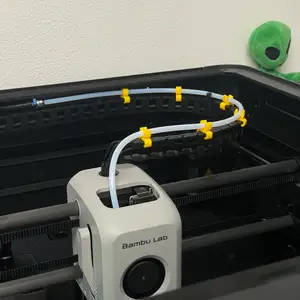

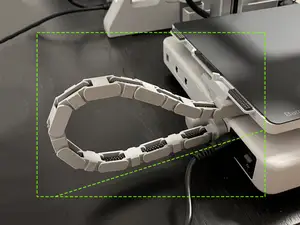
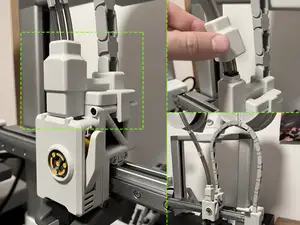
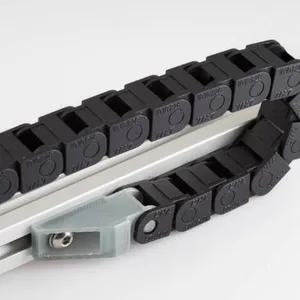
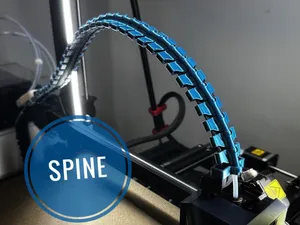

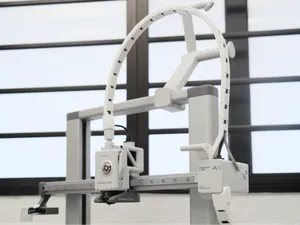



%2Fhttps%3A%2F%2Ffbi.cults3d.com%2Fuploaders%2F14687441%2Fillustration-file%2F9791252c-b894-4bf7-ac0a-b487ac547bd9%2FIMG_20200116_110351.jpg&w=300)
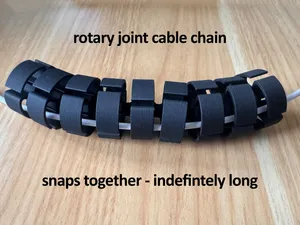
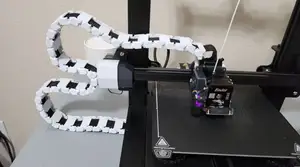


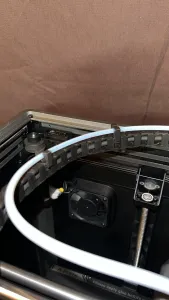
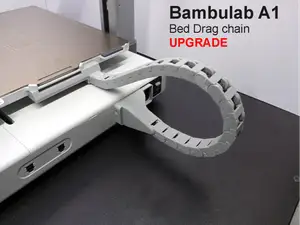

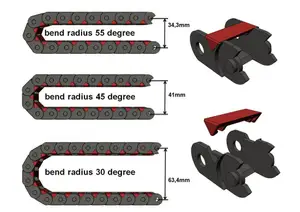


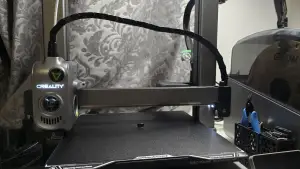

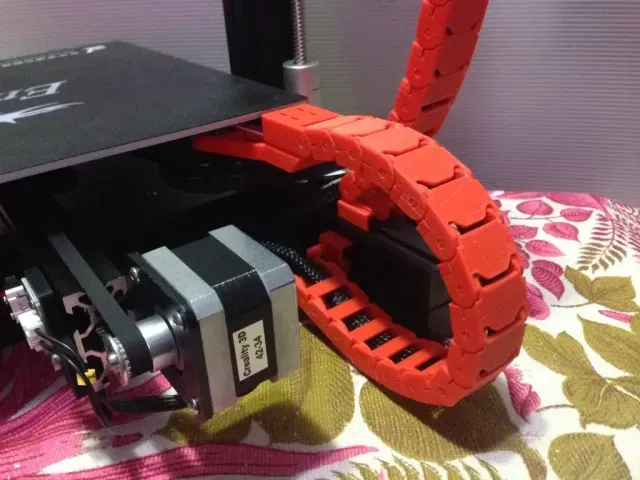
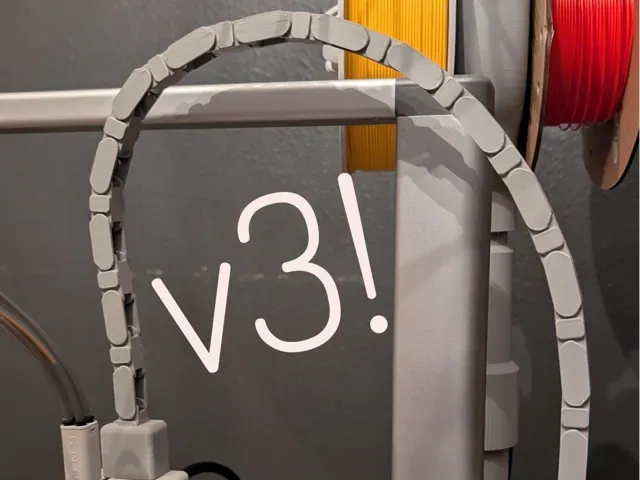
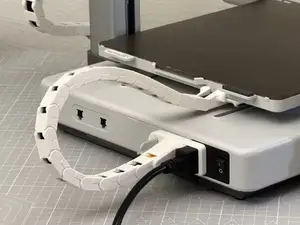
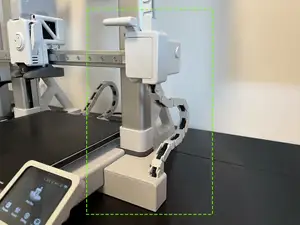
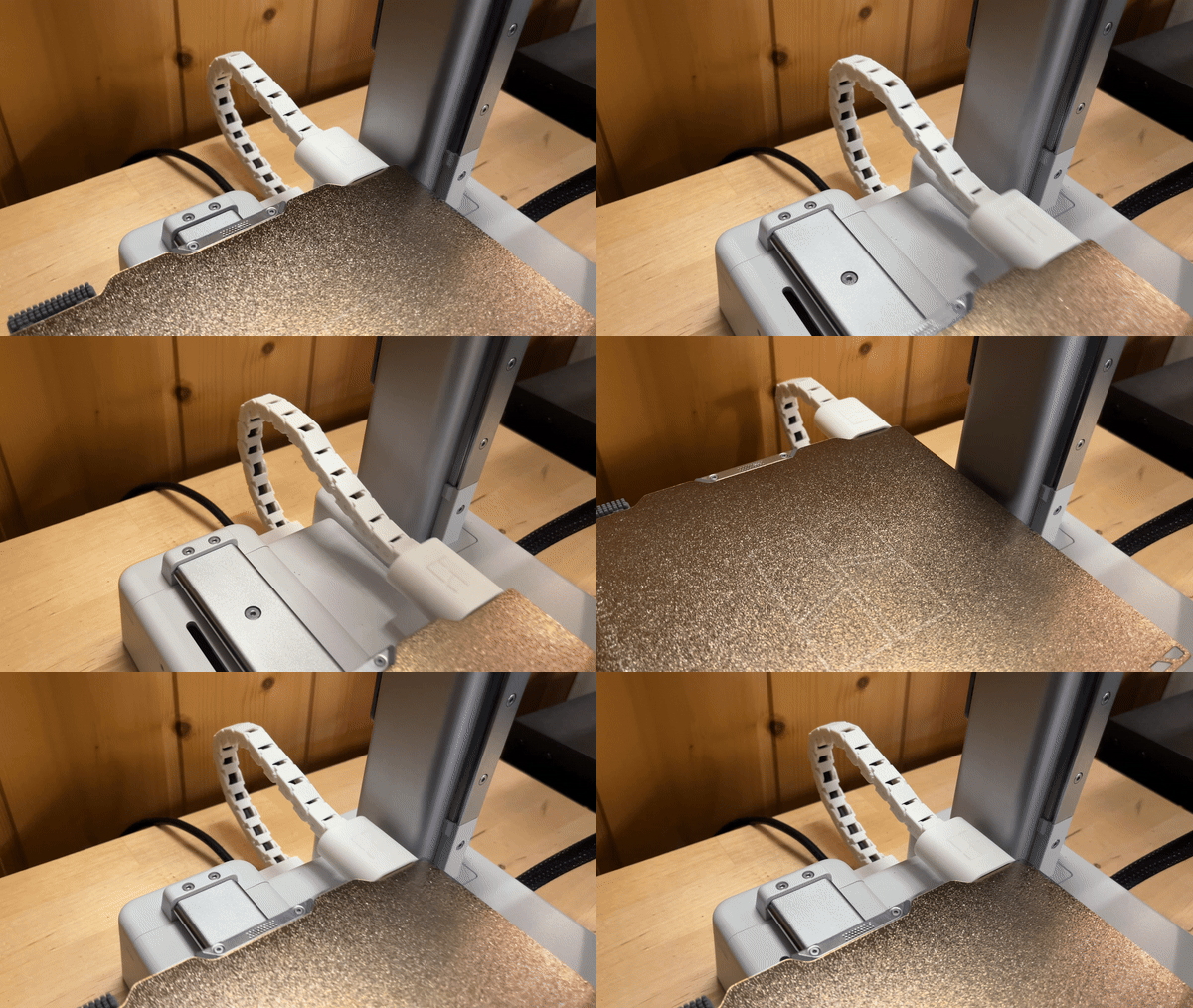
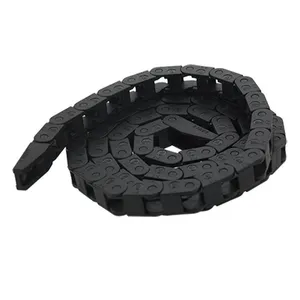
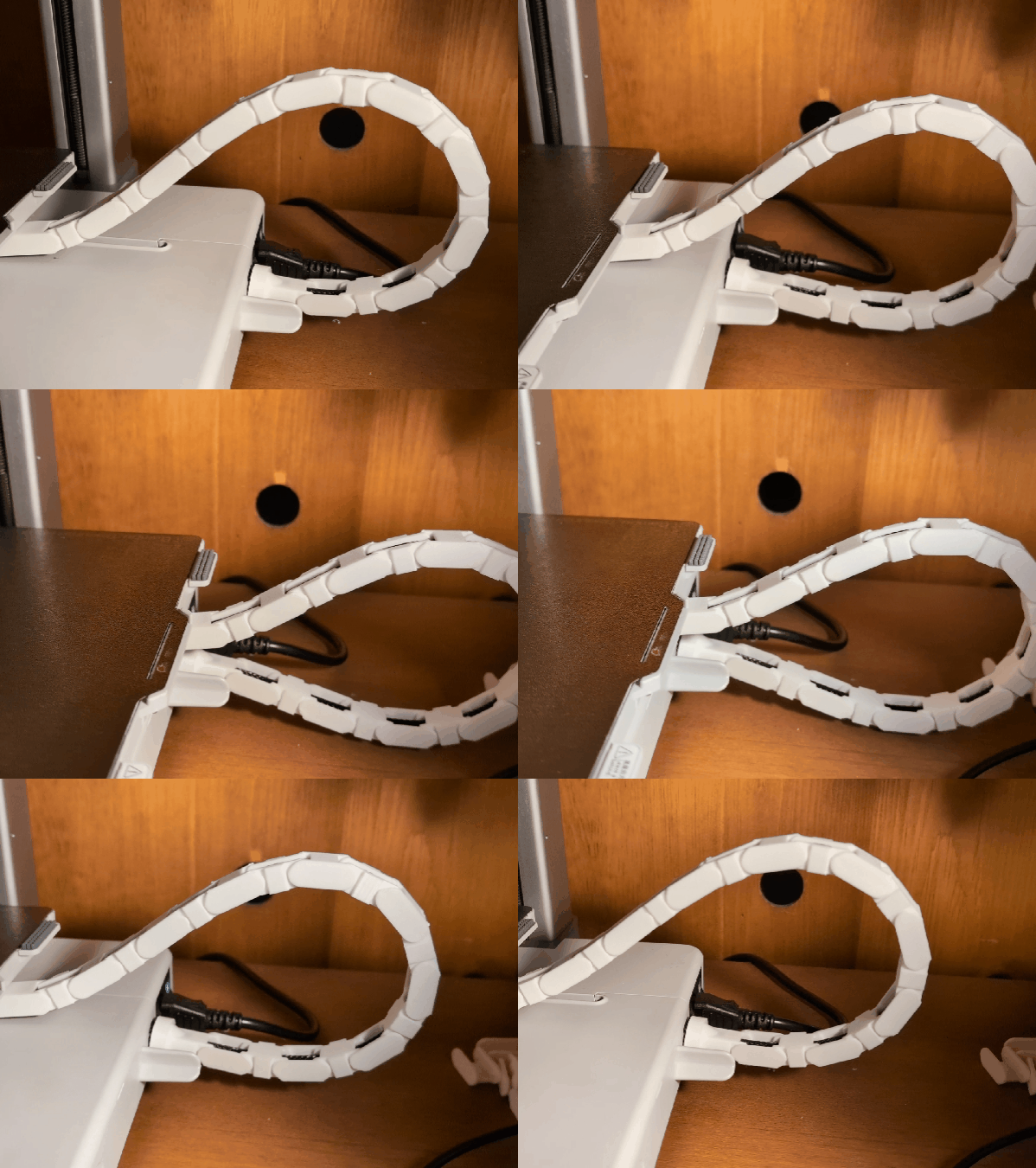
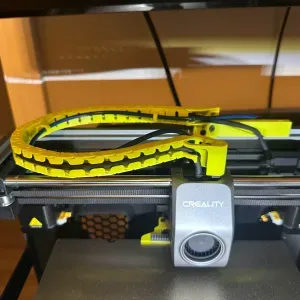
The models differ mainly in what they are built around. Some are shaped for one printer frame or carriage, so the mounting points and bend radius follow that machine. Others are generic link chains that you assemble to the length you need, and a third group is cable routing that clips onto an existing cable or a panel instead of replacing it. Spine-style and drag-chain layouts appear in both groups, so compare the geometry rather than the name.
Before printing, read the model page for the details the author lists: the number of links or parts, the inner channel size, the mounting holes, and whether supports are needed. Check the material and layer settings the author used, since thin links and snap-fit joints behave differently in rigid and flexible filaments. Photos of real prints show how the chain sits on the machine and how much clearance it leaves.
If the first results do not match your setup, try other terms for the same idea: drag chain, cable management, wire guide, cable carrier, or the axis you are working on. Searching by printer model, by extruder or bed, or by the connector type often narrows the list faster than a general phrase. Related topics such as toolhead cable routing, umbilical setups and panel-mounted cable guides can also lead to a workable design.
A few practical points apply to most of these models. Measure the cable bundle and the space around the moving parts before choosing a chain, and allow room for the chain to fold without pulling on the connectors. Long runs usually need more links than the printed sample shows, so plan the length from the travel distance. If a model is meant for a specific machine, confirm the version and the axis in the description.



Le catalogue complet des thèmes, de la maison à la CNC, avec une recherche sur tous les sites connectés.