Gratuit 
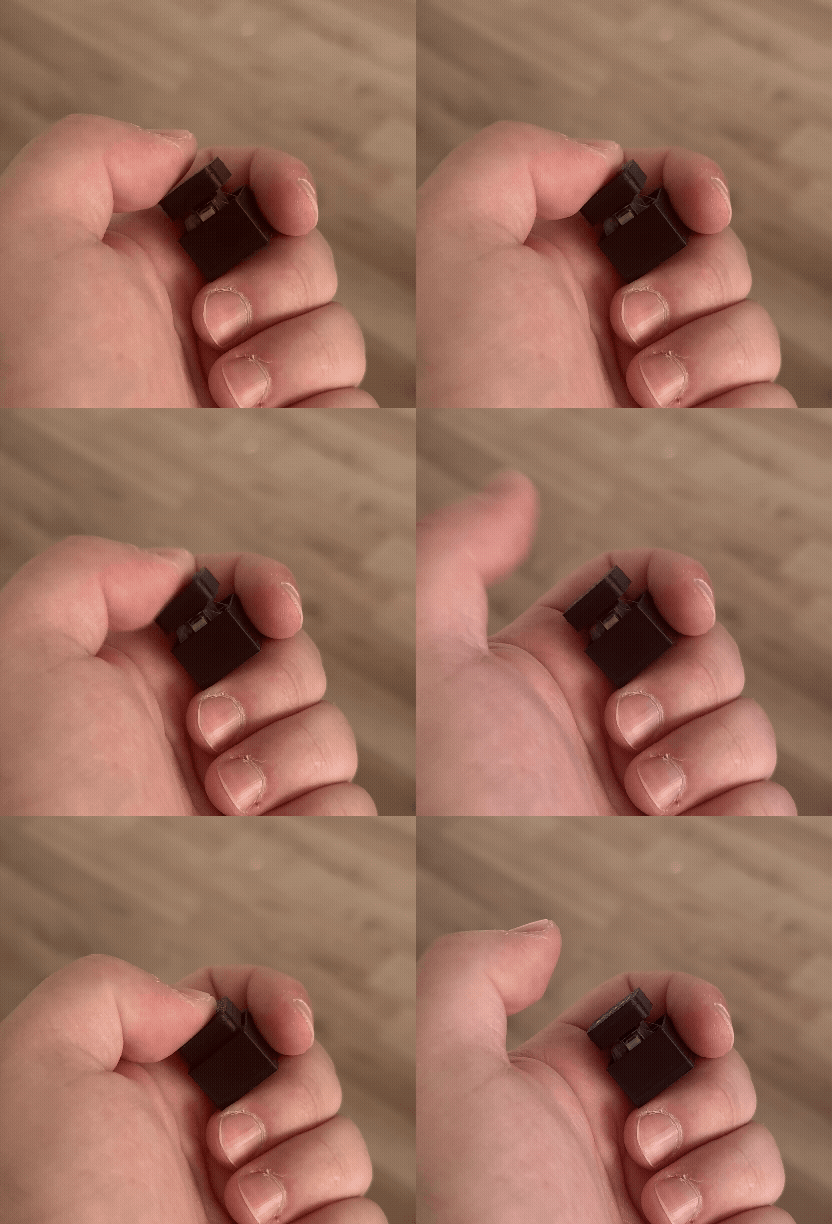
Romer-G Keycaps // Perfect fit // For logitech keyboards
Thingiverse
This collection gathers STL files for keycaps and small keyboard parts made for Logitech boards, including full replacement sets, single modifier keys and shaped novelty caps. It is useful when one cap is worn, missing or you want a different look on a keyboard you already own. Most files are meant for desktop 3D printing in plastic, with the stem geometry being the part that decides whether the cap sits on the switch. Polyzon does not confirm whether models are free, their price, license, official status, affiliation, safety or fitness. Check the current terms at the source.
Le texte de cette collection est rédigé en anglais ; la recherche, elle, fonctionne dans toutes les langues.
 Une collection Polyzon · 47 modèles sur 4 plateformes
Polyzon compose cette collection à partir des résultats de recherche des plateformes connectées. Les doublons et les modèles sans aperçu sont retirés, les correspondances faibles sont placées à la fin, et le reste suit l’ordre de la recherche. Les modèles appartiennent à leurs auteurs : consultez les conditions sur la page de chaque modèle.
Règles de sélection : la rédaction de Polyzon · Texte mis à jour le 13/10/2026
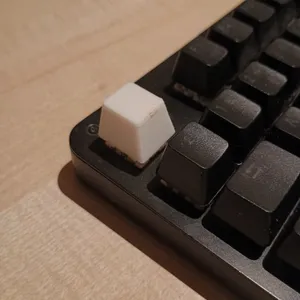

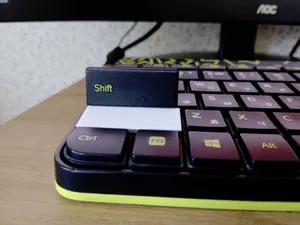
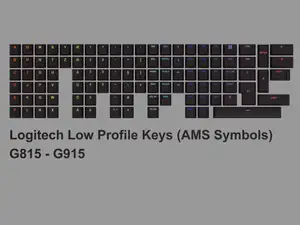
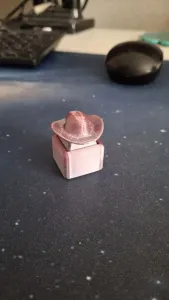

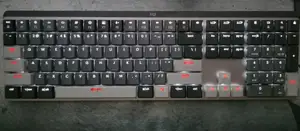
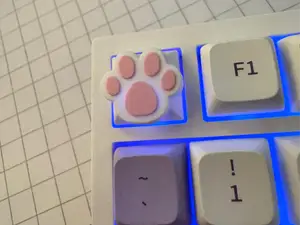
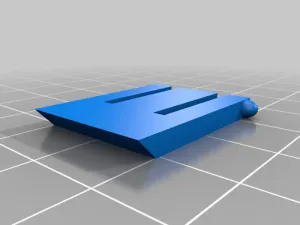

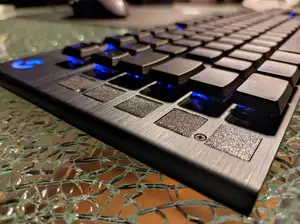
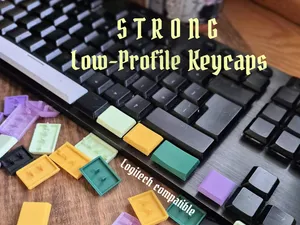


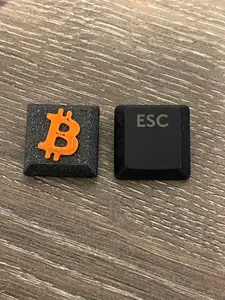
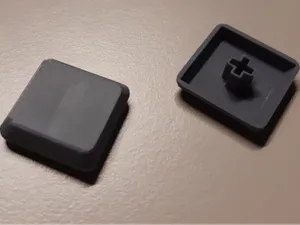
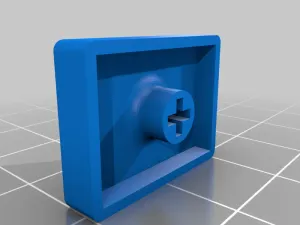


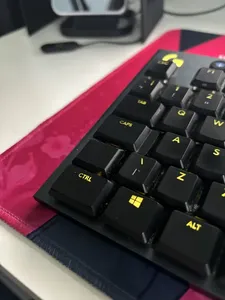
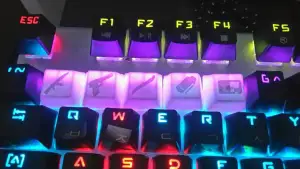

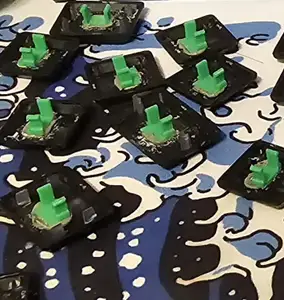

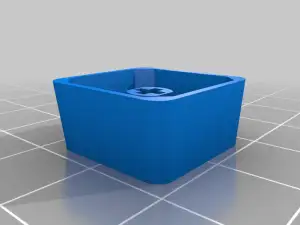

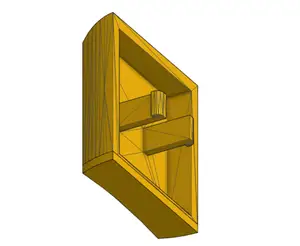
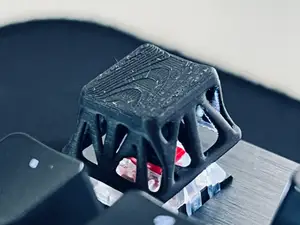
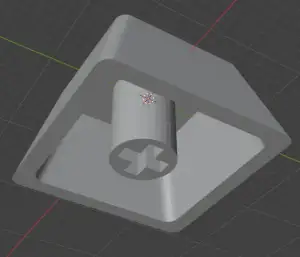

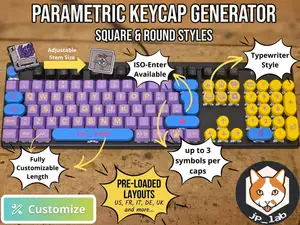
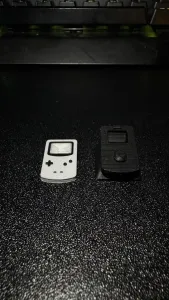

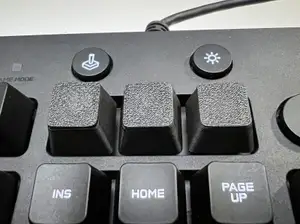
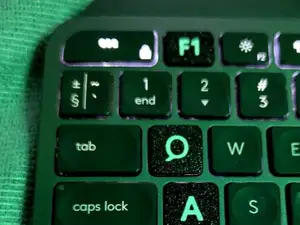


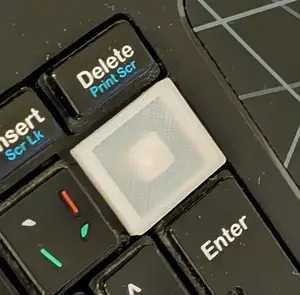
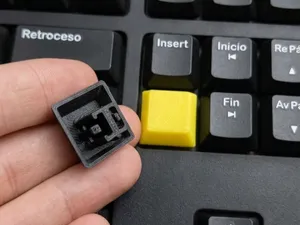
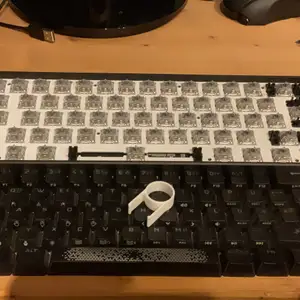

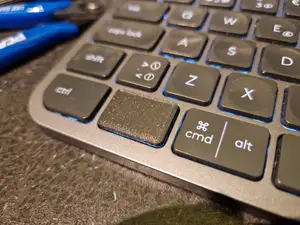

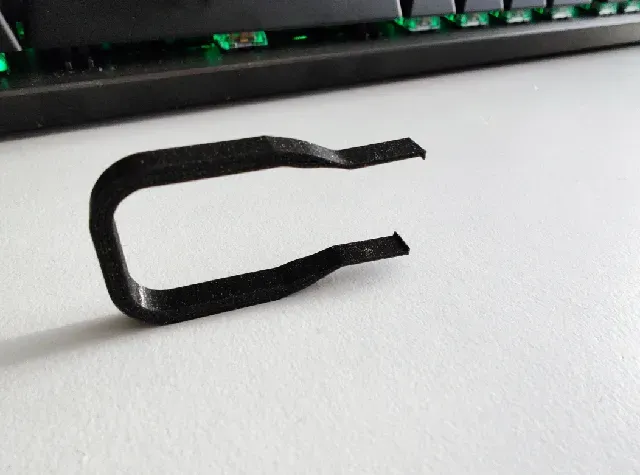
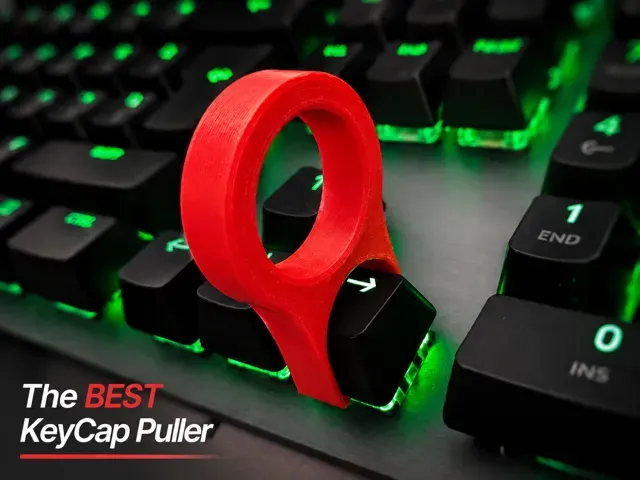
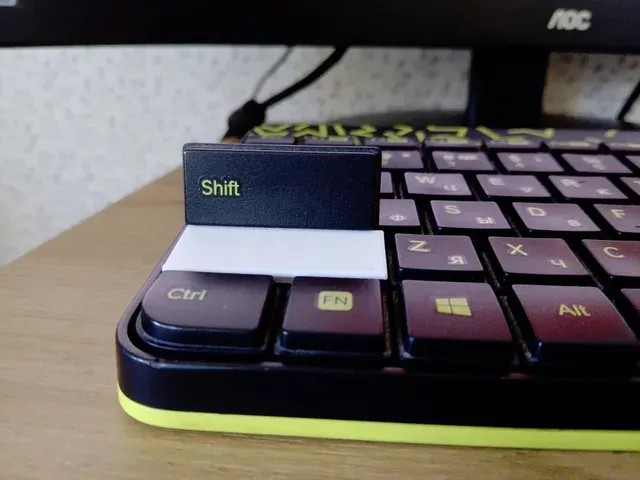
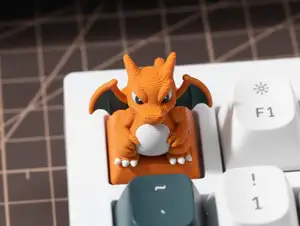
The models split into a few groups. Some cover a whole row or a whole set for a particular keyboard family, others replace one key such as shift, ctrl or a blank cap, and a third group is decorative, with animal shapes, symbols or themed tops. There are also pullers, feet and base plates that belong to the same repair and modding routine rather than to typing itself.
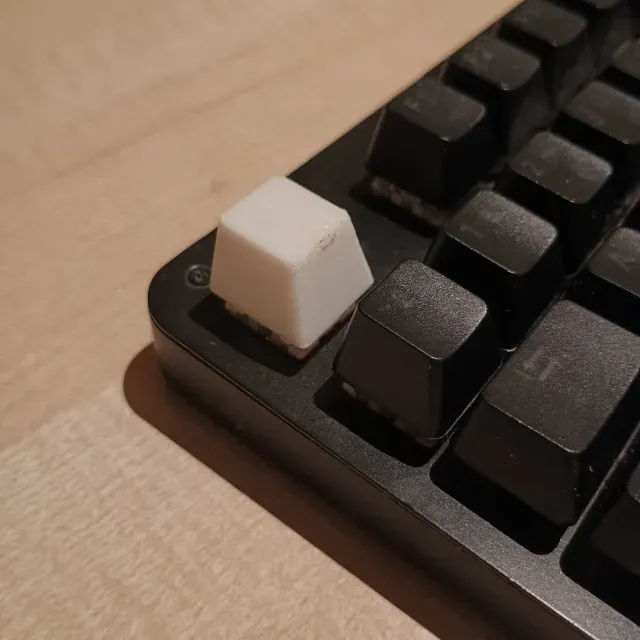
Before printing, read the author's page for the switch type the stem was drawn for, the key profile and the height of the cap, since these differ between low-profile and taller boards. Check how many parts a file contains, whether the model needs supports, and which material and settings the author lists. Photos of real prints are the quickest way to judge how the top surface and the stem come out on a home 3D printer.
If the results look thin, try other wordings: key cap, keyboard cap, replacement key, low-profile cap, or the switch family name instead of the keyboard name. Related searches such as keycap puller, keyboard foot, base plate or novelty keycap often lead to files that fit the same project. Combining a switch term with a key name, for example a modifier plus a switch type, narrows the list quickly.



Le catalogue complet des thèmes, de la maison à la CNC, avec une recherche sur tous les sites connectés.