
Gratuit 
120mm PC Case Fan
GrabCAD
This collection gathers STL files for cases of different sizes and purposes, from enclosures for small computers to travel boxes for everyday items. You can compare how authors solve lids, hinges, ventilation and internal dividers. It helps you find a starting point for a 3D printer project and adapt dimensions to your own device. Polyzon does not confirm whether models are free, their price, license, official status, affiliation, safety or fitness. Check the current terms at the source.
Le texte de cette collection est rédigé en anglais ; la recherche, elle, fonctionne dans toutes les langues.
 Une collection Polyzon · 48 modèles sur 7 plateformes
Polyzon compose cette collection à partir des résultats de recherche des plateformes connectées. Les doublons et les modèles sans aperçu sont retirés, les correspondances faibles sont placées à la fin, et le reste suit l’ordre de la recherche. Les modèles appartiennent à leurs auteurs : consultez les conditions sur la page de chaque modèle.
Règles de sélection : la rédaction de Polyzon · Texte mis à jour le 11/10/2026





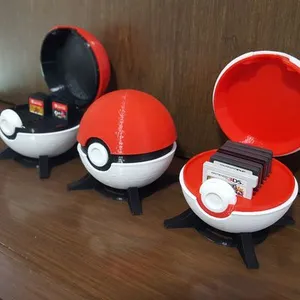
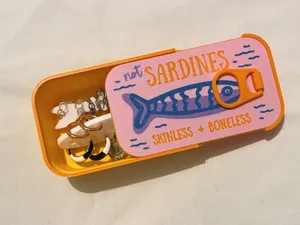


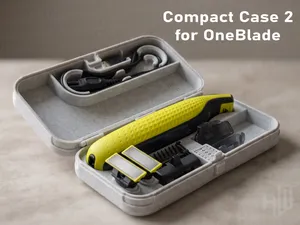

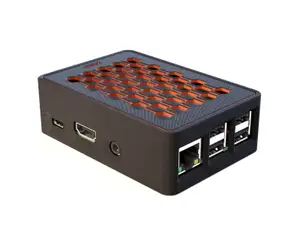



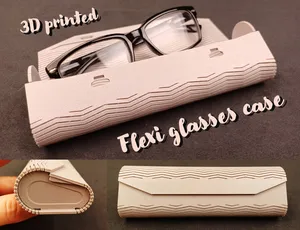

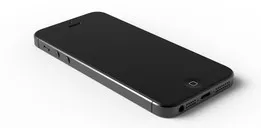



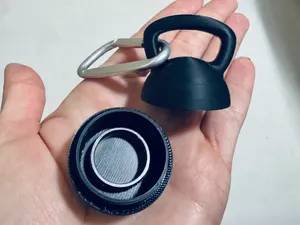
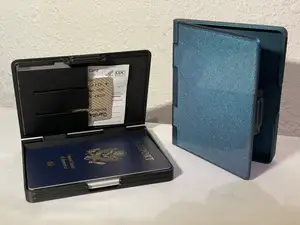










%2Fhttps%3A%2F%2Ffbi.cults3d.com%2Fuploaders%2F16164111%2Fillustration-file%2F7a058635-c86c-4b01-ac15-71f2f90ecf92%2FIMG_20210214_174243.jpg&w=300)

%2Fhttps%3A%2F%2Ffbi.cults3d.com%2Fuploaders%2F13651220%2Fillustration-file%2F426dc049-6538-4fd1-b5ef-3abedacdd562%2Fd46f52e35b2d9d717d01998770448015_display_large.jpg&w=300)
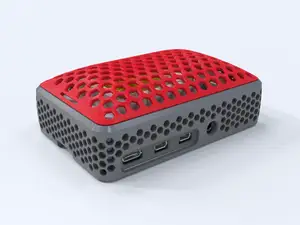

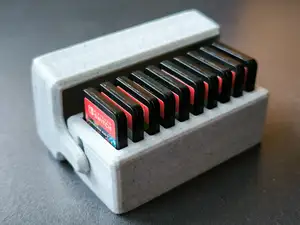
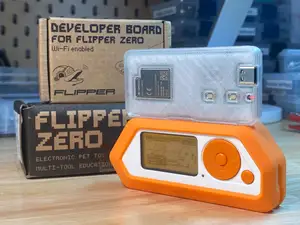
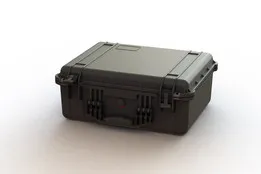
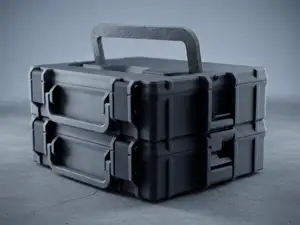
Cases in this collection fall into a few broad groups: enclosures for single-board computers and small electronics, protective shells for earbuds and personal care items, storage boxes for memory cards and batteries, and modular organizers for tools or desk parts. Some are simple two-part shells, while others include vents, fan openings, removable lids, or snap-fit joints. The differences often come down to how the case is closed and whether it needs extra hardware.
When choosing a model, look at the dimensions and scale first, then check the number of parts and whether assembly requires screws, magnets, or glue. Read the author's notes on supports, layer height, material, and wall thickness, because thin walls and tight tolerances can affect how a lid closes and holds. Photos of real prints on the model page show how the finished case looks and where supports leave marks.
To refine the search, try synonyms such as enclosure, housing, shell, holder, box, or organizer, and combine them with the device type or item you want to store. Related topics include cable management, desk organizers, battery holders, and protective covers for small electronics. If a result is too specific, search by the internal dimensions or the part you need to protect instead of a product name.


Le catalogue complet des thèmes, de la maison à la CNC, avec une recherche sur tous les sites connectés.