
免费 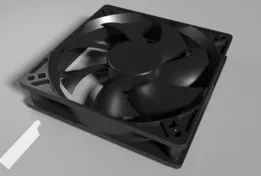
120mm PC Case Fan
GrabCAD
This collection gathers STL files for cases of different sizes and purposes, from enclosures for small computers to travel boxes for everyday items. You can compare how authors solve lids, hinges, ventilation and internal dividers. It helps you find a starting point for a 3D printer project and adapt dimensions to your own device. Polyzon does not confirm whether models are free, their price, license, official status, affiliation, safety or fitness. Check the current terms at the source.
本合集的文字为英文,搜索本身支持任何语言。
 Polyzon合集 · 48个模型 来自7个平台
此合集由Polyzon根据已接入平台的搜索结果整理而成:去除重复项和没有预览图的模型,匹配度低的排在最后,其余按搜索结果顺序排列。模型归作者所有——请在各模型页面查看使用条款。
筛选规则:Polyzon编辑部 · 文字更新于2026年10月11日



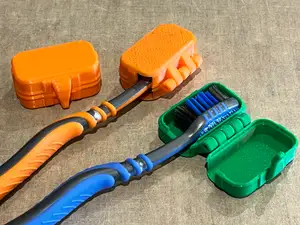

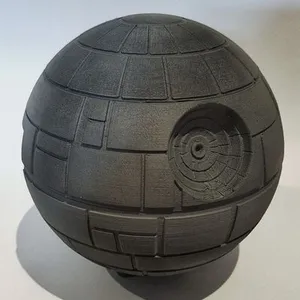
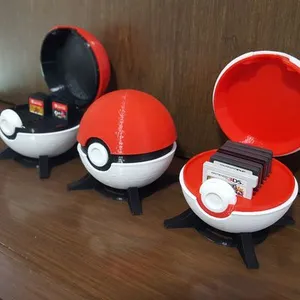
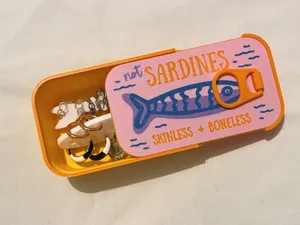


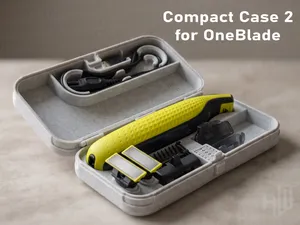

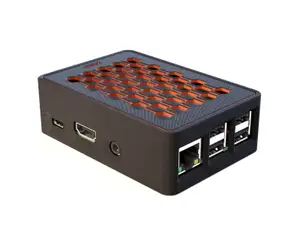
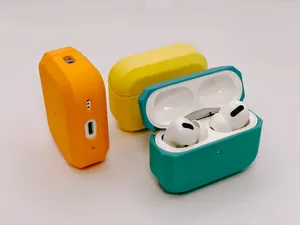


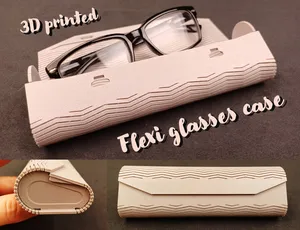
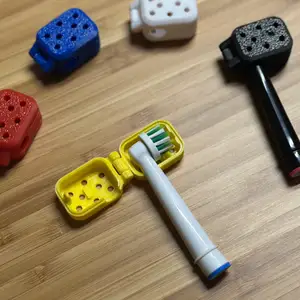

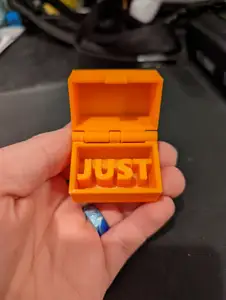









%2Fhttps%3A%2F%2Ffbi.cults3d.com%2Fuploaders%2F16164111%2Fillustration-file%2F7a058635-c86c-4b01-ac15-71f2f90ecf92%2FIMG_20210214_174243.jpg&w=300)

%2Fhttps%3A%2F%2Ffbi.cults3d.com%2Fuploaders%2F13651220%2Fillustration-file%2F426dc049-6538-4fd1-b5ef-3abedacdd562%2Fd46f52e35b2d9d717d01998770448015_display_large.jpg&w=300)
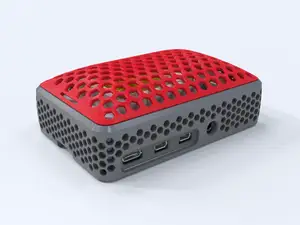

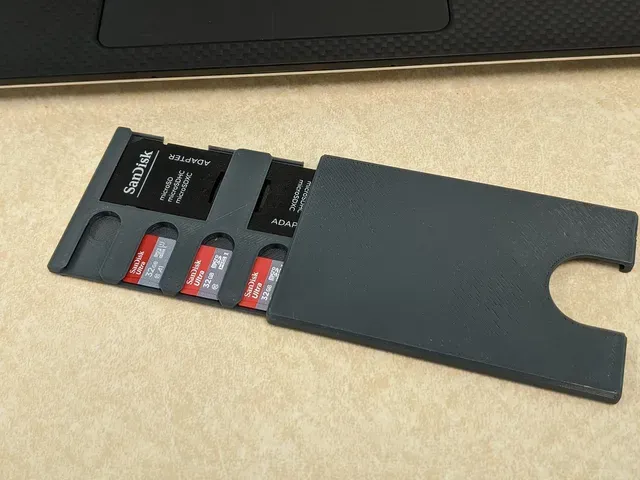
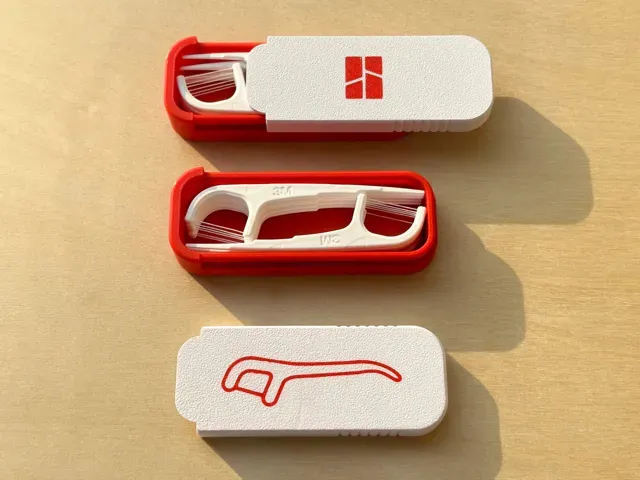
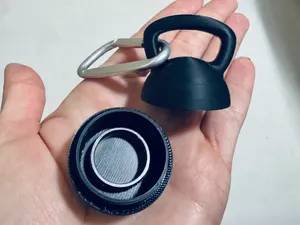
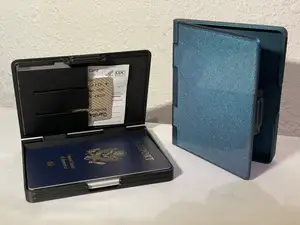
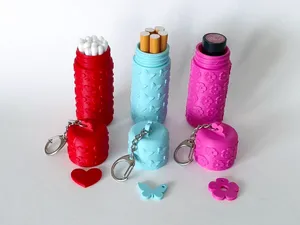
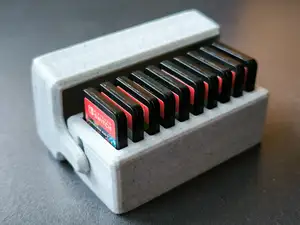
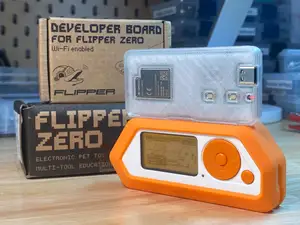
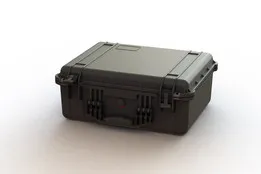
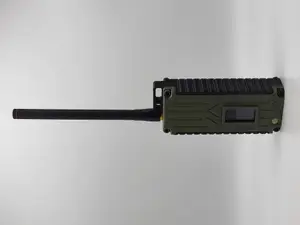
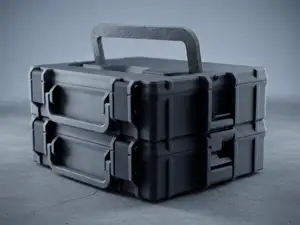
Cases in this collection fall into a few broad groups: enclosures for single-board computers and small electronics, protective shells for earbuds and personal care items, storage boxes for memory cards and batteries, and modular organizers for tools or desk parts. Some are simple two-part shells, while others include vents, fan openings, removable lids, or snap-fit joints. The differences often come down to how the case is closed and whether it needs extra hardware.
When choosing a model, look at the dimensions and scale first, then check the number of parts and whether assembly requires screws, magnets, or glue. Read the author's notes on supports, layer height, material, and wall thickness, because thin walls and tight tolerances can affect how a lid closes and holds. Photos of real prints on the model page show how the finished case looks and where supports leave marks.
To refine the search, try synonyms such as enclosure, housing, shell, holder, box, or organizer, and combine them with the device type or item you want to store. Related topics include cable management, desk organizers, battery holders, and protective covers for small electronics. If a result is too specific, search by the internal dimensions or the part you need to protect instead of a product name.
完整的主题目录:从家居日用到CNC,均可在已接入的来源平台中搜索。