%2Fhttps%3A%2F%2Ffbi.cults3d.com%2Fuploaders%2F14281657%2Fillustration-file%2Fad4ed38c-ec95-4605-a0fd-f69c1d27ea85%2FPresse-papiers02.jpg&w=640)
Gratuit %2Fhttps%3A%2F%2Ffbi.cults3d.com%2Fuploaders%2F15430057%2Fillustration-file%2F754888c4-d7ce-4102-85eb-192a287a7325%2FK295K270.jpg&w=640)
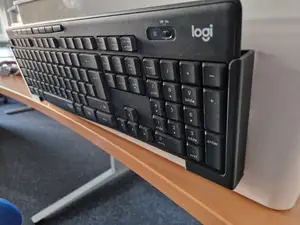
Logitech K295/K270 wall mounted holder
Cults3D
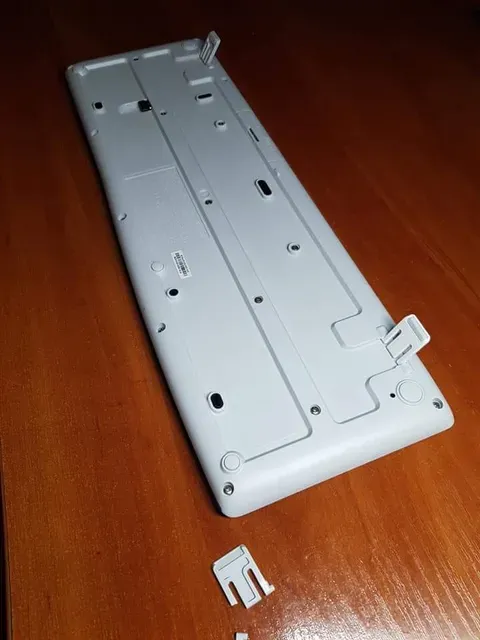
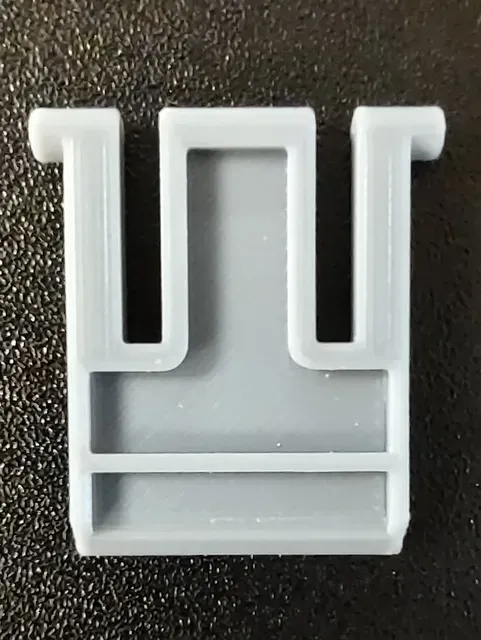
This collection gathers 3D models that relate to the Logitech K270 keyboard and its close variants: feet, legs, stands, holders and a few keycap or switch parts. Most files are small, so they are quick to test on a 3D printer before you commit to a longer print. It is useful when an original plastic part is lost or broken and you want to print a substitute. Polyzon does not confirm whether models are free, their price, license, official status, affiliation, safety or fitness. Check the current terms at the source.
Le texte de cette collection est rédigé en anglais ; la recherche, elle, fonctionne dans toutes les langues.
 Une collection Polyzon · 48 modèles sur 3 plateformes
Polyzon compose cette collection à partir des résultats de recherche des plateformes connectées. Les doublons et les modèles sans aperçu sont retirés, les correspondances faibles sont placées à la fin, et le reste suit l’ordre de la recherche. Les modèles appartiennent à leurs auteurs : consultez les conditions sur la page de chaque modèle.
Règles de sélection : la rédaction de Polyzon · Texte mis à jour le 14/10/2026
%2Fhttps%3A%2F%2Ffbi.cults3d.com%2Fuploaders%2F14281657%2Fillustration-file%2Fad4ed38c-ec95-4605-a0fd-f69c1d27ea85%2FPresse-papiers02.jpg&w=300)


%2Fhttps%3A%2F%2Ffbi.cults3d.com%2Fuploaders%2F13363299%2Fillustration-file%2Fbadd5e51-8f4d-4dad-bb9c-09de4e2d79dd%2F50288923_2083763628383715_8585841801699524608_n.jpg&w=300)

%2Fhttps%3A%2F%2Ffbi.cults3d.com%2Fuploaders%2F20713418%2Fillustration-file%2F96c3543a-b214-4e59-a530-d0939064f028%2FKeyboard_tilt_feet.jpg&w=300)
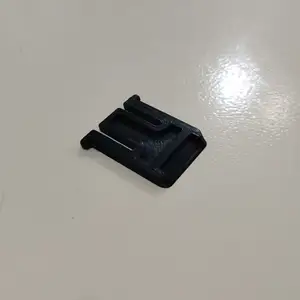
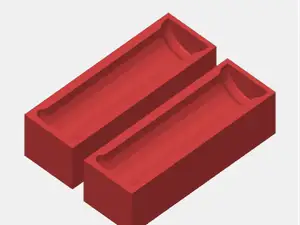
%2Fhttps%3A%2F%2Ffbi.cults3d.com%2Fuploaders%2F18030066%2Fillustration-file%2F58c1b8dd-9806-4336-8525-545e29656265%2FKeyboard-Leg.jpg&w=300)
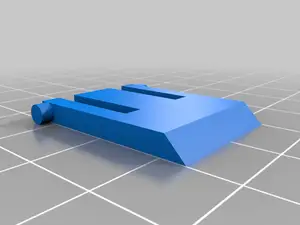
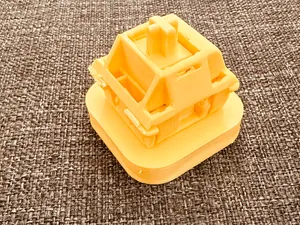
%2Fhttps%3A%2F%2Ffbi.cults3d.com%2Fuploaders%2F19411821%2Fillustration-file%2F456e700e-da42-4d8a-ba52-5ea4d9745962%2Fb7ad215ee298bea09126056c9ee4a8ab.png&w=300)
%2Fhttps%3A%2F%2Ffbi.cults3d.com%2Fuploaders%2F1694012%2Fillustration-file%2F18ade94c-35ba-4114-8df8-58e2a468c54b%2F72a9015d-8dc3-4b4c-be28-d247bdd58bad.png&w=300)
%2Fhttps%3A%2F%2Ffbi.cults3d.com%2Fuploaders%2F14389232%2Fillustration-file%2F120ae479-4f3a-42a3-b004-9a9e5478d4a5%2FPrzechwytywanie.png&w=300)
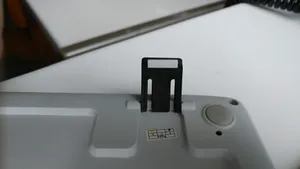

%2Fhttps%3A%2F%2Ffbi.cults3d.com%2Fuploaders%2F18301613%2Fillustration-file%2F1a564804-8656-4dca-afc4-37dd7544e100%2Ffdfe208146abcdc0e4f639692d786b8e.png&w=300)
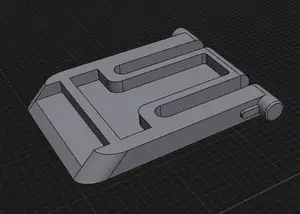
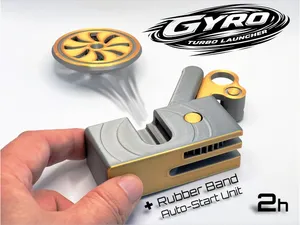
![Beyblade Kit Card [Storm Pegasus]](https://cache.polyzon.org/api/img?url=https%3A%2F%2Fmakerworld.bblmw.com%2Fmakerworld%2Fmodel%2FUS1582e55bad0ccd%2Fdesign%2F2024-12-22_a3602fa258856.jpg&w=300)
%2Fhttps%3A%2F%2Ffbi.cults3d.com%2Fuploaders%2F24850539%2Fillustration-file%2Ff8e29c07-b4bd-4f0b-a3a6-eb08c28ef37f%2Fq1.png&w=300)

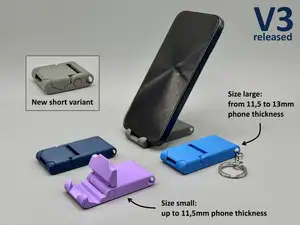
%2Fhttps%3A%2F%2Ffbi.cults3d.com%2Fuploaders%2F1694012%2Fillustration-file%2F2e19cd33-ef33-4fdc-889c-942a48f6e923%2F1852bb36-485e-4443-966f-1bcb8978e186.png&w=300)
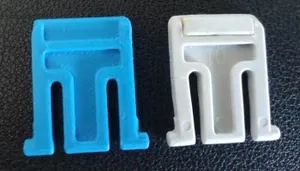
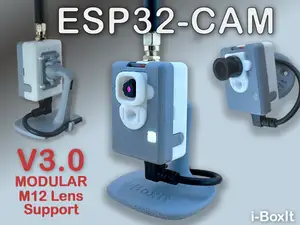
%2Fhttps%3A%2F%2Ffbi.cults3d.com%2Fuploaders%2F31149543%2Fillustration-file%2F90bdcced-d3d1-426a-87b1-78d8ff7a8d15%2FScreenshot-2024-01-12-152032.png&w=300)
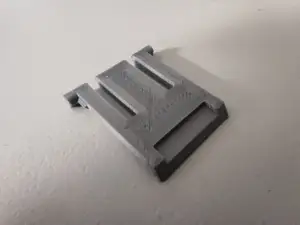
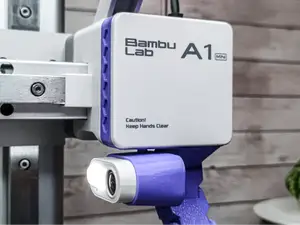
%2Fhttps%3A%2F%2Ffbi.cults3d.com%2Fuploaders%2F17207588%2Fillustration-file%2Fa1295559-c828-4b50-9bfe-5d615b719e94%2FPXL_20210530_002458922.jpg&w=300)
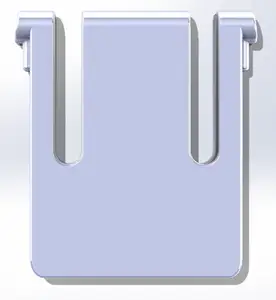
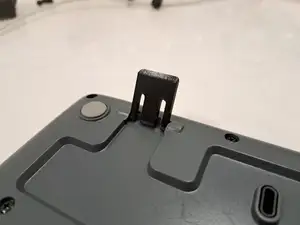
%2Fhttps%3A%2F%2Ffbi.cults3d.com%2Fuploaders%2F27768904%2Fillustration-file%2F55510e1d-8614-48ac-b074-87057344e684%2FIMG_0589.JPG&w=300)
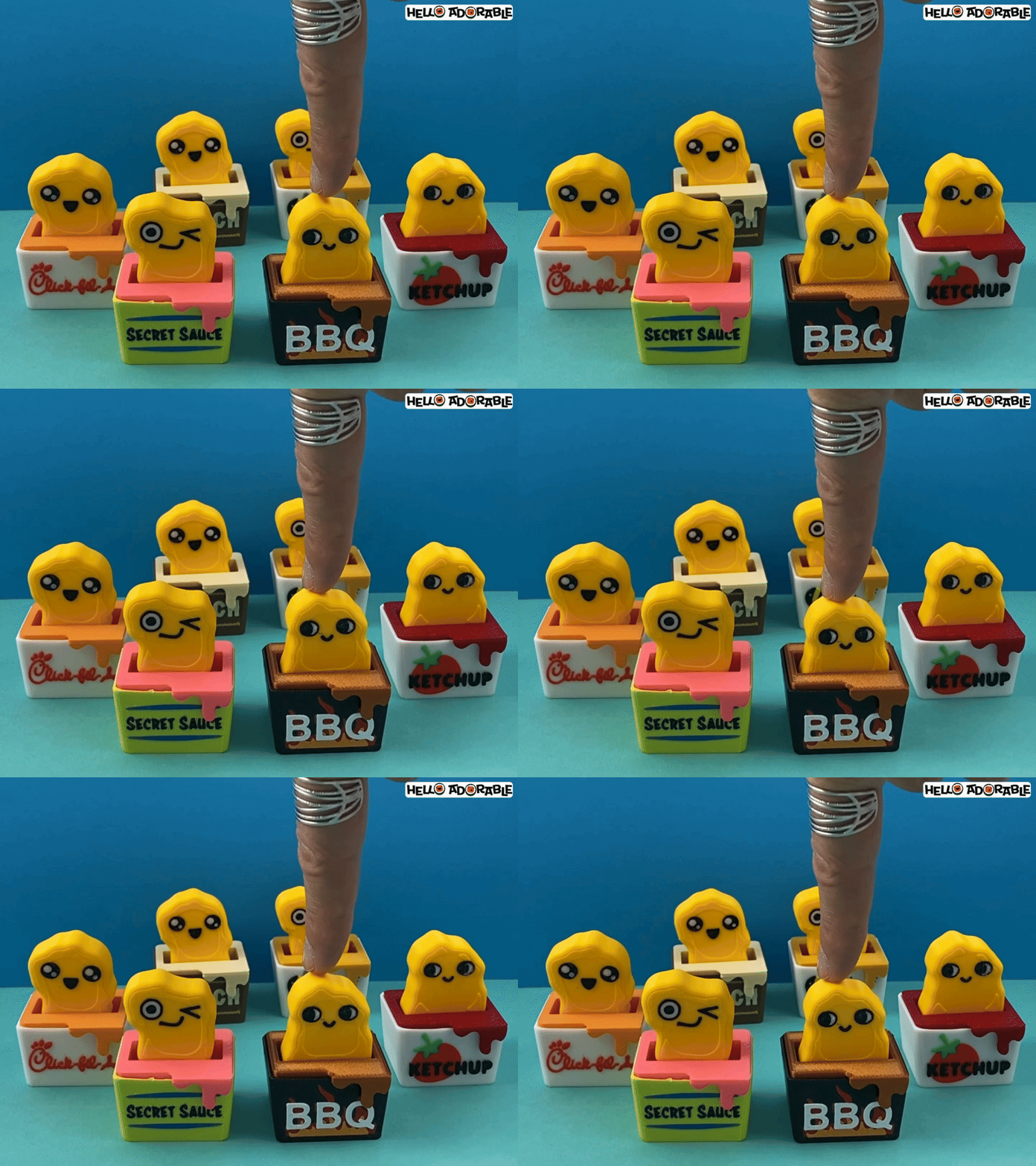
%2Fhttps%3A%2F%2Ffbi.cults3d.com%2Fuploaders%2F19402743%2Fillustration-file%2F1f240d4a-c8d4-40ba-a0c6-eb5f0e47ae60%2FLogitech-K270-stand-1.png&w=300)
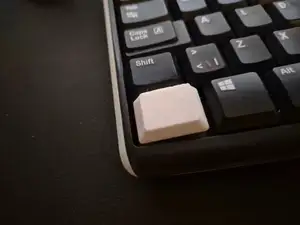
%2Fhttps%3A%2F%2Ffbi.cults3d.com%2Fuploaders%2F26507445%2Fillustration-file%2Fa4c55732-7294-47f1-96c9-30a2986844d6%2FPiede-Tastiera.jpg&w=300)

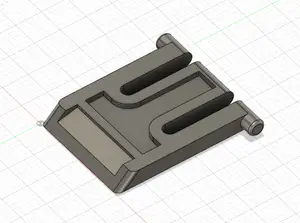
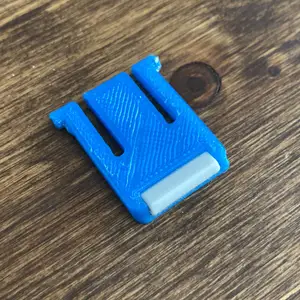
The largest group covers the folding feet and legs that lift the back of the keyboard, sometimes modelled as a single leg, sometimes as a pair with a rubber pad. A second group is about holding the keyboard in place: wall brackets, under-desk mounts and simple stands that change the typing angle. Smaller groups cover keycaps, switch components and files named only by a size or a short code, where the title alone does not say what the part does.
Before printing, open the model page and read what the author states: overall dimensions, whether the part is one piece or several, and whether supports are needed. Check the photos of real prints to judge how the part meets the keyboard body and whether a rubber pad or an insert is expected. Material and settings matter here because thin clips and legs flex, so the layer orientation the author used is worth copying.
If the results feel narrow, try related wording: keyboard foot, keyboard leg, tilt foot, riser, stand, wall mount, under-desk holder, or the model codes that appear next to the keyboard name. Searching for the switch or keycap type instead of the keyboard can surface parts that fit the same layout. Adding a size in millimetres or a part code often helps when a file is named without a clear description.




Le catalogue complet des thèmes, de la maison à la CNC, avec une recherche sur tous les sites connectés.