%2Fhttps%3A%2F%2Ffbi.cults3d.com%2Fuploaders%2F14281657%2Fillustration-file%2Fad4ed38c-ec95-4605-a0fd-f69c1d27ea85%2FPresse-papiers02.jpg&w=640)
免费 %2Fhttps%3A%2F%2Ffbi.cults3d.com%2Fuploaders%2F15430057%2Fillustration-file%2F754888c4-d7ce-4102-85eb-192a287a7325%2FK295K270.jpg&w=640)
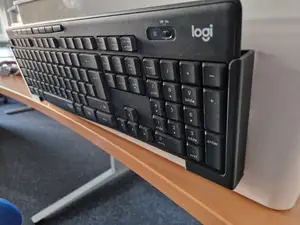
Logitech K295/K270 wall mounted holder
Cults3D
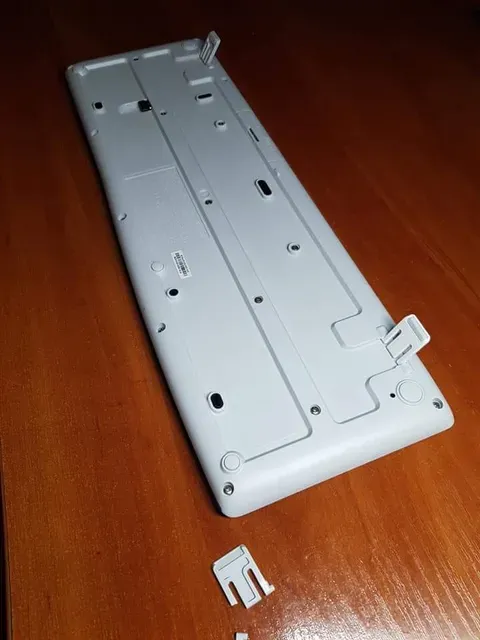
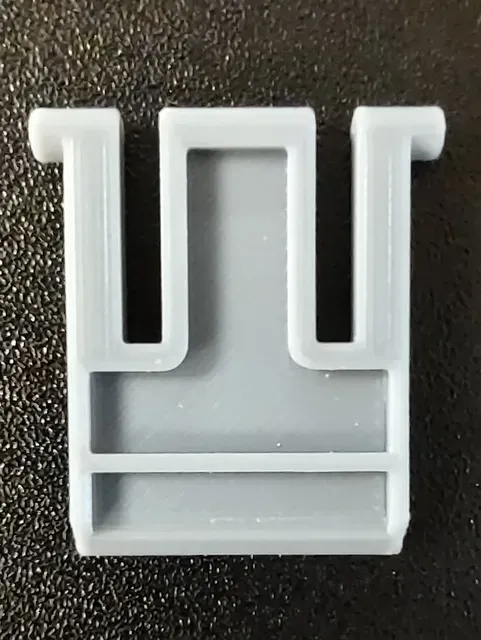
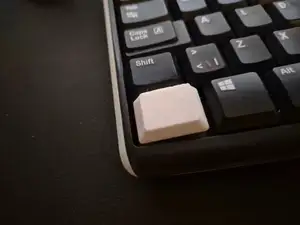
This collection gathers 3D models that relate to the Logitech K270 keyboard and its close variants: feet, legs, stands, holders and a few keycap or switch parts. Most files are small, so they are quick to test on a 3D printer before you commit to a longer print. It is useful when an original plastic part is lost or broken and you want to print a substitute. Polyzon does not confirm whether models are free, their price, license, official status, affiliation, safety or fitness. Check the current terms at the source.
本合集的文字为英文,搜索本身支持任何语言。
 Polyzon合集 · 48个模型 来自3个平台
此合集由Polyzon根据已接入平台的搜索结果整理而成:去除重复项和没有预览图的模型,匹配度低的排在最后,其余按搜索结果顺序排列。模型归作者所有——请在各模型页面查看使用条款。
筛选规则:Polyzon编辑部 · 文字更新于2026年10月14日
%2Fhttps%3A%2F%2Ffbi.cults3d.com%2Fuploaders%2F14281657%2Fillustration-file%2Fad4ed38c-ec95-4605-a0fd-f69c1d27ea85%2FPresse-papiers02.jpg&w=300)


%2Fhttps%3A%2F%2Ffbi.cults3d.com%2Fuploaders%2F13363299%2Fillustration-file%2Fbadd5e51-8f4d-4dad-bb9c-09de4e2d79dd%2F50288923_2083763628383715_8585841801699524608_n.jpg&w=300)
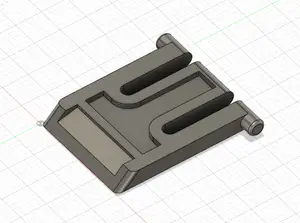

%2Fhttps%3A%2F%2Ffbi.cults3d.com%2Fuploaders%2F20713418%2Fillustration-file%2F96c3543a-b214-4e59-a530-d0939064f028%2FKeyboard_tilt_feet.jpg&w=300)
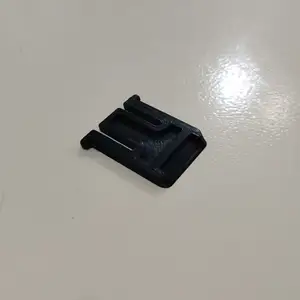
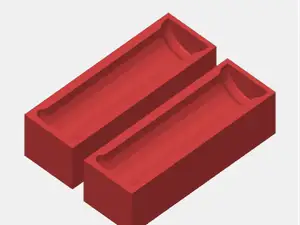
%2Fhttps%3A%2F%2Ffbi.cults3d.com%2Fuploaders%2F18030066%2Fillustration-file%2F58c1b8dd-9806-4336-8525-545e29656265%2FKeyboard-Leg.jpg&w=300)
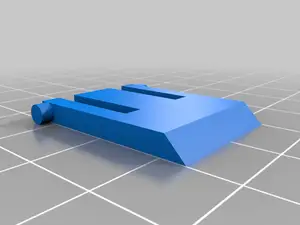
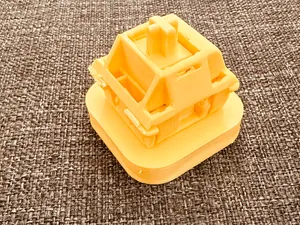
%2Fhttps%3A%2F%2Ffbi.cults3d.com%2Fuploaders%2F19411821%2Fillustration-file%2F456e700e-da42-4d8a-ba52-5ea4d9745962%2Fb7ad215ee298bea09126056c9ee4a8ab.png&w=300)
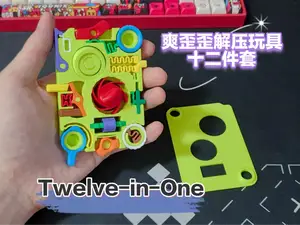
%2Fhttps%3A%2F%2Ffbi.cults3d.com%2Fuploaders%2F1694012%2Fillustration-file%2F18ade94c-35ba-4114-8df8-58e2a468c54b%2F72a9015d-8dc3-4b4c-be28-d247bdd58bad.png&w=300)
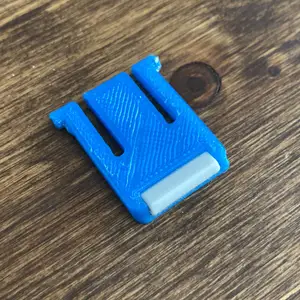
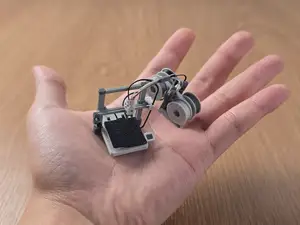
%2Fhttps%3A%2F%2Ffbi.cults3d.com%2Fuploaders%2F14389232%2Fillustration-file%2F120ae479-4f3a-42a3-b004-9a9e5478d4a5%2FPrzechwytywanie.png&w=300)
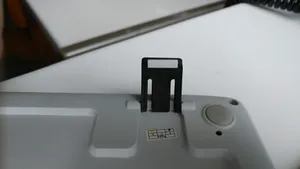

%2Fhttps%3A%2F%2Ffbi.cults3d.com%2Fuploaders%2F18301613%2Fillustration-file%2F1a564804-8656-4dca-afc4-37dd7544e100%2Ffdfe208146abcdc0e4f639692d786b8e.png&w=300)
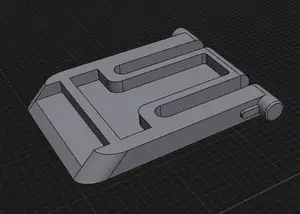
![Beyblade Kit Card [Storm Pegasus]](https://cache.polyzon.org/api/img?url=https%3A%2F%2Fmakerworld.bblmw.com%2Fmakerworld%2Fmodel%2FUS1582e55bad0ccd%2Fdesign%2F2024-12-22_a3602fa258856.jpg&w=300)
%2Fhttps%3A%2F%2Ffbi.cults3d.com%2Fuploaders%2F24850539%2Fillustration-file%2Ff8e29c07-b4bd-4f0b-a3a6-eb08c28ef37f%2Fq1.png&w=300)

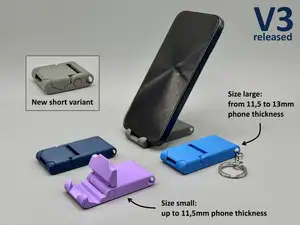
%2Fhttps%3A%2F%2Ffbi.cults3d.com%2Fuploaders%2F1694012%2Fillustration-file%2F2e19cd33-ef33-4fdc-889c-942a48f6e923%2F1852bb36-485e-4443-966f-1bcb8978e186.png&w=300)
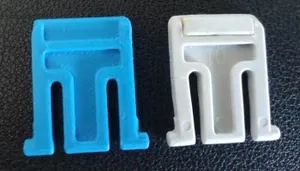
%2Fhttps%3A%2F%2Ffbi.cults3d.com%2Fuploaders%2F31149543%2Fillustration-file%2F90bdcced-d3d1-426a-87b1-78d8ff7a8d15%2FScreenshot-2024-01-12-152032.png&w=300)
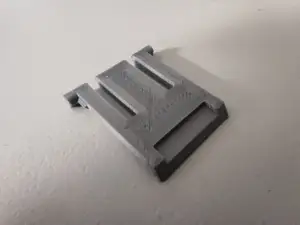
%2Fhttps%3A%2F%2Ffbi.cults3d.com%2Fuploaders%2F17207588%2Fillustration-file%2Fa1295559-c828-4b50-9bfe-5d615b719e94%2FPXL_20210530_002458922.jpg&w=300)
%2Fhttps%3A%2F%2Ffbi.cults3d.com%2Fuploaders%2F27768904%2Fillustration-file%2F55510e1d-8614-48ac-b074-87057344e684%2FIMG_0589.JPG&w=300)
%2Fhttps%3A%2F%2Ffbi.cults3d.com%2Fuploaders%2F19402743%2Fillustration-file%2F1f240d4a-c8d4-40ba-a0c6-eb5f0e47ae60%2FLogitech-K270-stand-1.png&w=300)
%2Fhttps%3A%2F%2Ffbi.cults3d.com%2Fuploaders%2F26507445%2Fillustration-file%2Fa4c55732-7294-47f1-96c9-30a2986844d6%2FPiede-Tastiera.jpg&w=300)

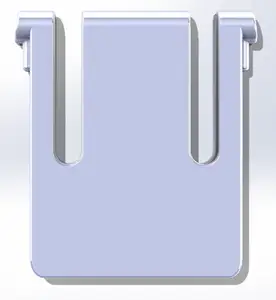
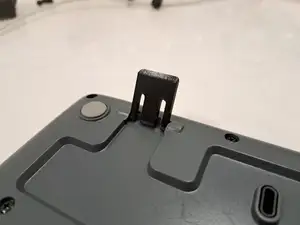
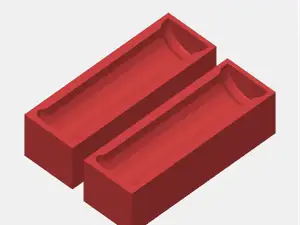
The largest group covers the folding feet and legs that lift the back of the keyboard, sometimes modelled as a single leg, sometimes as a pair with a rubber pad. A second group is about holding the keyboard in place: wall brackets, under-desk mounts and simple stands that change the typing angle. Smaller groups cover keycaps, switch components and files named only by a size or a short code, where the title alone does not say what the part does.
Before printing, open the model page and read what the author states: overall dimensions, whether the part is one piece or several, and whether supports are needed. Check the photos of real prints to judge how the part meets the keyboard body and whether a rubber pad or an insert is expected. Material and settings matter here because thin clips and legs flex, so the layer orientation the author used is worth copying.
If the results feel narrow, try related wording: keyboard foot, keyboard leg, tilt foot, riser, stand, wall mount, under-desk holder, or the model codes that appear next to the keyboard name. Searching for the switch or keycap type instead of the keyboard can surface parts that fit the same layout. Adding a size in millimetres or a part code often helps when a file is named without a clear description.
完整的主题目录:从家居日用到CNC,均可在已接入的来源平台中搜索。