Gratuit 
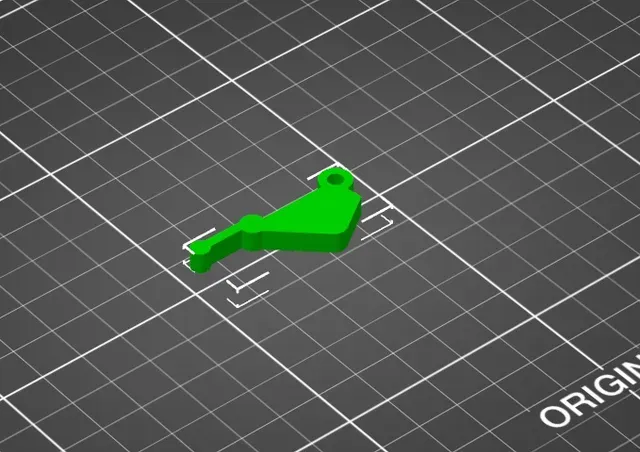
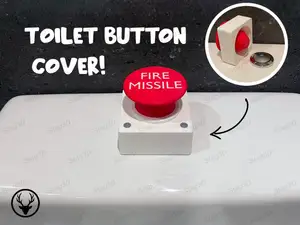
Start Button Cover- IronMan
Thingiverse
This collection gathers STL files for buttons used on household irons, soldering irons, and related controls. It also includes themed caps, fidget clickers, and customizable button generators. The mix helps when a small part is missing or when you want to adapt a control to your own project. Polyzon does not confirm whether models are free, their price, license, official status, affiliation, safety or fitness. Check the current terms at the source.
Le texte de cette collection est rédigé en anglais ; la recherche, elle, fonctionne dans toutes les langues.
 Une collection Polyzon · 48 modèles sur 5 plateformes
Polyzon compose cette collection à partir des résultats de recherche des plateformes connectées. Les doublons et les modèles sans aperçu sont retirés, les correspondances faibles sont placées à la fin, et le reste suit l’ordre de la recherche. Les modèles appartiennent à leurs auteurs : consultez les conditions sur la page de chaque modèle.
Règles de sélection : la rédaction de Polyzon · Texte mis à jour le 13/10/2026
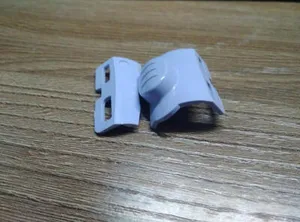

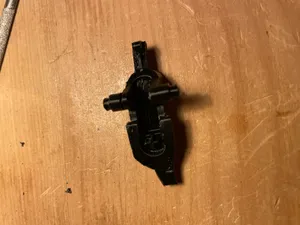
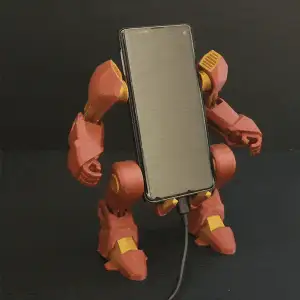

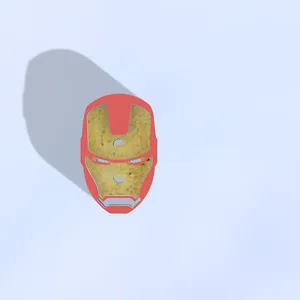
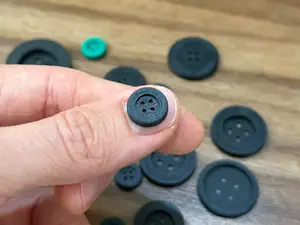
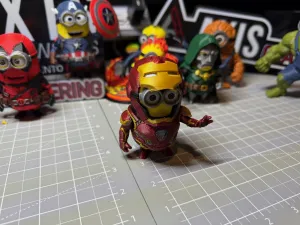

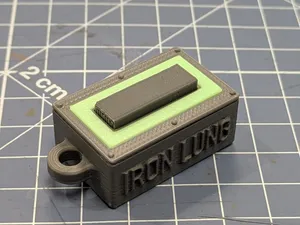
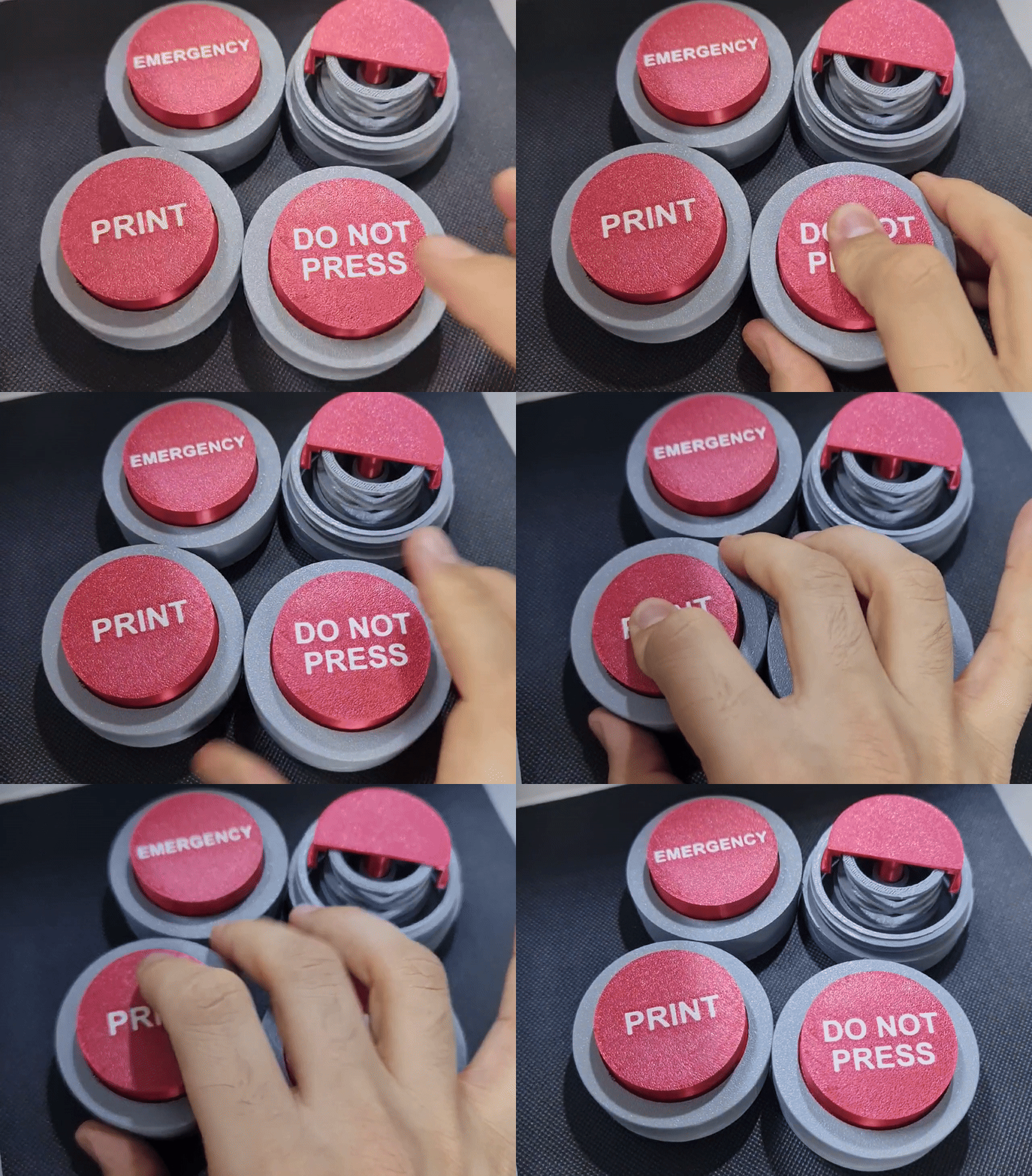

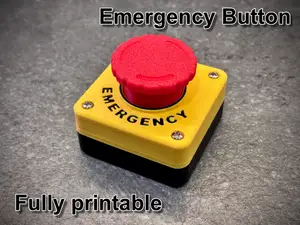
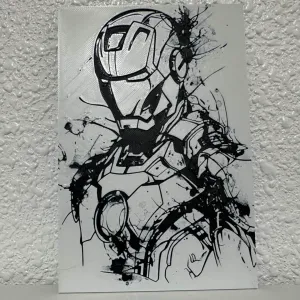

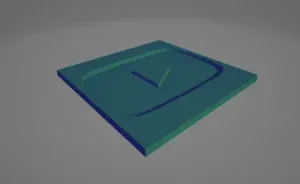
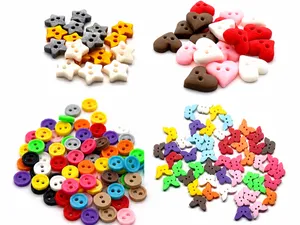


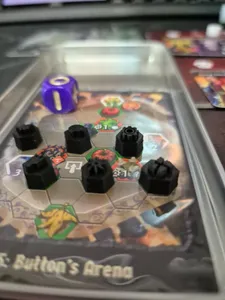
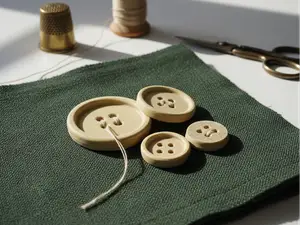
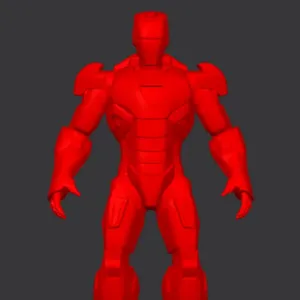

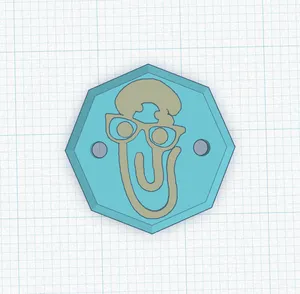
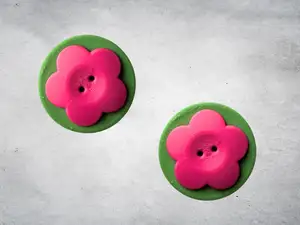
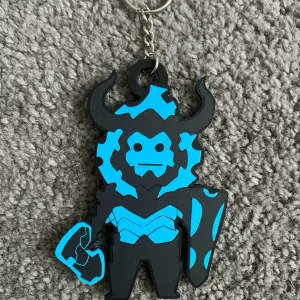

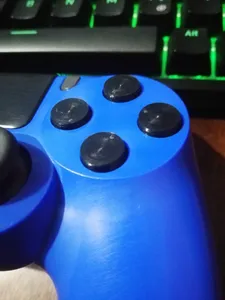
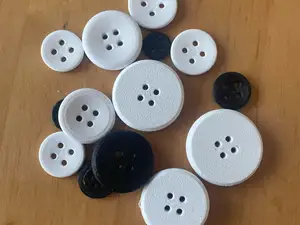
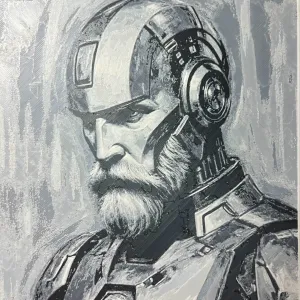

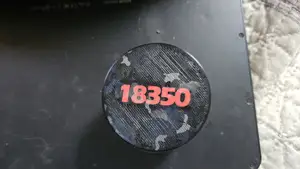
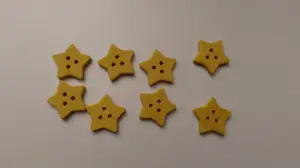
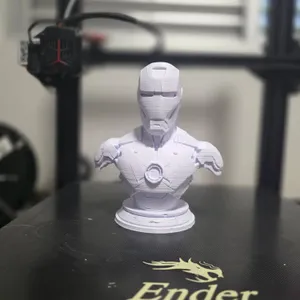

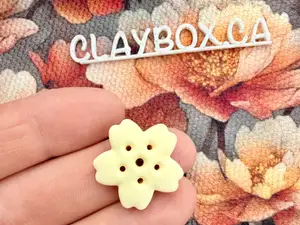
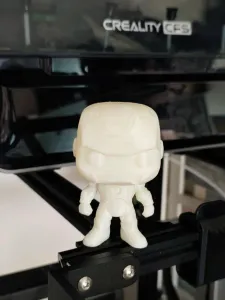

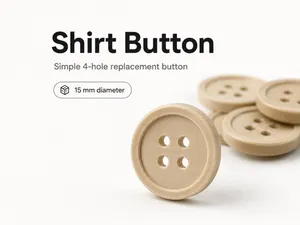
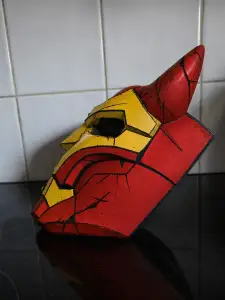

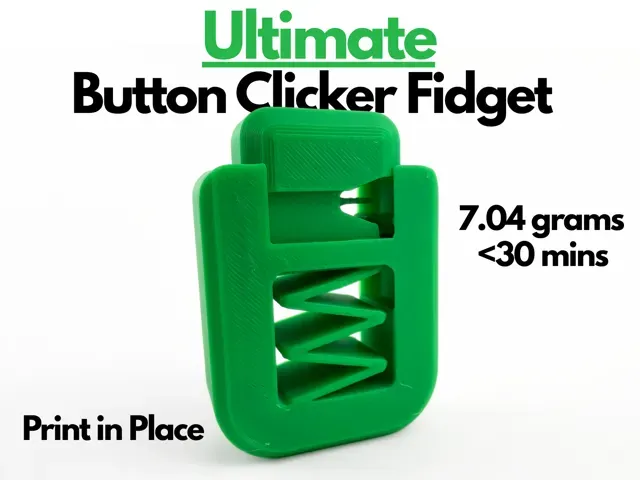
Models for household irons often focus on the shape of the original control, while soldering iron buttons tend to be simpler caps or switches for a handle. Themed covers and fidget clickers are usually decorative or tactile parts, and customizable generators let you set dimensions before exporting. These groups differ in how much assembly they require and in whether they are meant to replace an existing part or add a new one.
When choosing a model, check the size and scale, the number of parts, and whether the author notes that supports are needed. Look at the material and settings listed on the model page, and review photos of real prints to judge surface details and tolerances. For moving or pressed parts, consider clearances and how the button will be attached.
To refine the search, try synonyms such as control cap, switch cover, knob, or replacement part, and combine them with the appliance type. Related topics include fidget clickers, custom generators, and themed covers if you want a decorative version. Narrowing by part type and by the way the button mounts will bring more relevant results.




Le catalogue complet des thèmes, de la maison à la CNC, avec une recherche sur tous les sites connectés.