Gratuit 
Garden Shovel
Thingiverse
This collection gathers shovel and scoop STL files: garden and planting tools, sand scoops, scale buckets for toy machines and game-inspired props. It is useful when you need a digging tool in a size or shape that is hard to find, or when you want to adapt one to your own 3D printer and material. Polyzon does not confirm whether models are free, their price, license, official status, affiliation, safety or fitness. Check the current terms at the source.
Le texte de cette collection est rédigé en anglais ; la recherche, elle, fonctionne dans toutes les langues.
 Une collection Polyzon · 47 modèles sur 4 plateformes
Polyzon compose cette collection à partir des résultats de recherche des plateformes connectées. Les doublons et les modèles sans aperçu sont retirés, les correspondances faibles sont placées à la fin, et le reste suit l’ordre de la recherche. Les modèles appartiennent à leurs auteurs : consultez les conditions sur la page de chaque modèle.
Règles de sélection : la rédaction de Polyzon · Texte mis à jour le 15/10/2026




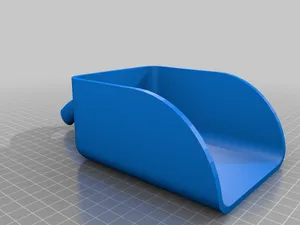
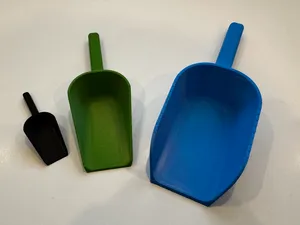
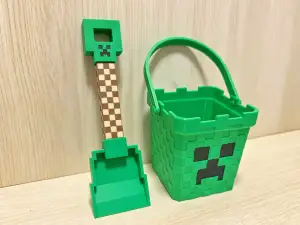

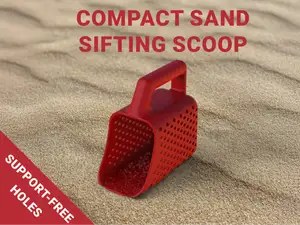
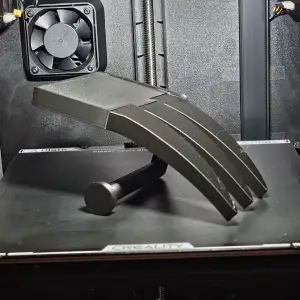

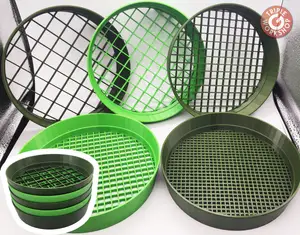
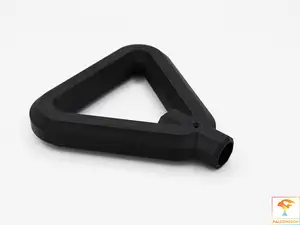


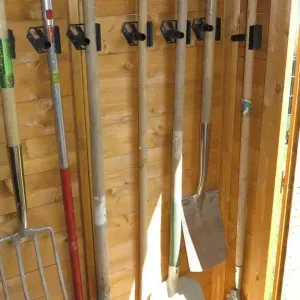

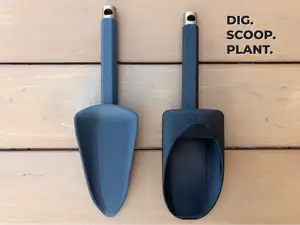
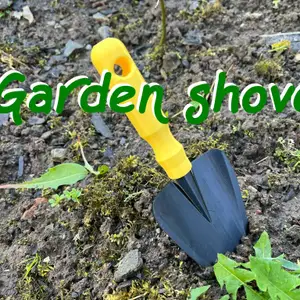

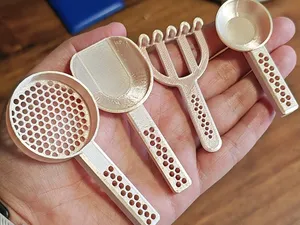
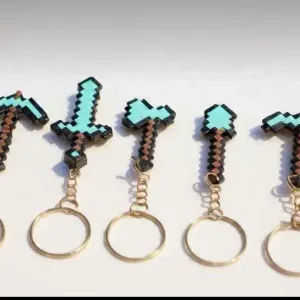

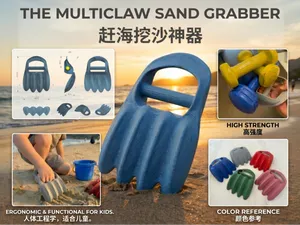
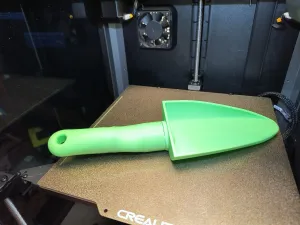

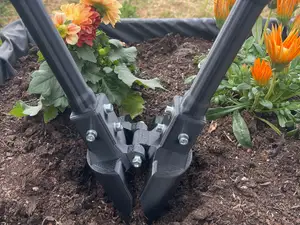
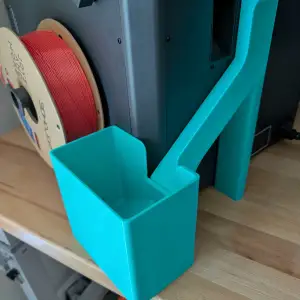

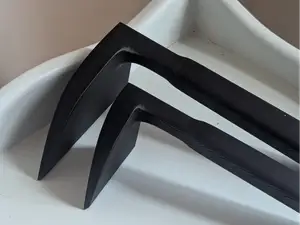
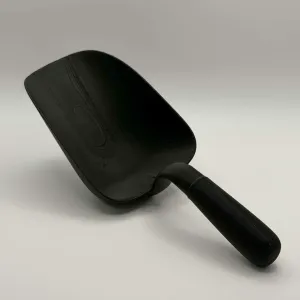

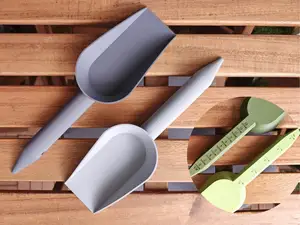



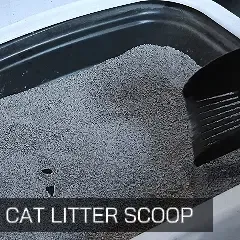

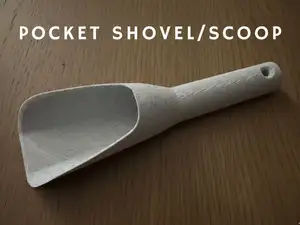
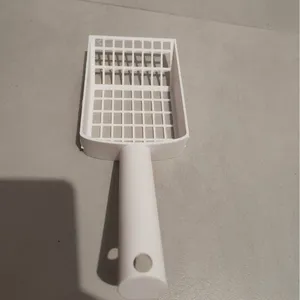

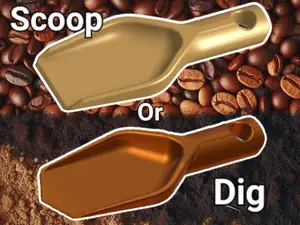
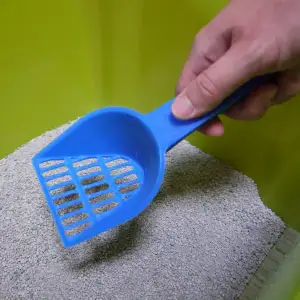
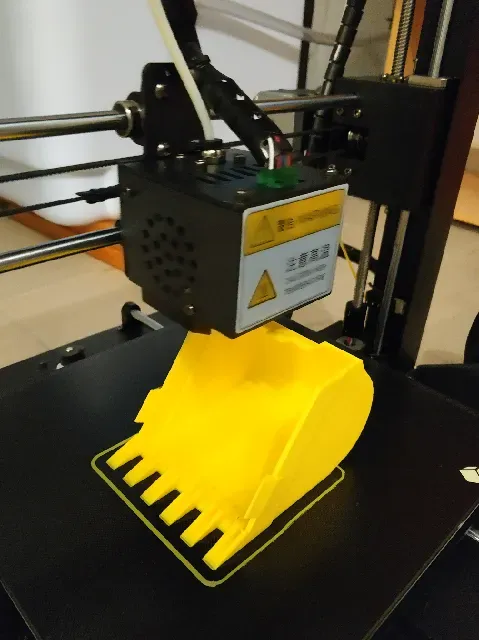
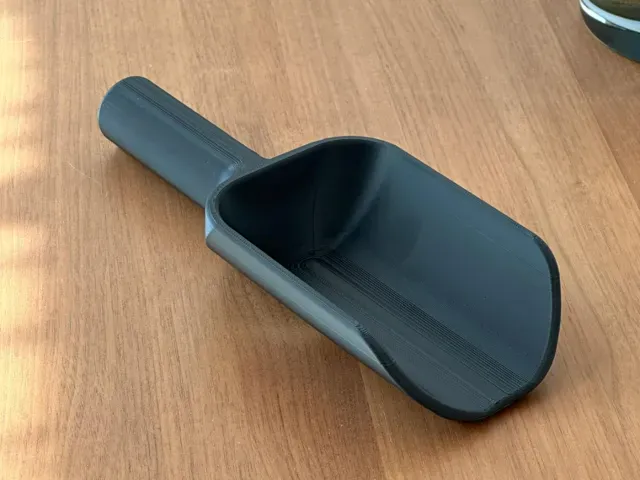
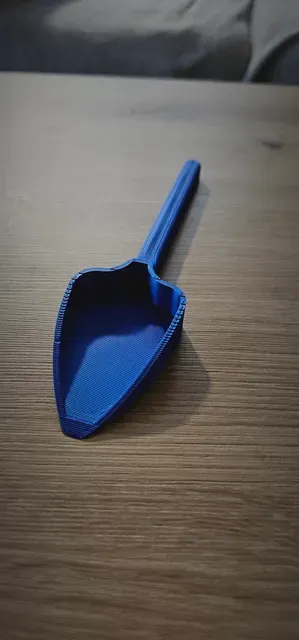
The models differ mostly by purpose. Garden and planting shovels come as full-size tools or small cultivation versions with a narrow blade, while beach scoops often include a sifting grid or a claw shape for digging in loose sand. Scale buckets for toy excavators are modelled to fit a specific machine size, and game-inspired props copy a familiar pickaxe or shovel silhouette.
When choosing a model, look at the blade thickness, the wall count and how the handle joins the blade, since that joint carries most of the load. Check the scale or dimensions in the description, the number of parts and whether assembly or glue is required, and whether the author lists supports. Read the material and settings the author used, and look at photos of real prints to judge surface quality and layer direction.
To widen the results, search for related words such as scoop, spade, trowel, sifter or digging tool, and add a context like garden, beach, sand or excavator. Combining a tool word with a scale or machine name often brings up parts that a single keyword misses, and browsing the author's other models can lead to matching handles or trays.
For printing, orient the blade so that layer lines run across the load rather than along it, and consider a larger nozzle or thicker walls for parts that will be pushed into soil. Small scoops and sifting trays print in one piece, while long handles may need splitting and joining.




Le catalogue complet des thèmes, de la maison à la CNC, avec une recherche sur tous les sites connectés.