
Gratuit 
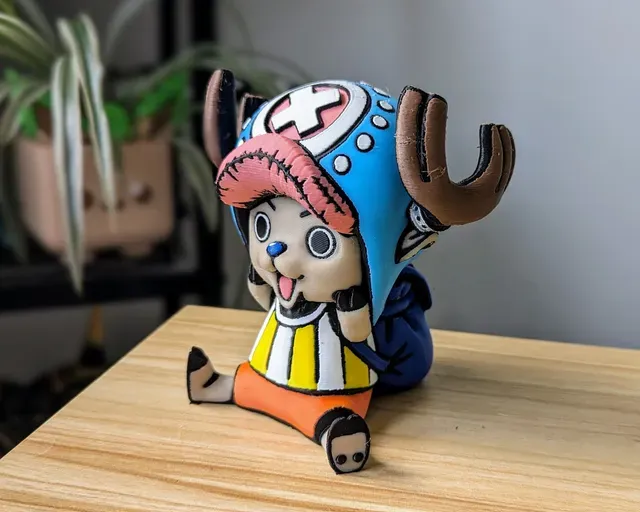
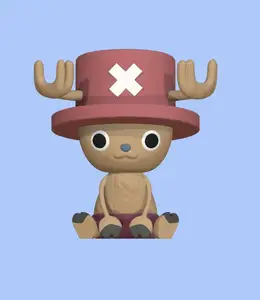
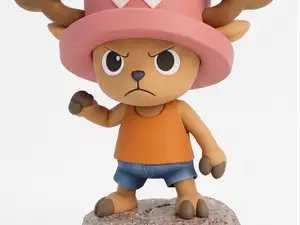
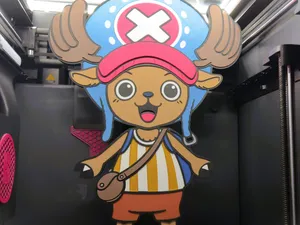
Fully 3D printable Chopper ( Multi Color )
Thingiverse
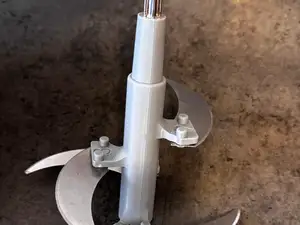
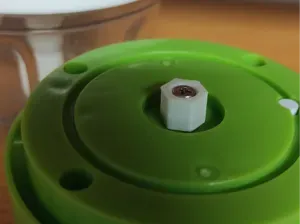
This collection gathers models built around color separation, multiple materials or several printed parts that come together into one object. It covers character figures, low-poly creatures, wall art and replacement parts for kitchen choppers. The listings are useful if you print with an STL workflow and want to plan color changes or assembly before you start. Polyzon does not confirm whether models are free, their price, license, official status, affiliation, safety or fitness. Check the current terms at the source.
Le texte de cette collection est rédigé en anglais ; la recherche, elle, fonctionne dans toutes les langues.
 Une collection Polyzon · 47 modèles sur 4 plateformes
Polyzon compose cette collection à partir des résultats de recherche des plateformes connectées. Les doublons et les modèles sans aperçu sont retirés, les correspondances faibles sont placées à la fin, et le reste suit l’ordre de la recherche. Les modèles appartiennent à leurs auteurs : consultez les conditions sur la page de chaque modèle.
Règles de sélection : la rédaction de Polyzon · Texte mis à jour le 15/10/2026

%2Fhttps%3A%2F%2Ffbi.cults3d.com%2Fuploaders%2F5909433%2Fillustration-file%2F1aa6f3d4-c422-4312-8409-aad0515bdaaa%2FCapture%2520d%25E2%2580%2599e%25CC%2581cran%25202018-03-09%2520a%25CC%2580%252009.51.23.png&w=300)

%2Fhttps%3A%2F%2Ffbi.cults3d.com%2Fuploaders%2F4874761%2Fillustration-file%2F251bc004-ec95-4b0f-b6b8-447de713d97e%2Fpokemon_dual_squirtle.jpg&w=300)

%2Fhttps%3A%2F%2Ffbi.cults3d.com%2Fuploaders%2F2993031%2Fillustration-file%2Fac7508ae-c608-48f1-ab9b-41a7db9bfbce%2Fcats_and_boxes.jpg&w=300)

%2Fhttps%3A%2F%2Ffbi.cults3d.com%2Fuploaders%2F4874761%2Fillustration-file%2F9e13dbf5-36db-4571-826a-127c56a4cffd%2Fpokemon_dual_bulbasaur.jpg&w=300)

%2Fhttps%3A%2F%2Ffbi.cults3d.com%2Fuploaders%2F37216894%2Fillustration-file%2F9f386ee0-9858-452d-aa46-3b7bdcff6c1e%2Fimage00425.jpeg&w=300)

%2Fhttps%3A%2F%2Ffbi.cults3d.com%2Fuploaders%2F5909433%2Fillustration-file%2F2d632f8e-a7ac-4446-9ebd-97327f485c8b%2FCapture%2520d%25E2%2580%2599e%25CC%2581cran%25202018-02-27%2520a%25CC%2580%252009.52.22.png&w=300)
%2Fhttps%3A%2F%2Ffbi.cults3d.com%2Fuploaders%2F14158599%2Fillustration-file%2F99e3067b-6f2c-4c06-b7fa-392d130741db%2FIMG_20190701_090808.jpg&w=300)

%2Fhttps%3A%2F%2Ffbi.cults3d.com%2Fuploaders%2F2141422%2Fillustration-file%2F7286d53b-4ba5-4ab6-9fef-9bf33d3da3db%2FCapture%2520d%25E2%2580%2599e%25CC%2581cran%25202017-12-06%2520a%25CC%2580%252017.01.47.png&w=300)

%2Fhttps%3A%2F%2Ffbi.cults3d.com%2Fuploaders%2F2993031%2Fillustration-file%2F9b8ac007-b3bf-4dd8-9c88-19a80538dc59%2Fsingle_extrusion1.jpg&w=300)
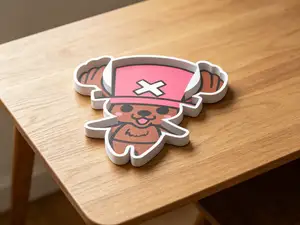

%2Fhttps%3A%2F%2Ffbi.cults3d.com%2Fuploaders%2F13074626%2Fillustration-file%2F4a55cdf4-2e35-4bb2-93d3-226f8cbe97f0%2FUntitled.jpg&w=300)


%2Fhttps%3A%2F%2Ffbi.cults3d.com%2Fuploaders%2F2141422%2Fillustration-file%2Fb62110de-8ee8-431c-a32e-bea2181a87c7%2FCapture%2520d%25E2%2580%2599e%25CC%2581cran%25202017-07-24%2520a%25CC%2580%252011.59.38.png&w=300)
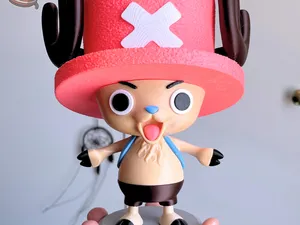

%2Fhttps%3A%2F%2Ffbi.cults3d.com%2Fuploaders%2F15764143%2Fillustration-file%2Ff8dfed45-dd4f-4207-81cc-94122f79d26a%2F8_b32e6649-55d0-4f7b-a72e-f0c955c51f49_480x480.gif&w=300)
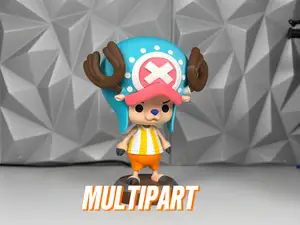

%2Fhttps%3A%2F%2Ffbi.cults3d.com%2Fuploaders%2F23852915%2Fillustration-file%2F90a3ed31-6a7b-4354-92f1-e039d0fc2da7%2FIMG_1116.jpeg&w=300)
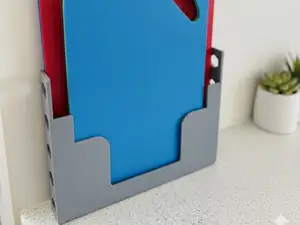

%2Fhttps%3A%2F%2Ffbi.cults3d.com%2Fuploaders%2F14558237%2Fillustration-file%2Fe7cca788-3a4c-4864-ad43-6fcd9c08c5cf%2F506890583_10229654356049392_1087329283680893759_n.jpg&w=300)

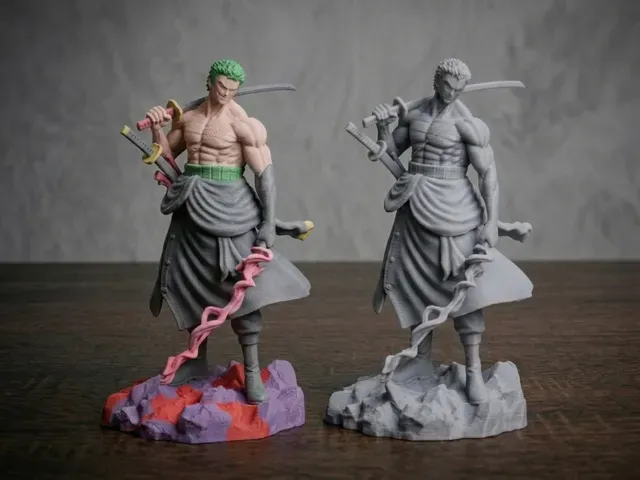
The clearest group is character figures, where a model is split into color zones or separate bodies so each part can be printed in a different filament. Low-poly creatures follow a similar idea but are usually built for dual-extrusion setups, with one version for a single nozzle and another for two. A third group is simply multi-part: the object is cut into pieces that are printed flat and joined afterwards, which is common for larger figures and for models that would otherwise need a lot of support.
When choosing, open the author's page and read how the parts are arranged. Check the number of pieces and whether the model is meant for one print or several, the scale and finished size, the wall thickness at joints, and whether the author lists supports, material and settings. For color versions, look at how the color zones are separated in the file and whether photos of real prints show the seams and the fit between parts.
Search terms shift depending on what you want. Try "multicolor", "multi material", "dual extrusion", "AMS" or "MMU" for color-separated files, and "multi part", "split" or "assembly" for models cut into pieces. Related searches include low-poly versions of the same subject, keychain or wall-art sizes, and spare parts for specific kitchen appliances.


Le catalogue complet des thèmes, de la maison à la CNC, avec une recherche sur tous les sites connectés.
%2Fhttps%3A%2F%2Ffbi.cults3d.com%2Fuploaders%2F5909433%2Fillustration-file%2Ffb5f2498-cb31-46c9-b2bc-27ec869e2c50%2FCapture%2520d%25E2%2580%2599e%25CC%2581cran%25202017-12-19%2520a%25CC%2580%252016.48.59.png&w=640)