
Gratuit 
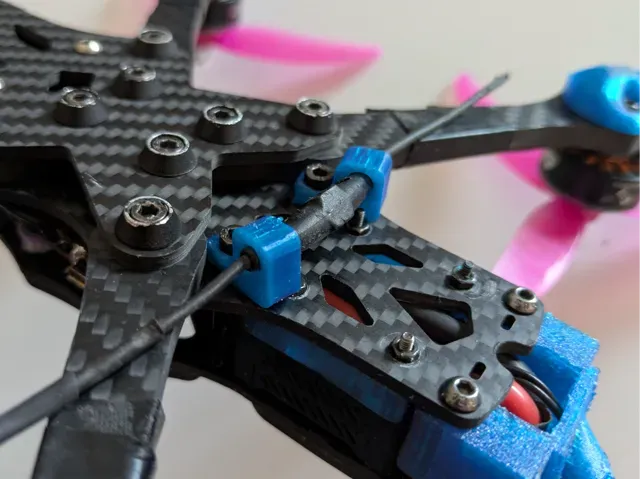
DJI O4 camera mount adaptors for AOS V5 FPV Drone Frames
Thingiverse
This collection gathers 3D models for FPV drone legs, landing feet and mounts, from simple screw-on feet to wall hangers and shock-absorbing risers. It helps you find a starting point for 3D printing parts that protect the frame or hold the quad in place. Polyzon does not confirm whether models are free, their price, license, official status, affiliation, safety or fitness. Check the current terms at the source.
Le texte de cette collection est rédigé en anglais ; la recherche, elle, fonctionne dans toutes les langues.
 Une collection Polyzon · 47 modèles sur 6 plateformes
Polyzon compose cette collection à partir des résultats de recherche des plateformes connectées. Les doublons et les modèles sans aperçu sont retirés, les correspondances faibles sont placées à la fin, et le reste suit l’ordre de la recherche. Les modèles appartiennent à leurs auteurs : consultez les conditions sur la page de chaque modèle.
Règles de sélection : la rédaction de Polyzon · Texte mis à jour le 15/10/2026
















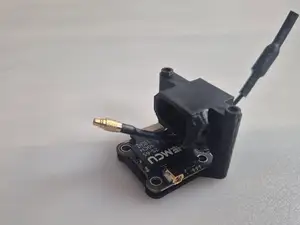
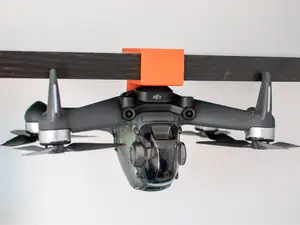
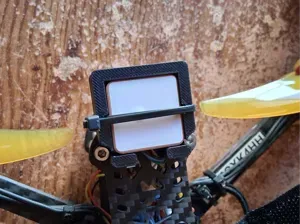


%2Fhttps%3A%2F%2Ffbi.cults3d.com%2Fuploaders%2F46315958%2Fillustration-file%2F3e42fee9-480a-4496-8411-0c0b38c6c3e2%2FScreenshot-2026-10-17-194257.png&w=300)


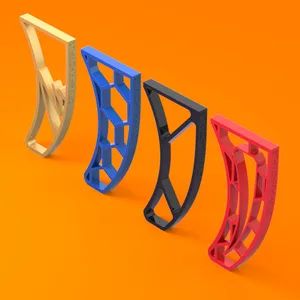
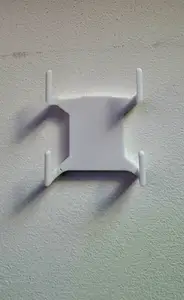
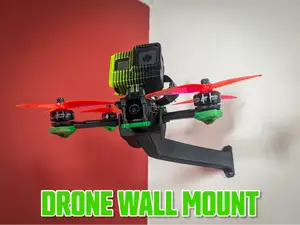
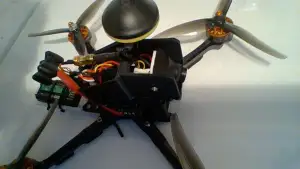
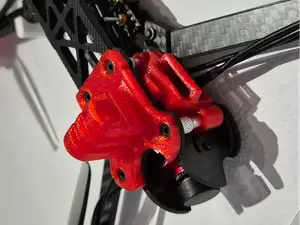
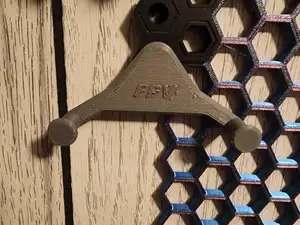
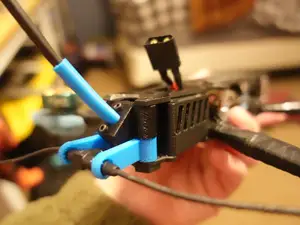
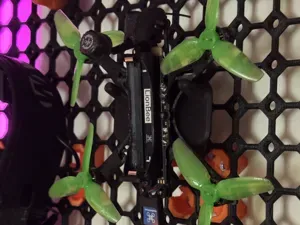
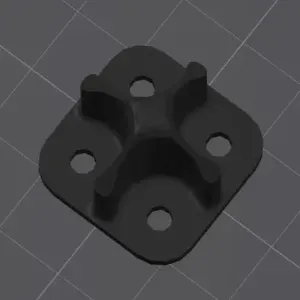
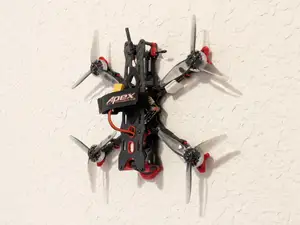
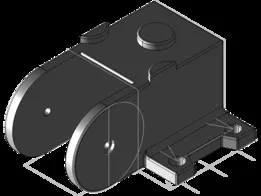
The models fall into a few groups. Landing feet and legs replace or extend the bottom of the frame, wall mounts and hangers hold a drone on a vertical surface, screw-on arm feet attach at the motor or arm ends, and riser or shock-absorbing feet add height or damping. Each group solves a different problem, so decide first whether you need a stand, a storage holder or a contact point for landings.
When choosing a model, look at the mounting method and the dimensions the author lists. Check the screw sizes, the arm or frame spacing, the number of parts and whether assembly is needed. On the author's page, read the recommended material and settings, and look at photos of real prints to judge how the part sits on a frame.
You can narrow the search with related terms such as quadcopter, cinewhoop, landing gear, arm guard, wall hanger or motor mount. Adding a frame size or a mounting standard to the query often helps more than a general phrase. If a result is close but not exact, check the author's other models, since many designers publish several variants of the same part.
Before printing, confirm the scale and the clearances in the file, because a small difference in arm width or screw diameter changes how the part fits. Thin legs and feet printed in a brittle material can break on impact, while flexible materials behave differently at the same wall thickness. Test the fit on the frame before a flight, and keep the model page open for the settings the author used.


Le catalogue complet des thèmes, de la maison à la CNC, avec une recherche sur tous les sites connectés.

