
Gratis 
GMTec G3 Desktop Wallmount
Thingiverse
This collection gathers 3D printing files built around GMKtec mini PCs: cooling lids, fan adapters, rack shelves, desk mounts and replacement covers. Most of them change how the small chassis sits, breathes or attaches to a surface, so a 3D printer is used here for practical hardware rather than decoration. It helps if you already know your model name and its dimensions before you start browsing. Polyzon does not confirm whether models are free, their price, license, official status, affiliation, safety or fitness. Check the current terms at the source.
Il testo di questa raccolta è in inglese; la ricerca funziona in qualsiasi lingua.
 Una raccolta di Polyzon · 48 modelli da 3 siti
Polyzon compone questa raccolta a partire dai risultati di ricerca dei siti collegati. I doppioni e i modelli senza anteprima vengono rimossi, le corrispondenze deboli finiscono in fondo e il resto mantiene l’ordine dei risultati. I modelli appartengono ai rispettivi autori: verifica le condizioni sulla pagina di ciascun modello.
Criteri di selezione a cura della redazione di Polyzon · Testo aggiornato: 11/10/2026


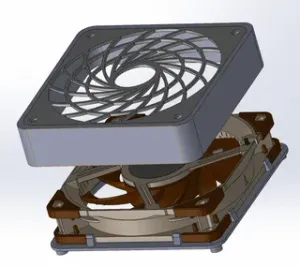

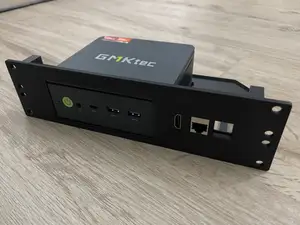


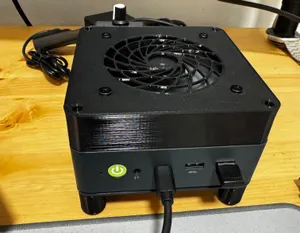


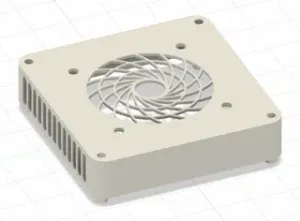

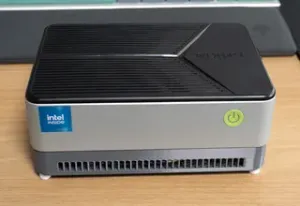


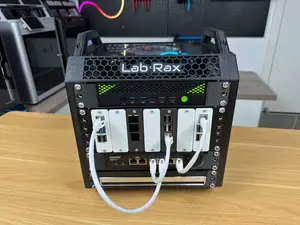
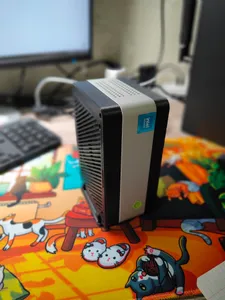


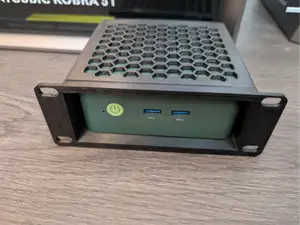

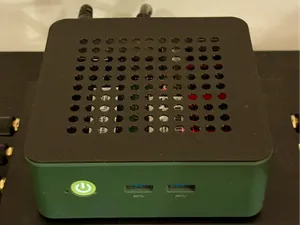
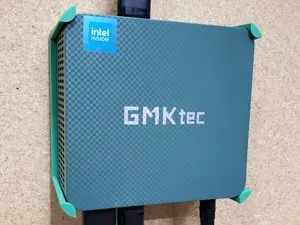


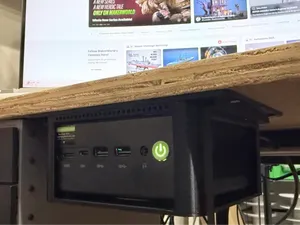
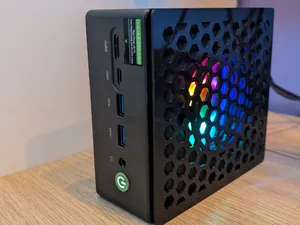
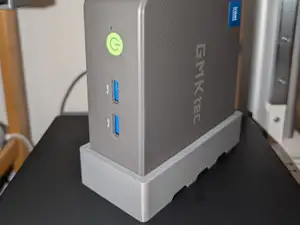

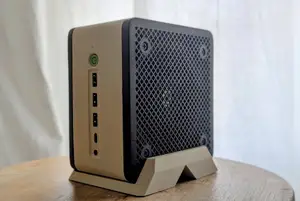

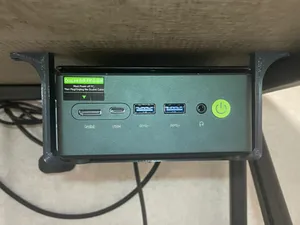


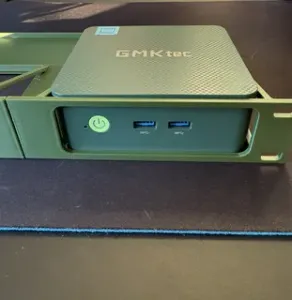


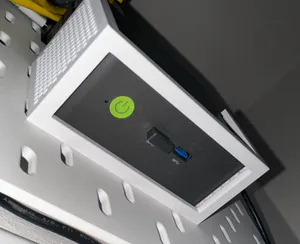
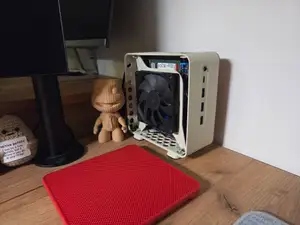
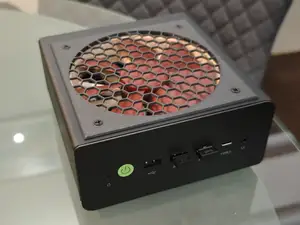
The models fall into a few groups. Some replace the top panel so a larger fan can sit above the case, others wrap a fan in its own housing beside or under the machine. Rack shelves and under-desk brackets take a different approach: they leave the chassis alone and change where it lives. Stands and height extensions raise the unit, and replacement covers or SATA lids swap out the original panel.
When choosing a file, compare the measurements on the model page with your own unit, including the fan size and thickness, screw positions and the space around the ports. Read what the author lists about material and settings, since parts that sit near warm components are often printed in a higher-temperature filament. Check whether supports are needed, how the part is oriented on the bed, and whether the page shows photos of real prints.
Search terms can be widened if a first attempt returns little. Try the chassis name together with words like fan mod, lid, adapter, duct, shelf or bracket, and add the fan size you plan to use. Related topics include 10-inch rack accessories, antenna brackets, small-form-factor cases and mini PC stands, which often appear in the same collections.



Il catalogo completo dei temi, dalla casa alla lavorazione CNC, con ricerca su tutti i siti collegati.