
Grátis 
GMTec G3 Desktop Wallmount
Thingiverse
This collection gathers 3D printing files built around GMKtec mini PCs: cooling lids, fan adapters, rack shelves, desk mounts and replacement covers. Most of them change how the small chassis sits, breathes or attaches to a surface, so a 3D printer is used here for practical hardware rather than decoration. It helps if you already know your model name and its dimensions before you start browsing. Polyzon does not confirm whether models are free, their price, license, official status, affiliation, safety or fitness. Check the current terms at the source.
O texto desta coleção está em inglês; a busca funciona em qualquer idioma.
 Uma coleção do Polyzon · 48 modelos de 3 sites
O Polyzon monta esta coleção a partir dos resultados de busca dos sites conectados. Repetições e modelos sem prévia são removidos, correspondências fracas vão para o final e o restante segue a ordem da busca. Os modelos pertencem aos seus autores — confira os termos na página de cada modelo.
Regras de seleção: equipe editorial do Polyzon · Texto atualizado em 11/10/2026


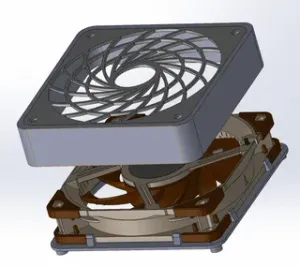

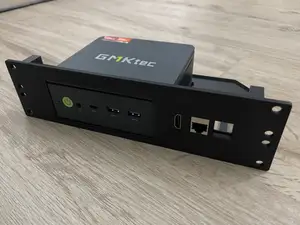


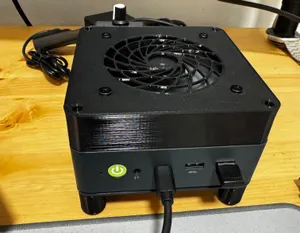


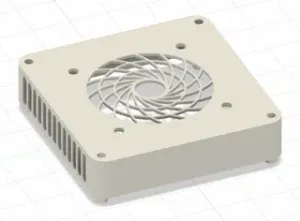

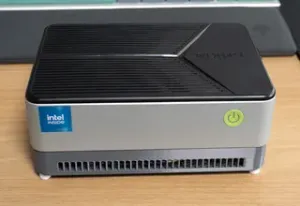


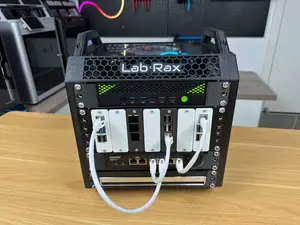
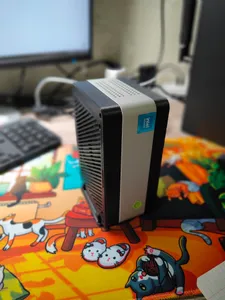


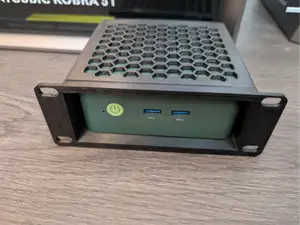

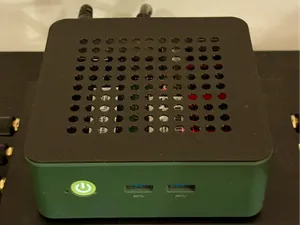
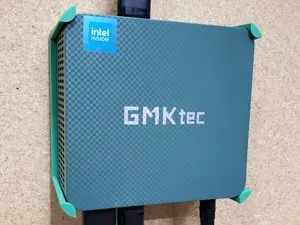


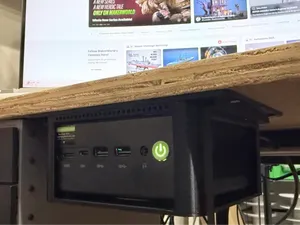
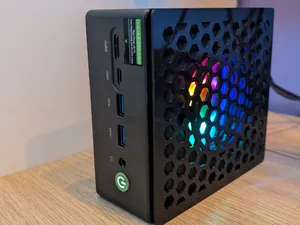
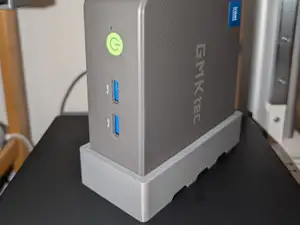

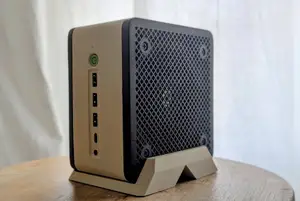

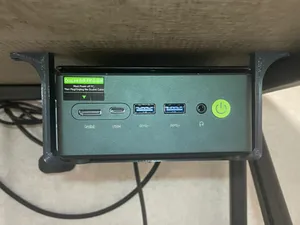


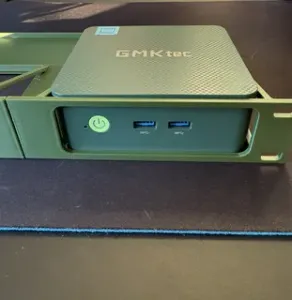


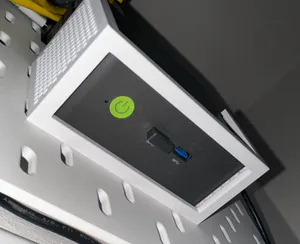
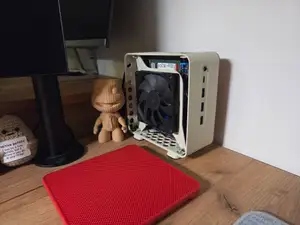
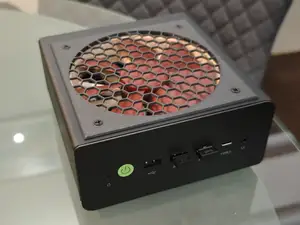
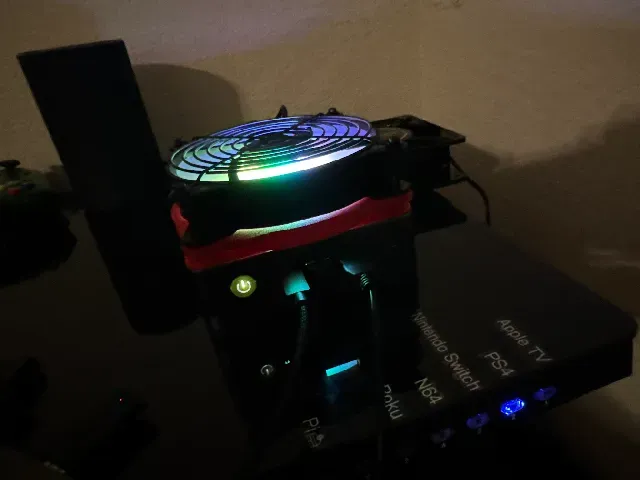
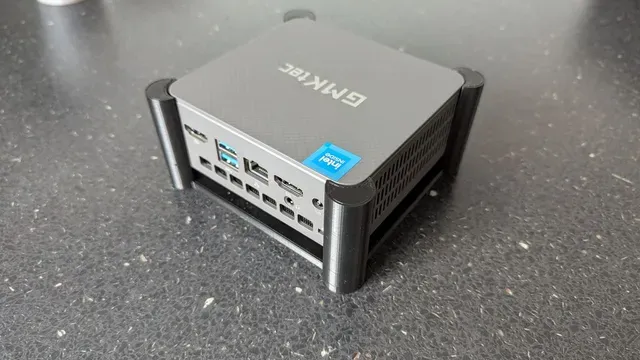
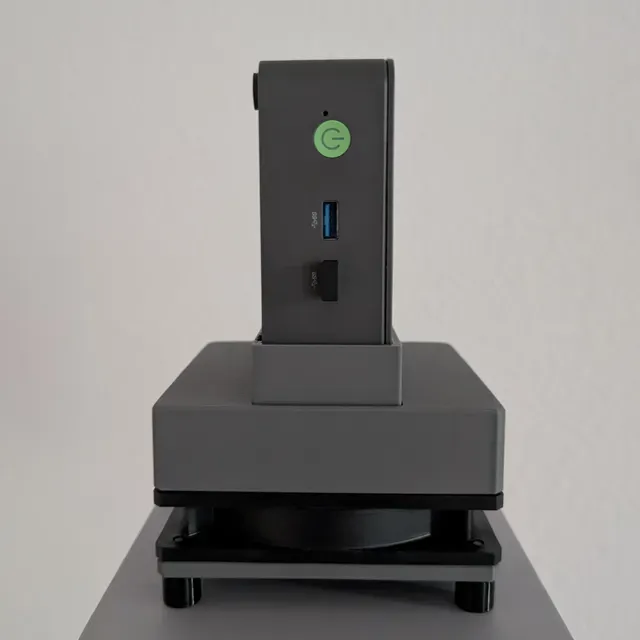
The models fall into a few groups. Some replace the top panel so a larger fan can sit above the case, others wrap a fan in its own housing beside or under the machine. Rack shelves and under-desk brackets take a different approach: they leave the chassis alone and change where it lives. Stands and height extensions raise the unit, and replacement covers or SATA lids swap out the original panel.
When choosing a file, compare the measurements on the model page with your own unit, including the fan size and thickness, screw positions and the space around the ports. Read what the author lists about material and settings, since parts that sit near warm components are often printed in a higher-temperature filament. Check whether supports are needed, how the part is oriented on the bed, and whether the page shows photos of real prints.
Search terms can be widened if a first attempt returns little. Try the chassis name together with words like fan mod, lid, adapter, duct, shelf or bracket, and add the fan size you plan to use. Related topics include 10-inch rack accessories, antenna brackets, small-form-factor cases and mini PC stands, which often appear in the same collections.



O catálogo completo de temas — de casa e utilidades a CNC, com busca em todos os sites conectados.