
Gratis 
Logitech G Pro Wireless (x-superlight-wireless) mouse case - Rugged Box (Parametric)
Printables
This collection gathers 3D printing models for mouse cases: travel shells, ergonomic covers, holders with dongle storage and parametric designs shaped around a specific mouse body. Most are small parts, so they print quickly and use little filament. It is useful if you carry a mouse in a bag or want a different grip without buying another device. Polyzon does not confirm whether models are free, their price, license, official status, affiliation, safety or fitness. Check the current terms at the source.
Il testo di questa raccolta è in inglese; la ricerca funziona in qualsiasi lingua.
 Una raccolta di Polyzon · 48 modelli da 4 siti
Polyzon compone questa raccolta a partire dai risultati di ricerca dei siti collegati. I doppioni e i modelli senza anteprima vengono rimossi, le corrispondenze deboli finiscono in fondo e il resto mantiene l’ordine dei risultati. I modelli appartengono ai rispettivi autori: verifica le condizioni sulla pagina di ciascun modello.
Criteri di selezione a cura della redazione di Polyzon · Testo aggiornato: 11/10/2026


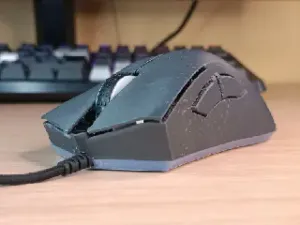
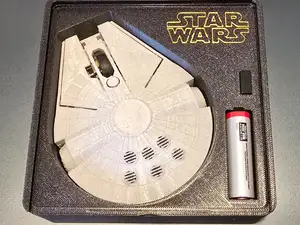


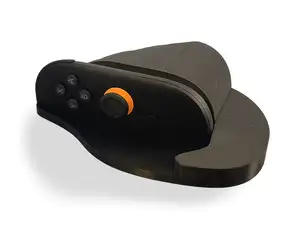

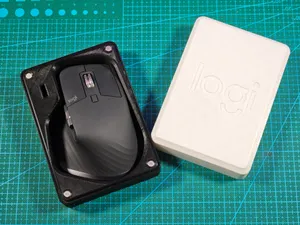
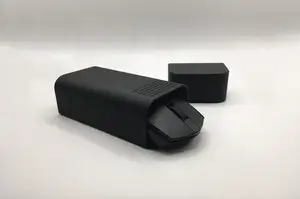

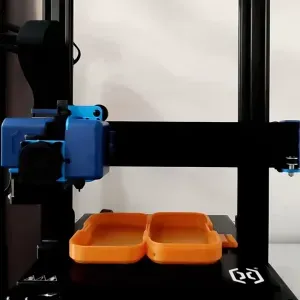


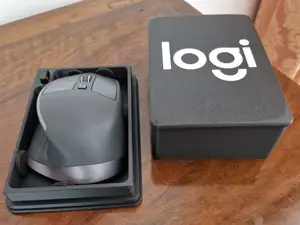

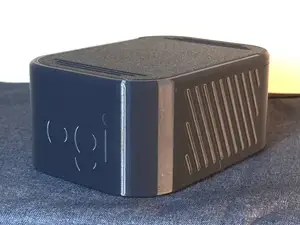
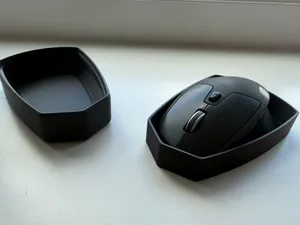

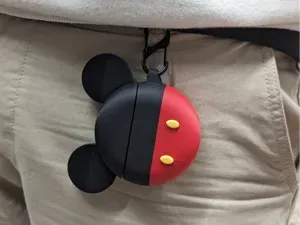


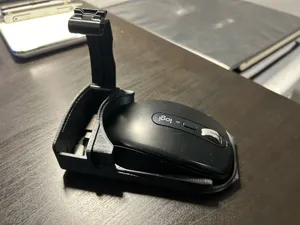

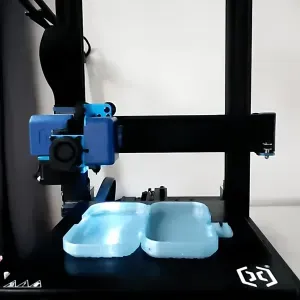
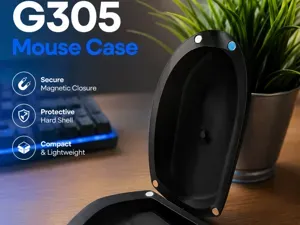
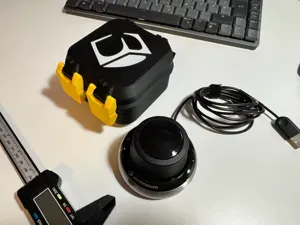


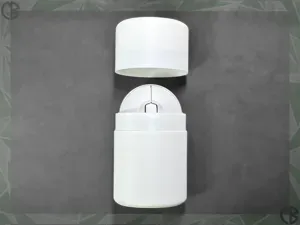
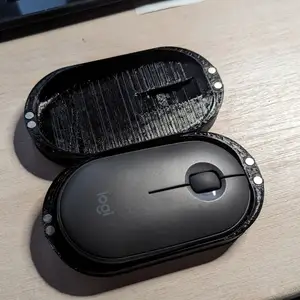
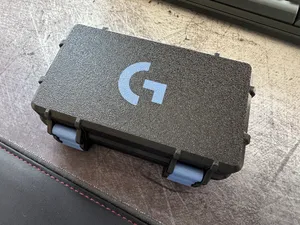


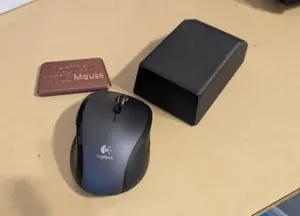

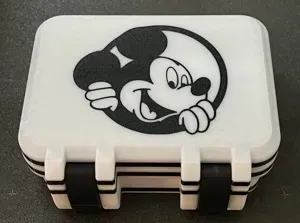

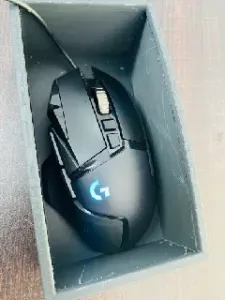
The models differ mainly in what they are meant to do. Travel and protective shells enclose the mouse and often add a lid or a latch; ergonomic covers sit over the buttons and change the hand position; storage designs add a slot or magnet pocket for a USB dongle. Themed cases borrow a silhouette from something else and are usually more about appearance than protection.
Before printing, open the author's page and check the listed mouse model and revision, since small shape changes between versions affect how a shell closes. Look at the number of parts, whether they join with screws, magnets or snap tabs, and whether the author shows supports or a particular orientation. Material and settings matter too: thin walls and small clips behave differently in rigid and flexible filaments, and photos of real prints show how the seams and tolerances came out.
To narrow the search, try synonyms such as mouse shell, mouse holder, mouse cover, travel case or dongle holder, and add the mouse name or its size class. Related topics that often appear alongside are desk organizers, cable and dongle storage, laptop accessories and ergonomic grips. If you find nothing for your device, parametric or open-frame designs are worth checking, as they are adjusted in the slicer rather than modeled for one exact body.



Il catalogo completo dei temi, dalla casa alla lavorazione CNC, con ricerca su tutti i siti collegati.