
無料 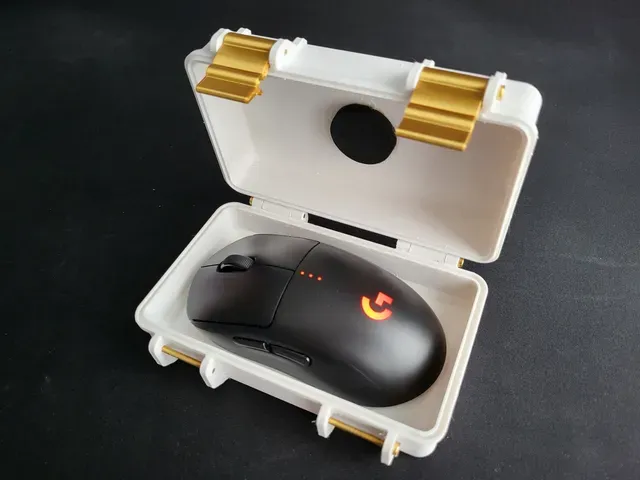
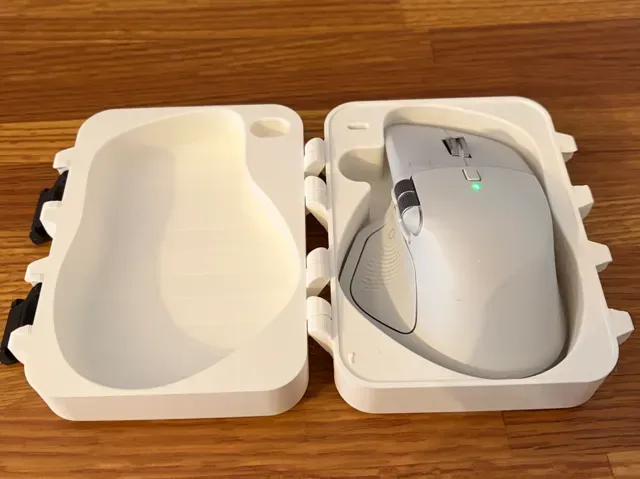
Logitech G Pro Wireless (x-superlight-wireless) mouse case - Rugged Box (Parametric)
Printables
This collection gathers 3D printing models for mouse cases: travel shells, ergonomic covers, holders with dongle storage and parametric designs shaped around a specific mouse body. Most are small parts, so they print quickly and use little filament. It is useful if you carry a mouse in a bag or want a different grip without buying another device. Polyzon does not confirm whether models are free, their price, license, official status, affiliation, safety or fitness. Check the current terms at the source.
このコレクションの本文は英語で書かれています。検索自体はどの言語でも使えます。
 Polyzonのコレクション · モデル48件 4サイトから収集
このコレクションは、Polyzonが対応サイトの検索結果をもとに作成しています。重複やプレビューのないモデルは除外し、関連性の低いものは後ろに回し、それ以外は検索結果の順に並べています。モデルの権利は各作者にあります。利用条件は各モデルのページでご確認ください。
選定基準:Polyzon編集部 · 本文の更新日:2026年10月11日


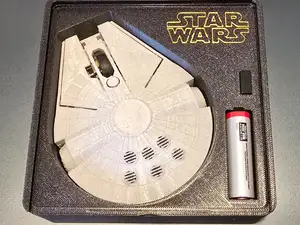


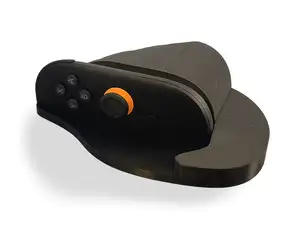

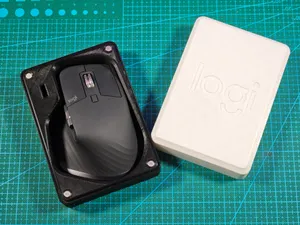
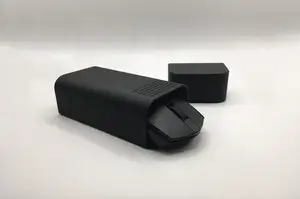

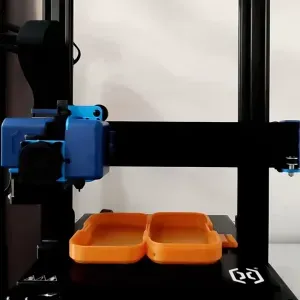


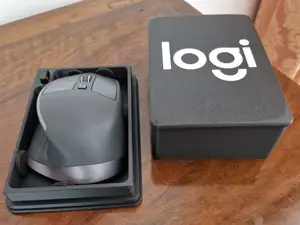

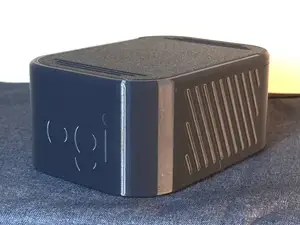
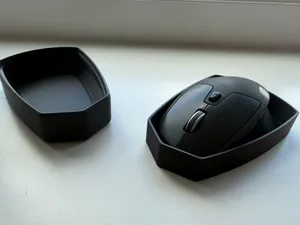

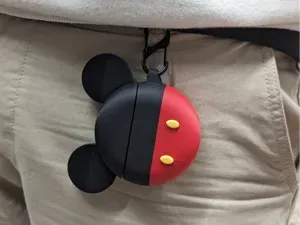


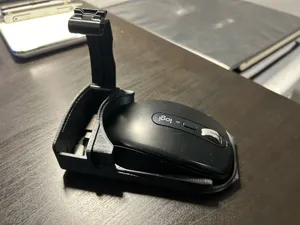

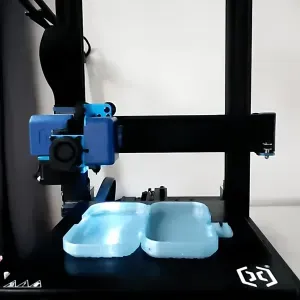
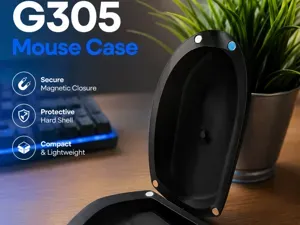
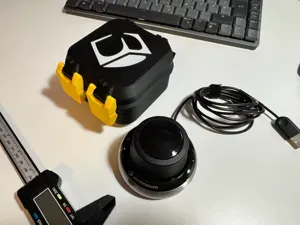


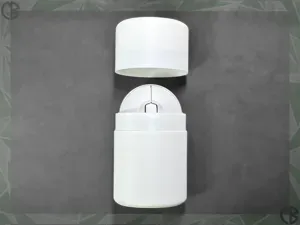
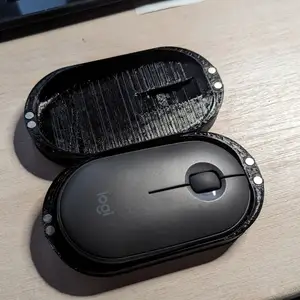
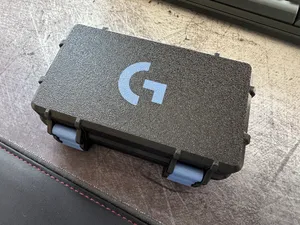


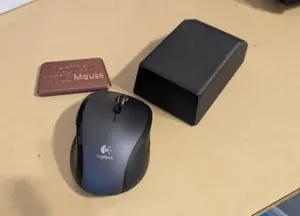

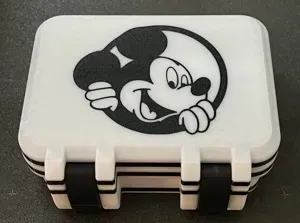

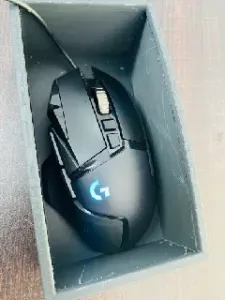
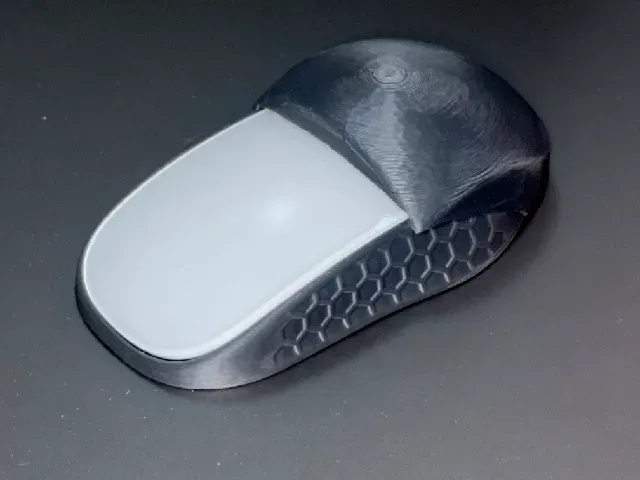
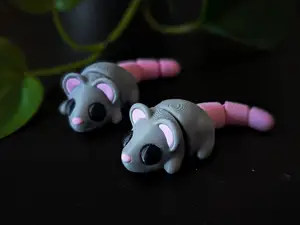
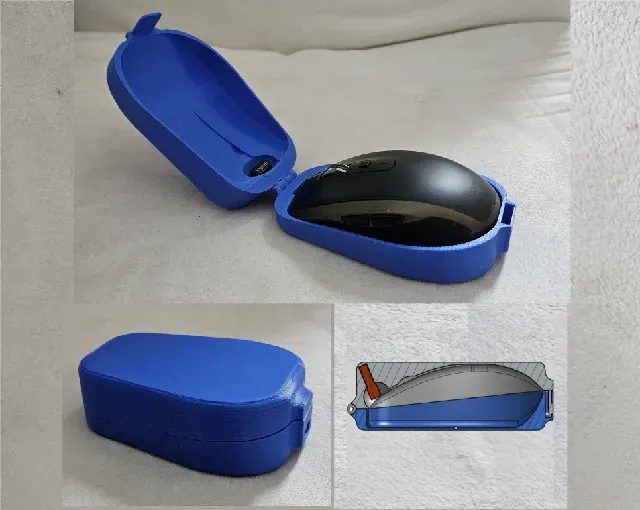
The models differ mainly in what they are meant to do. Travel and protective shells enclose the mouse and often add a lid or a latch; ergonomic covers sit over the buttons and change the hand position; storage designs add a slot or magnet pocket for a USB dongle. Themed cases borrow a silhouette from something else and are usually more about appearance than protection.
Before printing, open the author's page and check the listed mouse model and revision, since small shape changes between versions affect how a shell closes. Look at the number of parts, whether they join with screws, magnets or snap tabs, and whether the author shows supports or a particular orientation. Material and settings matter too: thin walls and small clips behave differently in rigid and flexible filaments, and photos of real prints show how the seams and tolerances came out.
To narrow the search, try synonyms such as mouse shell, mouse holder, mouse cover, travel case or dongle holder, and add the mouse name or its size class. Related topics that often appear alongside are desk organizers, cable and dongle storage, laptop accessories and ergonomic grips. If you find nothing for your device, parametric or open-frame designs are worth checking, as they are adjusted in the slicer rather than modeled for one exact body.
暮らし・日用品からCNCまで、すべてのテーマをそろえたカタログ。対応サイトを横断して検索できます。