
Gratis 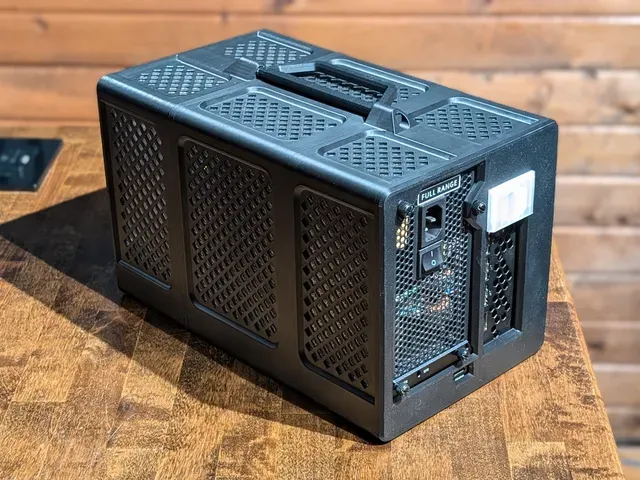
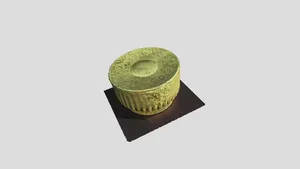
Minisforum DEG1 eGPU Dock Enclosure / Case / Shell
Printables
This collection gathers STL files for Minisforum mini PCs: rack mounts and rack kits, replacement shells, stands, fan covers and dock enclosures. It helps when you want to fit a small machine into a rack, change how it sits on a desk or rework its cooling. Each listing comes from a different author, so dimensions and hardware assumptions vary. Polyzon does not confirm whether models are free, their price, license, official status, affiliation, safety or fitness. Check the current terms at the source.
Il testo di questa raccolta è in inglese; la ricerca funziona in qualsiasi lingua.
 Una raccolta di Polyzon · 48 modelli da 4 siti
Polyzon compone questa raccolta a partire dai risultati di ricerca dei siti collegati. I doppioni e i modelli senza anteprima vengono rimossi, le corrispondenze deboli finiscono in fondo e il resto mantiene l’ordine dei risultati. I modelli appartengono ai rispettivi autori: verifica le condizioni sulla pagina di ciascun modello.
Criteri di selezione a cura della redazione di Polyzon · Testo aggiornato: 11/10/2026
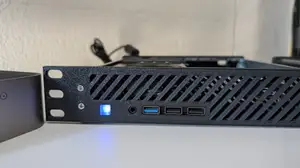


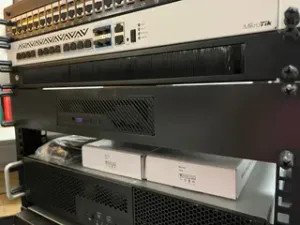

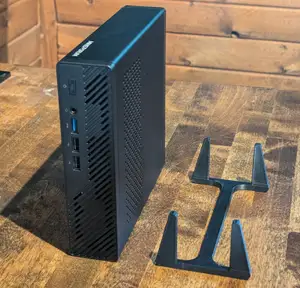

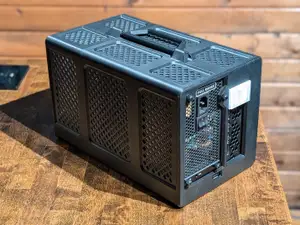


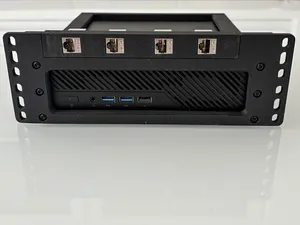


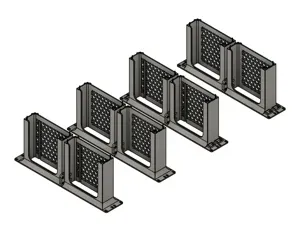


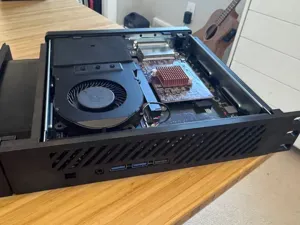

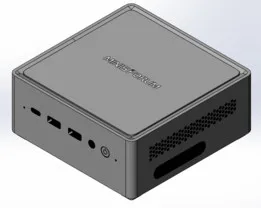


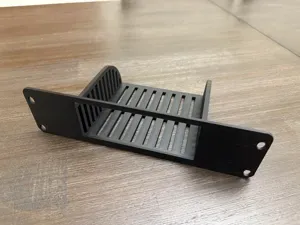


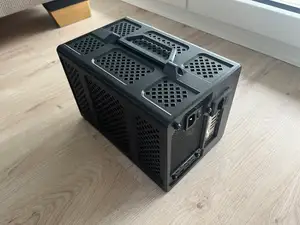


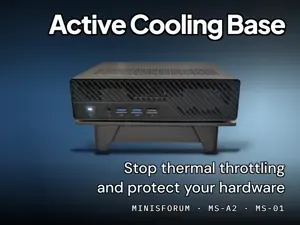


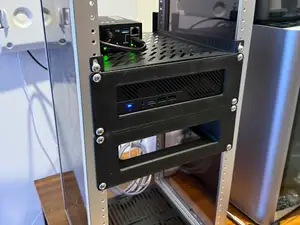
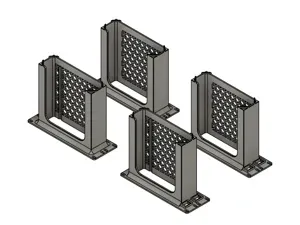

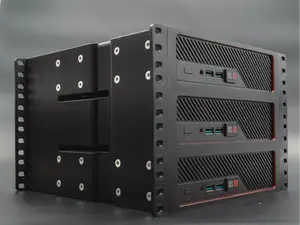

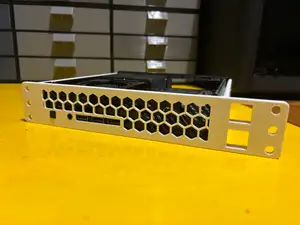
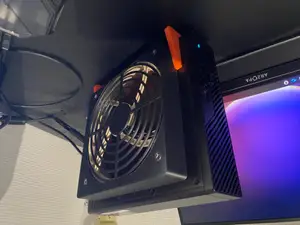


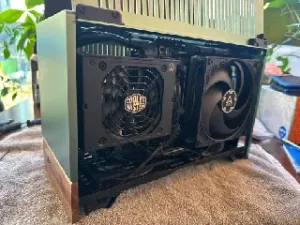
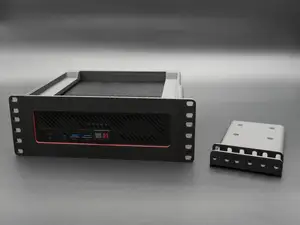
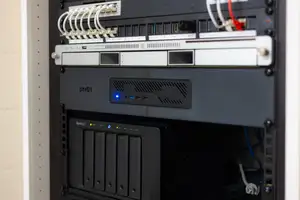
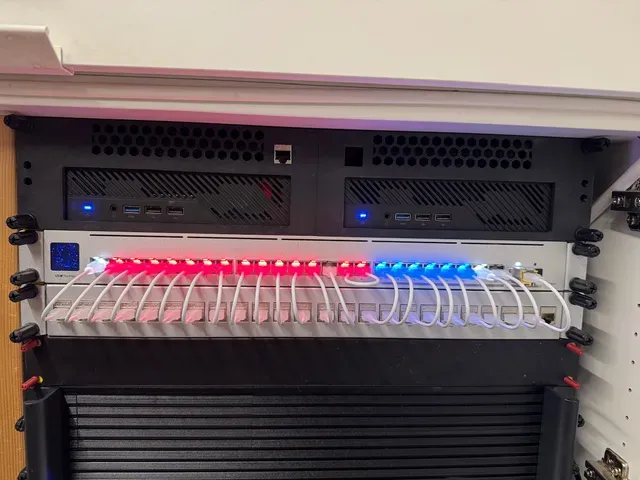
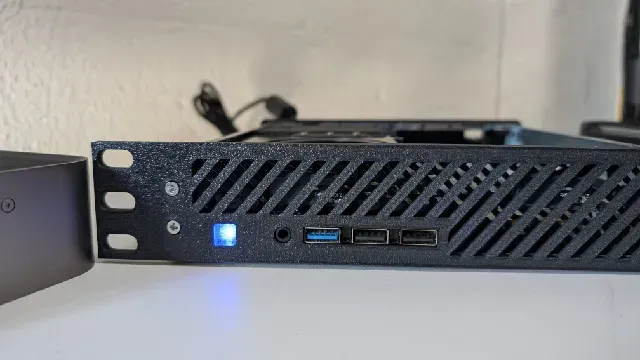
Rack-oriented designs are the largest group: trays and ears for 10-inch and 19-inch rails, in 1U, 1.5U and 2U heights, sometimes holding two machines side by side. Case and shell projects replace the stock housing, often to make room for a larger fan or a different port layout. Stands and under-desk brackets change the orientation of a machine without touching its internals, while fan covers and ducted lids focus on airflow around the stock chassis. Dock enclosures are a separate branch, built around external graphics docks rather than the computer itself.
Before printing, measure your own unit and compare it with the dimensions the author lists: width, depth, screw hole spacing and the position of ports and the power button. Check how many parts the design has and how they join, whether the model needs supports, and which fan size and mounting pattern it expects. Look at the material and settings the author lists and at photos of real prints; parts that carry a machine's weight benefit from more perimeters and thicker walls.
If the results are thin, try other phrasings: mini PC rack mount, 1U bracket, rack ears, under-desk holder, dock shell, fan shroud. Related topics such as homelab, home server, small form factor and 10-inch rack often surface the same designs under different names. Searching by the chassis family or by the fan size you already own can also narrow the list.



Il catalogo completo dei temi, dalla casa alla lavorazione CNC, con ricerca su tutti i siti collegati.