
免费 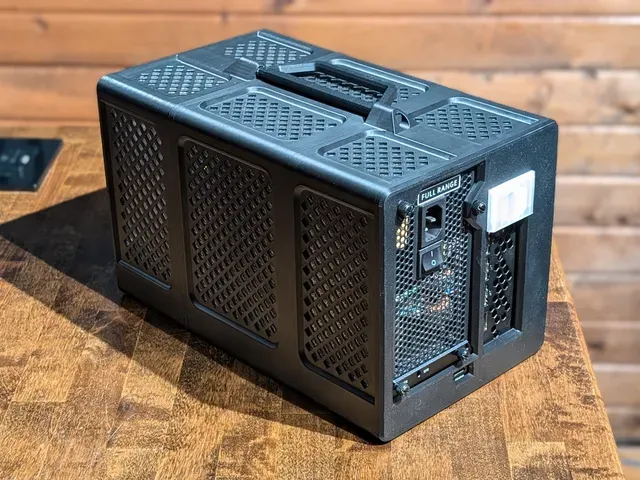
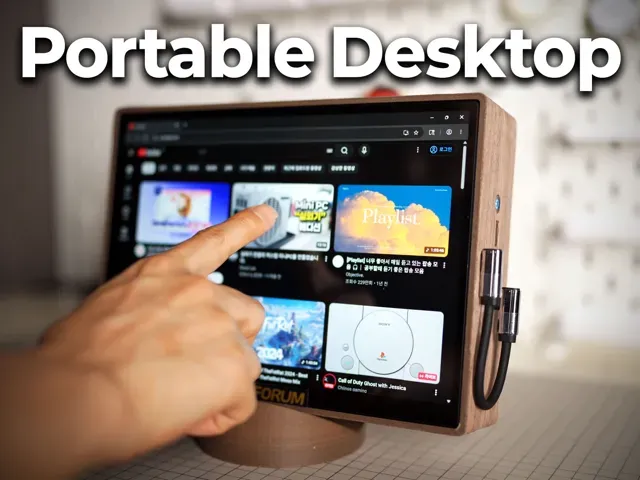
Minisforum DEG1 eGPU Dock Enclosure / Case / Shell
Printables
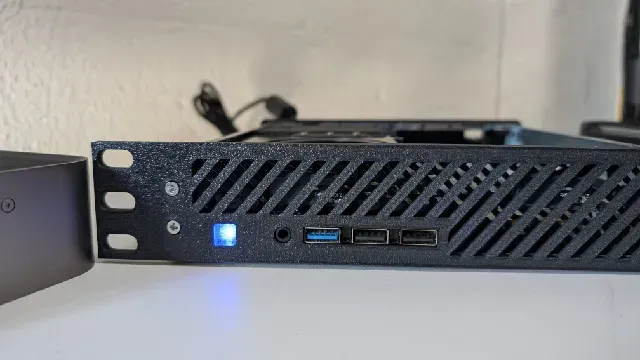
This collection gathers STL files for Minisforum mini PCs: rack mounts and rack kits, replacement shells, stands, fan covers and dock enclosures. It helps when you want to fit a small machine into a rack, change how it sits on a desk or rework its cooling. Each listing comes from a different author, so dimensions and hardware assumptions vary. Polyzon does not confirm whether models are free, their price, license, official status, affiliation, safety or fitness. Check the current terms at the source.
本合集的文字为英文,搜索本身支持任何语言。
 Polyzon合集 · 48个模型 来自4个平台
此合集由Polyzon根据已接入平台的搜索结果整理而成:去除重复项和没有预览图的模型,匹配度低的排在最后,其余按搜索结果顺序排列。模型归作者所有——请在各模型页面查看使用条款。
筛选规则:Polyzon编辑部 · 文字更新于2026年10月11日


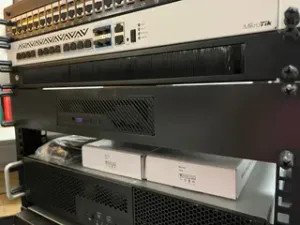

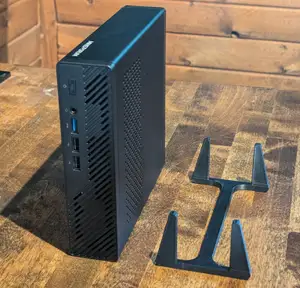

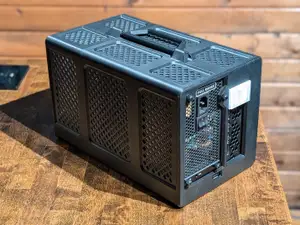


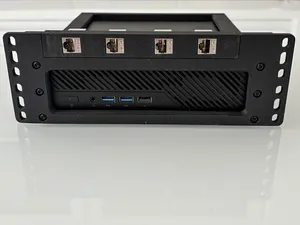


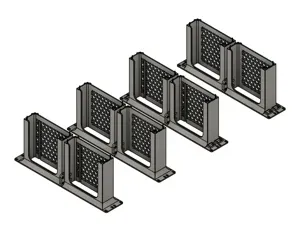


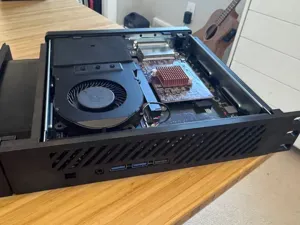

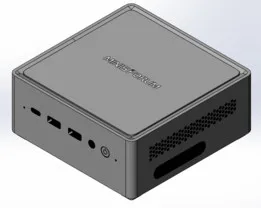


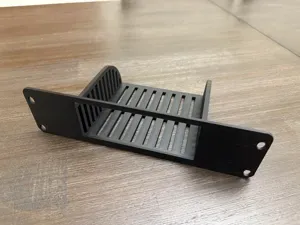


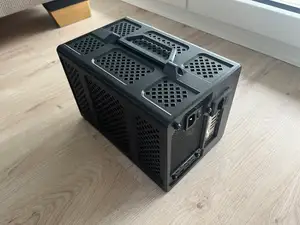


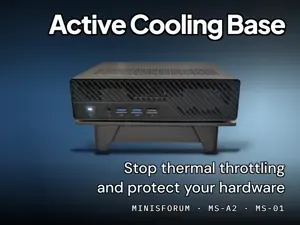


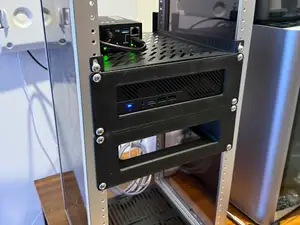
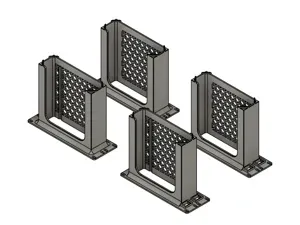

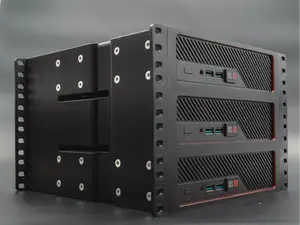

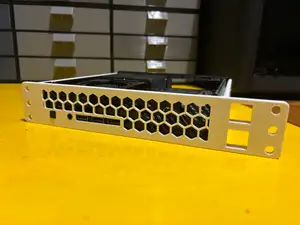
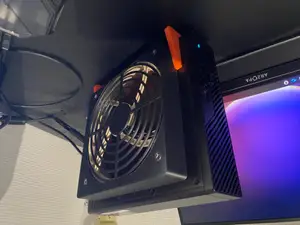


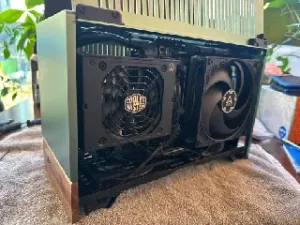
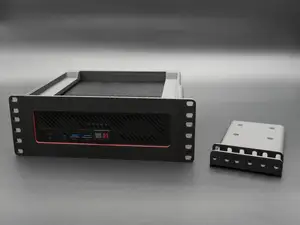
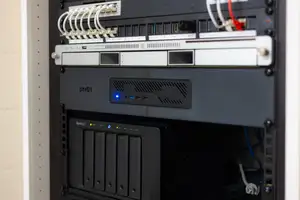
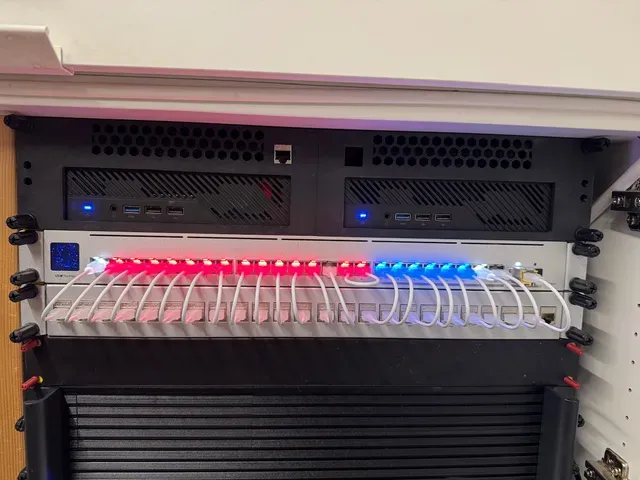
Rack-oriented designs are the largest group: trays and ears for 10-inch and 19-inch rails, in 1U, 1.5U and 2U heights, sometimes holding two machines side by side. Case and shell projects replace the stock housing, often to make room for a larger fan or a different port layout. Stands and under-desk brackets change the orientation of a machine without touching its internals, while fan covers and ducted lids focus on airflow around the stock chassis. Dock enclosures are a separate branch, built around external graphics docks rather than the computer itself.
Before printing, measure your own unit and compare it with the dimensions the author lists: width, depth, screw hole spacing and the position of ports and the power button. Check how many parts the design has and how they join, whether the model needs supports, and which fan size and mounting pattern it expects. Look at the material and settings the author lists and at photos of real prints; parts that carry a machine's weight benefit from more perimeters and thicker walls.
If the results are thin, try other phrasings: mini PC rack mount, 1U bracket, rack ears, under-desk holder, dock shell, fan shroud. Related topics such as homelab, home server, small form factor and 10-inch rack often surface the same designs under different names. Searching by the chassis family or by the fan size you already own can also narrow the list.
完整的主题目录:从家居日用到CNC,均可在已接入的来源平台中搜索。