
無料 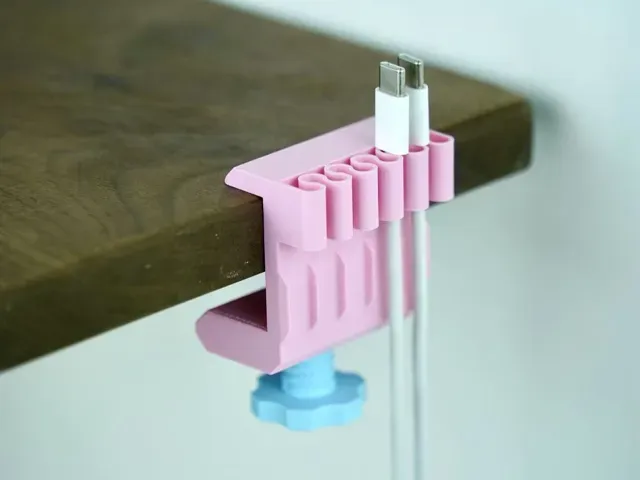
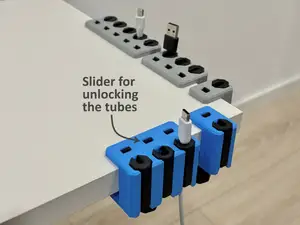
Table side data cable clamp
MakerWorld
This collection gathers 3D printable clamps, from screw and G-clamps to corner, bar and task-specific holders. Each entry is a model you can open in a slicer and print on a 3D printer, so the shapes, sizes and mechanisms can be compared before you pick one. It helps when you need a clamp for a bench, a soldering job or a desk accessory and want to see the range of designs first. Polyzon does not confirm whether models are free, their price, license, official status, affiliation, safety or fitness. Check the current terms at the source.
このコレクションの本文は英語で書かれています。検索自体はどの言語でも使えます。
 Polyzonのコレクション · モデル47件 6サイトから収集
このコレクションは、Polyzonが対応サイトの検索結果をもとに作成しています。重複やプレビューのないモデルは除外し、関連性の低いものは後ろに回し、それ以外は検索結果の順に並べています。モデルの権利は各作者にあります。利用条件は各モデルのページでご確認ください。
選定基準:Polyzon編集部 · 本文の更新日:2026年10月15日





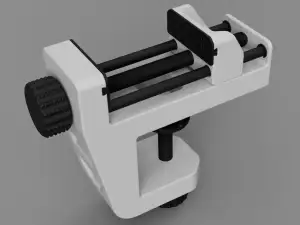

%2Fhttps%3A%2F%2Ffbi.cults3d.com%2Fuploaders%2F4112983%2Fillustration-file%2F000726cd-5267-4246-868c-a9e30af1afd9%2F3D%2520Printed%2520Hand-Screw%2520Clamp%2520Free%2520STL%2520JakeJake%2520Cults7.jpg&w=300)
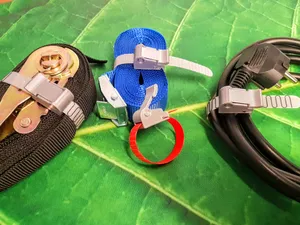

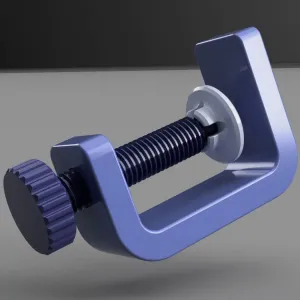


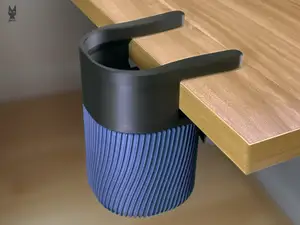





%2Fhttps%3A%2F%2Ffbi.cults3d.com%2Fuploaders%2F12887829%2Fillustration-file%2Fe051e4c7-4972-4d92-b6c1-98e830b03e6f%2F69e3687408b039eed2622eb500df3bc7_display_large.jpg&w=300)

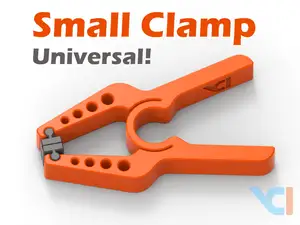

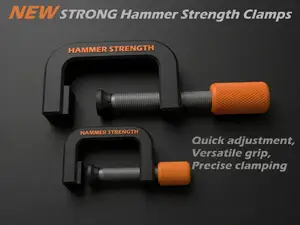


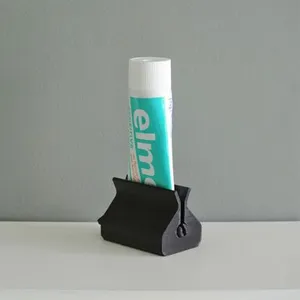
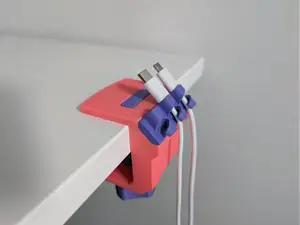


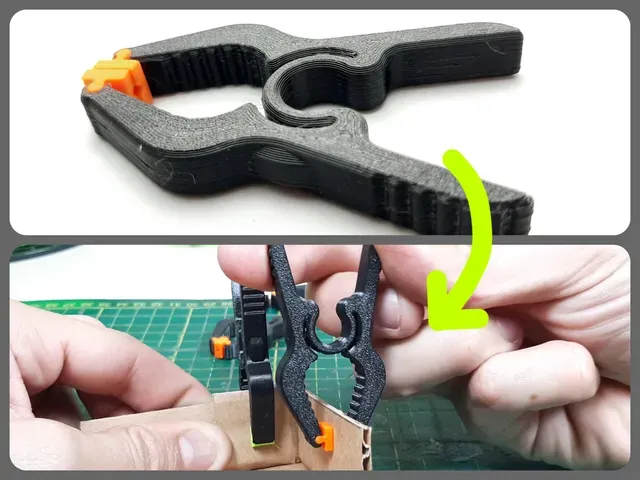
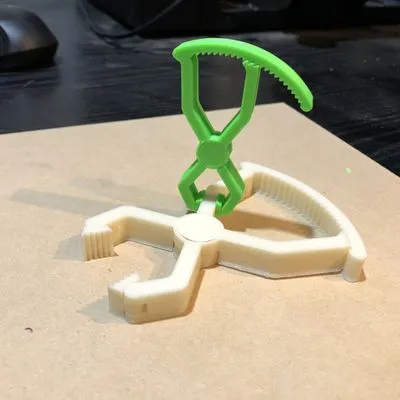
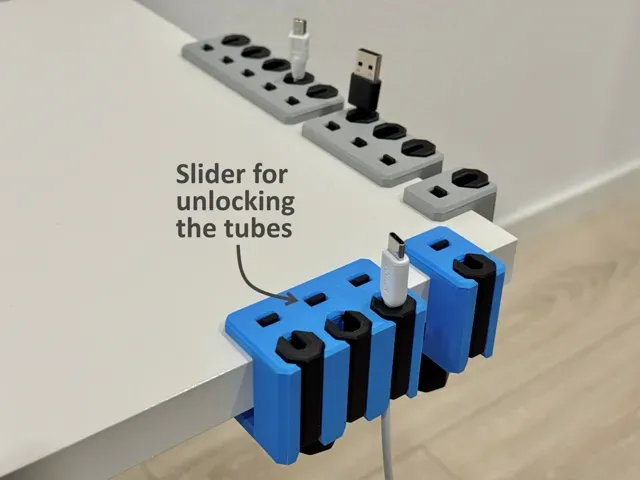
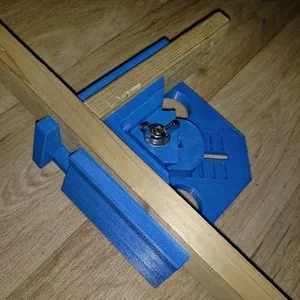
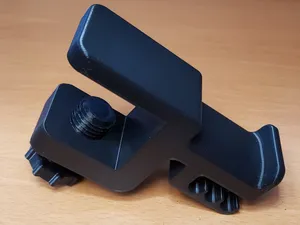
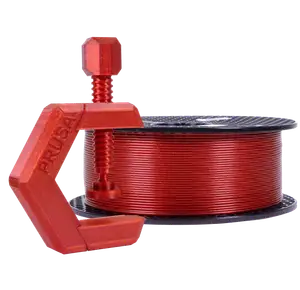
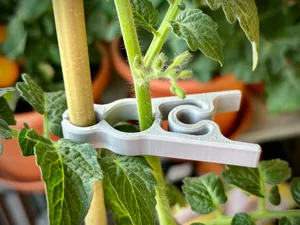
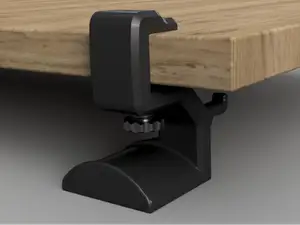
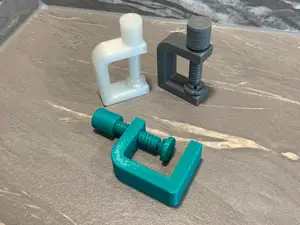
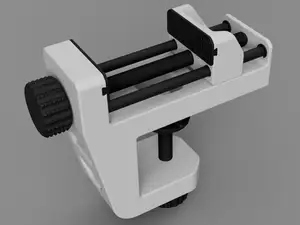
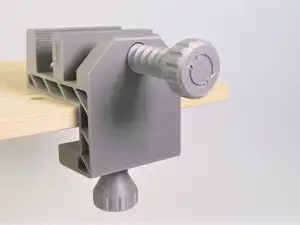
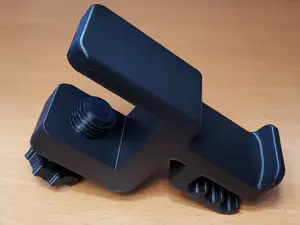
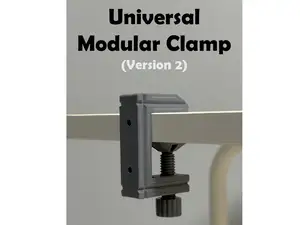
Screw and G-clamps form the largest group, with a threaded rod that tightens a jaw against a workpiece; some are drawn as a single print-in-place piece, others as separate parts that slide together. Corner clamps hold two pieces at a right angle, which makes them common in frame and box assembly. Bar and trigger clamps run on a sliding rail, and their reach differs most from the screw types. Task-specific designs, such as soldering clamps or holders for cables and small devices, trade clamping force for a fixed position.
On the author's model page, check the overall size and the jaw opening first, since a clamp that looks compact in a photo may not fit your workpiece. Look at how many parts the model has, whether they are meant to be glued or screwed together, and whether the geometry needs supports. The material and settings the author lists, along with photos of real prints, say more about the expected stiffness than the title does.
Search terms matter here: try synonyms such as clamp, grip, jig or bracket, and add the job, for example woodworking, soldering, cable management or photography. Related topics like corner jigs, gluing aids or desk mounts often lead to the same designs. If you need a particular opening or thread, put that dimension in the query and compare it with the numbers on the model page.
Scaling is the other thing to watch: enlarging or shrinking a clamp in the slicer changes wall thickness and thread fit, so a size that works for one model may not work for another. If a design has a spring, a hinge or a sliding joint, print orientation decides how well it moves. Reading the author's notes before slicing saves a second attempt.


暮らし・日用品からCNCまで、すべてのテーマをそろえたカタログ。対応サイトを横断して検索できます。