無料 
Skull with Pointed Teeth
Thingiverse
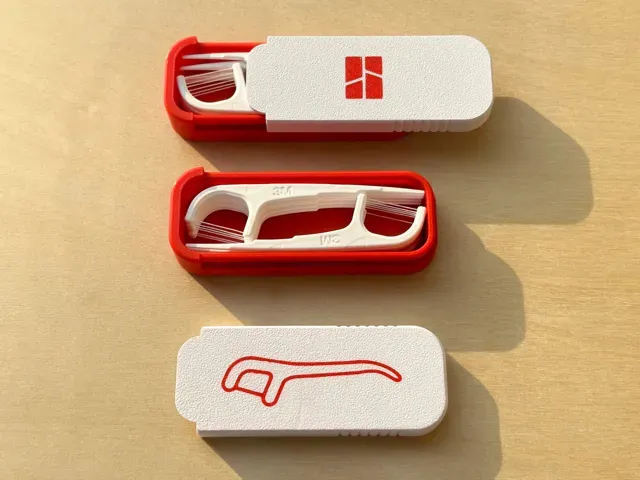
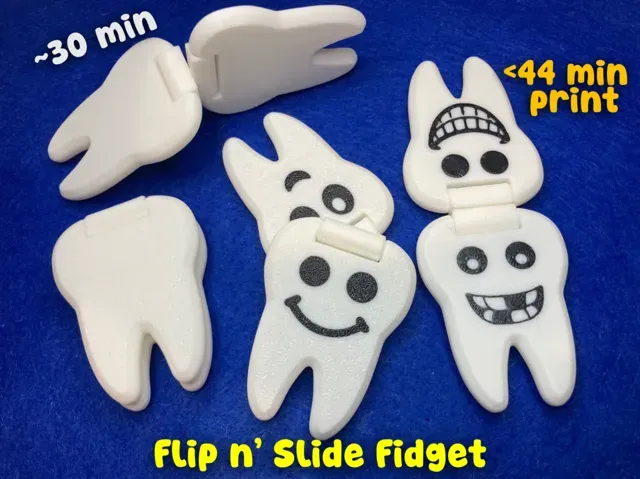
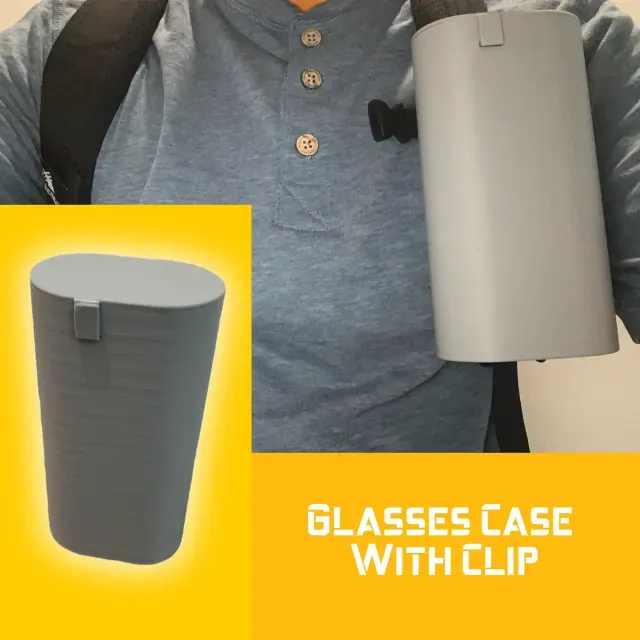
This collection gathers STL files where teeth appear as functional or decorative elements, from skull jaws to gear profiles. You will also find sliding cases, clips, and fidget pieces that use rails or interlocking shapes. It helps you compare how different designers handle the same mechanical idea before you open a model page. Polyzon does not confirm whether models are free, their price, license, official status, affiliation, safety or fitness. Check the current terms at the source.
このコレクションの本文は英語で書かれています。検索自体はどの言語でも使えます。
 Polyzonのコレクション · モデル44件 4サイトから収集
このコレクションは、Polyzonが対応サイトの検索結果をもとに作成しています。重複やプレビューのないモデルは除外し、関連性の低いものは後ろに回し、それ以外は検索結果の順に並べています。モデルの権利は各作者にあります。利用条件は各モデルのページでご確認ください。
選定基準:Polyzon編集部 · 本文の更新日:2026年10月14日

%2Fhttps%3A%2F%2Ffbi.cults3d.com%2Fuploaders%2F13344378%2Fillustration-file%2F587cb1c7-e99c-41d4-ba18-7b6678450ebe%2F11-Usage-Sample02.jpg&w=300)


%2Fhttps%3A%2F%2Ffbi.cults3d.com%2Fuploaders%2F31203740%2Fillustration-file%2F87628d43-9623-4eb9-91ec-b449d759fbd5%2Fbanner1_precision.png&w=300)


%2Fhttps%3A%2F%2Ffbi.cults3d.com%2Fuploaders%2F13494355%2Fillustration-file%2Fbdf712cd-6901-46cc-be17-4762ffc59242%2F1.jpg&w=300)

%2Fhttps%3A%2F%2Ffbi.cults3d.com%2Fuploaders%2F14005237%2Fillustration-file%2Fd8586f36-5e96-4858-95f4-4f72efb7cee6%2Fmini_holder_v2.png&w=300)



%2Fhttps%3A%2F%2Ffbi.cults3d.com%2Fuploaders%2F14666014%2Fillustration-file%2F08582355-bd9e-4a34-bf55-c35711ddd1ff%2Fimg_8355.webp&w=300)



%2Fhttps%3A%2F%2Ffbi.cults3d.com%2Fuploaders%2F24007183%2Fillustration-file%2F296ffa82-07e3-491e-843d-25c857a802b5%2FScreenshot-2025-09-23-112831.png&w=300)

%2Fhttps%3A%2F%2Ffbi.cults3d.com%2Fuploaders%2F32171822%2Fillustration-file%2F9d88692c-5c40-41e9-b9fe-07c336b5d5aa%2F1_1.png&w=300)

%2Fhttps%3A%2F%2Ffbi.cults3d.com%2Fuploaders%2F32171822%2Fillustration-file%2F8a419a19-7d0b-4a52-a3f5-8a3734930fc3%2F2_1.png&w=300)



%2Fhttps%3A%2F%2Ffbi.cults3d.com%2Fuploaders%2F19713416%2Fillustration-file%2F8c07bad8-df67-4842-84bf-fcbad787e017%2F2.gif&w=300)





%2Fhttps%3A%2F%2Ffbi.cults3d.com%2Fuploaders%2F19209487%2Fillustration-file%2F2571536e-5c6a-4ed1-a27d-0fb3e8aa95da%2FVertical-Grip-06.jpg&w=300)

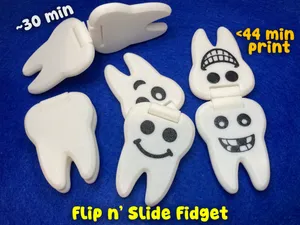
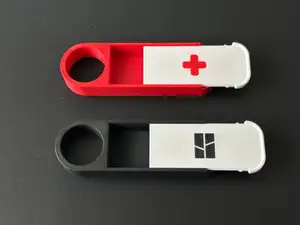
The most common groups are anatomical skulls and jaws with visible teeth, cases with sliding lids, fidget toys with tooth-like ridges, and mechanical parts such as gears or splines. These differ in purpose: display pieces focus on shape, while cases and fidgets rely on clearances and moving interfaces. Some models are single-piece prints, while others are split into several parts for assembly.
When choosing a model, check the size and scale, the number of parts, and whether the author lists supports or a specific orientation. For moving or toothed parts, look at the gap between surfaces and the wall thickness, since these affect how the mechanism behaves after printing. Material and settings matter as well: the author may note a filament type, layer height, or infill used for the geometry.
To refine the search, try synonyms such as tooth, jaw, gear, spline, rail, clip, and case, and combine them with terms like articulated, print-in-place, or fidget. Related topics include skull anatomy, mechanical components, storage boxes, and desk toys. If a result set is too broad, add a second keyword that describes the motion or the part you need.



暮らし・日用品からCNCまで、すべてのテーマをそろえたカタログ。対応サイトを横断して検索できます。
%2Fhttps%3A%2F%2Ffbi.cults3d.com%2Fuploaders%2F17003471%2Fillustration-file%2F99251ae1-ebc7-40fb-84a3-9cc4ac3722a4%2F20211116_205749.jpg&w=640)