Grátis 
Skull with Pointed Teeth
Thingiverse
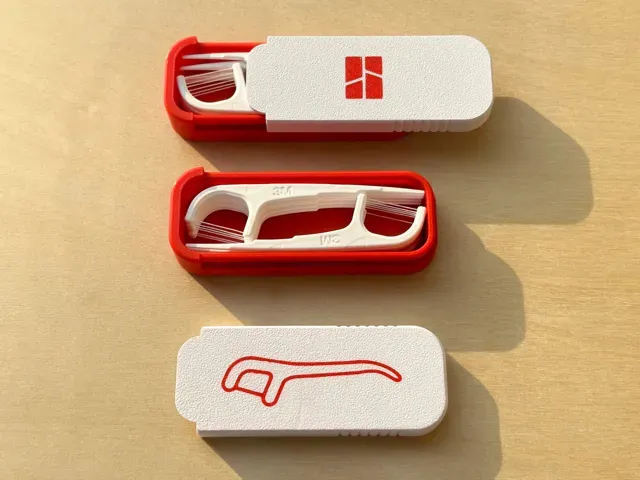
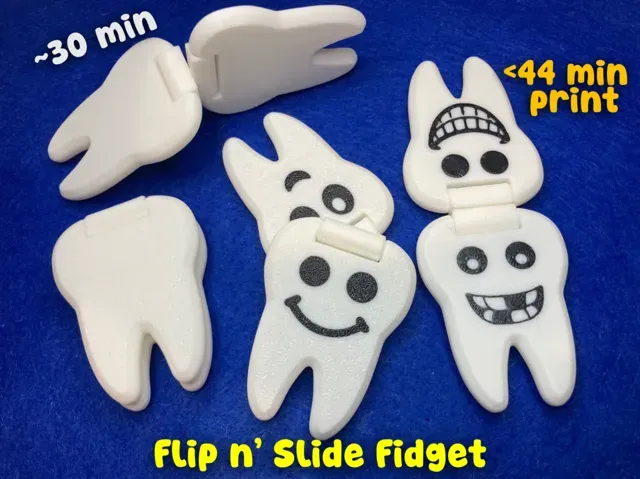
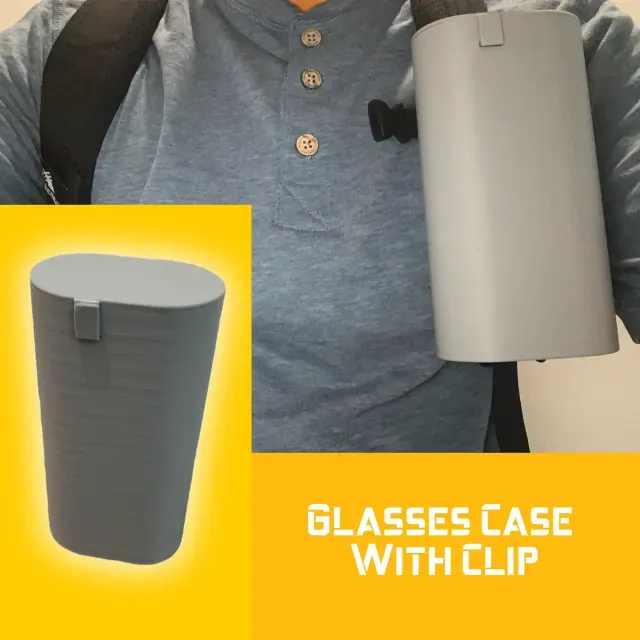
This collection gathers STL files where teeth appear as functional or decorative elements, from skull jaws to gear profiles. You will also find sliding cases, clips, and fidget pieces that use rails or interlocking shapes. It helps you compare how different designers handle the same mechanical idea before you open a model page. Polyzon does not confirm whether models are free, their price, license, official status, affiliation, safety or fitness. Check the current terms at the source.
O texto desta coleção está em inglês; a busca funciona em qualquer idioma.
 Uma coleção do Polyzon · 44 modelos de 4 sites
O Polyzon monta esta coleção a partir dos resultados de busca dos sites conectados. Repetições e modelos sem prévia são removidos, correspondências fracas vão para o final e o restante segue a ordem da busca. Os modelos pertencem aos seus autores — confira os termos na página de cada modelo.
Regras de seleção: equipe editorial do Polyzon · Texto atualizado em 14/10/2026

%2Fhttps%3A%2F%2Ffbi.cults3d.com%2Fuploaders%2F13344378%2Fillustration-file%2F587cb1c7-e99c-41d4-ba18-7b6678450ebe%2F11-Usage-Sample02.jpg&w=300)
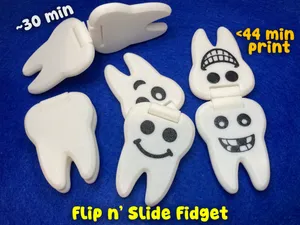


%2Fhttps%3A%2F%2Ffbi.cults3d.com%2Fuploaders%2F31203740%2Fillustration-file%2F87628d43-9623-4eb9-91ec-b449d759fbd5%2Fbanner1_precision.png&w=300)


%2Fhttps%3A%2F%2Ffbi.cults3d.com%2Fuploaders%2F13494355%2Fillustration-file%2Fbdf712cd-6901-46cc-be17-4762ffc59242%2F1.jpg&w=300)
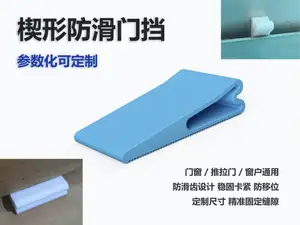

%2Fhttps%3A%2F%2Ffbi.cults3d.com%2Fuploaders%2F14005237%2Fillustration-file%2Fd8586f36-5e96-4858-95f4-4f72efb7cee6%2Fmini_holder_v2.png&w=300)

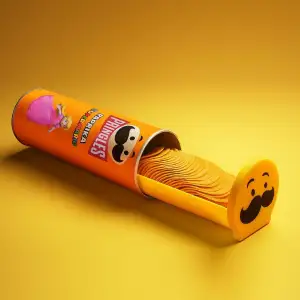

%2Fhttps%3A%2F%2Ffbi.cults3d.com%2Fuploaders%2F14666014%2Fillustration-file%2F08582355-bd9e-4a34-bf55-c35711ddd1ff%2Fimg_8355.webp&w=300)



%2Fhttps%3A%2F%2Ffbi.cults3d.com%2Fuploaders%2F24007183%2Fillustration-file%2F296ffa82-07e3-491e-843d-25c857a802b5%2FScreenshot-2025-09-23-112831.png&w=300)

%2Fhttps%3A%2F%2Ffbi.cults3d.com%2Fuploaders%2F32171822%2Fillustration-file%2F9d88692c-5c40-41e9-b9fe-07c336b5d5aa%2F1_1.png&w=300)
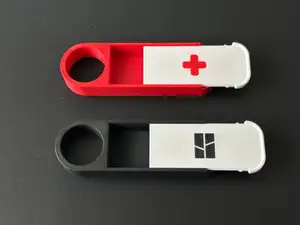

%2Fhttps%3A%2F%2Ffbi.cults3d.com%2Fuploaders%2F32171822%2Fillustration-file%2F8a419a19-7d0b-4a52-a3f5-8a3734930fc3%2F2_1.png&w=300)



%2Fhttps%3A%2F%2Ffbi.cults3d.com%2Fuploaders%2F19713416%2Fillustration-file%2F8c07bad8-df67-4842-84bf-fcbad787e017%2F2.gif&w=300)





%2Fhttps%3A%2F%2Ffbi.cults3d.com%2Fuploaders%2F19209487%2Fillustration-file%2F2571536e-5c6a-4ed1-a27d-0fb3e8aa95da%2FVertical-Grip-06.jpg&w=300)

The most common groups are anatomical skulls and jaws with visible teeth, cases with sliding lids, fidget toys with tooth-like ridges, and mechanical parts such as gears or splines. These differ in purpose: display pieces focus on shape, while cases and fidgets rely on clearances and moving interfaces. Some models are single-piece prints, while others are split into several parts for assembly.
When choosing a model, check the size and scale, the number of parts, and whether the author lists supports or a specific orientation. For moving or toothed parts, look at the gap between surfaces and the wall thickness, since these affect how the mechanism behaves after printing. Material and settings matter as well: the author may note a filament type, layer height, or infill used for the geometry.
To refine the search, try synonyms such as tooth, jaw, gear, spline, rail, clip, and case, and combine them with terms like articulated, print-in-place, or fidget. Related topics include skull anatomy, mechanical components, storage boxes, and desk toys. If a result set is too broad, add a second keyword that describes the motion or the part you need.



O catálogo completo de temas — de casa e utilidades a CNC, com busca em todos os sites conectados.
%2Fhttps%3A%2F%2Ffbi.cults3d.com%2Fuploaders%2F17003471%2Fillustration-file%2F99251ae1-ebc7-40fb-84a3-9cc4ac3722a4%2F20211116_205749.jpg&w=640)